
How to Choose a PC Case: Airflow, Size, and Compatibility Explained

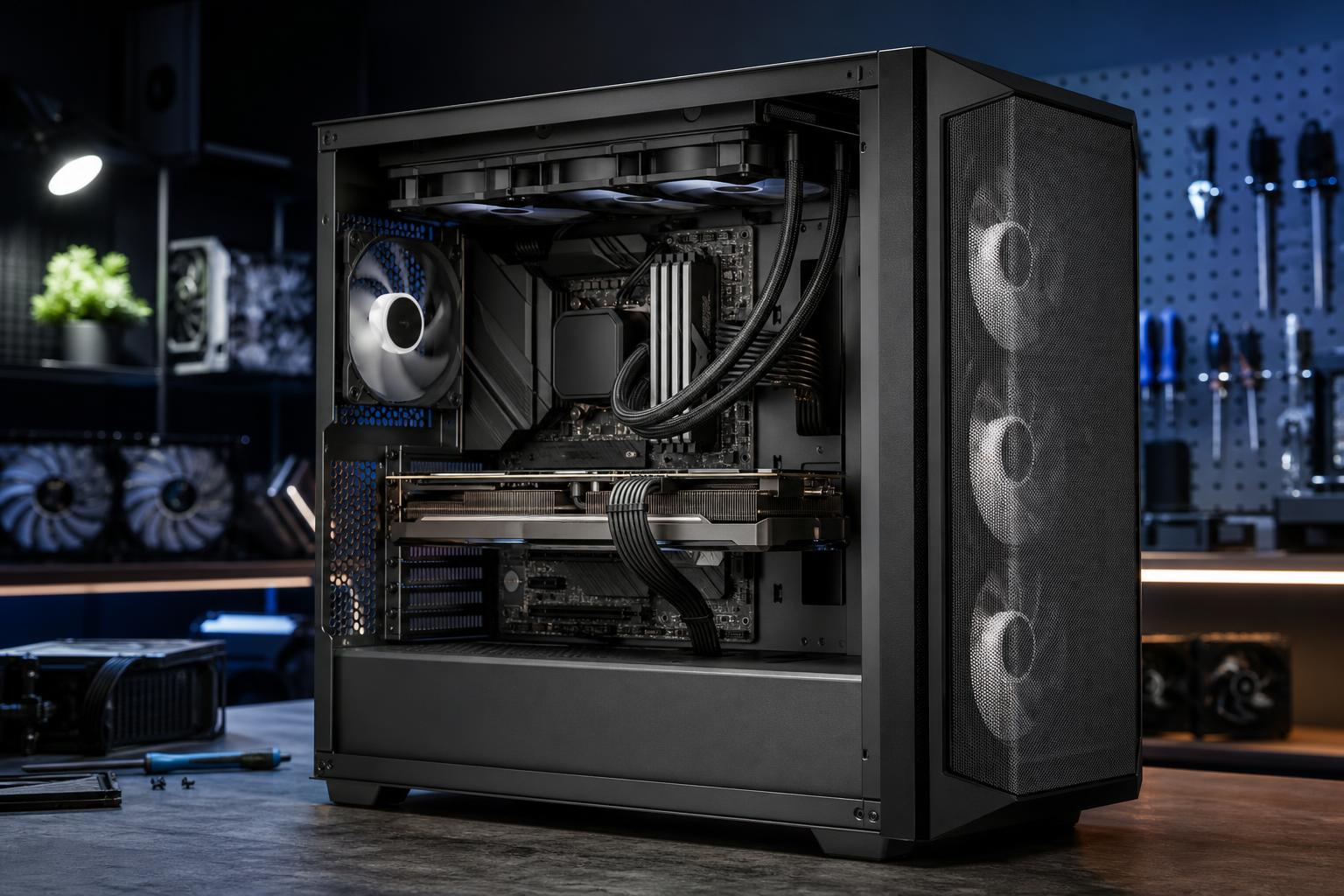
A PC case is easy to underestimate. It doesn’t add frames per second by itself, but it decides whether the parts that do add performance can run cool, fit properly, stay reasonably quiet, and remain easy to upgrade.
The best PC case is not automatically the largest, most expensive, or most RGB-heavy model. It is the one that fits your hardware without compromises and supplies a clean path for cool air to move through the system. For most gaming PCs and professional workstations, that means a well-built airflow-focused mid-tower—not a sealed glass box with three decorative fans doing their best.
Motherboard support sets the basic size category of a case. Check the case specification page, not just the product photos. The common formats are:
An ATX mid-tower is the sensible default for most buyers. It offers plenty of room without turning the computer into furniture. Choose a micro-ATX case when desk space matters and you are comfortable giving up some expansion. Choose Mini-ITX because you specifically want a compact PC, not because it looks clever on a product page.
Good PC airflow means cool outside air reaches the graphics card and CPU cooler, while warm air has a straightforward way to leave the case. In practice, the strongest starting point is usually a ventilated mesh front panel, front or bottom intake fans, and rear/top exhaust.
A case with a solid front panel can still work, but it needs large side vents and enough fan capacity to compensate. Many attractive “fish tank” cases use glass across the front and side panels. Some are designed well and cool effectively with side or bottom intake, but others make high-power components work harder than necessary. Don’t assume a case is airflow-friendly just because it includes many fans.
For a typical air-cooled gaming PC, two or three front intake fans and one rear exhaust fan are a solid baseline. A top exhaust fan can help, especially with a powerful CPU, but it is not mandatory in every build.
For systems with a top-mounted liquid cooler, the radiator fans normally exhaust upward, while front or side fans bring fresh air in. This keeps the graphics card supplied with outside air. Front-mounting an AIO radiator is also viable, but it warms the air heading toward the GPU. That tradeoff is usually acceptable in a CPU-heavy workstation; in a high-end gaming system, top mounting is often preferable when the case supports it.
More fans are not always better. A case packed with low-quality fans can be louder and less effective than one with four properly placed, speed-controlled fans. Look for included PWM fans or plan to add them. PWM control lets the motherboard adjust fan speed based on temperature instead of running every fan at full speed all day.
Never buy a case based only on its stated motherboard size. Modern graphics cards and liquid coolers can create fit problems even in cases advertised as “mid-towers.” Compare your exact component specifications against the case manual.
Check the case’s maximum GPU length, then compare it with the manufacturer’s dimensions for the exact card model. Leave extra room when possible. A card that technically fits with two millimeters to spare may block a front radiator, make cable routing difficult, or leave its power connector pressed against a side panel.
Also check GPU thickness. Many current performance cards occupy three or four slots. The case needs enough expansion-slot clearance, and vertical mounting should only be used if the mount provides adequate breathing room between the fans and glass panel.
High-end graphics cards may use a 16-pin power connector. The cable should not be sharply bent immediately after it leaves the connector. Choose a case wide enough to allow the side panel to close without pressing hard against the cable. This is a small detail with real consequences for reliability and neat construction.
If you are using an air cooler, confirm its height against the case’s CPU cooler clearance. Larger dual-tower coolers are excellent performers, but they are tall and can conflict with a narrow case or unusually tall RGB memory modules.
For an all-in-one liquid cooler, verify radiator support by location and size: 240 mm, 280 mm, 360 mm, or larger. Then read the fine print. A case may claim 360 mm front-radiator support, but only with a short graphics card or only after removing drive cages. Top-radiator support can also be limited by motherboard heatsinks and RAM height.
A 240 mm or 280 mm AIO is enough for many CPUs. A 360 mm unit is useful for high-wattage processors, sustained rendering, or buyers who want lower fan speeds under load. It is not a requirement for every gaming PC.
Most modern systems use a standard ATX power supply, but compact cases may require the shorter SFX or SFX-L format. Check the maximum PSU length, especially if you are using a high-wattage unit with stiff modular cables.
Also consider storage honestly. One or two M.2 NVMe SSDs are enough for many modern systems. If you need several 3.5-inch hard drives for local media, project archives, or backups, pick a case with real drive support rather than assuming every large-looking case has it. Many modern airflow cases prioritize radiator space over hard-drive bays.
An airflow-focused ATX mid-tower is usually the best answer. Look for mesh intake, room for a long GPU, at least a 240 mm top radiator or a tall tower air cooler, and three or four included PWM fans. This size handles the vast majority of single-GPU gaming builds well and gives you room to work later.
Consider a larger mid-tower or full tower when you are pairing a physically large GPU with a 360 mm radiator, several drives, a large power supply, or an E-ATX motherboard. The goal is not empty space for its own sake. It is enough clearance to avoid strangled airflow, bent cables, and a frustrating build process.
A micro-ATX case is often the sweet spot. It saves meaningful space while allowing conventional power supplies, capable coolers, and full-size graphics cards in many models. Mini-ITX goes smaller, but it demands planning. Expect fewer expansion options, less room around components, and potentially higher temperatures or noise with the same hardware.
A quiet PC is not simply a case with foam-lined panels. Sound-dampening material can reduce some noise, but restricted panels can also trap heat, causing fans to spin faster. A well-ventilated case with quality fans and sensible fan curves is often quieter under real gaming or rendering loads than a sealed “silent” case.
For a lower-noise build, prioritize a large CPU cooler or appropriately sized AIO, a case with open intake, and larger 140 mm fans where possible. Larger fans can move the same amount of air at lower speeds than smaller fans. Avoid placing the PC inside an enclosed desk cabinet; even the best case cannot pull cool air from a tiny hot closet.
Features such as hinged glass, built-in RGB hubs, and vertical GPU brackets can be nice extras, but they should not outrank cooling performance and component clearance.
For most buyers, choose a reputable ATX mid-tower with a mesh front panel, support for your exact GPU and cooler, room for at least three intake/exhaust fans, and the front-panel connections you will actually use. That combination is far more valuable than paying extra for unusual styling or a huge chassis that offers no practical benefit.
If you are building around an especially large graphics card, a 360 mm liquid cooler, multiple hard drives, or a workstation-class motherboard, select the case after the core parts are finalized. Component fit is not glamorous, but it is the difference between a clean, quiet system and an expensive puzzle box.
Not sure which case and cooling layout fit your planned components? Contact Overclock Computers with your intended games, applications, hardware preferences, and desk-space limits. We can help design a balanced custom PC that fits properly, runs cool, and leaves room for the upgrades that matter.






