Best PC for Point Cloud Processing: Workstation Specs That Make Sense

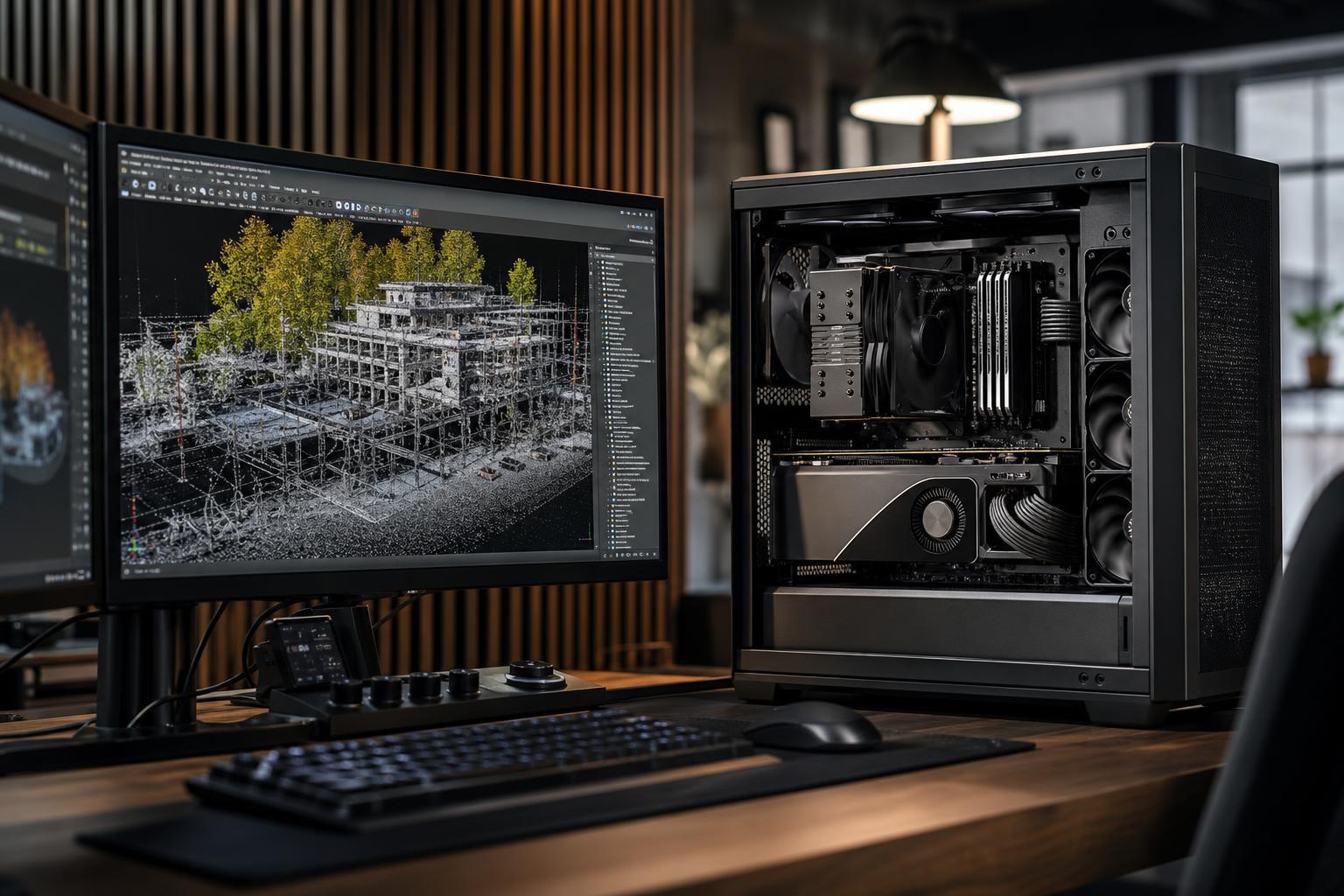
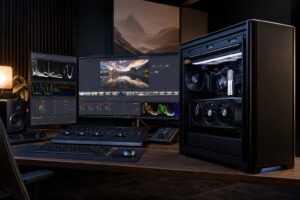
A good point cloud workstation is not simply a gaming PC with more RAM. Software used for LiDAR, terrestrial laser scanning, mobile mapping, and reality-capture workflows can place heavy demands on the processor, memory, storage, and graphics card at different stages of a project.
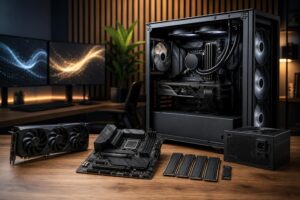
For most professionals, the best PC for point cloud processing has a fast modern CPU, a capable NVIDIA GPU with adequate VRAM, at least 64GB of RAM, and multiple fast NVMe SSDs. If your scans routinely run into hundreds of millions or billions of points, 128GB or more of RAM and generous high-speed project storage are usually wiser investments than an ultra-expensive gaming-focused graphics card.
The practical goal is simple: build around the largest projects you process regularly, not the small sample file that happens to open on your current computer.
This is the sensible starting point for surveyors, architects, engineers, and contractors working with typical terrestrial scans and moderate-size registration, cleanup, and modeling jobs.
This tier is a strong fit when point clouds are an important part of your work but not the only thing the machine does.
Move to this class if your regular work involves large facilities, infrastructure corridors, dense mobile scans, complex registration, photogrammetry, multiple applications open at once, or datasets that make your current PC feel cramped rather than merely slow.
For many serious point cloud users, this is the sweet spot. It reduces waiting during daily work without paying for hardware that the software cannot use.
“Point cloud processing” covers several very different jobs. Registration software may lean heavily on CPU performance and system memory. Viewing and navigating a dense cloud can be more dependent on the GPU and its VRAM. Importing, indexing, meshing, classification, exporting, and photogrammetry may each use hardware differently.
Before buying, list the applications you use and the stages that take the longest. Also note the largest project you expect to handle during the next few years. A workstation for viewing registered scans in CAD is not necessarily the same as one for registering raw field data, creating meshes, processing imagery, and rendering final deliverables.
Check each application vendor’s current hardware guidance, especially where it identifies GPU acceleration, supported graphics drivers, memory recommendations, and limitations. Software requirements change, and no generic PC guide can replace application-specific documentation.
A fast CPU matters throughout a point cloud workflow. Many engineering and design applications remain sensitive to single-core speed, while registration, conversion, classification, and batch operations may use multiple cores more effectively.
For most buyers, a current high-performance 8- to 16-core CPU is the right place to start. It offers excellent interactive performance while providing enough cores for background processing and multitasking. More cores make sense when your actual software scales well across them or when the workstation spends long periods processing jobs unattended.
Do not assume a many-core workstation CPU will automatically make every task feel faster. If your work is dominated by responsive viewport work, CAD modeling, or lightly threaded operations, a faster mainstream desktop processor can be the better experience. Spend on a larger workstation platform when you need its additional memory capacity, PCIe expansion, or sustained multicore throughput—not just because it has an impressive core count.
The graphics card determines how comfortably you can navigate dense point clouds, high-resolution textures, multiple displays, and GPU-accelerated functions. An NVIDIA GPU is often the conservative choice for mixed professional workflows because many processing, rendering, and AI-assisted tools use its CUDA ecosystem. That does not make every NVIDIA card mandatory, but it is worth confirming your software’s supported acceleration options before choosing another route.
For moderate projects, 12GB to 16GB of VRAM is a practical target. For large clouds, complex 3D scenes, high-resolution monitors, or a workflow that combines point clouds with GPU rendering or photogrammetry, 16GB to 24GB provides useful breathing room.
More VRAM does not replace system RAM. VRAM holds graphics-related data for the GPU; system memory supports the operating system, applications, point data, caches, and everything else. Large projects often need both.
Professional GPUs can make sense where an application requires certified drivers, where specific professional features are needed, or where very large VRAM capacity is essential. Otherwise, a well-chosen consumer GPU may deliver better value. The right answer is driven by the software and the risk tolerance of the business, not the label on the box.
If point clouds are central to your work, 64GB should be considered the practical minimum for a new professional workstation. It allows the operating system, processing software, browser, CAD or BIM application, and background tools to coexist without immediately exhausting memory.
Choose 128GB when large scans are routine, when your software caches substantial data in memory, or when you need to keep several demanding applications open. At 256GB and beyond, you should be responding to a known workload: unusually large datasets, a documented application recommendation, or clear evidence that existing systems are paging to disk.
Running out of RAM does not always cause a tidy error message. Often, Windows starts relying heavily on the storage drive as temporary memory. The result is a workstation that appears to freeze, takes ages to switch tasks, and turns a productive afternoon into a lesson in patience.
Fast SSD storage is essential because point cloud projects involve large source files, temporary files, indexes, caches, and exports. A single SSD can work, but separating duties improves both organization and sustained workflow performance.
Capacity matters as much as drive speed. Leaving room for temporary data, exports, and duplicate working files prevents an SSD from becoming a dangerously full bottleneck halfway through a job.
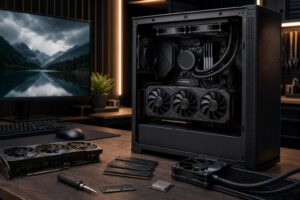
Point cloud processing can keep a CPU and GPU busy for hours. A case with restricted intake, a weak cooler, or an undersized power supply can lead to higher noise, reduced sustained performance, and avoidable reliability concerns.
Choose a quality power supply sized for the complete configuration with sensible headroom. Pair it with a case designed for airflow and a cooler capable of holding the CPU’s sustained temperatures in check. This is not about making a workstation look like a wind tunnel; it is about allowing expensive components to perform consistently.
If projects are stored on a server or NAS, network speed deserves attention too. Standard gigabit networking can be adequate for documents and small transfers, but it is easy to outgrow when moving large scan datasets. Faster wired networking can save meaningful time in a shared production environment, provided the workstation, switch, server, and storage can all support it.
Spend more on RAM when projects are large, on NVMe capacity when active data is substantial, and on GPU VRAM when dense 3D viewports or GPU-accelerated applications demand it. A better cooler, quality power supply, and upgrade-friendly motherboard are also sensible investments for a machine expected to work hard for years.
You can usually save money on decorative case features, extreme motherboard tiers with ports you will never use, and a flagship GPU when your software does not benefit from it. The most expensive graphics card is not automatically the best point cloud upgrade. In many offices, doubling RAM or adding dedicated fast project storage produces a more noticeable improvement.
Mass-market systems are often configured around easy-to-market highlights: a powerful GPU, a large advertised SSD, and little attention to memory capacity, cooling, expansion, or storage layout. That can be fine for general office work, but it is a poor way to plan a workstation around large datasets.
A properly configured custom system lets you match the CPU, GPU, RAM, storage, networking, noise level, and future expansion to the applications that earn your business money. Overclock Computers can help design a point cloud workstation around your software, typical project sizes, budget, office storage setup, and upgrade plans—without padding the build with hardware that will not improve your workflow.