Best Gaming PC Under $1,500: The Specs That Matter Most in 2026

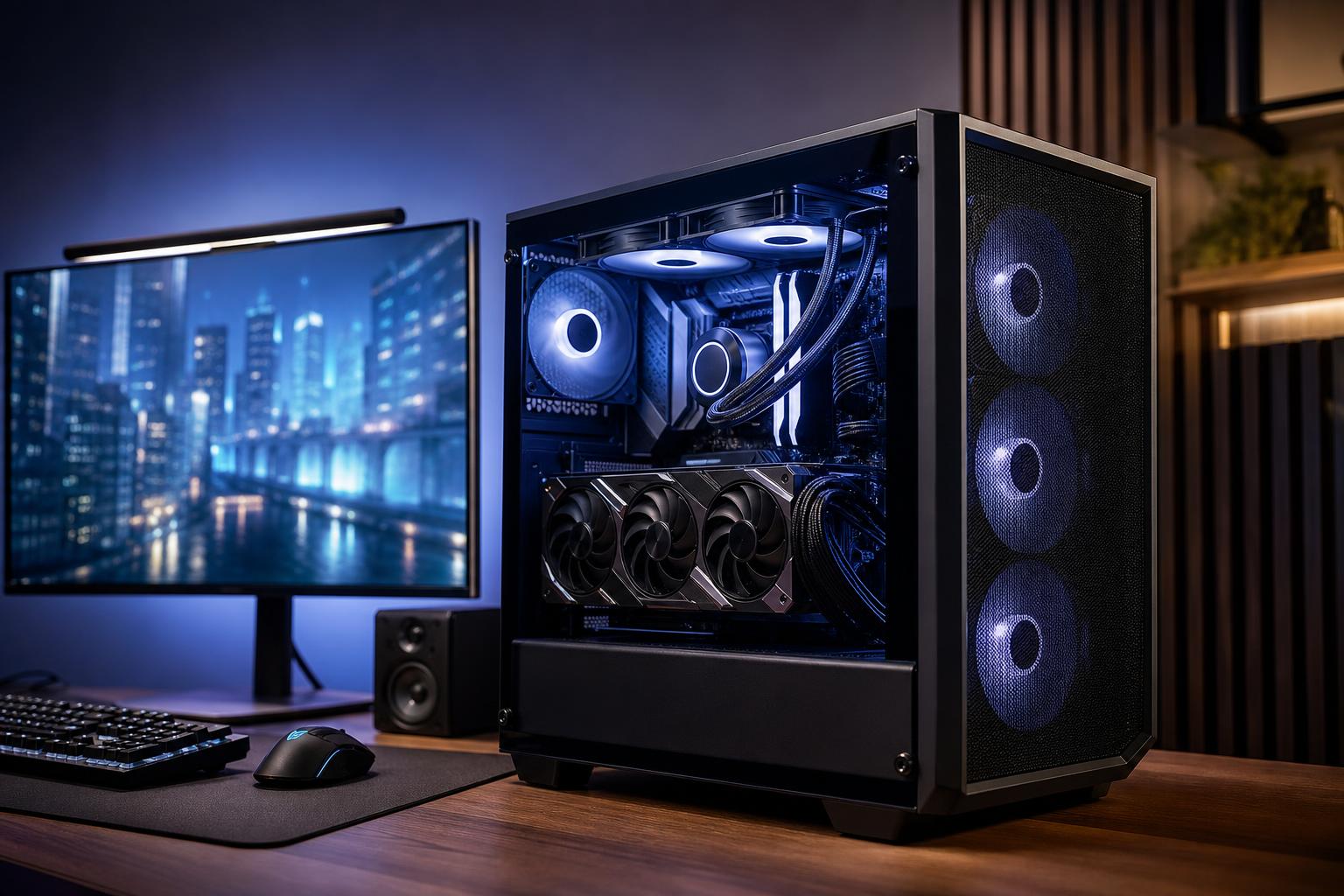
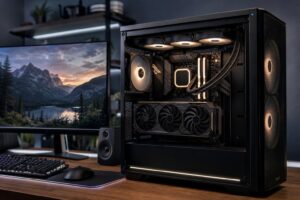
A well-configured gaming PC under $1,500 should be a strong 1440p machine. It should handle modern games at high settings comfortably, provide a good experience on a 144Hz-class monitor, and leave room for sensible future upgrades. The graphics card deserves the largest share of the budget, followed by a current midrange CPU, 32GB of memory, and a 1TB NVMe SSD.
The short version: prioritize a capable midrange graphics card with enough VRAM, a modern six-core-or-better CPU, 32GB of DDR5 memory, and quality supporting parts. Don’t sacrifice the power supply, cooling, or case airflow just to fit a more impressive CPU name into the listing.
For most buyers, the best gaming PC under $1,500 has these broad specifications:
This is the sensible performance tier for players moving to 1440p, upgrading from an older console or laptop, or building a PC that needs to remain enjoyable for several years. It is also a much better fit for a 1440p monitor than trying to force entry-level hardware into a premium-looking case.
At this budget, the graphics card determines more of your gaming experience than almost any other part. In demanding single-player games, it controls the settings you can use, the usefulness of ray tracing, and how well the system handles a 1440p display. In competitive games, it has a major effect on whether you can make good use of a high-refresh-rate monitor.
Aim for a graphics card that is genuinely intended for 1440p gaming rather than the cheapest option with a current-generation label. Product names change often, so the important buying criteria are more durable than any one model number:
VRAM is the graphics card’s local working memory. Higher-resolution textures, ray tracing, mods, and newer games can all increase VRAM demand. More VRAM does not automatically make a slower GPU fast, but a card with too little can create stutters or force texture-quality reductions before the GPU’s raw performance is otherwise obsolete.
If you have to choose, spend less on RGB lighting, a showcase case, or an oversized CPU and put that money toward the GPU. You will notice the graphics upgrade far more often.
A modern six-core CPU is enough for most gaming PCs under $1,500. An eight-core option can make sense if it is priced reasonably, if you stream while gaming, or if you also use the PC for editing, compiling code, or CPU-heavy simulation games.
What you should not do is pair a bargain graphics card with a top-tier processor. That arrangement may look impressive in a specification list, but it is backward for a 1440p gaming build. At higher resolutions and graphics settings, games are usually limited by the GPU. A balanced CPU keeps frame rates consistent and supports strong minimum frame rates without swallowing funds that should have gone to the graphics card.
For esports titles played at 1080p or with competitive settings, CPU performance becomes more important. If your goal is very high frame rates in games such as Counter-Strike, Valorant, Fortnite, or Overwatch, tell your builder. That is a different target from cinematic 1440p gaming with high visual settings.
For a new $1,500 gaming PC, we recommend 32GB of RAM. Many games still run with 16GB, but background apps, browsers, game launchers, Discord, streaming tools, mods, and newer titles make 32GB the more comfortable choice. It also avoids making memory the first upgrade you need after purchasing a premium system.
Use two matching RAM sticks rather than one. Dual-channel memory gives the processor more bandwidth and is the normal configuration for a performance desktop. Exact memory speed and timings matter, but buying a compatible, well-tuned kit is more valuable than chasing tiny specification differences.
A 1TB NVMe SSD is also the right starting point. Modern games are large, and a 500GB drive fills up with surprising speed after Windows, a few major titles, and normal applications. You do not need the most expensive SSD available for a gaming system. A reliable 1TB PCIe NVMe drive with solid real-world performance is usually the smarter choice, especially if the motherboard provides an easy path to add another drive later.
Mass-market systems sometimes hit an attractive price by cutting corners on components that are less visible in the ad. That can mean a cramped case, sparse cooling, a basic power supply, a motherboard with limited expansion, or proprietary parts that complicate upgrades.
Buy enough wattage for the chosen CPU and GPU with sensible headroom, but do not buy an enormous unit just because bigger numbers sound safer. Quality, protections, warranty support, cable design, and compatibility with the graphics card matter as much as the wattage label. A good power supply is a long-term component; it can often remain useful through a later graphics-card upgrade.
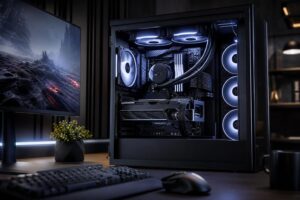
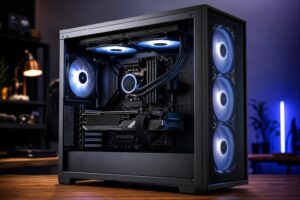
A mesh-front case with clear airflow paths is usually a better choice than a sealed glass box. You want cool outside air reaching the GPU and CPU, plus enough exhaust to remove heat. Good airflow helps performance stay consistent during long gaming sessions and lets fans run at lower, less annoying speeds.
Expensive liquid cooling is not required for every CPU. A quality tower air cooler is often quieter, simpler, and entirely sufficient for a gaming-focused midrange processor. Liquid cooling can be worthwhile for specific high-heat CPUs or for an aesthetic preference, but it should not displace the GPU in the budget.
Skip the premium motherboard unless you need its specific features. Look instead for enough M.2 storage slots, the USB ports you need, reliable networking, a suitable upgrade path, and enough fan headers for proper cooling. Built-in Wi-Fi is worth including if Ethernet is not practical where the PC will live. It is cheaper and cleaner than treating networking as an afterthought.
This is the best fit for most buyers. Put the biggest reasonable share of the budget into a 12GB-or-higher midrange GPU, combine it with a modern six-core CPU, 32GB of RAM, and a 1TB SSD. Pair it with a 1440p 144Hz or higher-refresh monitor. This is where a $1,500 gaming PC delivers its strongest overall value.
For players focused on high frame rates in esports games, shift a little attention toward CPU speed and a fast 1080p or 1440p monitor. You may run lower graphics settings deliberately to prioritize responsiveness. Don’t assume this means you need the most expensive CPU available; a balanced modern gaming processor and a capable GPU are still the right foundation.
If you game, stream, edit video, or work with large projects, keep the 32GB memory recommendation and consider an eight-core CPU if the tradeoff against the GPU is modest. Hardware video encoders on modern GPUs can handle much of the streaming load, so a massive CPU is not mandatory. If your work involves frequent video projects, a second SSD is often a more useful upgrade than extra RGB lighting or a luxury motherboard.
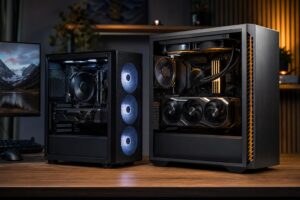
A discounted prebuilt can be a good purchase if its full parts list is transparent, its cooling is adequate, and its components are standard and upgradeable. The trouble is that many listings emphasize only the CPU, GPU, and headline memory capacity. Check the exact power supply, motherboard, storage drive, case airflow, number of memory sticks, and warranty terms before assuming two similarly priced systems are truly comparable.
A thoughtfully configured custom PC gives you more control over those details. That is particularly valuable at $1,500, where every compromise matters. The goal is not to put the most expensive part in every category. It is to avoid one cheap decision undermining an otherwise strong gaming machine.
The best gaming PC under $1,500 is a balanced 1440p system: a strong midrange GPU with sufficient VRAM, a modern six-core or eight-core CPU, 32GB of DDR5 memory, and a 1TB NVMe SSD housed in a well-ventilated case with a quality power supply. Spend for the graphics card and the monitor experience first. Save money on extravagant cooling, unnecessary motherboard features, and cosmetic extras.
If you are comparing options, Overclock Computers can help design a system around your budget, games, monitor resolution, streaming plans, preferred appearance, and future upgrade goals. A short conversation about how you actually use the PC is often enough to prevent the expensive mistakes that generic configurations make easy.