How Long Does a Gaming PC Last? A Practical Guide to Performance, Upgrades, and Buying Smart

A gaming PC does not suddenly become obsolete on a particular birthday. A thoughtfully configured system can provide a very good experience for many years, but the definition of “good” changes with your games, monitor, and expectations.
For most buyers, a quality midrange-to-high-end gaming PC should remain capable for roughly five to seven years with sensible settings adjustments and, often, one targeted upgrade. Players chasing 4K resolution, ray tracing, or very high frame rates may want to upgrade the graphics card sooner. Someone playing esports titles at 1080p may be perfectly happy much longer.
The most useful question is not simply how long a gaming PC lasts. It is: how long will it deliver the experience you expect? That answer comes down primarily to the GPU, then the CPU platform, memory capacity, storage, cooling, power supply quality, and the choices made when the system is built.
There are three different ways a PC can reach the end of its useful life, and they are not the same thing.
Most gaming PCs are replaced for performance reasons before they are truly worn out. A seven-year-old machine may still be reliable for web browsing, schoolwork, older games, or a second PC. It may simply no longer be the right tool for demanding new releases at 4K.
For gaming, the graphics card is normally the first component to feel old. It has the largest influence on image quality, resolution, ray-tracing performance, and frame rate in graphically demanding games.
GPU demands are tied closely to your display. A card that remains excellent for 1080p may become limiting much sooner at 1440p ultrawide or 4K. The same is true if you move from a 60 Hz display to a 165 Hz or 240 Hz monitor: the target frame rate has changed, even though the computer has not.
Upscaling technologies and frame-generation features can also help a system remain enjoyable. They are useful tools, not magic. They work best when the base frame rate is already reasonable and when image quality remains acceptable at the chosen setting.
A CPU often lasts longer than a GPU in a gaming computer, especially when it starts with strong per-core performance and enough modern cores. Many single-player games remain mostly graphics-card limited at higher resolutions. In those cases, a processor upgrade may make little difference.
CPU limits become more visible when targeting high refresh rates, playing simulation-heavy games, running large multiplayer matches, using demanding mods, or keeping multiple applications open while gaming. Strategy games, racing simulations, city builders, flight simulators, and some open-world games can all put substantial work on the processor.
A good CPU should not merely run a game today. It should keep frame times consistent when background tasks, game updates, voice chat, browsers, capture software, and the game itself are competing for resources. Smoothness is often more noticeable than a slightly higher average frame-rate number.
Consider the CPU when your GPU is not fully utilized in the games you play, frame rates fall well below your monitor’s target despite lowering graphics settings, or performance becomes uneven in CPU-heavy scenes. If the computer is still GPU-limited at your preferred resolution, a graphics card upgrade is usually the better first move.
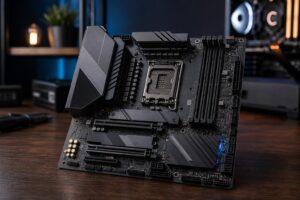
The motherboard platform matters here. Some platforms allow a meaningful processor upgrade without replacing the board and memory. Others require a broader platform refresh. Neither is automatically bad, but it is one reason a cheap motherboard can become expensive later.
Not every useful upgrade is glamorous. Memory, storage, thermals, and power delivery can have a major effect on daily use and on how practical future upgrades will be.
When a system does not have enough RAM, it relies more heavily on the storage drive for temporary data. That can lead to stutter, long pauses, and sluggish multitasking. Capacity matters more than extreme memory speed for most buyers once the system has reached a sensible baseline.
For a new gaming PC intended to last, 32 GB is a comfortable target for many users, particularly if they keep browsers, Discord, streaming tools, or game mods open. More can make sense for users who also edit video, create 3D work, run virtual machines, or handle large creative projects. It is not necessary to buy an excessive amount “just in case” if it will sit unused.
Modern games can consume a surprising amount of space, and SSD performance affects loading, updates, and general responsiveness. A system with adequate storage headroom is easier to live with than one that needs constant uninstalling and reinstalling.
Choose a quality SSD and make sure the case and motherboard offer a straightforward path to add more storage. Expanding storage is usually one of the simplest, lowest-risk upgrades a PC owner can make.
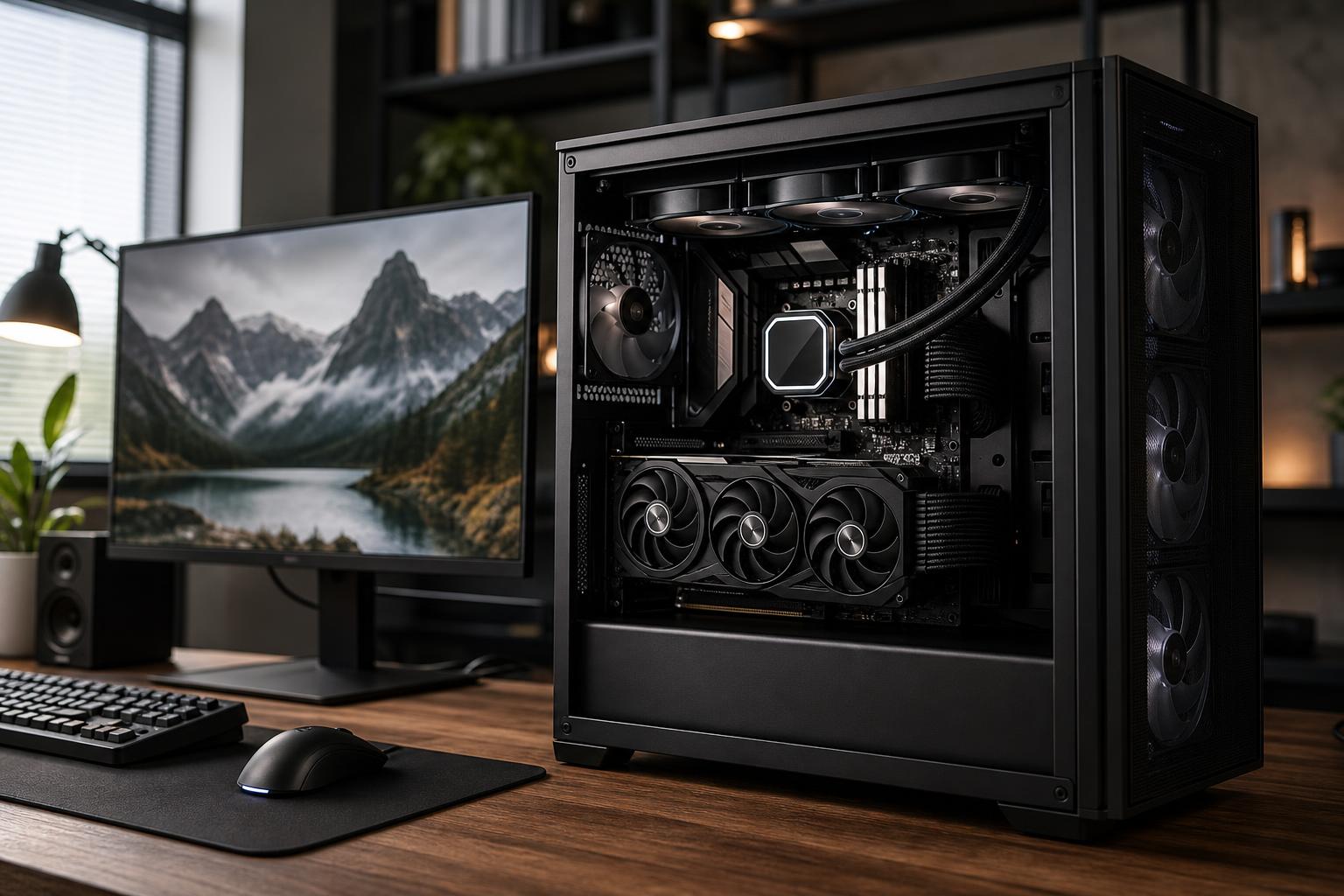
Heat does not automatically ruin a PC, but poor cooling can create noise, lower sustained performance, and put more strain on components over time. A well-built system needs a sensible case airflow path, correctly installed fans, and a CPU cooler matched to the processor’s heat output.
More fans are not always better. The goal is controlled airflow: cool air enters, warm air exits, and the major components have room to breathe. A system that sounds like a leaf blower during a normal game session is not a premium experience, even if its benchmark score looks fine.
“Future-proof” is an appealing phrase, but no PC is permanently future-proof. Games, displays, and software requirements move on. The practical goal is to avoid choices that create unnecessary limits early.
Prioritize a well-matched GPU, a capable CPU platform, a quality power supply, an airflow-friendly case, and cooling that can handle sustained loads. These choices shape performance, reliability, and upgrade flexibility.
Be cautious about systems that advertise a powerful CPU and GPU but provide very little detail about the power supply, motherboard, cooling, or case. Those supporting parts are where manufacturers sometimes cut costs. They may work initially, yet restrict upgrades or make the system louder and hotter than it needs to be.
A high-end graphics card paired with insufficient RAM, a weak power supply, or a CPU that cannot keep up in your preferred games is not a high-end experience. Similarly, spending heavily on a flagship processor while selecting too little GPU for a 4K monitor puts money in the wrong place.
For gaming, allocate the largest share of the budget to the graphics card, then build a balanced system around it. For mixed gaming and professional use, the balance can shift toward CPU cores, RAM, storage, or GPU memory depending on the applications involved.
A sensible long-term plan is often to buy a balanced computer now, upgrade storage or memory if your workload grows, and replace the graphics card later if your performance target rises. That approach generally provides better value than paying a large premium for specifications you cannot use today.
Lowering a few visual settings is normal and often sensible. It is time to think seriously about an upgrade when you regularly cannot reach a comfortable frame rate at settings you find acceptable, games stutter because of memory or VRAM limits, your storage is constantly full, or the system’s noise and temperatures have become unreasonable even after cleaning and maintenance.
Also consider the cost of the fix. Replacing a graphics card can be excellent value. Replacing the CPU, motherboard, memory, power supply, and possibly the cooler all at once is effectively a new platform. At that point, a new system may be cleaner, more reliable, and easier to support.
A good gaming PC can last five to seven years or more, but it will not deliver identical settings and frame rates for that entire period. Buy enough GPU for your actual monitor and games, enough CPU for your frame-rate target, 32 GB of RAM if you want comfortable modern headroom, and the supporting components needed for cooling and future upgrades.
If you are deciding between configurations, Overclock Computers can help translate your games, monitor resolution, creative applications, performance goals, and budget into a balanced custom PC. The right build is not necessarily the most expensive one; it is the one that will continue to make sense after the excitement of unboxing day has passed.