Professional GPU vs. Gaming GPU for CAD, Rendering, and Engineering Workstations

Buying a professional workstation often starts with one difficult question: should you choose a professional GPU or a high-end gaming GPU?
The short answer is that neither category wins automatically. A modern gaming GPU can be an outstanding value for GPU rendering, video work, visualization, and many compute tasks. A professional GPU can be the smarter choice when your applications, driver requirements, memory needs, expansion plans, or business risk justify it.
The right decision comes from how your software uses the GPU—not from the words “workstation” or “gaming” printed on the product page.
Professional GPUs are designed and sold for commercial engineering, design, visualization, and compute environments. Gaming GPUs are designed primarily for graphics performance in consumer applications, although their hardware is often very capable for professional work.
Both can offer strong GPU compute performance, hardware video encoding and decoding, modern graphics APIs, and substantial VRAM. The practical differences tend to involve drivers, memory capacity, physical design, validation, and the total workstation platform around the card.
A gaming GPU is not inherently unreliable, and a professional GPU is not inherently faster. The decision is about fit.
For many individual professionals and small teams, a gaming GPU is the best value in a custom workstation PC. This is especially true when the workload is limited mainly by GPU rendering, video effects, AI inference, or general GPU compute rather than application certification.
Artists using GPU renderers in applications such as Blender, or teams producing visualization work in supported rendering engines, often benefit more from raw GPU compute and sufficient VRAM than from a professional driver stack. A high-end gaming GPU can be a very effective choice for rendering scenes that fit within its VRAM.
VRAM remains the hard limit. When a scene exceeds available VRAM, performance can fall sharply, rendering may fail, or the application may need to use slower out-of-core methods. Do not choose a card based only on its processor speed. Estimate the size and complexity of the scenes you actually render.
Many video editing workflows benefit from a capable GPU, but a balanced system matters more than buying the most expensive graphics card. CPU performance, RAM capacity, fast NVMe storage, codec type, resolution, effects, and export settings all affect the result.
A gaming GPU is often an excellent fit for 4K editing and many demanding effects workflows. Step up to a professional GPU when unusually large VRAM capacity, a validated deployment, or a specialized multi-display and expansion requirement is more important than maximum performance per dollar.
For local AI inference, experimentation, and many GPU-accelerated development tasks, VRAM capacity and software compatibility are usually more important than whether the GPU is branded for gaming or professional use. A consumer card with adequate VRAM can be a strong choice. A professional card becomes compelling when models, batch sizes, or datasets exceed consumer memory limits, or when ECC and enterprise-oriented deployment features matter.
Professional GPUs earn their place when they solve a real business problem. Paying more simply because a system is called a workstation is not a good reason.
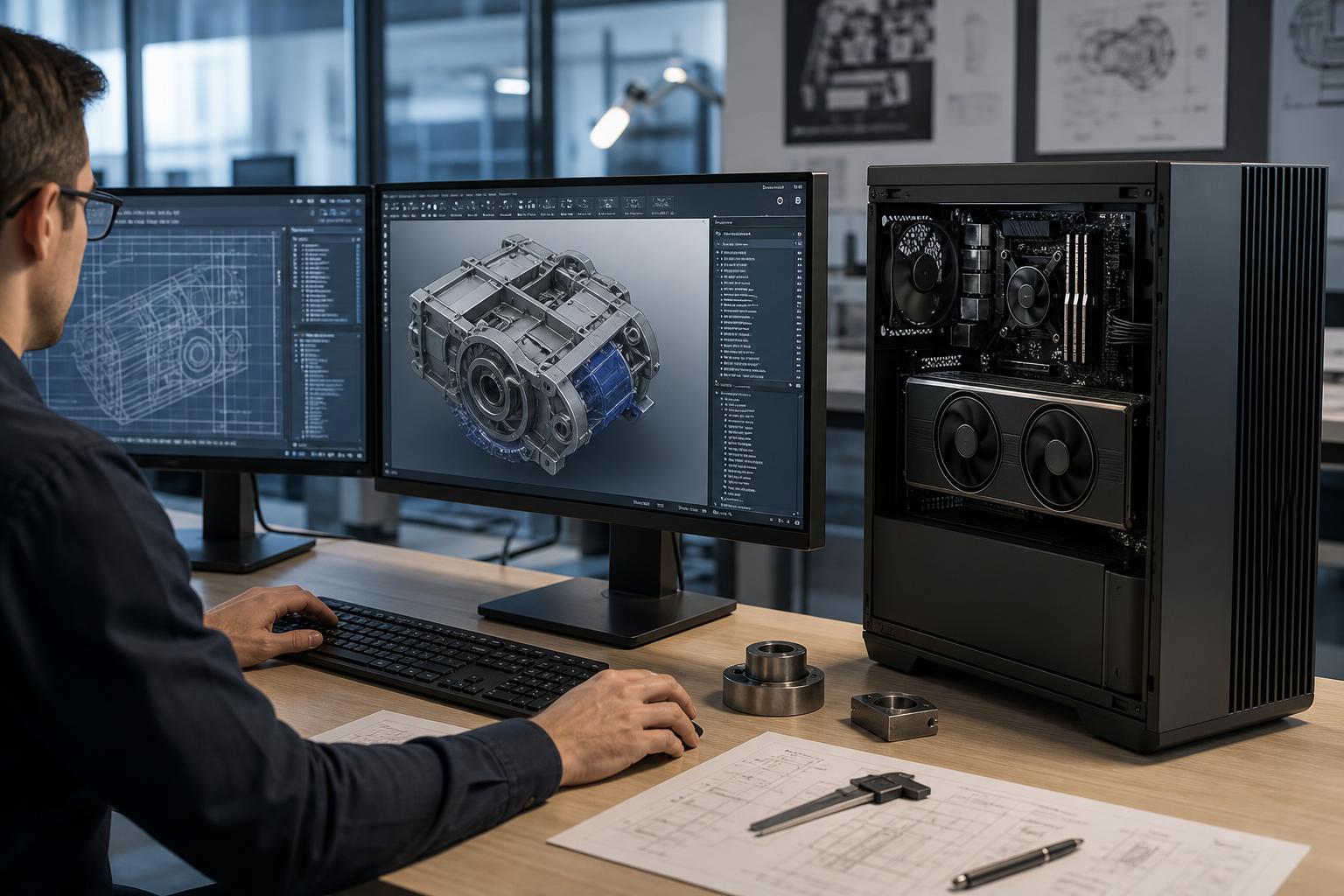
Many CAD applications are more dependent on fast single-core CPU performance and system memory than buyers expect. The GPU primarily affects viewport smoothness, visual styles, large-model navigation, multiple displays, and GPU-accelerated features.
For straightforward 2D CAD and modest 3D models, an expensive professional GPU is usually unnecessary. For larger assemblies, advanced visualization, specialized plug-ins, or environments that require a vendor-validated graphics configuration, professional hardware may be the lower-risk choice. Before specifying a GPU around certification, verify the current requirements for the exact application version, driver, and operating system in use.
A professional GPU can be the practical answer when the work simply needs more VRAM than a consumer card provides. Examples may include very large 3D scenes, complex visualization workloads, scientific data, high-resolution textures, large AI models, and certain point-cloud or reconstruction workflows.
More GPU memory does not automatically make every task faster. It gives the application room to keep a larger workload on the card. If your jobs fit easily within lower-capacity VRAM, spending heavily for extra memory may provide little benefit.
A workstation with multiple GPUs, high-speed network adapters, RAID or storage controllers, capture cards, or specialized I/O hardware needs careful platform planning. PCIe lane availability, slot spacing, cooling, power delivery, and chassis airflow all matter.
Professional GPUs are often easier to package in these systems because their form factor and cooling approach are designed with dense installations in mind. This is not a rule—some consumer cards can work well—but it is a major reason professional hardware appears in serious multi-GPU builds.
For an organization deploying several systems, the best component is often the one that can be standardized, documented, supported, and replaced with minimal disruption. A professional GPU may make sense if it aligns with the company’s software vendor guidance, IT policies, or need for consistent driver management.
Best for: general CAD, BIM, 2D and moderate 3D design, software development, GIS work, and general business productivity.
A consumer GPU is frequently appropriate here. Put the budget into RAM, storage, and CPU performance before overspending on graphics hardware.
Best for: large CAD models, 3D visualization, GPU rendering, demanding video production, active point-cloud work, and technical content creation.
Either GPU class can fit. A gaming GPU often offers better value for rendering and video; a professional GPU may be preferable for memory capacity, driver validation, or deployment requirements.
Best for: unusually large datasets, advanced simulation and visualization, high-memory AI workloads, multi-GPU compute, and expansion-heavy technical systems.
This is where workstation-class platforms and professional GPUs often provide a clearer advantage. It is also where compatibility planning matters most.
A powerful graphics card cannot rescue a poorly balanced workstation. Large projects often expose bottlenecks in system RAM, storage capacity, CPU responsiveness, cooling, or network access long before the GPU is fully used.
For example, a user working with large project files may see more benefit from moving from 32GB to 64GB of RAM and adding a dedicated NVMe project drive than from buying a higher-tier GPU. A CPU-bound CAD workflow may benefit more from strong single-thread performance than from a very high-core-count processor. A rendering workstation may need both: fast cores for scene preparation and a capable GPU for final rendering.
Start with the software list, the typical project size, the largest project expected over the next few years, attached displays, required add-in cards, and whether the machine must run long jobs overnight. That produces a far better specification than selecting parts by category.
For many professional users, a gaming GPU is a practical, high-performance workstation component. For others, a professional GPU provides the VRAM, validated driver path, system density, or operational confidence their work requires. Neither choice should be automatic.
Overclock Computers designs custom workstation PCs around the applications you run, the files and datasets you handle, your expansion needs, and the performance problems you want to eliminate. If you are planning a new professional workstation, bring us your software list and a description of your normal and largest projects. We can help configure a balanced system that spends the budget where it will actually improve your work.