OLED vs. IPS Monitors for Gaming and Work: Which Should You Buy?

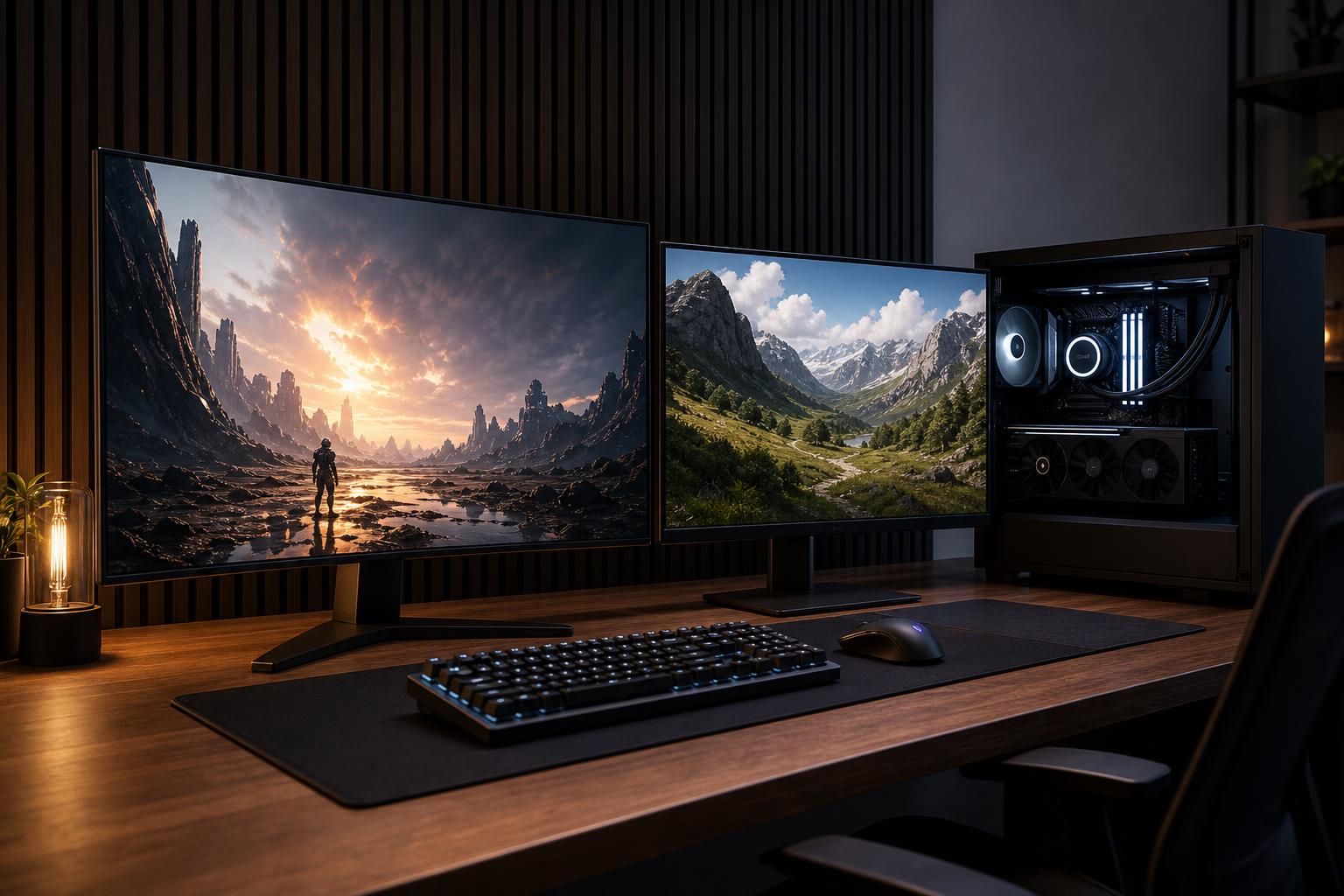
A powerful PC deserves a monitor that makes its performance visible. Yet it is surprisingly easy to spend heavily on a graphics card and then choose a display based on one flashy specification.
The OLED vs. IPS monitor decision is more practical than it first appears. OLED usually produces the more dramatic gaming and media experience, with true blacks and exceptionally clean motion. IPS remains the safer all-purpose choice for bright rooms, long workdays, static desktop content, and buyers who want excellent image quality without worrying about panel care.
Neither is automatically better. The right panel depends on what stays on your screen, how bright your room is, what games you play, and whether the monitor will spend eight hours a day showing spreadsheets, code, timelines, or CAD toolbars.
An IPS monitor uses an LCD panel with a separate backlight. Even when a pixel is meant to be black, some backlight can leak through. Good IPS displays still look very good, especially in a normally lit room, but blacks tend to look dark gray in a dark scene or dark room.
OLED pixels create their own light and can turn completely off. That gives OLED effectively perfect black levels and extremely high contrast. A star field, a nighttime game scene, or a dark movie image has real depth rather than a gray haze.
OLED pixels also change state much faster than LCD pixels. This reduces the blur and faint trails that can appear behind moving objects. IPS technology has improved considerably, but OLED remains the easier choice when motion clarity is a top priority.
OLED’s contrast advantage is not a subtle lab-chart benefit. In games with dark environments, it can be the difference between seeing a black object against a charcoal background and seeing actual detail in both. HDR content also benefits because the display can place bright highlights directly beside deep blacks without the blooming that affects many LCD monitors.
This does not mean every OLED monitor delivers identical HDR results. Peak brightness, screen size, automatic brightness limiting, and HDR calibration vary by model. Still, a well-reviewed OLED display generally offers a more convincing HDR image than a typical edge-lit IPS monitor.
For shooters, racing games, and esports titles, OLED’s response time delivers unusually clear movement. High refresh rate still matters: a 240Hz monitor refreshes more often than a 144Hz monitor, regardless of panel type. But OLED pairs that high refresh rate with fast pixel transitions, so the image usually stays cleaner during fast camera movement.
Players who primarily enjoy competitive games should still choose resolution and refresh rate sensibly. A 1440p 240Hz OLED is a strong fit for a fast gaming PC and is more attainable to drive than 4K at the same frame rate. For many people, it is the sensible performance sweet spot rather than a compromise.
OLED monitors retain good color and contrast when viewed from an angle. They are also often remarkably thin. These are welcome benefits, though they should not outweigh the more important questions of brightness, static content, and budget.
IPS is still our default recommendation for many work-first systems. Text is usually rendered cleanly, full-screen brightness is generally more consistent, and there is no meaningful burn-in concern from leaving the same application windows open day after day.
That matters for developers with fixed editor panes, office users with spreadsheets and browser tabs, designers with persistent tool palettes, and engineers working in applications with dense static interfaces. Modern OLED monitors include pixel shifting, logo dimming, panel refresh cycles, and warranties that may cover burn-in. Those protections help, but they do not make static content a complete non-issue.
If a display will be used for six to ten hours of mostly desktop work and a few hours of gaming, an excellent IPS monitor is usually the less fussy, more practical choice.
OLED panels can look fantastic in a controlled room, but bright ambient light is their weak spot. Reflections are more visible on glossy models, while some matte-coated OLEDs trade a little perceived contrast for better reflection handling. OLED also cannot always sustain very high brightness across a large white window, such as a document or web page, because of heat and power limits.
A good IPS monitor with strong sustained brightness and a matte coating is usually easier to live with in a sunlit office. Before buying either type, consider where windows and lamps sit relative to the screen. Moving a lamp can improve the picture more than spending an extra few hundred dollars on a different panel.
IPS gives buyers more choices at sensible prices, especially at 27-inch 1440p and 32-inch 4K. You can buy a sharp, color-accurate IPS monitor with a high refresh rate for less than an OLED equivalent, then put the saved budget toward the graphics card, storage, or memory that improves the computer itself.
That is not settling. A quality 1440p IPS display at 165Hz or 180Hz is still an excellent gaming monitor, and it is often a better match for a midrange graphics card than an expensive 4K OLED that the PC cannot drive well.
Burn-in is permanent uneven wear that can leave a faint remnant of static elements visible on an OLED panel. It is not the same as temporary image retention, which often clears after a short time or a panel maintenance cycle.
The risk is lower than it was with older OLED technology, but it remains relevant. Repeated static bright elements are the concern: taskbars, game HUDs, stock tickers, channel logos, timeline controls, and application toolbars. The longer they remain in the same place at high brightness, the more they can contribute to uneven wear.
For a gaming-focused desktop where the screen changes regularly, modern OLED care features make the risk manageable for many buyers. For a workstation used all day with fixed windows, IPS is the more conservative recommendation. If you choose OLED for mixed use, enable its protection features, allow panel refresh cycles to run, use a screen saver or display sleep timer, and avoid leaving a bright static desktop on screen for hours when you are away.
Some OLED monitors use subpixel layouts that do not match the conventional RGB stripe used by most operating systems. At typical desktop viewing distances, this can make small text look slightly fringed or less crisp than it does on a comparable IPS panel. Newer OLED designs have improved, and the effect varies by resolution, screen size, operating system scaling, and the individual viewer.
For someone mainly gaming at 27 inches and 1440p, this may be a minor issue. For a writer, programmer, or analyst reading small text all day, it is worth seeing in person if possible. A 32-inch 4K display has higher pixel density and tends to make text concerns less noticeable than a 27-inch 1440p OLED.
Panel type is only one part of a good setup. A monitor should match the PC you are buying. At 1440p, a capable midrange or high-end GPU can deliver excellent results at high refresh rates. At 4K, the graphics card has to render far more pixels, so reaching 144Hz or 240Hz in demanding new games requires substantially more GPU performance and often sensible use of upscaling technologies.
For productivity, 4K is especially useful at 27 to 32 inches because it improves workspace and text sharpness. For pure high-frame-rate gaming, 1440p is often the more balanced target. Do not buy a 4K 240Hz monitor solely because its specifications are impressive if the games you play will run closer to 80 or 100 frames per second on your intended PC.
Choose OLED when gaming, movies, HDR, and motion clarity are the main event, especially if you can manage room lighting and accept basic panel-care habits. Choose IPS when the monitor is a full-time work tool, your room is bright, static content dominates your day, or you want the strongest value per dollar.
A monitor is not a temporary accessory. It affects every minute you use the computer and will likely outlast at least one graphics card upgrade. If you are planning a new gaming PC or workstation and want the display, GPU, and processor to make sense as one system, contact Overclock Computers. We can help configure a balanced machine for the monitor and work you actually have in mind.