Is a $3,000 Gaming PC Worth It? What the Extra Money Actually Buys

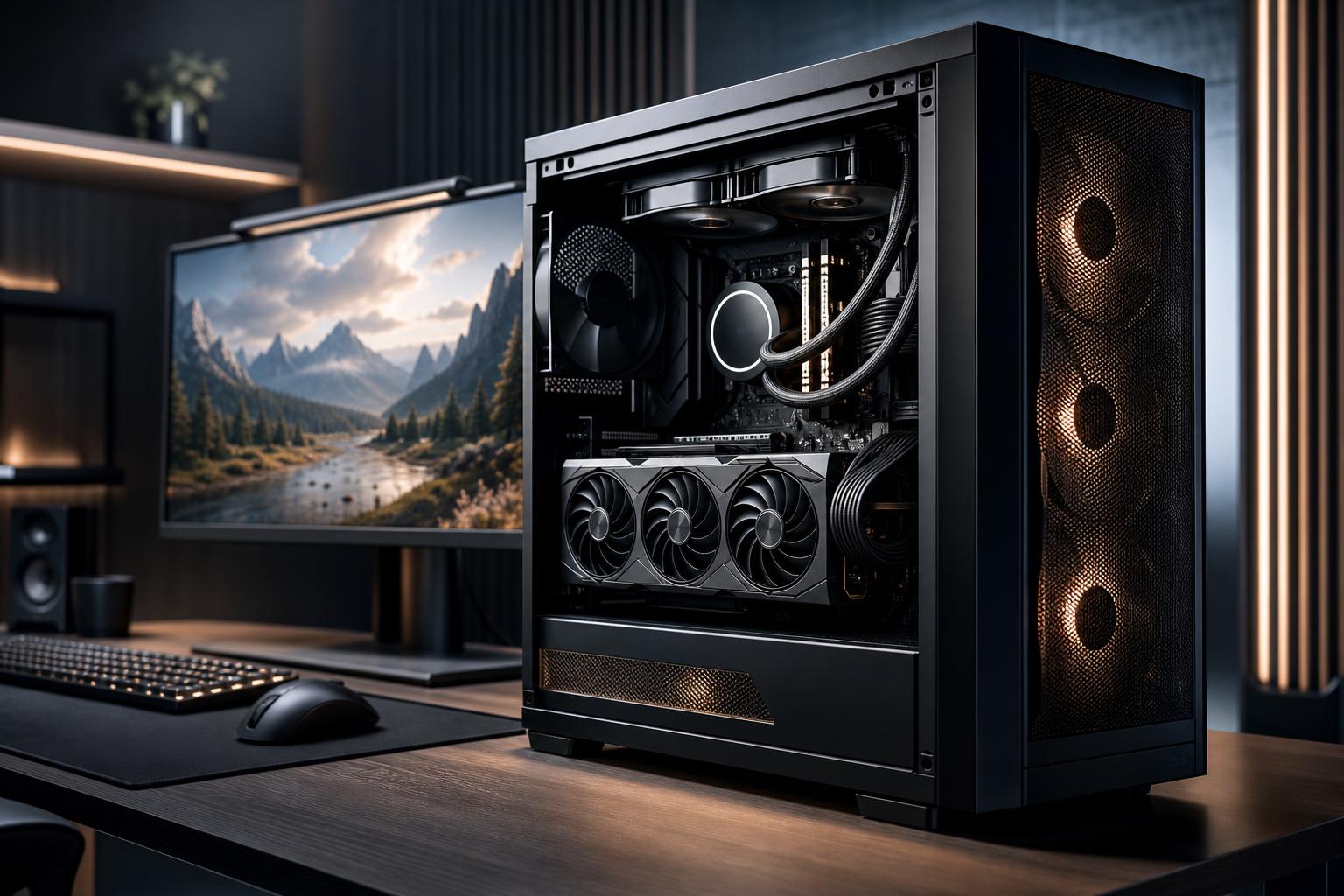
A $3,000 gaming PC can be worth it, but only if it solves a real performance goal. At this level, you should expect a system built for excellent 1440p high-refresh gaming, serious 4K gaming, demanding ray-traced titles, simulation games, streaming, and potentially creative work alongside gaming.
It is not automatically the best choice for every buyer. If you play esports games at 1080p, use a 144Hz monitor, or mainly enjoy less demanding games, a large portion of that budget may sit idle. The goal is not to buy the most expensive PC possible. It is to put the money into the parts that will visibly improve your experience.
A well-configured high-end gaming PC should prioritize a powerful graphics card first. The GPU has the greatest effect on frame rates, image settings, ray tracing performance, and the ability to play at higher resolutions.
The rest of the system needs to support that GPU properly. A premium graphics card paired with too little memory, a weak processor, inadequate cooling, or a bargain power supply is an expensive way to create avoidable problems.
In practical terms, a thoughtfully balanced system in this range should provide:
That last point matters. High-performance components produce substantial heat under load. Good airflow, an appropriately sized CPU cooler, a quality power supply, and sensible cable routing are not glamorous upgrades, but they help the computer sustain performance quietly and reliably.
A high-end gaming PC makes the most sense for a 4K display, especially one with a higher refresh rate. Four times as many pixels as 1080p is a serious workload for the graphics card. If you want detailed textures, higher settings, smooth frame rates, and modern visual features at 4K, spending heavily on the GPU is justified.
You do not need to demand native 4K at maximum settings in every game for a 4K PC to be worthwhile. Well-implemented upscaling can deliver an excellent image while improving performance considerably. The sensible target is a machine that gives you options rather than forcing every setting to low.
Players using 165Hz, 240Hz, or faster 1440p monitors can also benefit. Fast-paced games feel better when frame rates are consistently high, but the CPU becomes more important as your frame-rate target rises. At this budget, it is reasonable to pair a top-tier GPU with a gaming-focused processor that can keep frame times stable.
This is particularly relevant for players who enjoy a mix of competitive games and visually demanding single-player titles. One system can deliver very high frame rates in esports while still having enough graphics horsepower for a cinematic game with demanding settings.
Flight simulators, racing simulators, large strategy games, city builders, and heavily modded sandbox games can tax both the CPU and GPU. Some of these titles also use large amounts of memory, especially with high-resolution texture packs, extensive mods, or busy background applications.
A $3,000 budget is useful here because it allows fewer compromises. The right configuration may need a fast CPU, 32GB or 64GB of RAM, a strong GPU, and ample fast storage—not simply the single most expensive graphics card that fits the budget.
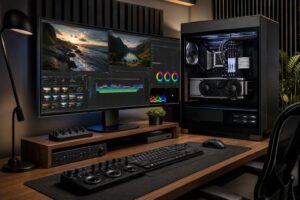
If your PC also handles video editing, 3D work, game development, compiling code, or streaming, a high-end configuration becomes easier to justify. Extra CPU cores, memory capacity, VRAM, and storage can improve productivity as well as gaming.
However, do not assume a gaming-focused PC is automatically the right workstation. Professional applications may benefit more from additional RAM, CPU cores, storage capacity, or a particular GPU feature set than from maximum gaming frame rates. A mixed-use system should be designed around the applications you actually run.
On a high-end build, spending should follow the workload rather than a checklist of luxury parts.
For most gaming builds, the graphics card deserves the largest share of the budget. It determines the performance tier more than any other single component. Buy the GPU that fits your display resolution, refresh rate, and the types of games you play.
For 4K or ray tracing, GPU budget matters enormously. For 1080p competitive gaming, it often makes more sense to shift some money toward a strong CPU and monitor rather than chasing an extreme GPU you cannot fully use.
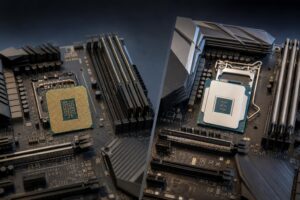
You do not need the most expensive processor just because the PC is expensive. A good gaming CPU is one that keeps the graphics card fed with work and maintains smooth frame times in the games you play.
At 4K, the GPU is usually the limiting factor, so an extravagant CPU upgrade may make a small difference. At 1080p or 1440p with a very fast monitor, CPU performance can matter much more. Simulation, strategy, and creation workloads may also justify stepping up to a processor with more cores.
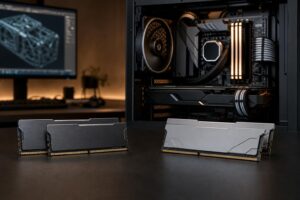
For a premium gaming PC, 32GB of RAM is a sensible baseline. It provides comfortable room for current games, a browser, voice chat, launchers, and normal multitasking. Move to 64GB if you regularly use memory-heavy mods, create content, run virtual machines, work with large projects, or simply need the system to handle professional software after hours.
Beyond that, buy memory for a demonstrated workload—not for bragging rights.
A fast NVMe SSD improves boot times, game loading, file transfers, and overall responsiveness. It does not normally raise in-game frame rates, so it should not displace GPU budget.
For many high-end systems, a 2TB primary SSD is a comfortable starting point. Larger game libraries, raw video footage, project files, and local backups may call for additional internal storage. Leaving room for a future drive is often more sensible than overspending on capacity immediately.
Do not cut corners here. High-end GPUs and CPUs can place serious demand on a system during sustained gaming or rendering. A reputable, properly sized power supply and a well-ventilated case protect the investment better than decorative accessories ever will.
Cooling should be selected based on the processor’s real heat output, the case layout, and your noise tolerance. A large air cooler is often excellent. An AIO liquid cooler can also be appropriate for higher-wattage processors or builds where radiator placement and appearance are priorities. Neither is automatically superior in every system.
A less expensive system is often the smarter choice if one or more of these apply:
A balanced midrange PC paired with a better monitor can provide a more noticeable improvement than putting every dollar into the tower. If your current display cannot show higher resolution or higher frame rates, the return on a more powerful GPU is limited.
The most common mistake is buying an imbalanced parts list. Examples include an extreme GPU paired with 16GB of RAM, insufficient SSD space, a low-quality power supply, or a sealed-off case with poor airflow.
Another mistake is treating “future-proof” as a reason to buy every maximum-spec component. Hardware changes quickly, and no PC remains top-tier forever. The better approach is to buy enough performance for the next several years of your real use, choose quality components, and preserve a practical upgrade path.
Finally, do not overlook the monitor. A powerful high-end gaming PC connected to an older 1080p office display is like installing a performance engine in a car with worn-out tires. The system may be fast, but you are not seeing what you paid for.
A $3,000 gaming PC is worth it for buyers targeting 4K, high-refresh 1440p, demanding ray tracing, simulation workloads, or a serious mix of gaming and production work. It is less compelling for basic 1080p gaming or buyers whose monitor and game library do not demand that level of hardware.
The best high-end gaming PC is not the one with the longest component list. It is the one with a graphics card, processor, memory, storage, cooling, and power supply chosen to work together for your display and the games or applications you actually use.
Overclock Computers can help design a custom system around your monitor, favorite games, performance target, creative applications, and budget. Bring us the details of how you use your PC, and we can help separate the upgrades that matter from the ones that merely look impressive on a spec sheet.