How to Choose a PC Case: Airflow, Size, Noise, and Upgrade Room

A PC case is easy to dismiss as a box for expensive parts. That is a mistake. The case determines how easily a system can move heat out, how much noise it makes, which graphics cards and coolers will fit, and how pleasant it will be to upgrade or service later.
For a high-performance gaming PC or workstation, start with airflow and compatibility, then choose the appearance you like. A beautiful glass-fronted case that traps heat is still a poor home for a powerful CPU and graphics card. Fortunately, you do not need the largest case on the market to build a cool, quiet, upgrade-friendly computer.
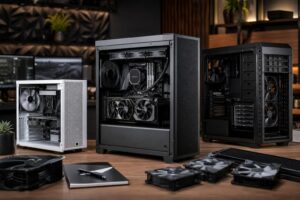
Case sizes are usually described by the motherboard sizes they support. The labels can be confusing, but the practical question is simple: how much hardware do you need to fit, and how much space do you want to work with?
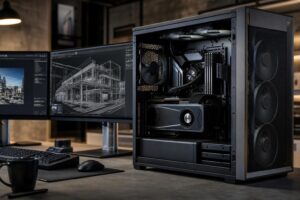
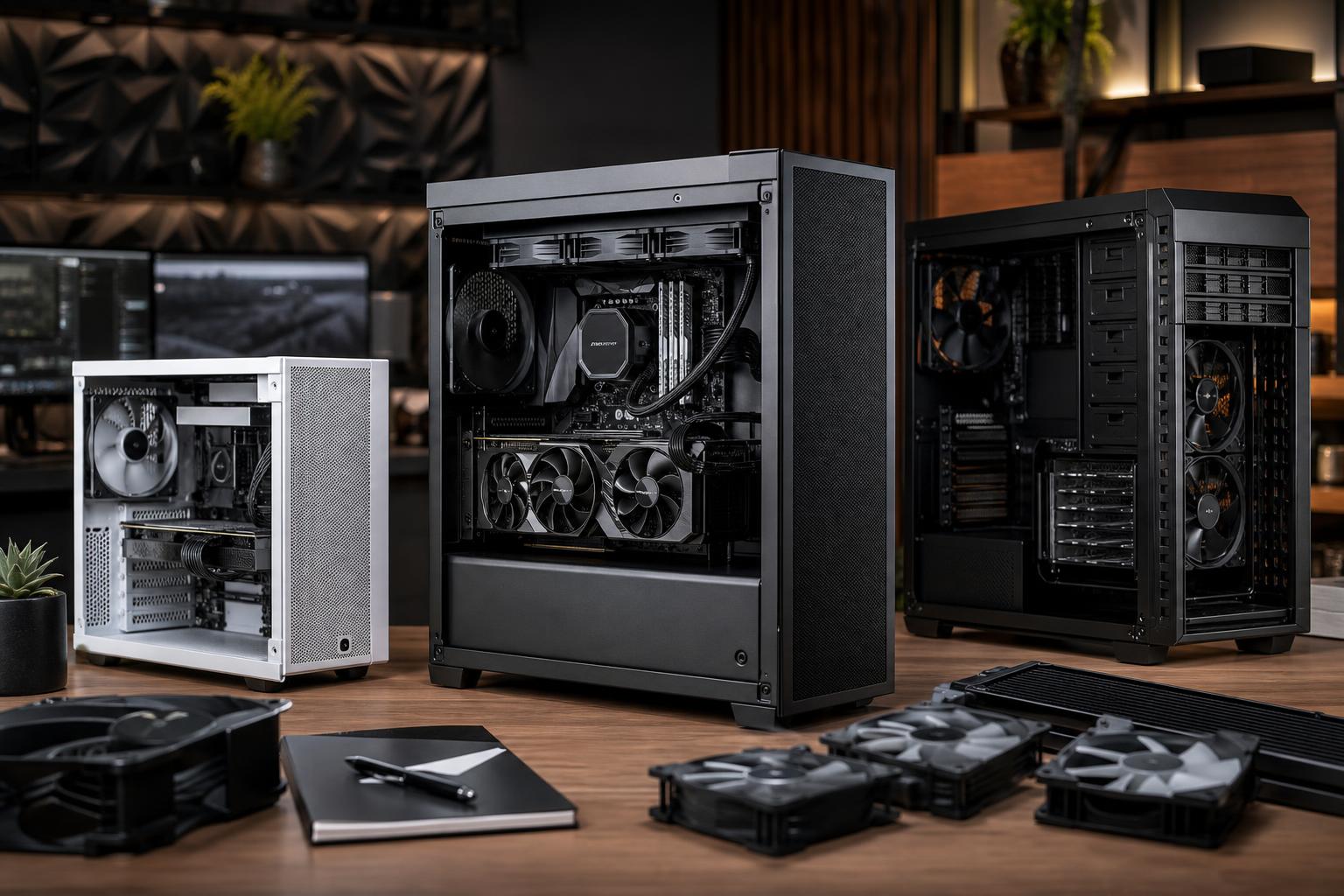
An ATX mid-tower is the best choice for most gaming PCs and single-GPU professional workstations. It normally supports a full-size ATX motherboard, large graphics cards, several storage drives, and useful cooling options without taking over the desk.
For most buyers, this is where we start. A good mid-tower has enough room for a high-end GPU, a large air cooler or 240 mm to 360 mm liquid cooler, and several case fans. It is also easier to transport and usually costs less than a full tower.
Micro-ATX and small-form-factor cases can make excellent systems, but they demand more planning. GPU length, cooler height, power supply dimensions, cable routing, and radiator placement all become more restrictive. Heat can also be harder to manage when a top-tier CPU and GPU are packed into a small enclosure.
Choose a compact build because desk space, portability, or clean aesthetics matter to you—not because it is automatically better. Small systems can be quiet and powerful, but the part selection needs to be deliberate. They are less forgiving of last-minute component changes.
A full tower makes sense for unusually large motherboards, several storage drives, multiple add-in cards, elaborate custom water cooling, or a workstation that needs exceptional expansion room. For a conventional single-GPU computer, it often adds size without providing a meaningful performance benefit.
More empty space does not guarantee lower temperatures. Well-directed airflow matters more than sheer case volume.
Every performance PC turns electricity into heat. The CPU, GPU, motherboard power circuitry, memory, and storage all rely on a steady supply of cooler air. The case has one job: bring fresh air in and give warm air a clear route out.
The most reliable layout is straightforward: front or side intake fans bring cool air into the case, while rear and top fans exhaust warm air. Since warm air naturally rises, top exhaust works well, but the fans—not physics alone—do most of the real work.
Prioritize a case with a mesh front panel, generous side ventilation, or another clearly open path to the intake fans. Solid front panels with narrow side slots can look tidy, but they often make intake fans work harder and can raise component temperatures.
A fine dust filter is valuable, especially in homes with pets or carpeting. It should also be easy to remove and clean. Filters reduce airflow slightly, but that is usually a fair trade for keeping heatsinks and fans from becoming fuzzy science projects.
A case does not need a wall of fans to perform well. For many systems, two or three quality intake fans and one rear exhaust fan are enough. A powerful CPU and GPU, particularly in a warm room, may benefit from additional top exhaust or larger 140 mm fans.
Larger fans can move similar amounts of air at lower speeds, which generally means less noise. Fan quality and sensible fan curves matter more than chasing the highest possible fan count.
Adding exhaust fans without enough intake is not a cure for poor airflow. In fact, too much exhaust can pull unfiltered dust through every gap in the chassis. A slightly intake-heavy setup, with filtered front or side fans, is usually a practical approach.
Case specifications are not glamorous, but reading them prevents some remarkably frustrating build-day surprises. Check the exact measurements for the parts you plan to use, not just the marketing label on the box.
High-end graphics cards can be long, tall, and thick. Confirm the case supports the card’s length with the intended front fans or radiator installed. A case may advertise generous GPU clearance that shrinks considerably once a front-mounted radiator is added.
Also account for power cable space. Some modern GPUs use a connector that needs room to bend safely. A narrow case with a side panel pressing hard against the cable is not a good fit. In those situations, extra case width can be as useful as extra length.
For an air-cooled build, compare the CPU cooler height with the case’s stated maximum cooler height. Do not assume a wide-looking tower will fit.
For an all-in-one liquid cooler, check radiator size, thickness, and location. A case might technically support a 360 mm radiator, but top mounting can conflict with tall memory modules or motherboard heatsinks. Front mounting may reduce GPU clearance. These are solvable design choices, but they should be made before parts arrive.
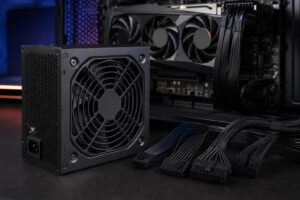
Make sure the case supports your motherboard format: Mini-ITX, Micro-ATX, ATX, or larger workstation formats where applicable. Check power supply length too, particularly if you are using a long, high-wattage unit or want to keep a hard-drive cage installed.
Most modern PCs need only one or two NVMe SSDs, which mount directly to the motherboard. Buyers with large media libraries, local backups, or project archives may still need several 2.5-inch SSD or 3.5-inch hard-drive bays. Buy the storage space you will use; do not give up airflow and cable room for drive cages that will stay empty forever.
A quiet PC is not simply a case with sound-dampening foam. Thick panels can reduce certain noises, but restricting airflow often causes fans to spin faster—and fast fans are noisy.
The best path to a quieter computer is efficient cooling: an airflow-friendly case, appropriately sized fans, a capable CPU cooler, and fan curves tuned to respond gradually rather than jumping to full speed every time a brief workload starts. Good cases also avoid panel rattles, use solid fan mounting points, and provide enough cable space that the side panel does not have to be forced into place.
For most high-performance systems, we would choose an open, well-built airflow case over a sealed “silent” case. A properly configured airflow case can be both cooler and quieter under real gaming or rendering loads.
Build quality pays dividends. Look for removable dust filters, enough room behind the motherboard tray for cables, sensible tie-down points, accessible front-panel connectors, sturdy panels, and standard fan mounting locations. These details make assembly, cleaning, and upgrades much easier.
A front USB-C port is worthwhile if your motherboard supports the required internal header and you regularly use fast external drives. If you never connect anything to the front panel, it is not a reason to overspend.
Tempered-glass panels and RGB lighting are entirely personal preferences. They do not make a computer faster, and there is nothing wrong with liking how your PC looks. Just do not trade ventilation or component compatibility for a particular lighting layout.
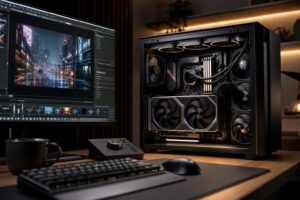
For a performance gaming PC or a single-GPU workstation, choose a quality ATX mid-tower with a mesh intake, room for at least three intake fans, a rear exhaust position, straightforward cable management, and verified clearance for your exact GPU and CPU cooler. That combination handles the vast majority of builds well.
Go smaller only when space or portability is a real priority. Go larger when you can identify the expansion hardware that requires it. The goal is not to buy the most case; it is to give the components enough cool, clean air and enough physical room to operate without compromises.
If you are planning a new system and are unsure how a specific GPU, cooler, radiator, or storage setup will fit together, contact Overclock Computers. We can help configure a balanced custom PC around your workload, space, and upgrade plans rather than leaving compatibility to guesswork.