How Much VRAM Do You Need? A Practical Guide for Gaming and Professional Work

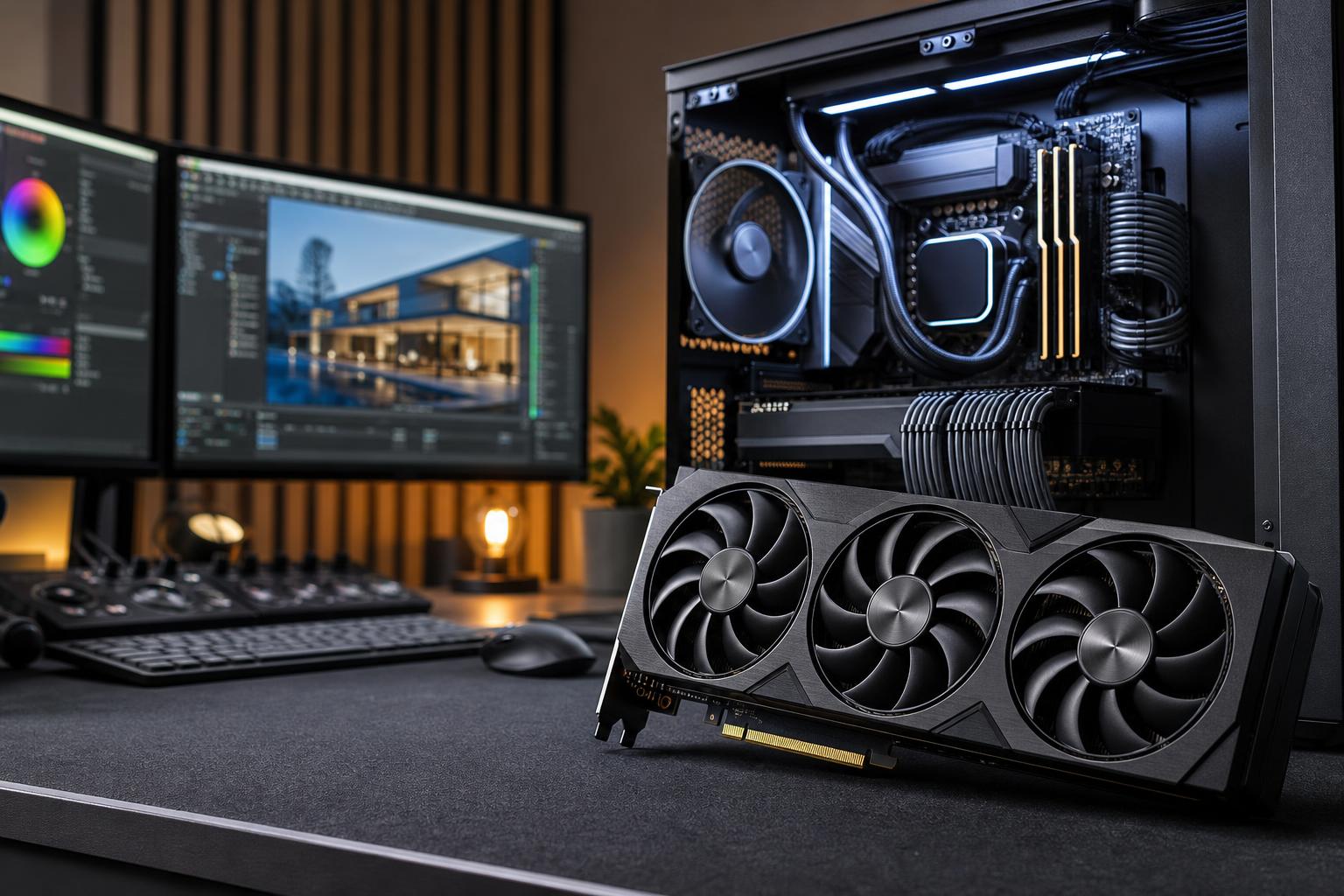
VRAM, short for video memory, is one of the most misunderstood graphics card specifications. Buyers often see two versions of a GPU with different memory capacities and assume the larger number automatically means better performance. Sometimes it does. Other times, it is money better spent on a faster GPU, more system RAM, or a larger SSD.
The useful question is not simply, “How much VRAM is good?” It is how much VRAM your intended workload needs at the settings, resolution, and project size you actually plan to use.
VRAM capacity cannot turn a modest GPU into a high-end GPU. But too little can create abrupt slowdowns, texture limitations, errors in professional software, and poor long-term flexibility. Here is how to make a sensible decision.
VRAM is the high-speed memory located directly on the graphics card. The GPU uses it to hold data it needs close at hand, including textures, frame buffers, 3D geometry, shaders, lighting data, render assets, and display information.
For professional work, it may also hold large 3D scenes, high-resolution video frames, GPU-rendering assets, datasets, and AI models. It is separate from the normal system RAM installed on the motherboard.
When an application needs more VRAM than the graphics card has available, it may move some data through system memory and the PCIe connection. That route is much slower than accessing local video memory. The result can be a sudden drop in frame rate, stuttering while moving through a scene, lower texture settings, or an application that refuses to complete a GPU-based task.
Think of VRAM as the GPU’s workbench. A faster GPU can work very quickly, but it still struggles if the project is too large to fit on the bench.
Game performance is affected most by the GPU’s overall processing power, but VRAM capacity becomes increasingly important as you raise resolution, texture quality, ray tracing settings, and mod use. Modern games can use a surprising amount of memory, especially with high-resolution texture packs.
An 8GB graphics card can still provide an enjoyable experience in many games at 1080p, particularly when settings are chosen carefully. It is best suited to esports titles, older games, less demanding releases, and buyers with a 1080p monitor who are comfortable adjusting texture settings when necessary.
For a new performance-focused gaming PC, however, 8GB is hard to recommend as the comfortable long-term target. Some newer games can run into memory limits at high settings even at 1080p. Upscaling technology can improve frame rates, but it does not eliminate the need to store textures and other assets in VRAM.
For most buyers building a 1440p gaming PC, 12GB is a practical baseline. It gives games more room for high-quality textures and helps avoid some of the compromises that can appear on lower-capacity cards.
That does not mean every 12GB card is equally capable. GPU speed still matters. A card with 12GB may have enough memory for a setting, yet lack the graphics horsepower to run that setting smoothly with demanding ray tracing enabled. Capacity and processing performance need to be balanced.
For high-quality 1440p gaming, 4K gaming, heavily modded titles, and buyers who tend to keep a GPU for several years, 16GB is a very comfortable target. It provides useful breathing room without making memory capacity the only reason to select a card.
We particularly like 16GB for customers playing open-world games, simulation titles, large mod collections, or games with detailed texture assets. It is also a sensible choice for someone who games but occasionally works in Blender, Adobe applications, Unreal Engine, or other GPU-aware software.
At 4K with demanding settings, extensive ray tracing, and high-resolution texture packs, 20GB or 24GB can be valuable. It is also useful for serious creation work and AI tasks. However, it is not automatically necessary for every 4K gamer.
If a buyer mainly plays competitive games or well-optimized titles, a faster GPU with 16GB may offer a better experience than a slower card purchased primarily for its larger memory figure. Do not buy capacity in isolation.
Professional software varies more than games. The right amount of VRAM depends on your application, project complexity, render engine, codec, viewport resolution, and whether your work actually uses GPU acceleration. A large CAD assembly, for example, may be more limited by CPU performance or system RAM than by VRAM.
For typical 2D CAD and moderate 3D modeling, 8GB to 12GB can be sufficient. For larger BIM projects, detailed visualization, real-time walkthroughs, high-resolution displays, and complex models, 16GB provides a safer working margin.
Users handling exceptionally large assemblies, point clouds, detailed terrain data, or advanced visualization should often consider 24GB or more. Before spending heavily, check the recommended hardware guidance for the exact software and version your team uses. The name “CAD” covers wildly different workloads.
VRAM matters a great deal in Blender GPU rendering, Unreal Engine scenes, and similar 3D workflows. The GPU needs space for models, textures, geometry, lighting data, and render buffers. If the scene does not fit, GPU rendering may slow down substantially, fall back to another method, or fail outright depending on the application.
For regular 3D work, 16GB is a sensible minimum target. For complex scenes, high-resolution textures, virtual production work, architectural visualization, or large Unreal projects, 24GB can be a meaningful upgrade rather than a luxury.
Most 1080p and standard 4K editing projects do not need enormous VRAM capacity. A capable GPU with 12GB to 16GB is generally a good fit for creators using modern editing software, especially if the system also has adequate CPU performance, system memory, and fast storage.
More VRAM becomes useful with high-resolution footage, multicamera timelines, demanding effects, color work, large compositions, and GPU-accelerated motion graphics. For 6K, 8K, heavy effects, or demanding compositing, 20GB to 24GB offers more room to work without constantly managing project complexity.
For local AI, VRAM capacity is often the first hard limit. A model either fits in the available memory at a given precision and context size, or it does not. More VRAM can allow larger models, larger batch sizes, longer contexts, or fewer compromises in how a model is loaded.
For light experimentation, 12GB can get you started. For more practical local image generation or language-model work, 16GB is far more comfortable. For serious use, 24GB and above can be worthwhile very quickly. In this category, memory capacity may matter more than raw gaming frame rates.
It is tempting to open a monitoring tool, see a game using nearly all available VRAM, and conclude that the card is running out. That is not always true. Games and drivers often reserve or cache memory when it is available, because unused memory does no work for anyone.
Look for symptoms instead:
A VRAM graph is helpful context, not a verdict. Test the settings you want to use and pay attention to actual behavior.
A 24GB graphics card will not fix a CPU bottleneck in a high-refresh-rate game, make a small SSD hold more projects, or compensate for insufficient system RAM in a large workstation file. Likewise, a powerful GPU can be held back by a weak power supply, poor cooling, or a case that recirculates hot air.
When comparing two cards, start with the performance tier you need for your monitor or software. Then choose enough VRAM to support the settings and workload that tier is intended to handle. This is usually better than buying the least powerful card with the biggest memory number.
For a new gaming-focused PC, we generally recommend targeting 12GB for 1440p, 16GB for a more comfortable high-end gaming and mixed-use system, and 20GB to 24GB for demanding 4K, serious 3D work, or local AI. Eight gigabytes remains usable for value-oriented 1080p systems, but it leaves less room for demanding new games and high-quality texture settings.
For a workstation, base the decision on the largest real project you expect to work on, not the smallest sample file that opens today. If your work earns money and GPU memory limits have already interrupted renders, viewport work, or AI tasks, extra VRAM is often money well spent.
If you are unsure which graphics card matches your monitor, games, applications, and expected project sizes, contact Overclock Computers. We can help configure a balanced custom PC that puts your budget into the hardware that will make a noticeable difference.