How Many Case Fans Does Your PC Need? A Practical Airflow Guide

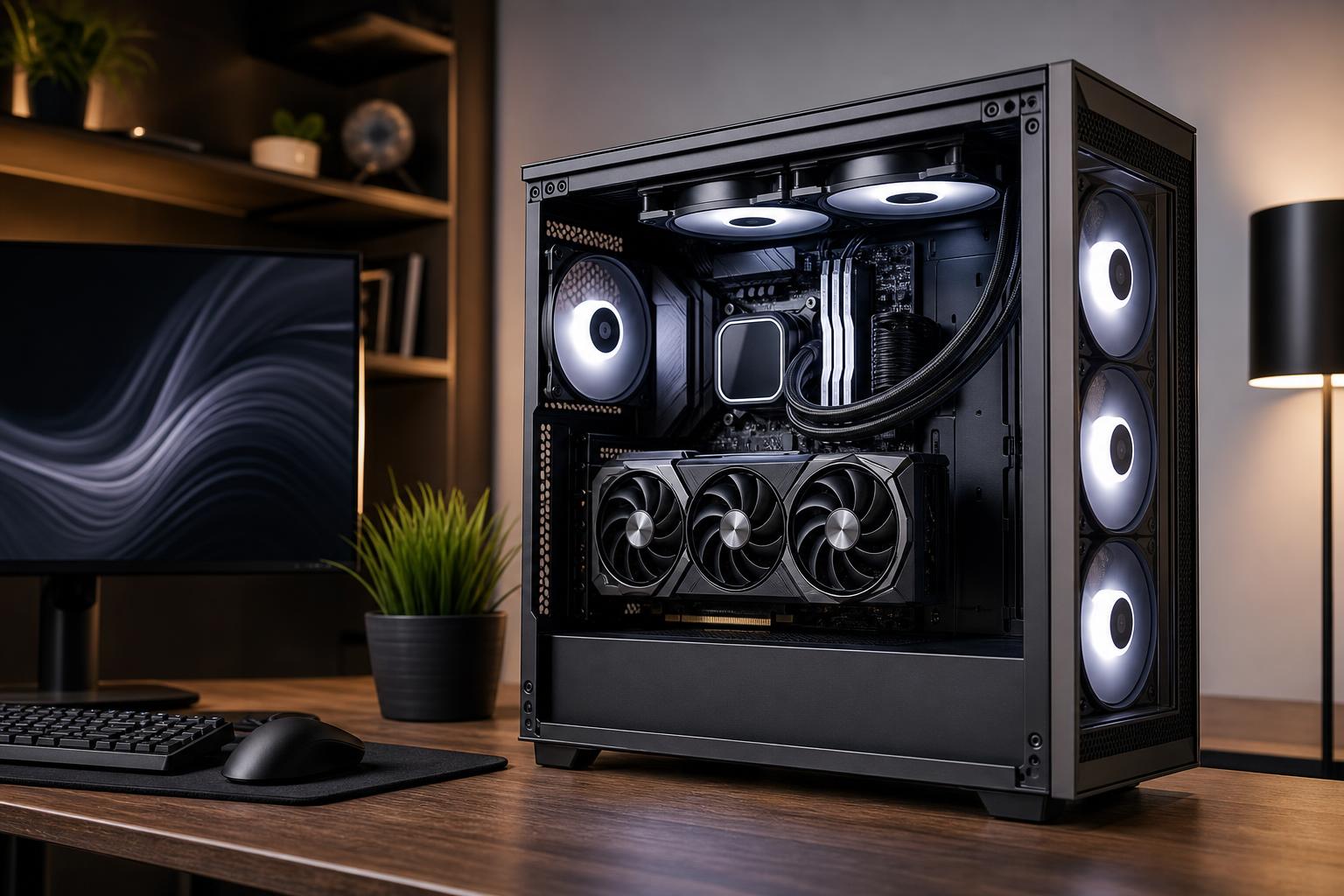
Case fans are easy to overthink. A case with room for ten or twelve fans can make it seem as if every empty mount is a problem waiting to happen. Usually, it isn’t.
A good PC case fan setup is about creating a clear path for cool air to reach the components that produce heat, then giving that warm air somewhere sensible to leave. More fans can help, but only when the case, component power draw, radiator placement, and fan control settings support them.
For most well-designed gaming PCs, three to five good fans are enough. High-power systems, compact cases, and workstations that sustain heavy CPU and GPU loads can benefit from more. The goal is stable temperatures and reasonable noise, not winning a fan-count contest.
Air enters through intake fans and exits through exhaust fans. The simplest effective layout is:
This front-to-back, bottom-to-top path works because it follows the layout of most modern cases. The graphics card pulls in a substantial amount of air from below and around itself, while the CPU cooler needs a steady supply of cool air near the front of the case.
A common mistake is installing fans wherever there are empty mounts without considering direction. Fans fighting each other, or exhaust fans positioned before cool air reaches the hardware, can create more noise with little temperature benefit.
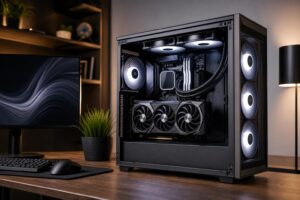
For a system with a modest-to-midrange CPU and graphics card, start with two front intake fans and one rear exhaust fan. This is the baseline configuration we like to see in an airflow-focused case.
The two front fans supply the GPU with fresh air and feed the CPU cooler. The rear fan prevents heat from collecting around the CPU socket and voltage-regulation hardware. For a large percentage of gaming PCs, this arrangement is all that is required.
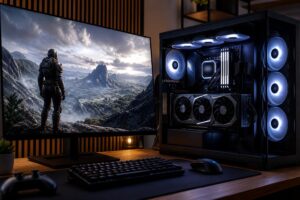
A PC with a high-end graphics card, a power-hungry CPU, or long gaming sessions at high resolution produces enough heat to justify additional airflow. A strong arrangement is:
Use the second top exhaust position carefully. The rear-most top fan is generally useful because it removes heat leaving the CPU cooler. The front-most top fan may help under sustained load, but it can also pull fresh intake air upward before it reaches the CPU cooler. Test results vary by case. It’s not automatically a bad choice; it’s just not always the best use of another fan.
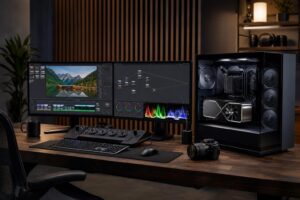
Rendering, simulation, compiling large projects, video exports, and other sustained workloads are different from a short gaming burst. A workstation may keep both its CPU and GPU near full load for hours. Here, extra airflow can reduce fan noise as much as temperatures, because each fan can run at a lower speed.
For a workstation with a high-core-count processor, powerful GPU, or multiple expansion cards, use at least three filtered intakes and two exhaust fans in a spacious case. If it has a top-mounted liquid-cooling radiator, the radiator fans often serve as top exhaust. Add fans only where they support a clear airflow route through the chassis.
A slightly positive-pressure setup has a little more intake airflow than exhaust airflow. It doesn’t mean counting fans alone, since fan size, speed, filters, radiators, and restrictive front panels all affect actual airflow. But as a practical starting point, provide more intake capacity than exhaust capacity.
This helps encourage air to leave through unfiltered gaps rather than pulling dusty room air inward through every opening. It also makes good use of the dust filters built into many cases.
For example, three 140 mm intake fans paired with one 140 mm rear exhaust and one 140 mm top exhaust is often a balanced arrangement. If the front panel is restrictive or the intakes sit behind dense filters, allow the intake fans to run somewhat faster than the exhaust fans.
Perfect pressure balance is not necessary. A case is not airtight, and software-based fan curves change airflow as temperatures rise. The useful takeaway is simple: prioritize filtered intake airflow, then exhaust heat efficiently.
When the case supports both sizes, choose 140 mm fans for general case airflow. Their larger blades can move similar amounts of air at lower rotational speeds, which usually means less noise.
That said, a quality 120 mm fan is not a poor choice. Many radiators are designed for 120 mm fan spacing, and smaller cases may have limited mounting options. Fan quality, the restriction in front of the fan, and its control curve matter more than the number printed on the hub.
For open case positions such as a mesh front panel, look for fans designed for good airflow at lower noise. For restrictive locations, such as radiators, dense dust filters, or solid panels with narrow vents, fans with stronger static pressure are more effective. Static pressure is simply the fan’s ability to keep pushing air when there is resistance in the way.
An all-in-one liquid cooler uses fans on its radiator, and those fans count as part of the case airflow system. Their placement changes what the CPU and GPU receive.
A front radiator normally acts as intake. It gives the CPU access to cooler outside air, which can improve CPU temperatures. The tradeoff is that the graphics card receives air that has already been warmed by the radiator. This is often fine for CPU-heavy workstations, but a very powerful GPU may run a bit warmer.
A top radiator normally acts as exhaust. This sends CPU heat directly out of the case and lets the graphics card receive cool front intake air. For many powerful gaming systems, this is the cleanest overall arrangement, provided the case has enough top clearance and a capable front intake.
Neither position is universally best. Choose based on the component that needs the most help, then make sure the remaining fans preserve a logical air path.
Many noisy PCs don’t need additional hardware. They need better fan control.
Use motherboard firmware or reliable fan-control software to create a gradual curve. Case fans should remain quiet at idle and ramp smoothly as CPU or GPU temperatures climb. Avoid a curve that jumps from nearly silent to full speed at a single temperature threshold. That constant rise and fall is irritating, and it does not improve cooling much.
For gaming systems, case fans should ideally respond to GPU temperature as well as CPU temperature. Modern games often place far more sustained heat into the graphics card than the processor. A CPU-only case-fan curve can leave the GPU area under-ventilated while the CPU is barely working.
Add or reposition fans when you see a real cooling problem, not merely because an empty fan mount exists. Useful signs include:
Before adding fans, clean filters, confirm every fan is pointed the intended direction, tidy cables away from major intake paths, and make sure the case is not pressed tightly against a wall or enclosed in a desk compartment. Those checks are free and often solve the issue.
Buy a case with a ventilated front panel and included fans, then begin with two front intakes and one rear exhaust. Move to four or five total fans for high-end gaming hardware or a system that works hard for long periods. Beyond that, add fans only to solve a measured temperature or noise issue.
Good airflow is not about making a PC look like a wind tunnel. It is about selecting a case, cooler, fan layout, and control curve that keep your hardware comfortable without turning your desk into a small airport. If you are planning a high-performance gaming PC or workstation and want the cooling designed around the components and workload, contact Overclock Computers for a practical custom configuration.