Best PC for Software Development in 2026: Practical Specs for Coding, Docker, VMs, and Local AI

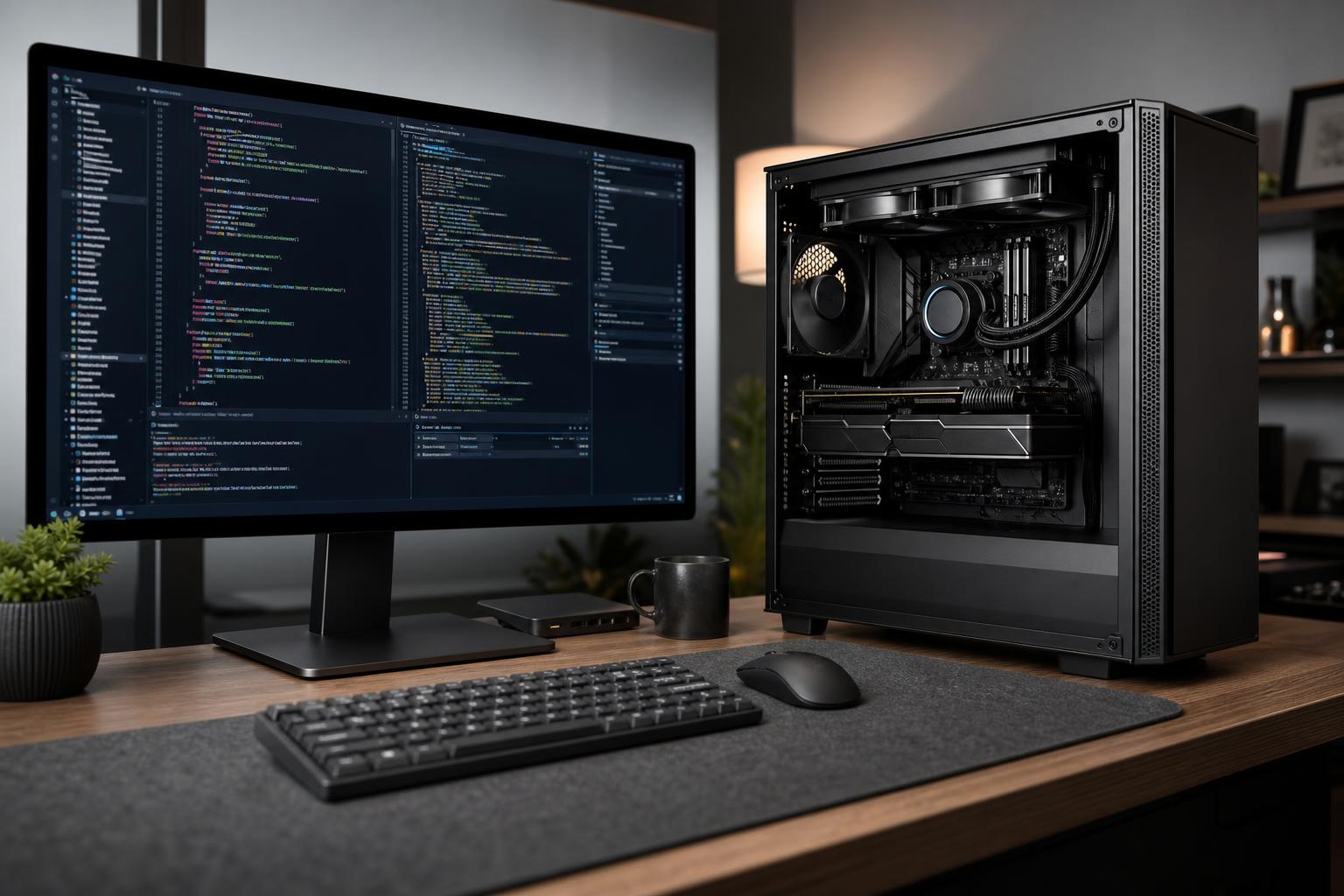
A good software development PC should feel invisible. Your editor opens quickly, builds finish without holding up your work, containers run alongside your browser and communication apps, and you can test locally without constantly closing something else to free memory.
For most developers, the best place to spend is not a flashy graphics card. It is a balanced desktop with a modern CPU, enough RAM for the way you actually work, fast NVMe storage, and a quiet cooling setup that can sustain performance during long builds. A dedicated GPU becomes important for graphics development, GPU compute, 3D work, and local AI—but it is not mandatory for every programmer.
Start by identifying the heaviest thing your computer must do during a normal workday. A web developer running a code editor and a few browser tabs has very different needs from an engineer compiling large C++ projects, running several virtual machines, or working with local language models.
Software development includes many short, interactive tasks: editing code, searching a repository, launching tools, running tests, and navigating a large project. Strong single-core performance keeps these tasks responsive. At the same time, modern compilers, build tools, test suites, containers, and virtual machines can use multiple CPU cores well.
For a general-purpose developer desktop, a current midrange-to-high-end CPU with roughly 8 to 12 capable cores is the sensible starting point. This is enough for most web, mobile, backend, and desktop development, including moderate Docker use.
Move to a higher-core-count CPU when you regularly do any of the following:
There is a limit to how much a bigger CPU helps. If your work is one editor, one local service, and a browser, an extreme core-count processor will not make you dramatically more productive. It may also require more cooling and consume more power under load. Buy the cores your workflow can keep busy.
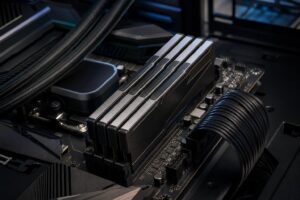
Memory capacity has an outsized effect on a development machine. Browsers, IDEs, Docker Desktop, databases, emulators, collaboration tools, and virtual machines all compete for RAM. When the system starts moving active data to the SSD, even a very fast drive cannot make the PC feel truly smooth.
For a new custom workstation intended to last several years, we usually favor 64GB over 32GB when the budget allows. The extra memory does not raise benchmark scores in a dramatic way, but it can prevent daily slowdowns and needless app-closing.
Software projects accumulate faster than many people expect. Source repositories are usually modest, but package caches, container images, virtual machine disks, SDKs, build artifacts, databases, media assets, and local backups are not. A 1TB drive can work, but it fills quickly on a machine used for containers or virtual machines.
We recommend a 2TB NVMe SSD as a practical starting point for most development desktops. Choose 4TB if you routinely maintain multiple large projects, VM images, game-development assets, raw data, or local AI models. Keep meaningful free space available; a nearly full system drive is harder to manage and can make updates and large builds more frustrating.
A second SSD is worthwhile when you want clean separation between the operating system and work data, or when a project produces heavy reads and writes. For example, one drive can hold the OS, applications, and active repositories, while another holds virtual machines, databases, build caches, or datasets. This is not required for every developer, but it is a tidy and practical upgrade for demanding workflows.
Many developers do not. Integrated graphics are perfectly adequate for programming, office tasks, web work, remote servers, and ordinary multi-monitor setups. If that describes your workload, put the budget into CPU, RAM, storage, and a quality monitor before buying a powerful GPU.
A dedicated GPU makes sense when your work involves:
For local AI, VRAM capacity is usually more important than gaming frame-rate performance. Larger models and larger context windows require more video memory. A fast GPU with limited VRAM can still be useful, but it may restrict which models or workloads can run comfortably. It is better to define the models, frameworks, and expected project size before selecting a GPU than to assume any gaming card will solve an AI workflow.
This is the right level for web development, scripting, backend services, general application development, and light Docker use.
This configuration suits developers who run several containers, local databases, emulators, larger builds, and occasional virtual machines.
This is for developers with genuinely demanding local workloads—not simply a desire to own the largest possible parts list.
Development workloads often run for hours: compiling, testing, processing data, building containers, or running local services. A system that is quiet and stable under sustained load is more pleasant to live with than one that is fast for two minutes and then loud or thermally limited.
Good cooling is not about decorative fans. It means using a CPU cooler that can handle sustained power, a case with clear airflow, and fan settings that avoid unnecessary noise at idle. A quality power supply also matters. It supports stable operation, leaves appropriate room for component upgrades, and is not the place to cut corners in a workstation intended for daily use.
Check connectivity before ordering as well. Developers often need more than the typical home PC buyer: several USB ports, fast wired networking, Wi-Fi where Ethernet is impractical, front-panel USB-C, multiple monitor outputs, or space for additional drives. These small details are irritating to fix after the PC arrives.
A sensible software development PC should have a clear upgrade path, but “future-proof” does not mean buying every premium part available. It means avoiding obvious limits: too little RAM, too little storage, a cramped case, weak cooling, or a power supply that prevents a later GPU upgrade.
Spend more where it removes a known constraint from your workday. If Docker and virtual machines are already exhausting your memory, buy more RAM. If builds are the delay, invest in CPU performance. If your goal is local AI, define the required GPU software and VRAM target first. That approach produces a workstation that feels purposeful rather than merely expensive.
The best PC for software development is built around your actual projects: the languages and IDEs you use, the size of your builds, how many containers or virtual machines run at once, and whether GPU compute is part of the plan. Overclock Computers can help design and build a custom development workstation around those requirements, with the cooling, storage, memory capacity, and upgrade headroom that make sense for your budget.