How Long Does a Gaming PC Last? A Practical Guide to Lifespan and Upgrades

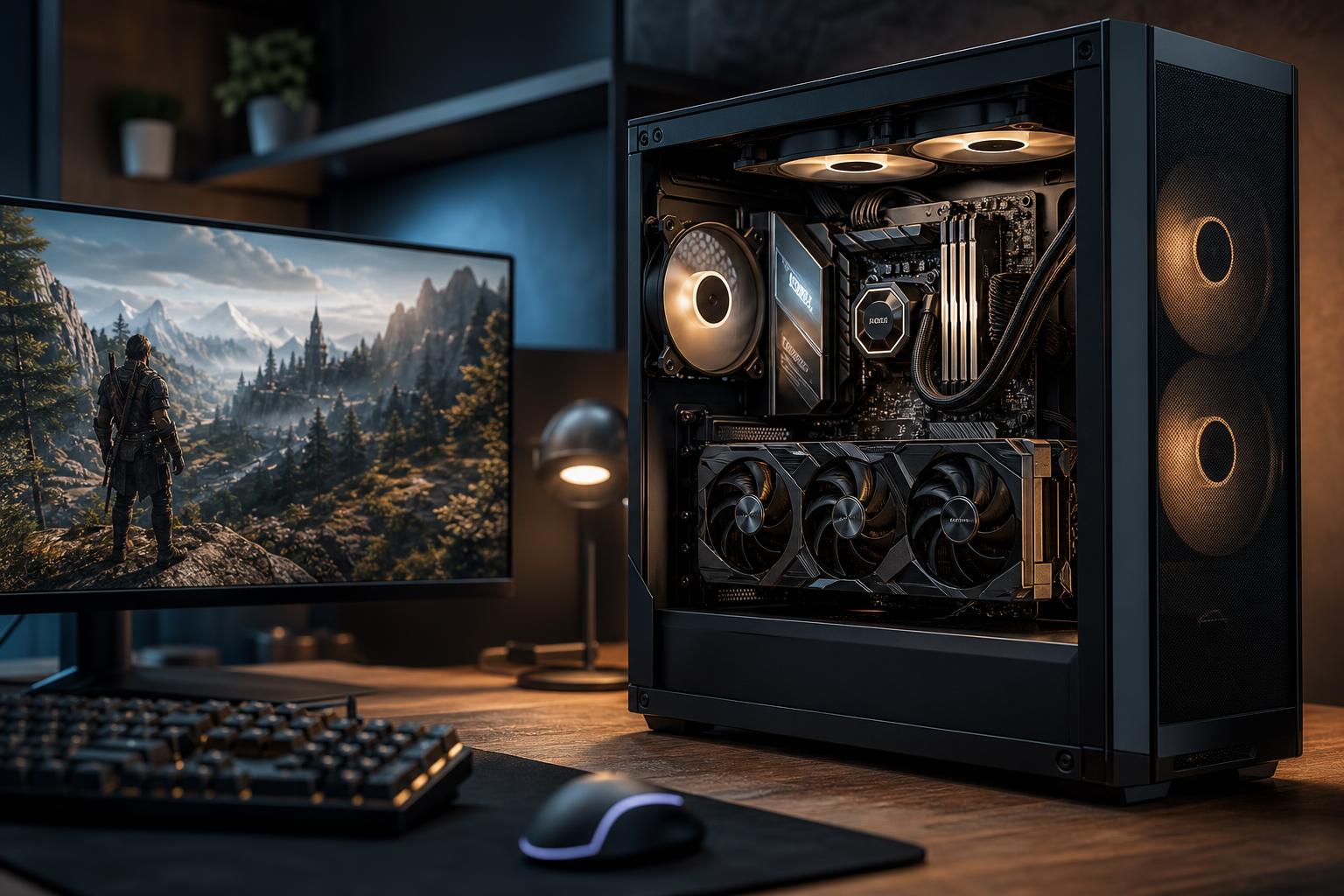
A well-built gaming PC commonly stays enjoyable for five to eight years, and it can remain functional much longer than that. But “last” means different things to different buyers. A system that still runs everyday tasks after eight years may no longer deliver the frame rates, visual settings, or resolution its owner wants in new games.
The useful question isn’t just how long a gaming PC will turn on. It is: how long will it provide the experience you bought it for? A PC built for smooth 1440p gaming at a high refresh rate has a different performance target than one meant for modest 1080p gaming. A machine used for video editing, 3D work, or local AI also has different pressure points, especially around CPU performance, system memory, and GPU VRAM.
The good news is that a thoughtfully configured desktop usually ages far better than a laptop or an off-the-shelf system built around hard-to-upgrade parts. Sensible component selection and a realistic upgrade plan matter more than trying to buy every top-spec part available.
Your display sets the performance standard. A GPU that provides a great experience at 1080p may feel strained much sooner at 4K, where it must render four times as many pixels. Similarly, moving from a 60Hz monitor to a 165Hz or 240Hz display raises the frame-rate target substantially.
If you are happy adjusting a few settings from Ultra to High as games become more demanding, your system can remain satisfying for years. If you expect maximum settings, ray tracing, and very high frame rates in every new release, you will likely upgrade the graphics card more often. There is nothing wrong with either approach; just do not build a PC around expectations that do not match your monitor.
Competitive games and well-established titles can run well on older hardware for a long time. Newer large-scale games, heavily modded games, simulation titles, and games using advanced lighting features tend to push hardware harder. CPU demands can also rise in games with large maps, many AI characters, detailed physics, or busy multiplayer environments.
For professional work, application updates and project size often drive upgrades sooner than hardware failure. A video editor may need more storage and RAM as camera files grow. A 3D artist may need more GPU VRAM as scenes become more complex. An engineer working with larger models or point clouds may hit memory capacity and CPU limits before the system is otherwise old.
A balanced PC lasts longer because one weak component does not hold everything else back early. For gaming, the graphics card deserves a substantial share of the budget, but the CPU must still be capable enough to feed it frames consistently. The system also needs enough RAM, a quality power supply, adequate cooling, and storage with room to grow.
A common false economy is pairing a powerful GPU with the least expensive power supply, a restrictive case, minimal memory, and a tiny SSD. The PC may boot and benchmark, but high temperatures, noise, full storage, and a limited upgrade path make it feel old sooner than it should.
Most desktop components do not have a fixed expiration date. They either physically fail after many years of use or become less suitable as software demands increase.
A sensible entry-level system can often deliver good 1080p gaming for around four to six years, especially for esports, indie games, and less demanding titles. It may need lower settings sooner in the newest graphically intensive games. A GPU upgrade can extend its useful life, but only if the power supply, case space, and CPU remain appropriate for the newer card.
This is often the sweet spot for buyers who want strong image quality without treating every component as a luxury purchase. A well-balanced 1440p PC can commonly provide a satisfying experience for five to seven years, with occasional settings adjustments and a possible GPU upgrade along the way. Starting with 32GB of RAM and a roomy SSD is practical here, not extravagant.
High-end systems generally have better longevity in absolute performance, but they are not immune to rising expectations. 4K gaming and high-refresh displays place continuous pressure on the GPU. A premium graphics card may stay capable for years, yet buyers who want the highest settings and advanced lighting features at 4K are usually the most likely to upgrade the GPU every few generations.
The rest of a high-end build should support that plan: a robust power supply, strong cooling, a case with usable GPU clearance, and a platform that will not force a full rebuild for a simple graphics upgrade.
Future-proofing has limits. Buying far more performance than you will use today is often an expensive way to avoid a decision you may not need to make for years. Instead, invest in the parts that make upgrades and long-term ownership easier.
Software habits matter too. Keep GPU drivers and important applications current, leave breathing room on the primary SSD, and investigate new crashes or temperature changes rather than ignoring them for months.
Upgrade when one component is clearly limiting an otherwise healthy system. If games run acceptably but graphics settings or resolution are the problem, the GPU is the likely target. If the system stutters while multitasking, runs out of storage, or struggles with large projects, RAM or SSD capacity may be the answer.
A full replacement makes more sense when several core pieces are outdated at once. For example, an older platform may need a new CPU, motherboard, RAM, graphics card, power supply, and possibly a case or cooler to meet your goals. At that point, forcing a chain of upgrades can cost nearly as much as a new, balanced system while leaving you with compromises.
Also consider reliability. Repeated shutdowns, unstable performance, failing storage, very high temperatures, or power-related problems deserve diagnosis before adding expensive new hardware. An upgrade should solve the actual bottleneck, not merely be the most visible part in the system.
A gaming PC does not need to be replaced on a schedule. The right time is when it can no longer deliver the experience you value at a sensible upgrade cost. For most people, the smartest plan is to buy enough performance for their current monitor and games, choose quality supporting components, and leave a clear path for storage, memory, and graphics upgrades.
At Overclock Computers, we can help design a gaming PC or high-performance desktop around the games and applications you use, the display you own, and the upgrade path you want. That means spending where performance will be noticeable and avoiding expensive specifications that will not improve your real-world experience.