Best CPU for Gaming and Productivity: How Many Cores Do You Really Need?

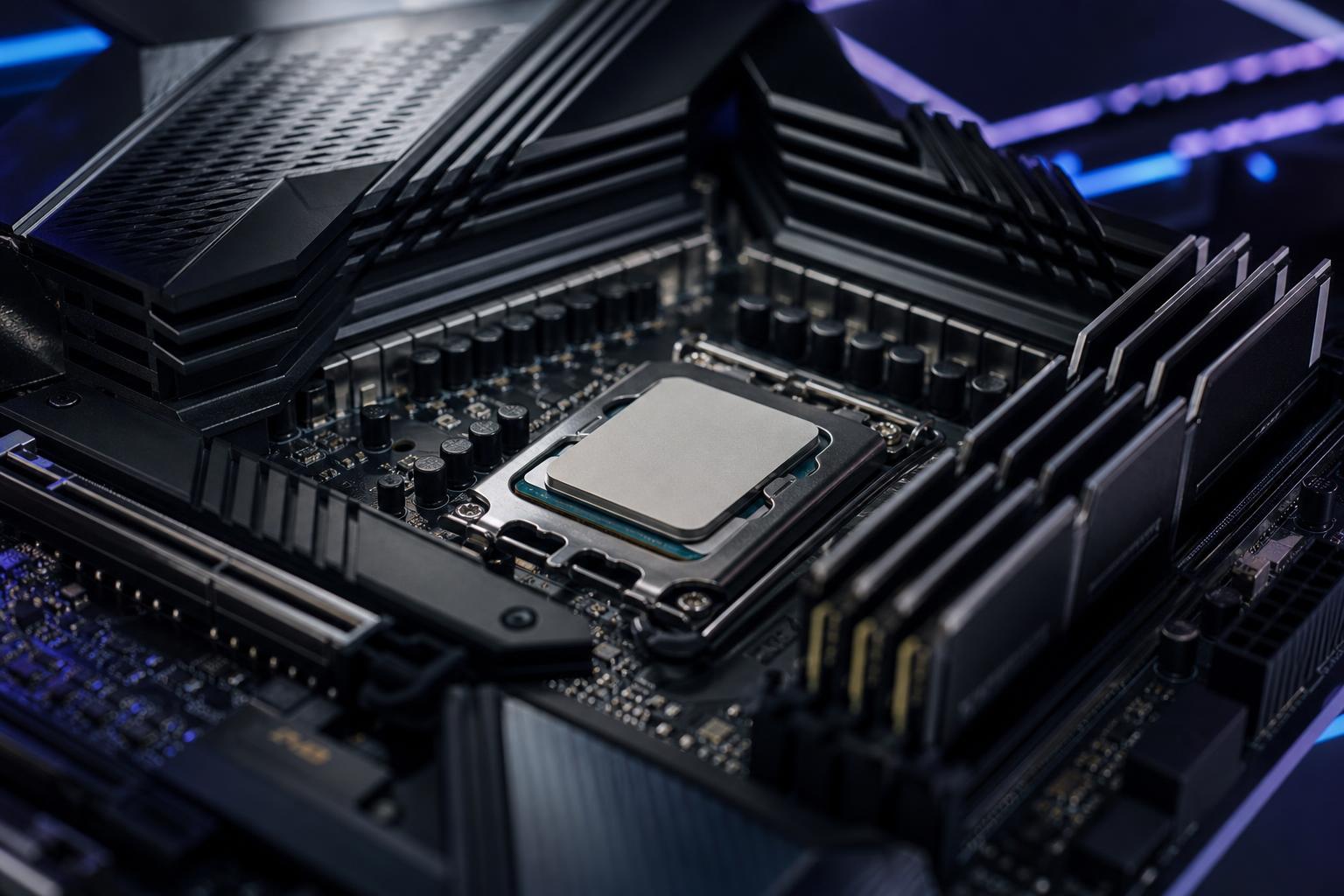
The best CPU for gaming and productivity is rarely the one with the biggest number on the box. A processor has to suit the software you run, the graphics card you pair with it, your monitor, and the kind of work you need finished quickly.
For a gaming-only PC, fast individual CPU cores matter more than an enormous core count. For video editing, 3D rendering, code compilation, virtual machines, and heavy multitasking, additional cores can make a very noticeable difference. The smart purchase is the processor that removes the bottleneck in your workload without taking money away from parts that matter more, such as the GPU, RAM, or storage.
CPUs are often compared as though one benchmark can settle the matter. Real software does not work that way. Some tasks use only a few fast cores. Others will keep every available core busy for as long as you let them.
Most games benefit most from strong single-thread and lightly threaded performance. Games also respond well to a CPU with ample cache, which is a small pool of extremely fast memory located on the processor itself. This is particularly useful in simulation-heavy, strategy, esports, and large open-world games.
A capable modern 6-core processor can still provide an excellent gaming experience, especially at 1440p or 4K where the graphics card usually carries the heavier load. However, an 8-core CPU is the more comfortable recommendation for a new midrange-to-high-end gaming PC. It leaves useful breathing room for background applications, game launchers, voice chat, browser tabs, and the games that will arrive over the next few years.
At 1080p with a very fast graphics card and a 240Hz, 360Hz, or faster monitor, CPU performance becomes much more important. Those systems should favor a processor known for excellent gaming performance rather than simply chasing more cores.
Video export, CPU-based rendering, large batch photo work, transcoding, software compilation, and virtualization can use many CPU cores efficiently. If this is regular paid work or a meaningful part of your week, a 12-core or 16-core class processor can save time often enough to justify its higher cost.
That does not mean every creator needs the largest desktop CPU available. Many editing applications lean heavily on GPU acceleration, so spending the entire budget on the processor while settling for a weaker graphics card can be a mistake. Resolve, Premiere Pro, Blender, and similar programs have their own balance of CPU, GPU, memory, and storage demands.
For office applications, web browsing, schoolwork, and general programming, a quality 6-core or 8-core processor is usually plenty. Developers working with large projects, containers, local databases, multiple virtual machines, or frequent builds should consider 12 cores. More cores help when several demanding tasks run at the same time; they do not automatically make a simple spreadsheet or web page faster.
Core count is not the whole story. Different CPU families can deliver very different performance per core, cache capacity, memory support, and power use. Compare current independent reviews for the exact processors under consideration, especially in the applications you use.
A processor tuned for top-tier game performance may use a cache-heavy design and fewer total high-performance cores. A productivity-oriented processor may offer many more cores and finish renders or exports faster. Neither approach is automatically better.
If gaming is the priority and content creation is occasional, buy the stronger gaming CPU and put the remaining budget toward the GPU. A faster graphics card has a much larger effect on frame rates at 1440p and 4K than stepping from an 8-core CPU to a 16-core CPU.
If your PC earns its keep through rendering, editing, compiling, or engineering work, calculate the cost in time. Reducing a daily render, export, or build process by several minutes can be valuable. In that situation, choosing more CPU cores and sufficient RAM is practical rather than extravagant.
A CPU purchase is also a platform purchase. The motherboard, RAM, cooler, and power delivery all affect the final machine.
You need a board with the correct CPU socket, enough M.2 slots and USB connectivity, the expansion slots you need, and power delivery appropriate for the processor. High-core-count CPUs and processors allowed to draw substantial power deserve a motherboard with robust voltage-regulation cooling.
Beyond that, expensive motherboards often add convenience features rather than performance: more ports, extra networking options, elaborate lighting, or overclocking controls. Those are useful only if you will use them. Put the money into the CPU, GPU, memory capacity, or a better monitor first.
For a new gaming PC, 32GB of DDR5 memory is the sensible target. It gives modern games and background software room to operate without turning memory management into a daily annoyance. For professional work, 64GB is a better baseline when projects include high-resolution video, large Photoshop files, 3D scenes, virtual machines, or complex CAD assemblies. Some specialized workloads need 128GB or more.
Memory speed and settings also matter, but stability matters more. Choose a compatible, matched memory kit and ensure the motherboard supports its rated profile. A PC that occasionally crashes during a long render is not a high-performance workstation, regardless of its benchmark score.
A CPU cannot maintain high boost speeds if it is running into temperature or power limits. That is why cooler selection should match the processor rather than its appearance.
A good tower air cooler is often ideal for efficient 6-core and 8-core CPUs. It is reliable, straightforward, and usually offers excellent value. Larger air coolers and quality all-in-one liquid coolers make more sense for high-power 12-core and 16-core processors, sustained rendering workloads, or builds where low noise is important. An AIO is not required for every premium PC, but a small or inexpensive cooler paired with a power-hungry CPU is a false economy.
Spend more when you can name a task that will benefit: a faster compile, smoother high-refresh gaming, shorter exports, more virtual machines, or a workstation application that uses additional cores. Do not spend more simply because the CPU is marketed as a flagship.
For most people building a balanced gaming and productivity computer, the sweet spot is an 8-core or 12-core modern processor, 32GB to 64GB of RAM, fast NVMe storage, and a graphics card selected around the monitor and the applications in use. That combination is broad enough to handle real work without treating every purchase like a benchmark competition.
The best CPU for gaming and productivity is the one that complements the rest of the system. Pairing a very expensive processor with an entry-level GPU rarely makes sense for gaming. Pairing a premium GPU with too little RAM, slow storage, or inadequate cooling can also leave performance on the table.
Before choosing, make a short list of the games and programs you use most, your monitor resolution and refresh rate, and the tasks that currently feel slow. Overclock Computers can help turn that list into a balanced custom PC or workstation with the CPU performance you need and none of the waste you do not.