Air Cooler vs. AIO Liquid Cooler: Which CPU Cooler Should You Buy?

Choosing a CPU cooler is easy to overthink. A large air cooler can outperform a small liquid cooler, while a well-chosen 360mm AIO can keep a high-power workstation processor under control when most air coolers cannot. The right answer is not simply “liquid is better” or “air is more reliable.” It comes down to the processor’s real heat output, the case, the work you do, and how much noise you are willing to accept.
For most gaming PCs, a quality tower-style air cooler is the sensible starting point. For powerful CPUs that spend long periods rendering, compiling code, simulating, or processing video, a larger all-in-one liquid cooler often earns its cost. Here is how to make the call without buying cooling hardware for looks alone.
A cooler does not make a processor faster by itself. It allows the processor to maintain its intended boost behavior without hitting thermal limits, usually with less fan noise. Once temperatures are already under control, adding more cooling may improve acoustics but will not magically produce a large performance gain.
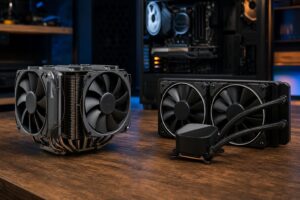
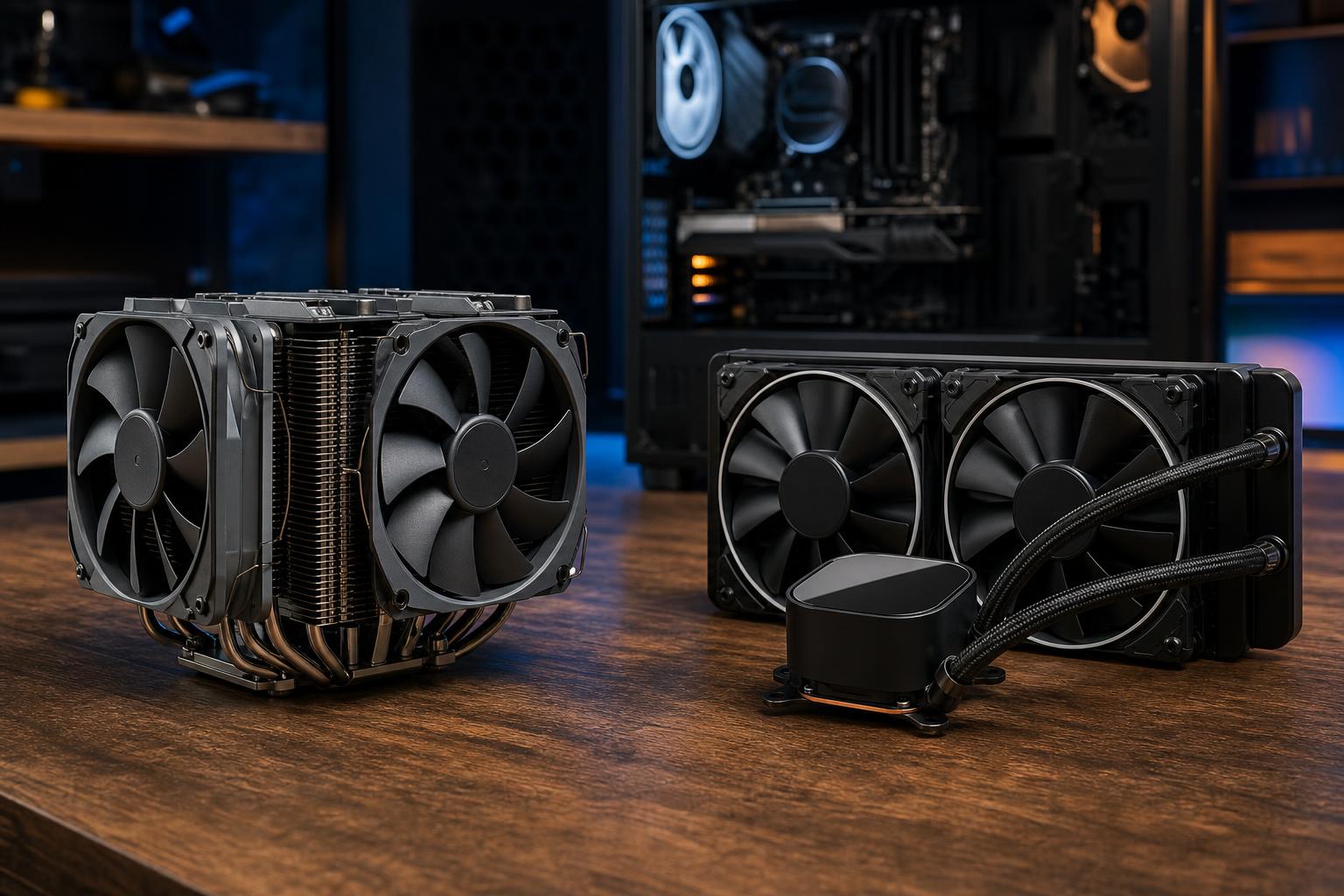
A tower air cooler transfers heat from the CPU into a metal base and heat pipes, then into a stack of aluminum fins. One or two fans push air through that fin stack and out into the case, where case fans carry the heat away.
The design is refreshingly simple. There is no pump, no radiator, and no liquid loop. A good dual-tower air cooler has a large surface area, high-quality fans, and enough heat-pipe capacity to handle many powerful desktop CPUs.
The main limitation is heat capacity during sustained heavy loads. Modern high-end CPUs can draw substantial power for minutes or hours at a time. A large air cooler can handle a surprising amount, but it eventually runs out of fin area and must spin its fans faster to keep up.
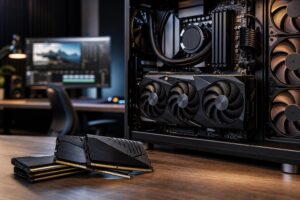
Physical size also matters. Large dual-tower coolers can interfere with tall memory modules, motherboard heatsinks, or the side panel in narrower cases. These are solvable compatibility issues, but they need to be checked before ordering parts.
An all-in-one, or AIO, liquid cooler uses a pump block on the CPU, flexible tubing, and a radiator with fans. Liquid moves heat away from the CPU block to the radiator, where the fans release it into the surrounding air.
Despite the name, an AIO is still air-cooled at the radiator. Its advantage is that it moves the heat-exchange surface away from the CPU socket and gives the builder room for a much larger radiator.
An AIO is not automatically quieter. It adds a pump, radiator fans, and sometimes extra fan noise if the radiator is undersized for the CPU. A 120mm AIO, for example, is usually poor value and can perform no better than a good inexpensive tower air cooler. In many cases, it is louder.
AIOs also have more parts that can age. Modern units from reputable manufacturers are generally reliable, but pumps can eventually fail and coolant slowly permeates through tubing over many years. Unlike a fan on an air cooler, a failed pump normally means replacing the complete unit.
If you choose an AIO, radiator size is the most meaningful specification. As a broad guide:
Do not select a radiator based on what looks impressive through a glass panel. First confirm where it fits, what fan and radiator thickness the case supports, and whether a top-mounted radiator will clear the motherboard and memory.
Processor names alone do not tell the whole story. Some CPUs are tuned to use relatively modest power, while others aggressively use available thermal and electrical headroom to maintain high clocks. Motherboard settings can change this behavior further.
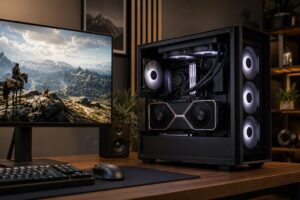
Gaming rarely loads every CPU core as heavily as a long render or encode. That means a capable single-tower or dual-tower air cooler is enough for a large share of gaming PCs, including systems with powerful graphics cards. Put the saved money toward the GPU, more storage, or a better monitor before buying an oversized cooler.
An AIO makes sense in a gaming system when you have a particularly power-hungry CPU, want lower noise during extended play, or simply prefer the layout and appearance. It is a valid preference, just not a mandatory performance purchase.
For video exports, 3D rendering, code compilation, simulation, scientific workloads, and similar tasks, CPUs can remain near maximum load for a long time. This is where a 280mm or 360mm AIO often has a practical advantage. It can help a high-core-count processor sustain performance while avoiding the fan speeds a smaller cooler would need.
That said, a workstation does not always need liquid cooling. A processor with moderate sustained power and a sensible power limit may be perfectly happy under a premium air cooler. Reliability, easy maintenance, and low downtime can be strong reasons to choose air in business systems.
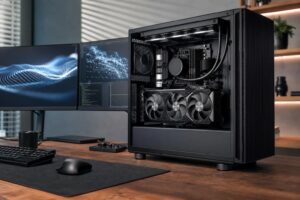
Neither cooler type works well in a case that traps heat. CPU temperatures are influenced by the temperature of the air entering the cooler or radiator. If the graphics card is dumping heat into a poorly ventilated case, the CPU cooler starts at a disadvantage.
A balanced setup normally uses front or bottom intake fans and rear or top exhaust fans. With an AIO, radiator location changes the tradeoff:
For a gaming PC with a powerful graphics card, we often favor top radiator exhaust when the case supports it. The GPU is usually the primary heat source during games, so preserving it a good supply of cool front intake air matters.
Quiet cooling comes from adequate cooling surface area, good fans, sensible airflow, and sensible CPU power settings. It does not come from a single label on the box. A large air cooler with slow fans can be quieter than a small AIO working hard. A large radiator AIO can be quieter than an air cooler during a long workstation render.
For maintenance, keep dust filters, radiator fins, and fan blades clean. Air coolers are easier to inspect and service. AIOs need little routine work, but listen for unusual pump noises and watch CPU temperatures over time. If a system suddenly runs much hotter than normal under the same workload, investigate rather than just increasing fan speed.
Buy the simplest cooler that keeps your CPU performing properly at acceptable noise levels. For most gaming builds, that is a reputable tower air cooler with a well-ventilated case. It is affordable, durable, and far more capable than the small stock coolers many people picture.
Step up to a 280mm or 360mm AIO when the processor and workload genuinely justify it, or when case layout and aesthetics make it the better fit. Avoid tiny AIOs, avoid paying a premium for cooling capacity your CPU will never use, and do not overlook clearance and airflow planning.
If you are choosing parts for a new gaming PC or workstation, Overclock Computers can help match the CPU cooler, case, processor, and fan layout to the way you actually use the system. Contact our team to plan a balanced custom build without spending money on the wrong kind of performance.