Best Gaming PC Under $1,500 in 2026: What to Buy and What to Skip

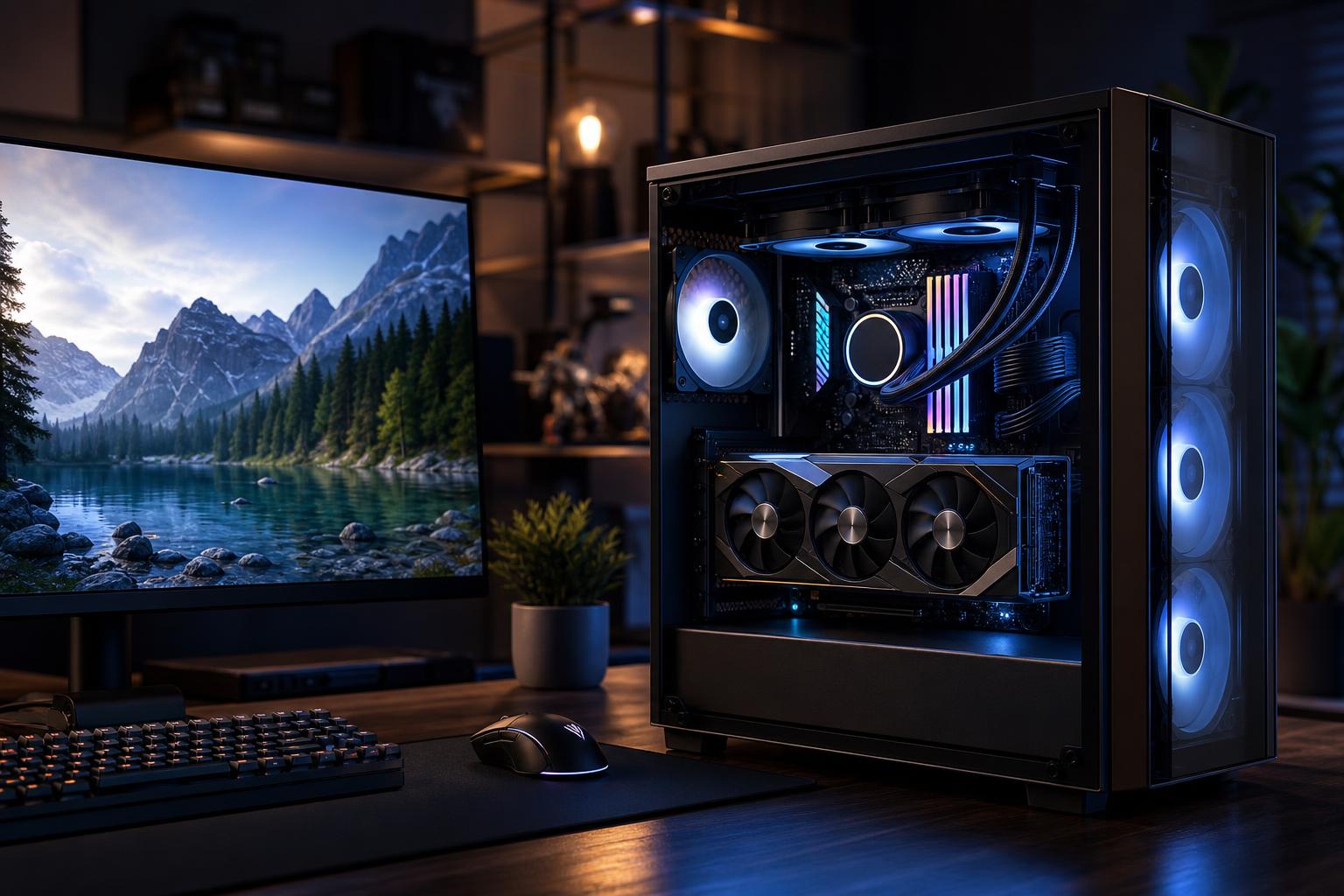
A well-configured gaming PC under $1,500 should be a very capable 1440p machine in 2026. It should play current games smoothly at sensible settings, handle competitive titles at high frame rates, and leave enough room for a quality power supply, proper cooling, and future upgrades.
The short version: prioritize the strongest graphics card that fits after allowing for a modern six- or eight-core CPU, 32GB of RAM, a 1TB NVMe SSD, and a solid platform around them. Don’t spend the budget on decorative parts, a needlessly expensive motherboard, or an oversized liquid cooler while settling for a weaker GPU.
For most buyers, the best gaming PC under $1,500 is aimed at 1440p gaming. If you still use a 1080p monitor, this class of system can deliver excellent high-refresh-rate performance and should stay useful when you move to 1440p later.
Exact parts and street prices move constantly, so it is smarter to shop for a balanced specification than chase a fixed list of model numbers. A good target looks like this:
This is the sweet spot because it delivers real gaming performance now without creating a system that is frustrating to upgrade, noisy under load, or held back by too little memory and storage.
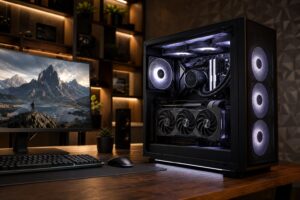
For a gaming-focused PC, the graphics card is usually the most important purchase. At 1440p, and especially with high graphics settings or ray tracing enabled, the GPU does far more to determine your experience than stepping up to a premium gaming CPU.
A good rule is to put roughly 40% to 50% of the total system budget toward the graphics card, depending on current pricing and whether you need peripherals or an operating system included. That does not mean buying the most expensive GPU at any cost. It means avoiding a build that pairs a premium processor with a graphics card that limits the games you want to play.
Video memory, or VRAM, stores textures, game assets, frame buffers, and other data the GPU needs immediately. When a game runs out of VRAM at your preferred settings, lowering texture quality may help, but the experience can also include stutters or uneven frame pacing.
For a new $1,500 gaming PC, we would avoid low-VRAM graphics cards unless you mainly play esports games at 1080p. A card with 12GB is a sensible floor for a general-purpose 1440p build. More VRAM can be worthwhile for heavily modded games, high-resolution texture packs, ray tracing, and keeping the system longer—but only if the GPU itself has enough performance to make use of those settings.
A modern six-core processor is enough for many gaming PCs. An eight-core model can be a smart upgrade if the price difference is reasonable, particularly if you stream, run background applications, edit video, compile code, or play CPU-heavy simulation and strategy games.
What most buyers should not do is sacrifice a meaningful GPU tier to afford a flagship CPU. In typical 1440p AAA gaming, that trade usually lowers performance rather than improving it. Spend more on the processor when your games are known to be CPU-heavy, you are chasing very high frame rates, or the computer also has a serious productivity role.
Competitive players running a 240Hz monitor are the main exception. Their games may be played at lower settings and become more CPU-limited. For everyone else, GPU balance wins.
For a new gaming build in this price range, buy 32GB of RAM. Modern games, browser tabs, voice chat, launchers, recording tools, and background utilities can make 16GB feel cramped faster than it used to. The difference is not always a higher average frame rate; it is often fewer avoidable hiccups and a smoother multitasking experience.
Use two matched memory sticks, not a single larger module. Dual-channel memory provides more bandwidth and is the normal configuration for a performance desktop. Very high memory speeds and exotic timings are a lower priority than capacity, stability, and a balanced GPU.
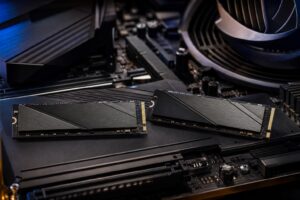
A 1TB NVMe SSD is the practical minimum for this budget. Modern games are large, and a drive that is nearly full becomes annoying long before it becomes technically unusable. You should be able to keep Windows, your everyday applications, and several large games installed without constant cleanup.
Paying a large premium for the fastest benchmark-winning SSD rarely changes gaming in a meaningful way. A quality mainstream NVMe drive is the right choice. Put extra money toward GPU performance, capacity, or a better power supply first. If you keep a large game library, plan for a second SSD rather than buying a cheap external drive and hoping for the best.
Some components will not make a frame-rate chart look better, but they determine whether the PC remains pleasant and dependable to own.
Do not treat the power supply as leftover-budget hardware. Choose a reputable unit with enough capacity and the proper native cables for the graphics card. A quality 750W unit is often appropriate for a system in this class, although the correct wattage depends on the exact CPU and GPU. More wattage is not automatically better; build quality, protections, connector support, and sensible headroom matter more.
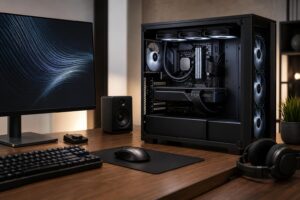
Choose a case with a ventilated front panel, room for full-size components, and included or planned intake and exhaust fans. A good tower air cooler is usually plenty for a gaming CPU. Liquid cooling can be useful for certain higher-power processors or for a specific appearance, but it is not a mandatory performance upgrade.
Good airflow helps the GPU hold consistent boost behavior, reduces fan noise, and makes every component’s job easier. Tempered-glass cases with restricted airflow may look tidy in photos, but heat has no appreciation for aesthetics.
A mainstream motherboard is enough for most $1,500 builds. Look for the storage slots, rear USB ports, front-panel connectivity, networking, and expansion capability you need. Wi-Fi can be worthwhile if running Ethernet is impractical. Otherwise, do not pay a large premium for enthusiast features you will never touch.
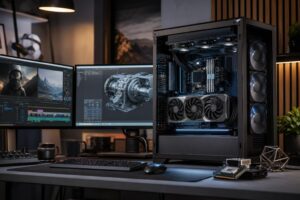
A $1,500 system makes sense for someone who wants strong 1440p gaming, plays a mix of competitive and demanding single-player titles, and wants a machine that should remain satisfying for several years with sensible settings adjustments. It is also a strong starting point for gaming and occasional streaming or content creation.
Spend less if you play mostly esports titles at 1080p and do not plan to upgrade your monitor soon. Spend more if 4K gaming, heavy ray tracing, a 240Hz 1440p display in demanding games, extensive game modding, or professional GPU work is central to your plans. Those goals put much more pressure on the graphics card budget.
Mass-market systems can offer good value, but buyers should read the full component list carefully. The advertised CPU and GPU may be appealing while the system quietly cuts corners on the power supply, cooling, motherboard, memory configuration, storage capacity, or case airflow. Those are the parts that shape noise, reliability, upgrade options, and day-to-day ownership.
A thoughtfully configured custom PC lets you direct money toward the parts that matter for your monitor, games, and future plans. Overclock Computers can build a gaming PC around your actual budget, preferred games, resolution and refresh-rate target, style preferences, and upgrade path—without padding the configuration with hardware that will not improve your experience.