Best Gaming PC for Competitive 240Hz Gaming in 2026

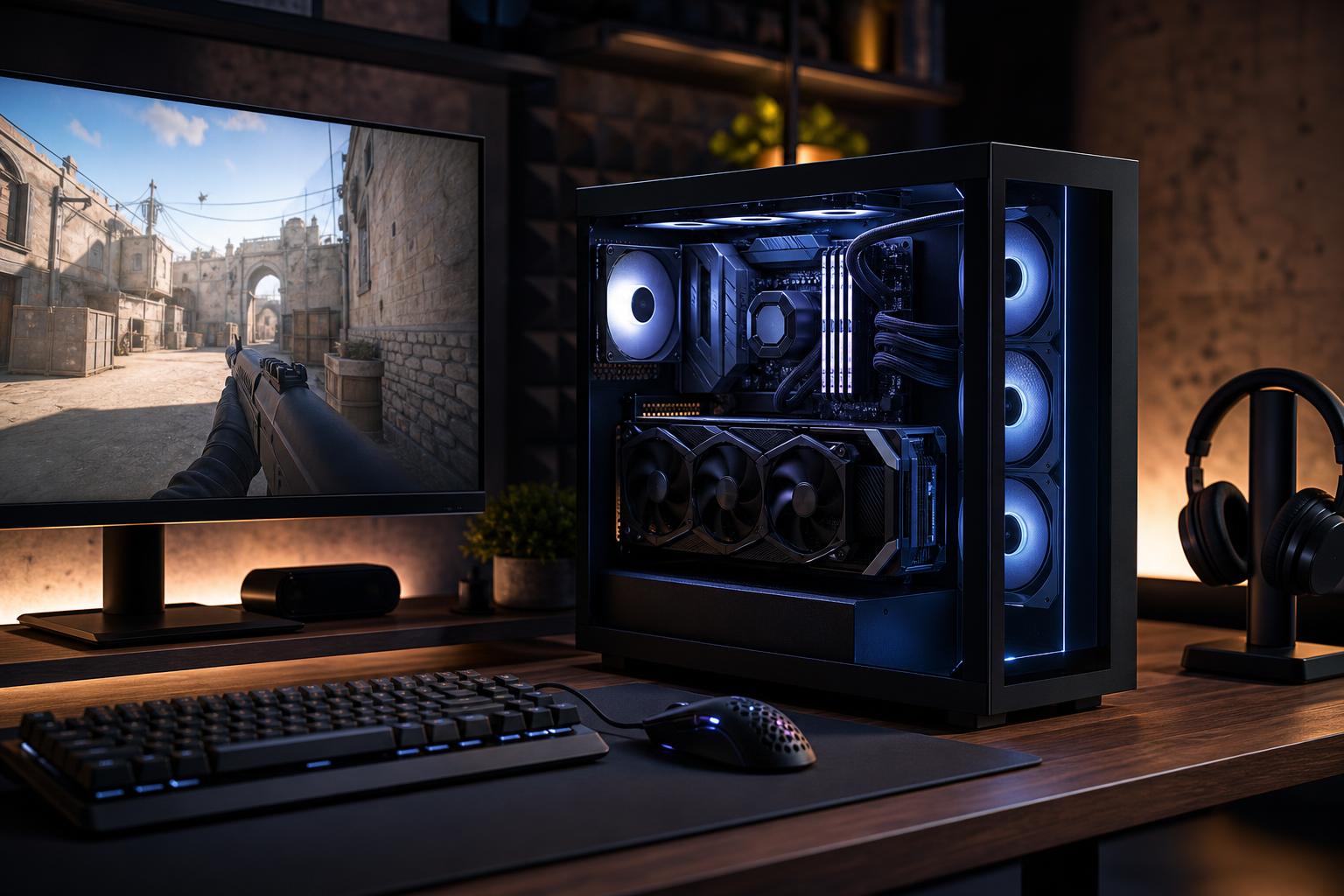
A 240Hz monitor can refresh its image up to 240 times each second. To make that worthwhile, your PC needs to deliver high frame rates consistently—not merely hit a big number in a quiet section of a game.
For most competitive players, the best PC for 240Hz gaming puts a fast gaming CPU first, pairs it with a capable midrange-to-high-end GPU, includes 32GB of RAM, and uses reliable cooling. Don’t build around a flagship graphics card by default. At 1080p, and often at 1440p with competitive settings, the processor frequently determines whether frame rates stay high during a busy match.
A sensible competitive gaming PC should look broadly like this:
For games such as Counter-Strike 2, Valorant, Rocket League, Overwatch, Rainbow Six Siege, and similar esports titles, this class of PC is usually a better use of money than a GPU-heavy system built for cinematic 4K gaming. Competitive games reward low input latency, stable frame times, and CPU performance as much as raw graphical horsepower.
“240Hz gaming” is not one performance target. A PC that runs Valorant comfortably at 240 frames per second may not maintain that rate in Call of Duty, Fortnite with demanding visual features enabled, or a heavily populated simulation game.
At 1080p, competitive settings often reduce the graphics card’s workload enough that the CPU becomes the limiting part of the system. The processor must prepare game logic, player movement, draw calls, physics, and background tasks fast enough to feed the graphics card every frame.
This is why a top-tier GPU paired with a modest CPU can be a disappointing 240Hz build. The GPU may be waiting for the processor while frame rates dip during the moments that matter: smoke effects, ability-heavy fights, crowded scenes, or late-game circles.
For a dedicated 1080p esports PC, spend enough on the GPU to suit your most demanding game, then put the next meaningful portion of the budget toward a faster CPU, quality memory, and cooling.
A 1440p 240Hz monitor offers a sharper image than 1080p while retaining the excellent motion clarity competitive players want. It also asks substantially more from the GPU. For lighter esports games, a strong gaming CPU remains crucial. For newer shooters, battle royale games, and games with higher-quality settings, GPU performance becomes much more important.
This is the sweet spot for many players who want one PC for ranked multiplayer, single-player games, and general use. Just be realistic: running every new game at maximum settings, native 1440p, and a locked 240 fps is a much tougher target than playing esports titles at tuned competitive settings.
This tier is for players whose main games are well-optimized competitive titles and who use a 1080p 240Hz display. Choose a modern upper-midrange gaming CPU, a capable midrange GPU, 32GB of RAM, and a 1TB or 2TB NVMe SSD.
Spend money on a good monitor, mouse, keyboard, and stable wired network before chasing premium visual features. In esports, the difference between an inconsistent system and a well-tuned one is far more useful than ultra-quality shadows you’ll turn off anyway.
This is the best fit for players who want high refresh gaming at 1440p, play a mix of esports and graphically heavier titles, or stream occasionally. Use a high-end gaming CPU and a higher-tier GPU with enough VRAM for modern 1440p games. Keep 32GB RAM as the baseline and select 2TB of fast NVMe storage if you keep several large games installed.
This tier is where balanced part selection matters most. A system should not cut corners on the power supply, cooling, case airflow, or motherboard connectivity just to reach a particular GPU model.
An enthusiast build makes sense if you want 1440p 240Hz with higher visual settings, regularly play demanding new games, stream while gaming, create content, or simply want more headroom before your next upgrade. Here, a flagship-class gaming CPU and high-end GPU can be justified.
That said, even this tier cannot guarantee 240 fps in every future game at every setting. Modern games vary wildly in optimization, and some visual effects impose a steep performance cost. Use sensible settings, and consider well-implemented upscaling where it improves performance without hurting the image you need to play well.
A competitive system benefits from a processor that is excellent at gaming, not merely one with the largest core count. More cores can help with streaming, recording, rendering, and heavy multitasking, but they do not automatically create higher game frame rates.
Look for a current CPU platform with strong gaming results, enough cores for your other applications, and a sensible upgrade path. If you run Discord, a browser, game capture software, anti-cheat tools, and streaming software at once, don’t choose the entry-level CPU solely because the average frame rate looked acceptable in a benchmark.
Choose your graphics card based on the hardest game you expect to play at your chosen resolution. A GPU that is ample for Valorant may not be ample for a newer battle royale or a visually demanding single-player game at 1440p.
For competitive gaming, turning down a few costly settings is often the right move. Ray tracing is visually impressive in supported games, but it is rarely the best use of performance headroom when the goal is a sustained 240 fps. Put the budget toward dependable rasterized performance and adequate VRAM first.
Modern gaming PCs should generally start at 32GB. It gives the game, operating system, voice chat, browser tabs, launchers, and background tools room to work without constantly competing for memory. Use two matched memory modules rather than mixing kits later.
More than 32GB is worthwhile if you stream with multiple applications, edit video, use virtual machines, or keep unusually heavy programs open while gaming. For a gaming-only 240Hz machine, 64GB is usually a convenience upgrade, not a frame-rate upgrade.
A good NVMe SSD improves boot times, game loading, updates, and general responsiveness. For most gamers, choosing a reliable 2TB drive is more useful than paying heavily for a premium drive with benchmark-leading sequential speeds but limited capacity.
Keep some free space available. An almost-full SSD has less room for game updates, temporary files, and normal maintenance. Competitive games do not become magically smoother because of the most expensive SSD, but a cramped drive is annoying every day.
High-refresh gaming creates sustained load. A poorly cooled PC can become louder, warmer, and less consistent during long sessions. Choose a case with real intake airflow, correctly placed fans, and a CPU cooler sized for the processor. Glass-front cases with tiny side vents may look tidy, but hardware needs air more than it needs a display case.
The power supply should be from a trusted line, appropriately sized for the selected CPU and GPU, and equipped with the proper connectors. It is an easy place for mass-market systems to economize and a poor place to gamble on a powerful PC.
High hardware performance is only part of the experience. Make sure the monitor is actually set to 240Hz in the operating system and monitor menu. Use a quality DisplayPort or HDMI cable compatible with the display’s intended refresh rate and resolution. Enable the monitor’s adaptive-sync feature when appropriate.
Also use a wired Ethernet connection when possible. A powerful gaming PC cannot fix unstable Wi-Fi, packet loss, or a distant game server. For competitive play, network consistency matters just as much as a few extra frames per second.
The best gaming PC for competitive 240Hz gaming is not automatically the most expensive computer on the shelf. It is the system that matches your main games, monitor resolution, preferred settings, streaming needs, and upgrade plans without wasting budget in the wrong places.
Overclock Computers can help you configure a custom gaming PC around those details, from a focused 1080p esports machine to a powerful 1440p 240Hz system that also handles streaming and content creation. Share the games you play, the monitor you own or plan to buy, and your budget, and we can help build a balanced system with the performance headroom that makes sense.