Gaming PC Buying Guide: 8 Mistakes to Avoid Before You Buy

A good gaming PC is not simply the one with the longest specification list. It is the one that delivers the frame rate, image quality, noise level, and upgrade path you actually want for the games and monitor you use.
That sounds obvious, but many buyers end up paying for the wrong parts. A flashy processor can be paired with a graphics card that is too weak for 4K gaming. A system may have lots of RGB lighting but a cheap power supply, limited storage, or poor airflow. These choices may not be obvious in a product listing, yet they have a major effect on daily ownership.
This gaming PC buying guide covers the mistakes we see most often and how to make a more balanced decision.
Your monitor determines much of the hardware you need. Resolution tells the graphics card how many pixels it must draw each frame, while refresh rate affects how much CPU and GPU performance is useful.
Do not buy a system advertised as “4K ready” without asking what that means for your games and settings. Esports titles, older games, and demanding new releases can have radically different requirements. Similarly, buying an expensive GPU for a basic 1080p 60Hz display leaves a lot of its ability unused.
For most gaming-focused builds, the graphics card is the largest performance decision. It has the biggest influence on resolution, visual settings, ray tracing performance, and overall frame rate in graphically demanding games.
That does not mean the CPU is unimportant. Simulation games, strategy titles, large multiplayer matches, and high-refresh competitive gaming can be heavily CPU-dependent. But a balanced gaming PC usually should not pair a top-tier processor with a midrange graphics card simply because the processor name looks more impressive on a listing.
As a practical rule, allocate enough of the budget to the GPU that it matches your display goal, then choose a CPU that can keep it fed. For a machine used for streaming, editing, coding, or 3D work in addition to gaming, it can make sense to invest more in the processor. The reason should be the workload, not the badge on the box.
VRAM is the graphics card’s dedicated memory. Games use it for textures, frame buffers, geometry, and effects. As resolution and texture settings rise, VRAM demand rises too.
A card can be fast enough today yet become more constrained in future games if its VRAM capacity is modest for its performance tier. This is particularly relevant for 1440p and 4K buyers who want to use high-resolution texture packs, ray tracing, or demanding mods.
There is no single VRAM number that guarantees every setting in every game. Instead, consider it alongside the card’s overall speed and your target resolution. For 1080p gaming, modest capacities can still work very well. For a premium 1440p or 4K system intended to last several years, extra VRAM is often a worthwhile part of the GPU decision rather than an afterthought.
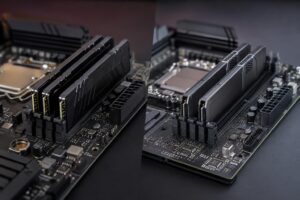
For a new gaming PC, 32GB of RAM is the practical sweet spot for many buyers. It gives modern games room to breathe while leaving capacity for a browser, voice chat, launchers, recording software, and background tasks.
16GB can still be usable for lighter gaming, but it is increasingly restrictive in a premium new system. On the other hand, 64GB generally does not increase gaming frame rates by itself. It makes sense for people who also edit large videos, work with 3D projects, run virtual machines, use demanding mod packs, or keep many heavy applications open.
Capacity is not the whole story. Two matched memory modules running in dual-channel mode are normally preferable to a single module. Memory speed and settings also matter, but they should not be allowed to distract from the larger priorities: enough capacity, stable operation, and a platform with reasonable upgrade options.
Modern games are large, and game libraries grow faster than most first-time buyers expect. A small SSD can make a new PC feel cramped almost immediately once the operating system, applications, game updates, and a few large titles are installed.
For many gaming systems, 1TB is a workable starting point. A 2TB primary SSD is a more comfortable choice for buyers who play several large games at once or do not want to manage installations constantly. Creators should also consider separate space for source footage, project files, exports, and backups.
Fast storage helps loading, asset streaming, and general responsiveness, but buying the absolute fastest drive available is rarely more valuable than buying enough good-quality SSD capacity. Leave room in the budget for both.
A powerful PC has to move heat out of the case. If it cannot, components may run louder, reduce their boost behavior, or simply make the room feel like it has acquired a small space heater.
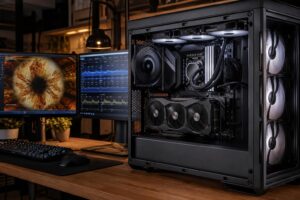
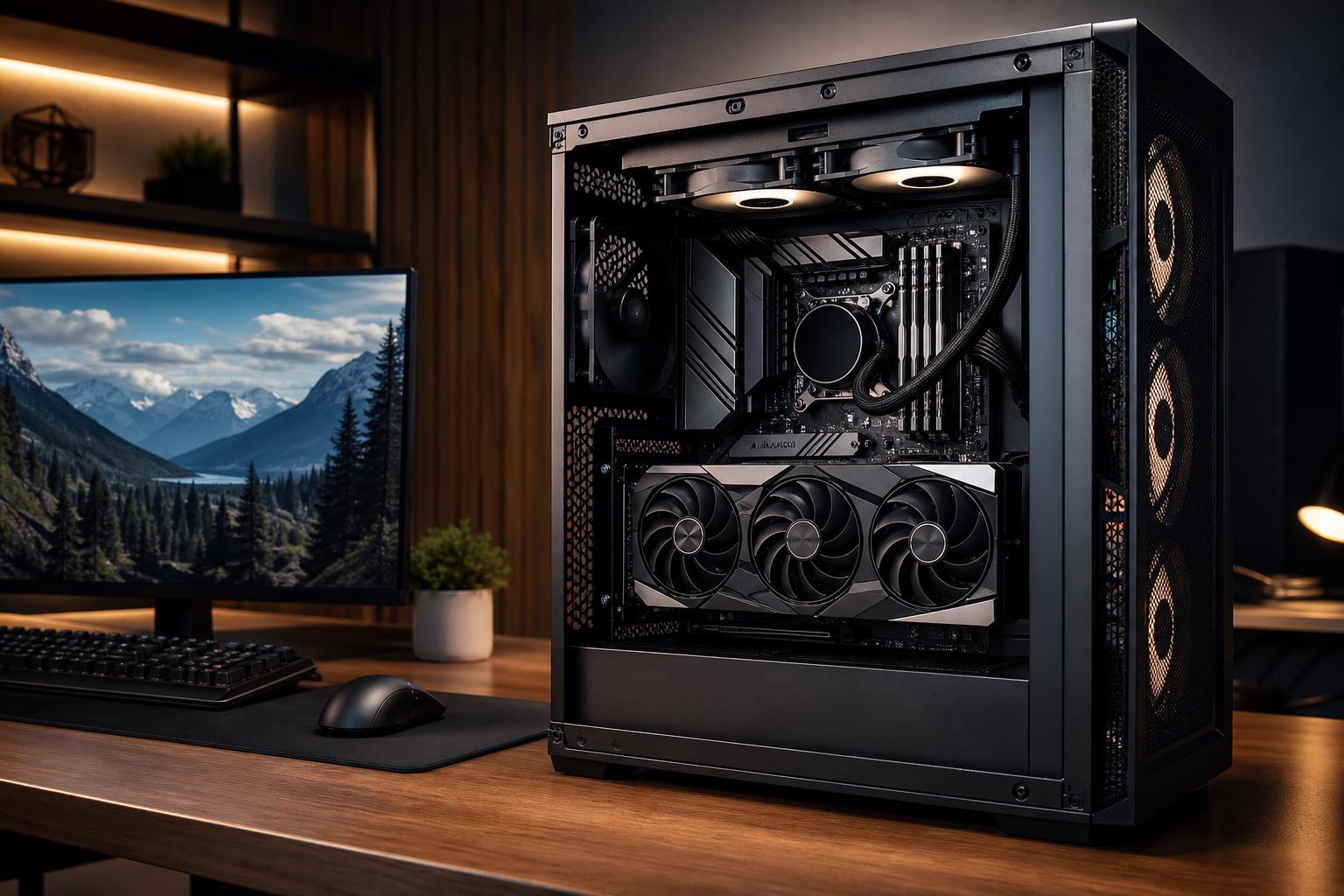
Look for a case with a sensible airflow path, enough properly placed fans, and a CPU cooler appropriate for the processor’s heat output. A glass-front case with tiny side vents may look tidy but can make cooling harder. More fans are not automatically better, either; placement and quality matter.
Cooling matters especially in high-end systems because the CPU and GPU can both produce substantial heat under load. A thoughtfully cooled build is usually quieter and more consistent during long gaming sessions than one built around appearances alone.
The power supply does not add frames per second, which is exactly why it is easy to neglect. It is still one of the parts that deserves careful selection. A quality unit provides stable power, appropriate protection features, the right connector support, and enough headroom for the selected hardware.
Do not judge a power supply by wattage alone. A questionable high-wattage model is not automatically a better choice than a well-built unit with an appropriate rating and capacity. The system should also use the correct native power connections for its graphics card where available, rather than relying on an untidy collection of adapters.
This is not the place to chase the lowest possible cost. A reliable power supply supports the entire system and can make future GPU upgrades easier.
No gaming PC is permanently future-proof. Games advance, display standards change, and new hardware eventually becomes faster. Trying to eliminate every future limitation often leads to spending far more than necessary today.
A better goal is useful longevity. Choose a configuration that meets your current target comfortably, has a quality power supply and cooling setup, includes adequate RAM and storage, and uses a case and platform that do not make sensible upgrades difficult.
Spend extra where it prevents an immediate compromise: enough GPU performance for your monitor, enough SSD space for your library, and enough memory for your normal multitasking. Be more cautious about paying a large premium for performance you cannot see or use yet.
Start with four clear answers: the games you play, the monitor you own or plan to buy, the frame-rate and image-quality goal you care about, and the total budget including peripherals. Then decide whether the PC also needs to stream, edit video, run professional software, or handle other demanding work.
From there, build around the graphics card, select a CPU that fits the target, and protect the investment with adequate memory, storage, cooling, and power delivery. That is how a gaming PC feels fast and well considered years after the initial purchase, rather than merely looking good in a specification comparison.
If you would like a second opinion before buying, Overclock Computers can help design a custom gaming PC around your games, monitor, performance goals, and budget. The right build is not always the most expensive one; it is the one where every major component has a job to do.