Best PC for 1440p Gaming in 2026: Specs That Make Sense

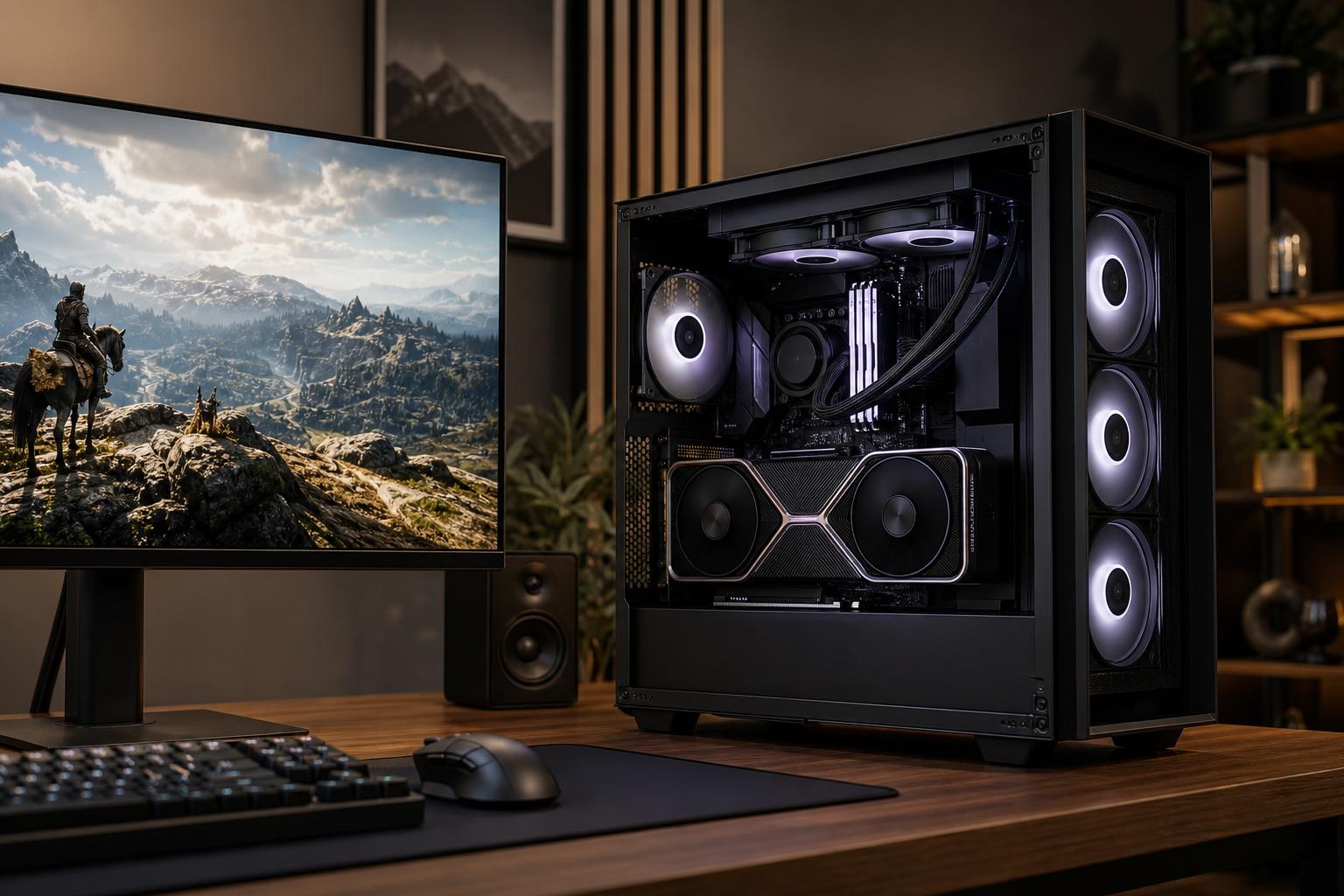
A well-configured 1440p gaming PC is the sweet spot for many players. It delivers a noticeably sharper image than 1080p without making the graphics card work as hard as it would at 4K. It also makes high-refresh-rate gaming realistic in a much wider range of games.
The best PC for 1440p gaming is not simply the one with the most expensive processor or the longest specification list. The graphics card matters most, but the right choice depends on the games you play, your monitor’s refresh rate, and whether you want to use demanding features such as ray tracing. A competitive shooter at 240Hz needs a different balance than a single-player RPG at 90 to 120 frames per second.
For most new 1440p gaming PCs, we recommend prioritizing a capable upper-midrange or high-end GPU, a modern six- to eight-core CPU, 32GB of RAM, and a 1TB or larger NVMe SSD. Spend enough on cooling, power delivery, and the case to keep that hardware quiet and reliable. Those less glamorous parts are where poorly balanced systems often cut corners.
“1440p gaming” usually means 2560 × 1440 resolution, but that alone does not tell us how much PC you need. Refresh rate changes the target substantially.
Do not buy a PC based on a frame-rate number taken from one game. Modern AAA games vary wildly in their demands. A system that runs an older competitive title at several hundred frames per second may run a new ray-traced game at a fraction of that rate with maximum settings. Decide which games and visual settings matter most to you.
The GPU is the main performance decision in a 1440p gaming PC. It determines how comfortably you can use high settings, ray tracing, and higher refresh rates. It also has the greatest effect on how long the system remains satisfying before you want an upgrade.
This tier is for players targeting roughly 60 to 100-plus fps in many games, with sensible settings adjustments in the most demanding releases. It is a good fit for a 144Hz monitor if you mostly play esports titles, older games, or do not mind using optimized rather than ultra settings.
Look for a current-generation GPU with enough performance for 1440p and a healthy VRAM allocation for modern textures. Avoid treating “Ultra” as a requirement. In many games, the visual difference between high and ultra is subtle, while the frame-rate cost can be surprisingly large.
For a 144Hz or 165Hz monitor, a stronger GPU is usually the better long-term buy. This class is where 1440p feels particularly balanced: fast enough for smooth motion in competitive games, while still capable of attractive settings in demanding single-player titles.
We would generally favor more GPU headroom here over an oversized CPU. A top-tier processor paired with a modest graphics card might produce excellent benchmark charts at low settings, but it is not the balanced configuration most people expect from a premium 1440p system.
A high-end GPU makes sense if you want to use ray tracing regularly, maintain high settings in new AAA games, or get closer to a 240Hz monitor’s potential outside lightweight esports titles. This is also the right direction for buyers who keep PCs for several years and prefer to upgrade less often.
Upscaling technologies can be useful at 1440p, especially with ray tracing. Used carefully, they can recover substantial performance while preserving a very convincing image. Think of them as a practical tool, not a substitute for buying enough graphics performance in the first place. Frame generation can make motion feel smoother in supported games, but it does not replace the low input latency and base frame rate competitive players need.
VRAM stores data the graphics card needs quickly, including textures, geometry, frame buffers, and ray-tracing data. When a game needs more VRAM than the GPU has available, you may see stuttering, texture compromises, or settings that simply will not fit comfortably.
For a new 1440p gaming PC, more VRAM is generally worthwhile when comparing otherwise similar GPU choices. It becomes especially valuable for high-resolution texture packs, newer AAA games, ray tracing, mods, and keeping the card longer. Raw GPU speed still matters, so do not choose a significantly slower card only because it has a larger memory number. The best choice balances both.
At 1440p, the graphics card usually limits performance before the CPU does, particularly in visually demanding games. That means you do not need a workstation-class processor just to play games well.
A modern six-core CPU with strong per-core performance is an appropriate floor for a new gaming build. An eight-core model is often a sensible step up for buyers who stream, run background applications, play CPU-heavy simulation games, or simply want more breathing room over the life of the system. For very high-refresh competitive gaming, prioritize a CPU known for excellent gaming performance and pair it with fast, properly configured memory.
More cores help in some games and are useful for multitasking, but core count alone is not the answer. A processor with many slower cores is not automatically better for gaming than one with fewer, faster cores. It is also worth avoiding an extreme CPU if it forces a compromise on the GPU, SSD capacity, or power supply.
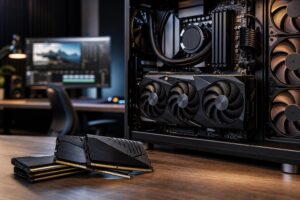
For a new high-performance gaming PC, 32GB of RAM is the comfortable recommendation. It leaves room for modern games, a browser, voice chat, launchers, recording software, and background tasks without constantly managing memory use. Proper dual-channel configuration matters as much as capacity: use a matched kit rather than one memory stick.
Choose 64GB if you regularly edit video, work with large creative projects, use virtual machines, heavily mod games, or want substantial multitasking room. For gaming alone, 64GB is usually a convenience upgrade rather than a direct frame-rate upgrade.
A 1TB NVMe SSD is the practical minimum for a new gaming computer, but 2TB is often the better choice. Game installations are large, and leaving an SSD with reasonable free space is healthier than filling it to the edge. A fast PCIe Gen 4 NVMe drive is more than adequate for gaming; do not sacrifice capacity for a pricier drive whose extra benchmark speed will be hard to notice in actual play.
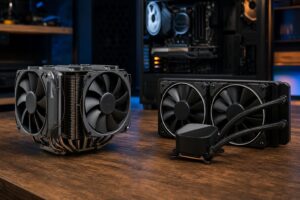
A powerful GPU produces heat, and a quiet 1440p PC needs a case with unrestricted airflow, enough quality fans, and an appropriate CPU cooler. The goal is not merely preventing a shutdown. Good cooling helps components sustain performance without unnecessary noise.
The power supply deserves the same attention. Choose a quality unit with enough continuous capacity and the proper modern connectors for the GPU. A cheap power supply is a poor place to save money in a system built around expensive components. It affects stability, safety, cable routing, and future upgrade options.
The best PC for 1440p gaming is one matched to your real target: the games you play, the monitor you own or plan to buy, your preferred settings, and how long you expect to keep the system. A player focused on competitive shooters should invest differently from someone who wants ray-traced RPGs on a large high-resolution display.
Overclock Computers can help turn those preferences into a balanced custom gaming PC. Share the games and applications you use, your monitor specifications, performance goals, and budget, and we can recommend a system with the graphics performance, cooling, power delivery, and upgrade room that actually fit the job.