How Long Does a Gaming PC Last? A Practical Guide to Lifespan and Upgrades

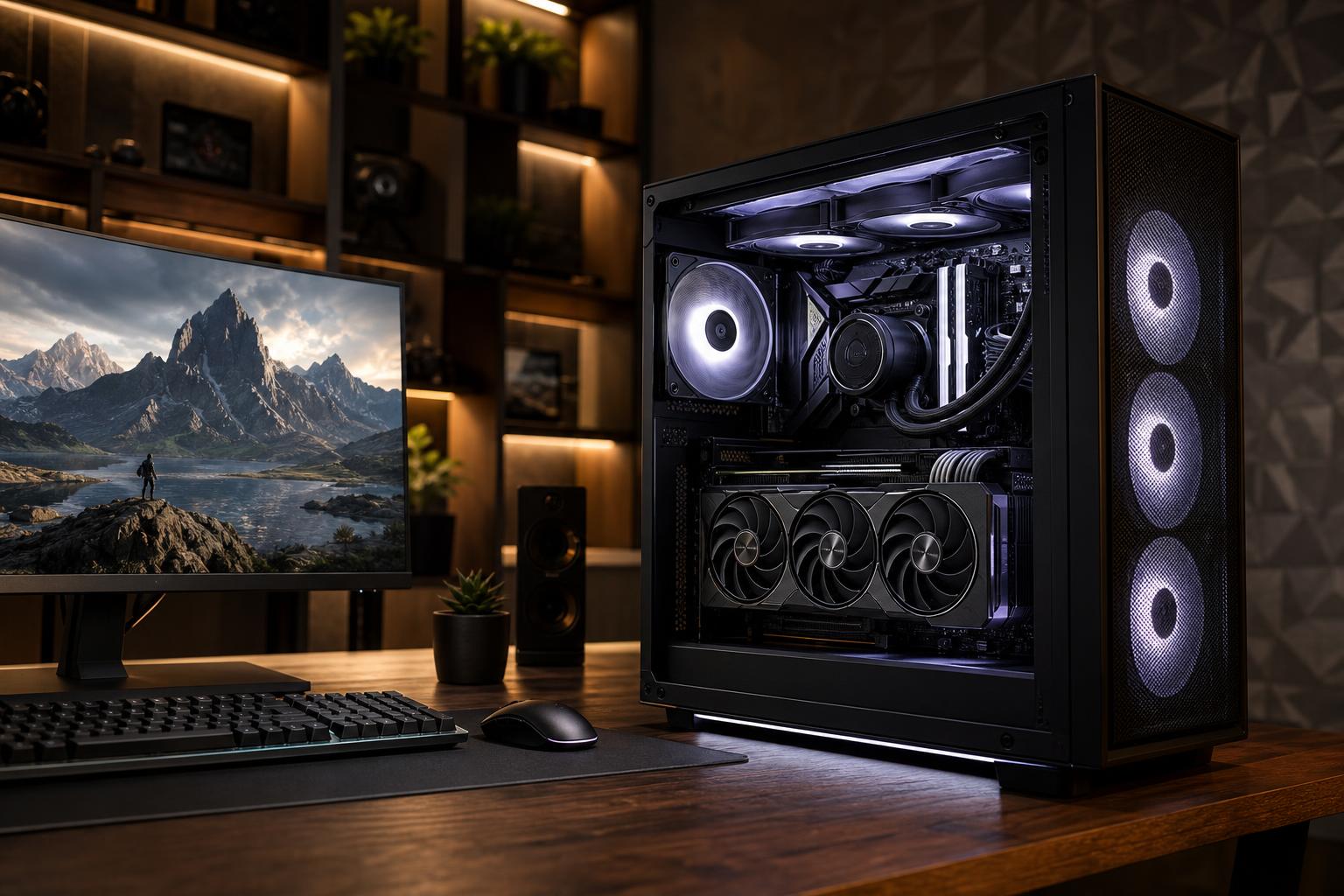
A gaming PC does not suddenly become obsolete on a particular birthday. A thoughtfully configured system can remain reliable for many years, while its ability to run new games at your preferred settings gradually changes. For most buyers, a good gaming PC should provide around five to seven years of satisfying use. Some systems remain useful much longer with a graphics card upgrade, more storage, or a few sensible adjustments to game settings.
The more useful question is not simply, “How long does a gaming PC last?” It is: How long will it deliver the resolution, frame rate, and image quality I expect? A PC built for 1080p gaming has a different runway than one intended for demanding 4K games on a high-refresh monitor.
People often use “lifespan” to describe two different things.
Quality desktop components can physically last eight years or more when they are cooled properly, supplied with clean and adequate power, and kept reasonably free of dust. Fans, pumps, and storage drives are more likely to need attention before a CPU or graphics card simply stops working.
Performance usually becomes the limiting factor first. New games become more demanding, and your own expectations may rise after moving from a 60Hz display to a 165Hz monitor, or from 1440p to 4K. A machine that once felt excessive can become merely adequate without anything being “wrong” with it.
A value-focused PC can be an excellent purchase, especially for 1080p gaming. The tradeoff is less performance reserve. As games become more demanding, you may need to reduce settings, use upscaling, cap frame rates, or accept that the newest releases are better suited to medium settings rather than ultra.
This is not a failure of the PC. Ultra presets are often very expensive for a small visual improvement. Still, systems with a modest graphics card, limited memory capacity, or a lower-end CPU generally reach their limits sooner.
This is the sweet spot for many buyers. A balanced machine with a capable gaming GPU, modern multi-core CPU, sufficient RAM, a fast SSD, and a quality power supply normally has room to age gracefully. It can begin life delivering high settings and later remain enjoyable by stepping back a setting or two.
For a 1440p gamer, this tier often makes more sense than chasing the least expensive possible configuration. Buying a little performance headroom now can delay the need for a major upgrade, provided the extra spending supports your actual monitor and games.
A high-end gaming PC can stay relevant for a long time because it starts with greater GPU performance, stronger CPU capability, more memory, and usually a better foundation for upgrades. However, it is not immune to changing demands. Running new games at 4K, using heavy ray tracing, or targeting very high refresh rates can consume even premium hardware surprisingly quickly.
In many cases, a high-end system gets its longest life from a graphics card replacement after roughly three to five years. If the CPU platform remains strong, that one change can dramatically extend the system’s useful life.
Resolution and refresh rate are the biggest reasons two people can have very different answers about the same computer.
A PC does not need to max out a monitor’s refresh rate in every game to be worthwhile. But someone buying a 240Hz or 360Hz display should configure the system around that goal rather than assume any gaming PC will produce those frame rates.
The GPU is usually the first component to limit gaming performance. It has the largest effect on frame rate, resolution, ray tracing performance, and how much visual quality you can preserve in new games. It is also one of the most effective upgrades, assuming the power supply, case clearance, cooling, and CPU are appropriate for the newer card.
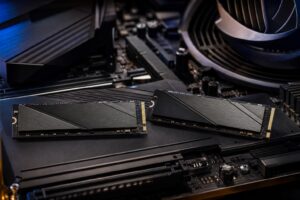
Storage capacity tends to become inconvenient before an SSD becomes slow. Modern games are large, and creative files grow even faster. Adding another NVMe SSD is often a simple, low-disruption way to make an older PC easier to live with.
More memory can help if your PC is regularly near its capacity while gaming, streaming, browsing, or running background tools. It will not turn a weak GPU into a fast one, but insufficient RAM can cause stutters, slow loading between tasks, and frustrating multitasking. Buying a system with adequate memory from the start is preferable to mixing mismatched kits later.
CPU upgrades are less frequent, but eventually an aging processor can hold back a newer GPU, particularly at 1080p or in CPU-heavy games. At that point, the practical upgrade may involve the CPU, motherboard, and RAM together. That is why platform selection and upgradeability matter when a system is first designed.
Some causes are about changing software demands. Others are avoidable design mistakes.
Start with a balanced configuration rather than putting nearly the entire budget into one headline component. A fast graphics card paired with inadequate cooling, limited memory, a weak power supply, or a cramped case is not a long-term value.
Keep the system clean, but do not obsess over it. Every several months, check that filters and heatsinks are not packed with dust, and confirm that fans are operating normally. Avoid placing a desktop directly on thick carpet if the case draws air from the bottom. Maintain sensible temperatures and do not use unstable overclocks simply to chase a small benchmark gain.
On the software side, update graphics drivers when a game needs a fix or performance support, keep adequate free space on your SSD, and investigate sudden crashes or unusual temperatures early. Small maintenance issues are easier to solve before they become a failed fan, corrupted drive, or thermal problem.
Consider an upgrade when a single limitation is clear: your games are GPU-bound, your drive is full, or your memory is consistently exhausted. Upgrading is especially sensible when the rest of the platform remains modern, reliable, and compatible with the new part.
Replacement becomes more attractive when several core parts are behind at once. Common examples include an older CPU platform that limits a desired GPU upgrade, inadequate RAM, no practical NVMe storage expansion, a questionable power supply, and a case with poor airflow. Rebuilding such a system piece by piece can cost nearly as much as a balanced new computer while leaving you with compromises.
Frequent crashes, thermal throttling that persists after cleaning and troubleshooting, unexplained restarts under load, or storage errors are also signs that it is time for a careful hardware assessment rather than another game-settings tweak.
The longest-lasting gaming PC is not automatically the one with the most expensive parts. It is the one matched to your display, preferred games, target frame rate, and willingness to adjust settings over time. Spend enough on the GPU for your resolution, choose a CPU that will not become an immediate constraint, and insist on good cooling, a quality power supply, and a case that supports future changes.
If you are planning a new system or deciding whether your current one deserves an upgrade, Overclock Computers can help assess your games, monitor, performance goals, and budget. We can design a balanced custom PC with the parts that matter for your use, without padding the configuration with hardware you will not benefit from.