Gaming PC vs. Workstation: What’s the Difference and Which Should You Buy?

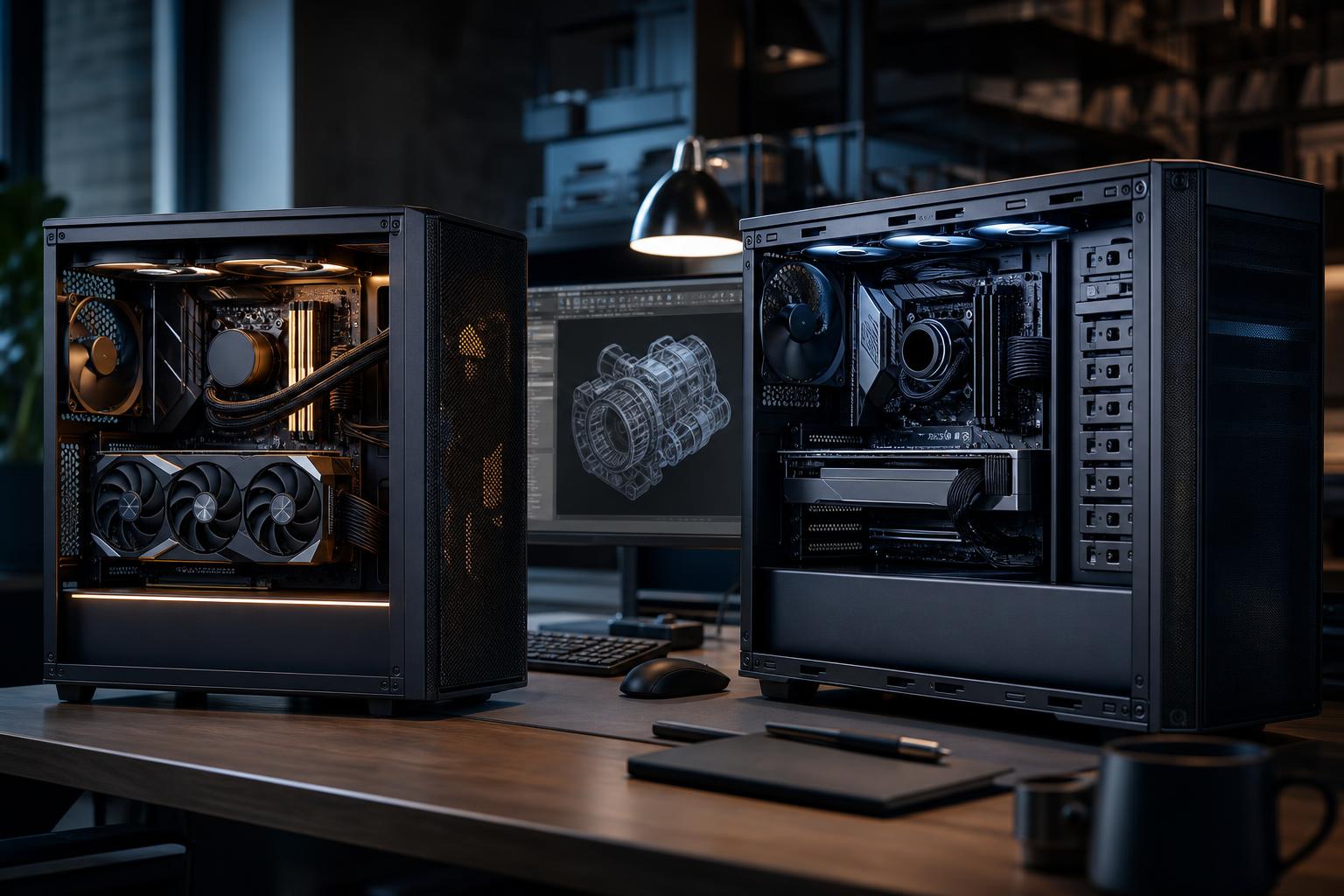
A gaming PC and a workstation can look nearly identical on a parts list: a modern CPU, a dedicated graphics card, DDR5 memory, NVMe storage, and a well-ventilated case. The meaningful difference is not a magic workstation component. It is how the entire system is balanced around the software you run, the projects you handle, and how costly a crash or slow export would be.
If gaming is the main job, buy a gaming-focused system and spend the largest share of the budget on the graphics card. If the machine earns its keep in CAD, rendering, video production, engineering, simulation, or large data work, a workstation configuration may save far more time than it costs. And if you do both, a thoughtfully configured hybrid system is often the smartest answer.
Gaming PCs are tuned to deliver high frame rates and responsive play. They usually prioritize a powerful GPU, a CPU with strong per-core performance, enough RAM for current games and background tasks, and fast storage.
Workstations are tuned for productive work that may involve large files, long renders, specialized software, or sustained heavy loads. They often need more memory, more CPU cores, larger and better-organized storage, higher VRAM capacity, and a stronger emphasis on validation, cooling, and reliability.
Neither category is automatically better. A workstation with an oversized CPU and a modest GPU can be disappointing for 4K gaming. A gaming PC with limited RAM and a single small SSD can become a daily annoyance when editing large video projects or opening complex models.
The best way to choose is to list the programs that matter and identify what slows them down. Software behavior varies widely, even within the same profession.
Do not assume that a program with a professional reputation needs the most expensive professional GPU available. Many creative applications run extremely well on high-end consumer graphics cards. On the other hand, certain CAD, visualization, and engineering workflows can benefit from certified drivers, specialized GPU features, or more VRAM than mainstream gaming cards offer. Check the recommendations for the exact application and version you use, especially if your employer or client requires certified hardware.
For a gaming PC, select the GPU around the monitor. A 1080p display at a moderate refresh rate requires far less graphics horsepower than a 4K, high-refresh display with demanding ray-traced games. It rarely makes sense to buy a flagship GPU for a monitor that cannot show the performance you paid for.
For a workstation, consider GPU acceleration, VRAM needs, driver requirements, and render-engine compatibility. GPU VRAM is particularly important for large 3D scenes, high-resolution textures, video effects, and local AI models. When a project exceeds available VRAM, performance can fall sharply or the workload may not run as intended. More VRAM is not a universal speed upgrade, but it is valuable headroom for workloads that genuinely use it.
A hybrid gaming and creative system often benefits from a strong consumer GPU with ample VRAM. This can provide excellent gaming performance and accelerate many creator applications without paying for features your software will never use.
Gaming tends to favor fast CPU cores over simply having the highest core count. A capable modern processor with strong single-thread performance is usually the right foundation, especially for high-FPS play.
Workstation CPU selection is more nuanced. Rendering, code compilation, video exports, virtualization, and simulations can use many cores effectively. CAD modeling, design applications, and general desktop responsiveness may care more about fast individual cores. Buying a massive core-count processor for a lightly threaded application is an expensive way to gain very little.
For mixed use, choose a CPU that remains quick in lightly threaded tasks while offering enough cores for your recurring production work. The right choice should be based on the jobs you run every week, not the occasional task you might try once.
For a dedicated gaming system, 32GB is a sensible modern target for a premium build. It gives current games, voice chat, browsers, launchers, and background applications room to coexist without making memory pressure a constant concern.
Professional work may call for 64GB, 96GB, 128GB, or more. Large assemblies, point clouds, high-resolution video timelines, virtual machines, and heavy multitasking can consume memory quickly. When RAM fills, the system falls back on much slower storage, which is when a powerful PC can suddenly feel oddly sluggish.
For workstations, buy enough capacity for the largest realistic project with room for the operating system and other active programs. Memory speed and timings matter, but they are secondary to having sufficient capacity and a stable configuration.
A gaming PC can be quite comfortable with one quality NVMe SSD if it has enough capacity for Windows, applications, and a game library. Add a second drive when game storage, recordings, or media files begin competing for space.
Workstations benefit from separating active work from bulk storage when practical. A common arrangement uses a fast primary SSD for Windows and applications, a separate fast SSD for active projects or scratch files, and larger storage or network storage for archives and backups. This is not about chasing synthetic benchmark numbers. It helps keep a full archive drive from becoming the same place where the operating system, cache files, and active project files all compete for space.
Remember that redundancy is not a backup. Two drives configured to protect against a single drive failure do not protect against accidental deletion, ransomware, or a corrupted project folder. Important professional data needs a real backup plan outside the PC.
Most gaming loads rise and fall as scenes change. Many workstation tasks do not. A long render, simulation, export, or compile can hold the CPU and GPU near full load for hours. That makes case airflow, CPU cooling, GPU temperatures, and power supply quality central reliability concerns rather than cosmetic details.
A good workstation does not necessarily need the biggest liquid cooler or the most fans possible. It needs cooling sized for the actual heat output, a case that can feed components fresh air, sensible fan placement, and a quality power supply with appropriate capacity and connectors. Quiet, stable sustained performance is much more useful than a flashy build that gets hot and loud during every deadline.
Choose a gaming-focused PC when games are the priority and professional tasks are light, occasional, or not especially demanding. This is also the right path for buyers who want the most gaming performance for a fixed budget.
A strong gaming configuration typically emphasizes:
It can still handle everyday creation, streaming, photo work, and moderate editing. Just do not expect it to be ideal for huge datasets, complex 3D scenes, or memory-intensive professional projects without targeted upgrades.
A workstation is the better choice when software performance affects billable hours, project delivery, or business continuity. Spend more when it removes a recurring bottleneck: projects run out of RAM, renders exceed VRAM, exports occupy the computer for hours, or long workloads make the system unstable or uncomfortably loud.
Professional hardware should be configured around the specific work, not a generic “workstation” badge. For example, an architecture firm working in large BIM models may need fast CPU cores and abundant RAM, while a GPU renderer may justify prioritizing a GPU with much more VRAM. A developer running several virtual machines may benefit more from CPU cores, RAM, and fast storage than from a top-tier graphics card.
Many buyers need one computer for serious work and serious gaming. In that case, start with the professional workload because it usually has harder requirements. Then select the GPU and display setup that meet gaming expectations without compromising the work that pays the bills.
A well-designed hybrid PC commonly includes a fast, well-rounded CPU, a high-performance GPU selected for both its speed and VRAM capacity, 64GB or more of RAM when projects justify it, multiple SSDs, robust cooling, and a power supply with enough headroom for sustained use. It should not be built by blindly maxing every category. That is how budgets disappear into parts that never improve the real experience.
The gaming PC vs. workstation decision is ultimately about where performance matters. Spend on graphics performance for the games and display you own. Spend on RAM, CPU cores, VRAM, storage, and reliability when your applications can use them. If a component cannot improve a task you do regularly, it is probably not where the budget belongs.
Overclock Computers can help translate your games, applications, project sizes, display plans, and budget into a balanced custom system. A properly configured machine should feel fast where you need it, stay stable under load, and leave sensible room to grow.