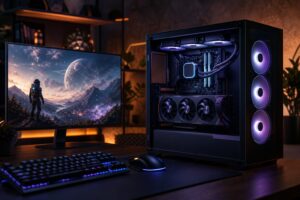
How to Choose a PC Case: Airflow, Size, Noise, and Practical Fit

A PC case is easy to underestimate. It does not add frames per second by itself, and a flashy front panel will not make a workstation render faster. But the wrong case can make an otherwise excellent computer hotter, louder, harder to build, and unnecessarily difficult to upgrade.
The right case gives your components enough physical room, supplies them with cool air, manages heat without excessive fan noise, and makes maintenance less of a chore. It should suit the computer you are building—not just look good in product photos.
Here is what actually matters when choosing a PC case for a gaming system or professional workstation.
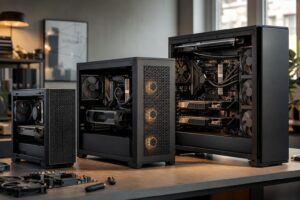
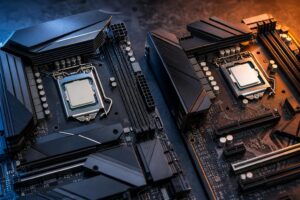
Case compatibility begins with the motherboard form factor. Most desktop cases support one or more of these common sizes:
An ATX motherboard needs an ATX-compatible case. A Micro ATX board will fit in most ATX cases as well, although it can look a little sparse if the case is very large. Mini-ITX boards fit in many larger cases, but buying a full tower solely for a tiny board rarely makes practical sense.
More importantly, do not assume motherboard compatibility means the build will be comfortable. A compact case may technically accept a large graphics card, a liquid cooler, and a full-length power supply, yet leave no useful clearance once all three are installed. Specifications tell you what fits. Good case design determines how pleasant that fit will be.
For most high-performance PCs, a mesh front panel and a straightforward front-to-back or bottom-to-top airflow path are the sensible starting point. Cool air enters through filtered intake fans, moves across the graphics card and motherboard, and exits through rear and top exhaust fans.
Cases with solid glass or solid plastic fronts can work, but they often rely on narrow side vents. That design may be adequate for modest hardware, but it is a poor match for a high-wattage CPU and graphics card working hard for hours at a time. A powerful PC should not have to gasp through decorative slits.
A common and effective arrangement is two or three front intake fans, one rear exhaust fan, and optional top exhaust fans. The exact number depends on the case and hardware, but sensible placement matters more than filling every fan mount.
For most systems, we prefer slightly more intake airflow than exhaust airflow. This is often called positive pressure. It encourages air to leave through small gaps in the case rather than pulling unfiltered dust inward through every opening. It will not eliminate dust, but it makes routine cleaning more manageable.
Top-mounted liquid-cooler radiators deserve some thought. A top exhaust radiator is usually a clean choice for a gaming PC because it sends CPU heat out of the case while front fans provide the graphics card with fresh air. A front-mounted radiator can sometimes produce slightly lower CPU temperatures, but it warms the intake air reaching the GPU. Neither approach is universally wrong; the better choice depends on the CPU, GPU, radiator size, and case layout.
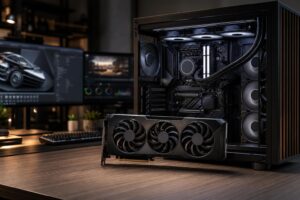
Modern upper-tier graphics cards are physically large. Length is the obvious measurement, but it is not the only one that matters.
This is especially relevant with newer high-power graphics cards and their multi-pin power connections. A case that is just barely wide enough can create needless cable strain and make a clean, reliable installation harder. Extra clearance is not wasted space.
Cases list maximum CPU air-cooler height and radiator support. Both figures matter, but they should be considered alongside the processor’s real power use.
A midrange gaming CPU can run very well with a quality tower air cooler in a sensible airflow case. There is no requirement to install liquid cooling because the internet says a powerful PC must have tubes and RGB lighting. Air coolers are reliable, effective, and often quieter than expected when paired with a well-ventilated case.
A high-core-count workstation processor or a CPU configured for sustained heavy rendering may justify a large all-in-one liquid cooler. In that situation, choose a case with native support for the radiator size you plan to use. Do not rely on a “possible with compromises” installation that blocks memory access, crowds the graphics card, or removes useful intake fans.
Also verify that the case has enough room above the motherboard for a top radiator and its fans. Some cases advertise 360 mm radiator support, but tall motherboard heatsinks, RAM modules, or the radiator itself can make top mounting tighter than the headline suggests.
Quiet computing is mostly about managing heat efficiently. When components receive enough cool air, fans can spin more slowly. That is usually more effective than placing hot hardware inside a heavily padded case with restricted ventilation.
Look for a case that includes decent-quality fans or budget for replacements. Three well-controlled fans are often better than six inexpensive fans running at irritating speeds. A motherboard with enough fan headers, or a proper fan hub, lets the system adjust fan speed based on temperature rather than running everything at full tilt.
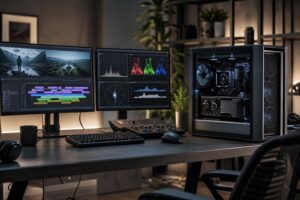
For a workstation in a quiet office, choose a mesh-front case with large, slow-moving fans and enough space for a capable CPU cooler. For a gaming PC used with headphones, the same basic approach works, though a little more fan noise under load may be acceptable. In either case, good airflow is usually the foundation of a quieter machine.
Fast NVMe SSDs have reduced the need for stacks of drive bays, but storage layout still deserves attention. A creator editing video, a photographer keeping local project files, or a business retaining large datasets may need one or more SATA SSDs or hard drives in addition to primary NVMe storage.
Check how many 2.5-inch and 3.5-inch drives the case supports after accounting for radiators and other hardware. Hard drives also benefit from sensible mounting and airflow, particularly in systems that run long jobs.
Front-panel connectivity is another small detail that becomes obvious every day. At minimum, look for convenient USB-A ports. A front USB-C port is worthwhile for many modern external SSDs, docks, card readers, and phones—but confirm that the motherboard has the required internal USB-C header. A port on the case is not useful if the selected motherboard cannot connect it.
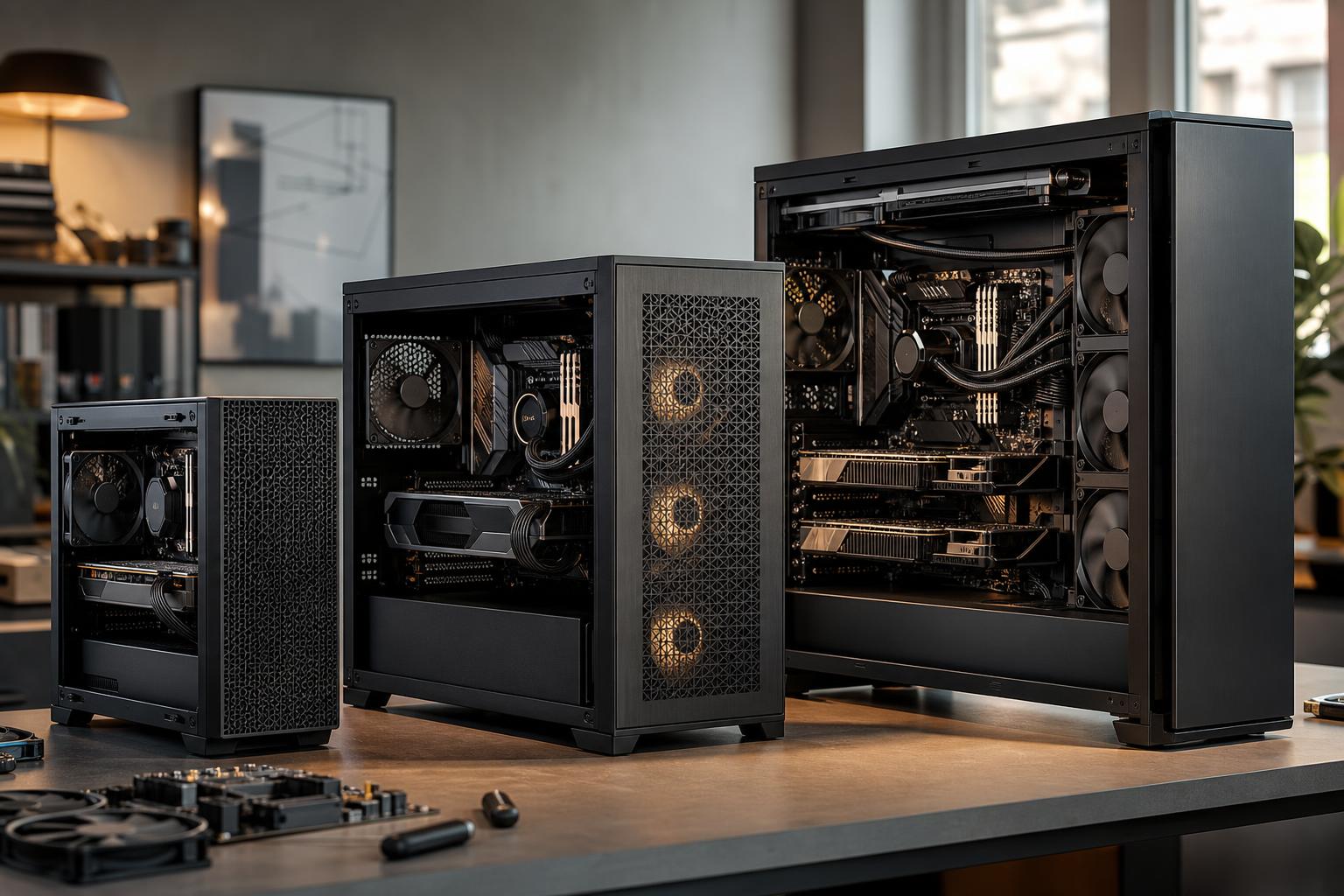
A larger case generally makes building, cable management, cooling, and future upgrades easier. It can also take up a lot of desk or floor space. The best answer is usually a well-designed mid-tower case for an ATX gaming PC or standard workstation.
Choose a larger full-tower case when there is a clear reason: an oversized custom liquid-cooling loop, multiple large radiators, several expansion cards, extensive drive storage, or a workstation platform with an unusually large motherboard. For a typical single-GPU system, a full tower is often more case than you need.
Compact systems are worthwhile when desk space or portability is a real priority. Just go into the decision honestly. Small-form-factor PCs can be excellent, but they demand more careful parts matching, tend to have fewer upgrade paths, and may run louder with the same high-end components.
Before settling on a case, verify these points against the exact parts list:
The case is the foundation that every other component has to live with. Spending sensibly on a well-designed model protects the performance and usability of the entire build. It is usually a better investment than overspending on cosmetic extras while compromising cooling or clearance.
If you are planning a gaming PC or workstation and want a parts list that fits together cleanly, contact Overclok Computers. We can help match the case, cooling, and hardware layout to the performance you need and the space you have.