How Much VRAM Do You Need in 2026? A Practical Guide for Gaming and Creative Work

VRAM, or video memory, is one of the most misunderstood graphics card specifications. Buyers often see a large number on a product page and assume more is always better. More VRAM can absolutely matter, but only when the GPU itself is fast enough and your games or applications can use it.
The practical answer is simple: for a new gaming PC, 12GB is a sensible starting point for 1440p. For demanding 4K gaming, heavy mods, GPU rendering, large video projects, or local AI workloads, 16GB or more is often the smarter long-term choice. At 1080p, 8GB can still work well in many games, but it leaves less room for new releases, high-resolution textures, ray tracing, and future upgrades.
VRAM should not be the only reason to choose one graphics card over another. GPU speed, memory bandwidth, cooling, power delivery, software support, and the applications you actually run all matter. Think of VRAM as a capacity limit: once a workload exceeds it, performance can become inconsistent very quickly.
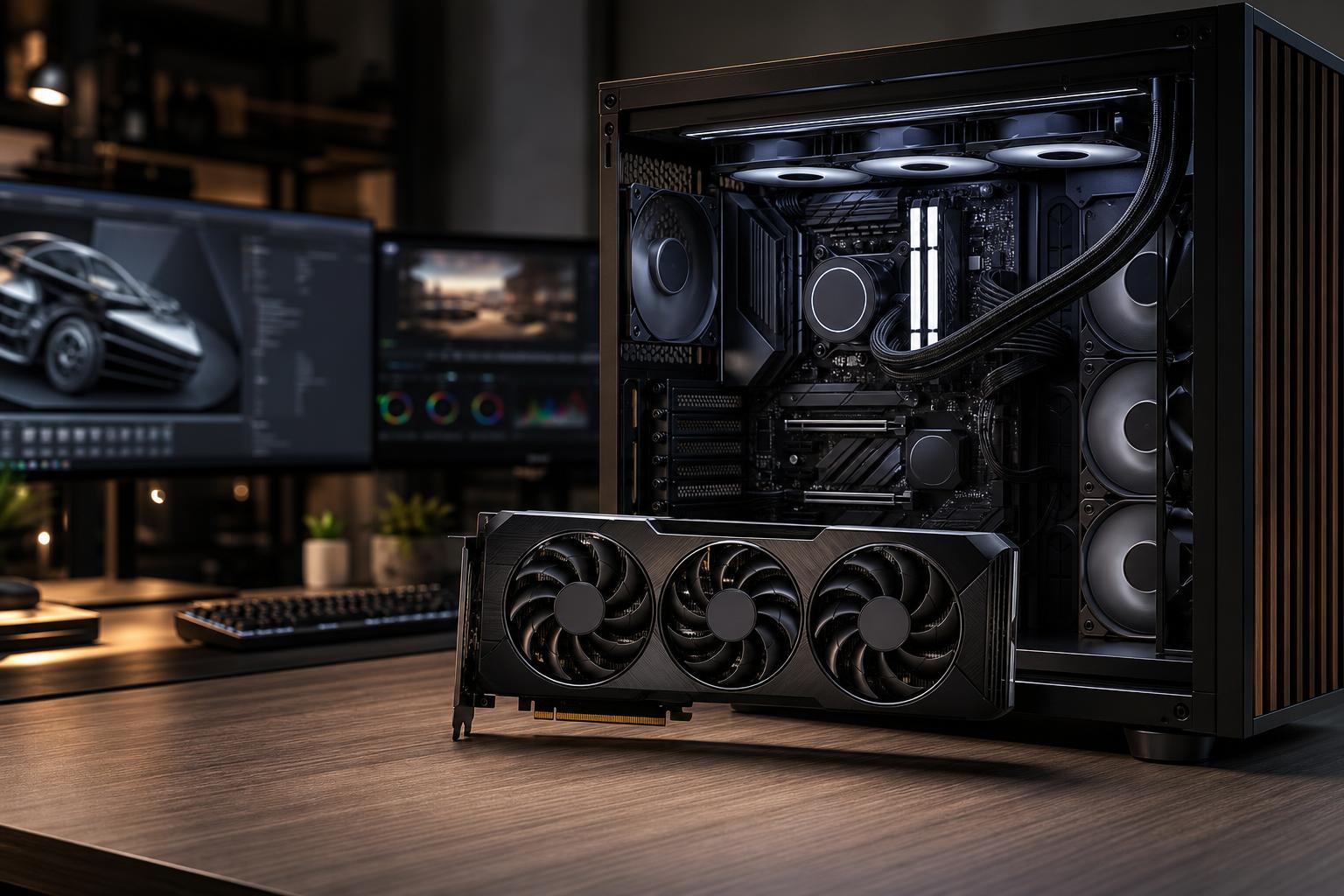
VRAM is the dedicated high-speed memory attached to a graphics card. The GPU uses it to hold the visual data it needs close at hand, including textures, geometry, shadows, frame buffers, ray-tracing data, video frames, and assets used by creative applications.
Higher resolution increases VRAM use because each frame contains more pixels. Raising texture quality can increase it even more, especially in modern games with detailed source textures. Ray tracing, large mod packs, multiple displays, and certain upscaling or frame-generation features may add to the demand as well.
If a game needs more video memory than the card has available, the system may move data through slower system memory and storage. The result is not always a lower average frame rate. More often, it is texture pop-in, sudden hitching, inconsistent frame times, settings that cannot be raised, or crashes in the worst cases. A PC that reports a good average FPS but pauses when entering a new area is not delivering a good experience.
For esports titles and less demanding games at 1080p, 8GB remains perfectly workable. Games such as competitive shooters typically prioritize high frame rates over maximum texture settings, and they usually do not require huge VRAM allocations.
The issue comes with newer big-budget games when you select ultra texture settings, enable ray tracing, install high-resolution texture packs, or keep the card for several years. In a new midrange gaming PC, 12GB offers useful breathing room. It does not make every game faster by itself, but it reduces the chance that video memory becomes the part limiting image quality or smoothness.
1440p is where VRAM capacity deserves serious attention. It is an excellent resolution for a high-end gaming PC because it looks noticeably sharper than 1080p without the extreme GPU demand of 4K. However, modern games at high or ultra settings can use substantial video memory.
We generally view 12GB as the sensible floor for a new 1440p-focused system. A 16GB card is worth considering if you play demanding single-player games, want high-quality textures and ray tracing, use graphics-heavy mods, or plan to keep the GPU for a long time. It is also a better fit for a 1440p ultrawide monitor, which renders considerably more pixels than standard 2560 by 1440.
4K gaming puts pressure on every part of the graphics subsystem. The GPU must render four times as many pixels as 1080p, and the memory requirement rises along with the image quality settings people reasonably expect at this level.
For a new 4K gaming PC, 16GB is a practical target. Some well-optimized games can run nicely with less, especially when using sensible settings and upscaling. But a 16GB or larger buffer gives a high-end GPU more room for 4K textures, ray tracing, and demanding newer titles without forcing avoidable compromises.
Do not confuse this with a promise that 16GB guarantees maximum settings forever. It does not. GPU processing performance still determines whether a card can render those settings at the frame rate you want. A slower 16GB card is not automatically a better 4K option than a faster card with less memory. The right comparison always includes real performance at the resolution you plan to use.
Resolution alone is not the whole story. A player running a lightly modded esports game at 1440p has very different needs from someone playing open-world games with ray tracing and a large texture mod pack.
If your current card stutters despite a reasonable average frame rate, test a lower texture setting before replacing hardware. If the stuttering disappears while the visual difference is minor, VRAM capacity may be the problem.
Professional workloads do not follow a single simple rule. Some applications need GPU memory mainly for display acceleration, while others use it as working space for scenes, effects, models, image batches, or AI models. Check the software developer’s current recommendations for your exact application, but these ranges are useful starting points.
For typical 2D CAD and moderate 3D design work, GPU stability, driver support, and adequate system RAM can matter more than huge VRAM capacity. A card with 8GB to 16GB is often sufficient for many projects. Large assemblies, complex real-time visualizations, high-resolution displays, and GPU-accelerated workflows benefit from additional capacity.
Professionals should also consider whether their application benefits from a professional GPU and certified drivers. More VRAM on a gaming card does not automatically replace the validation, support, or specialized features required by a business-critical workflow.
GPU rendering loads the scene, textures, geometry, and rendering data into VRAM. If the scene does not fit, the render may fail, fall back to a slower mode, or require scene optimization. For regular work in Blender, visualization tools, and GPU render engines, 16GB is a strong starting point. Larger scenes, high-resolution textures, and complex architectural or product visualization work can justify 24GB or more.
Here, capacity can be a hard limit rather than a minor performance detail. A faster GPU is not useful for a scene it cannot hold in memory.
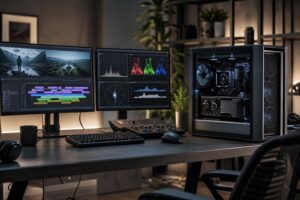
For ordinary editing, VRAM is only one piece of the workstation. CPU performance, system memory, fast NVMe storage, codecs, effects, and the editing application all influence the experience. A 12GB to 16GB GPU is a sensible range for many 4K editing and motion-graphics systems. More capacity becomes worthwhile with demanding effects, high-resolution timelines, multicamera projects, RAW formats, large color grades, or 3D-heavy compositions.
Local AI is unusually VRAM-sensitive. The model, its context window, and the data being processed all compete for GPU memory. More VRAM can allow larger models, larger batches, higher-resolution image generation, or fewer compromises. For experimentation, 12GB can be useful. For sustained local AI work, 16GB is more comfortable, while 24GB and beyond can make a meaningful difference depending on the models and frameworks involved.
Software compatibility matters just as much here. Before buying, confirm that your intended tools support the GPU, operating system, and acceleration framework you plan to use.
A common mistake is choosing a card only because it has a larger VRAM number. Memory capacity, GPU horsepower, and memory bandwidth must be balanced. A graphics card with plenty of memory but insufficient rendering performance may still struggle with 4K ray tracing. Conversely, a very fast GPU with a constrained memory buffer may age poorly in texture-heavy games or hit limits in professional projects.
Also avoid treating the VRAM meter in a game as an exact requirement. Many games reserve or cache available memory without actively needing all of it at once. Look for real symptoms: stutters, texture streaming problems, warnings, crashes, or a clear improvement after lowering texture quality.
The best choice starts with your monitor, games, applications, and replacement timeline. There is no benefit in paying for 24GB of VRAM to play competitive games at 1080p, just as there is little value in building a premium 4K machine around a card that will immediately require texture compromises.
VRAM is an important part of choosing a graphics card, but it should fit into a balanced system with the right CPU, system RAM, storage, cooling, and power supply. That balance is what makes a PC feel consistently fast instead of impressive on a specification sheet and frustrating in daily use.
Overclock Computers can help you choose a custom gaming PC or workstation around your display, favorite games, professional software, performance target, and budget. Tell us what you run and what you want the machine to do, and we can recommend the level of GPU and VRAM that actually makes sense.