Should You Upgrade or Replace Your Gaming PC? A Practical Buying Guide

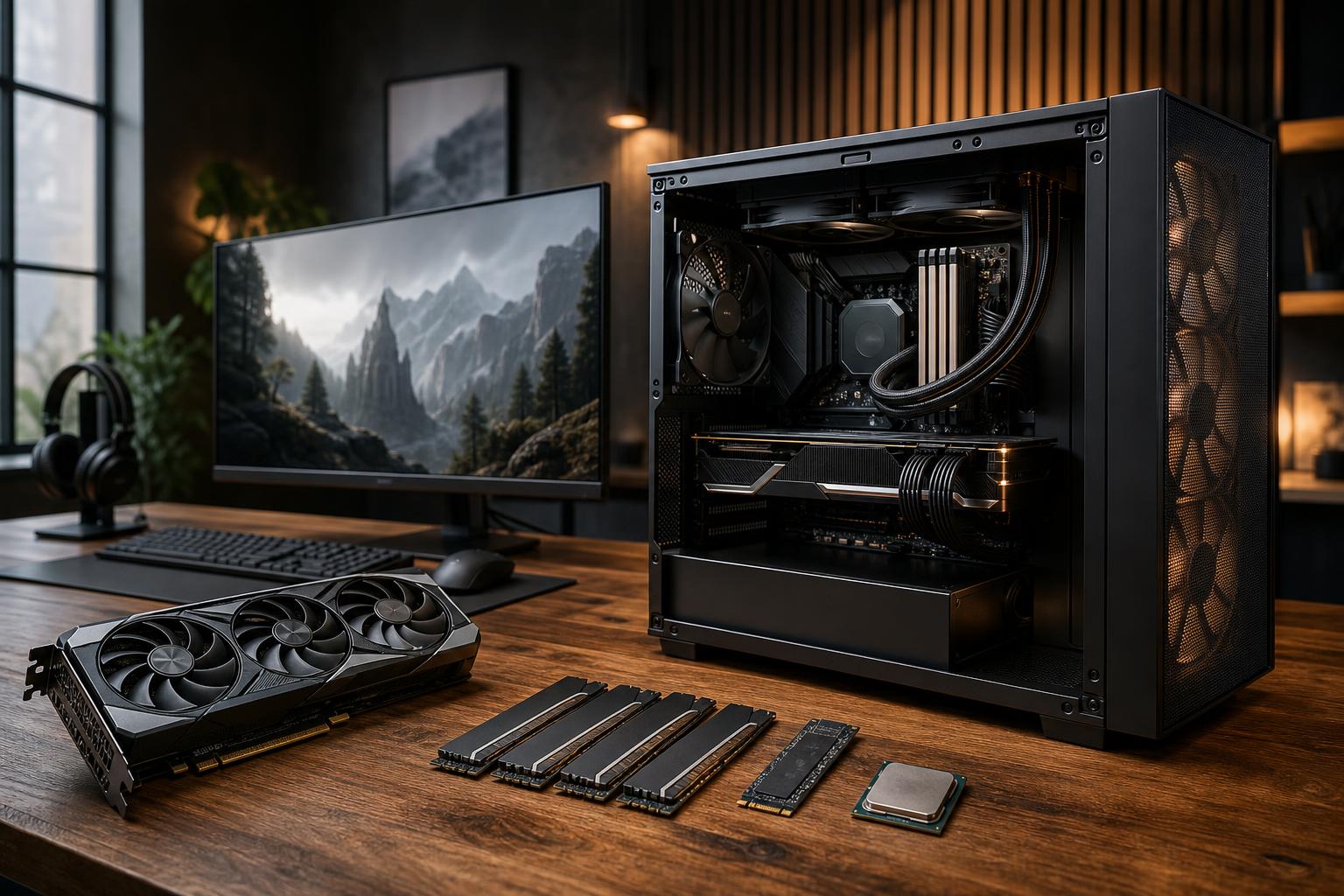
If your gaming PC is struggling, a full replacement is not always the answer. A graphics card, memory, or storage upgrade can give the right system several more good years. On the other hand, putting expensive new parts into an old platform can create compatibility problems, poor balance, and a bill that is uncomfortably close to the cost of a new computer.
The practical question is not simply, “Is my PC old?” It is: What is limiting the experience I want, and can the rest of the system support a worthwhile upgrade?
Use this guide to decide whether to upgrade your gaming PC or replace it with a new custom-built system.
A PC can feel outdated for very different reasons. Identifying the actual issue prevents the classic mistake of buying a powerful component that does not solve anything.
In this situation, a GPU upgrade is often the most meaningful improvement. It is especially effective for a reasonably modern system with a capable six-core or eight-core processor, sufficient RAM, and a quality power supply.
At 1080p and high refresh rates, the CPU matters a great deal. At 4K with demanding visual settings, the graphics card usually matters more. That difference is why a gamer chasing 240Hz performance may need a platform upgrade, while someone playing story-driven games at 4K may be perfectly happy with a GPU-only upgrade.
Insufficient RAM can cause stuttering, long load times, browser slowdowns, and games closing in the background. For a modern gaming PC, 32GB of RAM is the comfortable target. Moving from 16GB to 32GB can be a very sensible upgrade if the platform supports it and the rest of the PC is still competitive.
A larger NVMe SSD will not dramatically raise frame rates, but it can make the entire computer feel better to use. Modern games are large, and a nearly full drive is a frustrating problem. Storage is also one of the least risky upgrades when the system is otherwise worth keeping.
An upgrade is usually the right move when you have a solid foundation: a modern enough CPU, a standard motherboard and case, adequate cooling, and a quality power supply with the required capacity and connectors.
A balanced upgrade can be excellent value. For example, a system with a capable recent-generation processor, 16GB of memory, and a decent power supply may only need 32GB of RAM and a stronger GPU to become a very effective 1440p gaming PC.
Replacement becomes more sensible when several major components need attention at once. That is the point where an upgrade turns into rebuilding a computer around a few old parts.
There is no prize for preserving every component. Reusing an old case, weak power supply, or undersized cooler to save a little money can compromise a new build’s temperatures, noise levels, stability, and future upgrade path.
A new system also gives you the chance to fix the less visible details that matter over years of ownership: sensible fan placement, clean cable routing, a correctly sized power supply, good component spacing, and a motherboard with the connections you will actually use.
Compatibility is where seemingly simple upgrades can get expensive. Check these items before ordering anything.
Do not judge a power supply by wattage alone. A high-wattage unit of poor quality is not a good foundation for an expensive graphics card. Confirm that it has enough capacity for the upgraded components, the required PCIe power connectors, and a strong reputation for reliable operation.
If a new GPU requires a power adapter, make sure there is enough physical room to route the cable without sharply bending it against the side panel. This is a small detail that is easy to overlook.
Modern high-performance graphics cards can be long, thick, and heavy. Measure available length, width, and clearance near front-mounted radiators or drive cages. Then consider airflow. A powerful new GPU inside a restrictive case may run hotter and louder than it should.
A CPU upgrade depends on the socket, chipset, BIOS support, and power delivery of the motherboard. Even when a processor fits physically, it may not be supported or may require a BIOS update before installation. Some entry-level boards are also a poor match for high-power processors.
DDR4 and DDR5 are not interchangeable. If your current platform uses DDR4, moving to a newer motherboard that requires DDR5 means budgeting for new memory as well. That is not automatically a reason to avoid the upgrade, but it should be included in the real cost.
The right upgrade depends on the experience you are trying to achieve, not the highest specifications available.
It is also worth being honest about what you play. A PC built around competitive games has different priorities than one intended for cinematic single-player titles, heavily modded simulation games, or a mixture of gaming and professional work.
Add up the parts you genuinely need, including the power supply, cooler, case changes, and memory—not just the exciting component at the top of the list. If the upgrade requires replacing most of the platform, a new custom PC is usually cleaner, more reliable, and easier to support over time.
If one or two targeted changes solve the problem and the current system has a healthy foundation, upgrade it. There is no need to replace a good computer simply because newer hardware exists.
No gaming PC is permanently future-proof. Games change, display standards move forward, and new hardware eventually becomes faster. The better goal is to buy enough performance and component quality for your expected use over the next several years, while keeping reasonable upgrade options open.
That means avoiding extreme overspending on hardware you will not use, but it also means not pairing a premium graphics card with a bargain power supply, cramped case, or inadequate cooling. A well-balanced system ages better because each part has room to do its job properly.
Overclock Computers can help you determine whether a targeted upgrade is worthwhile or whether a new system will provide better long-term value. We can design a gaming PC or high-performance desktop around your current hardware, the games and applications you use, your monitor, and a budget that makes sense—without loading the configuration with parts you do not need.