How Much Should You Spend on a Gaming PC in 2026? A Practical Buying Guide

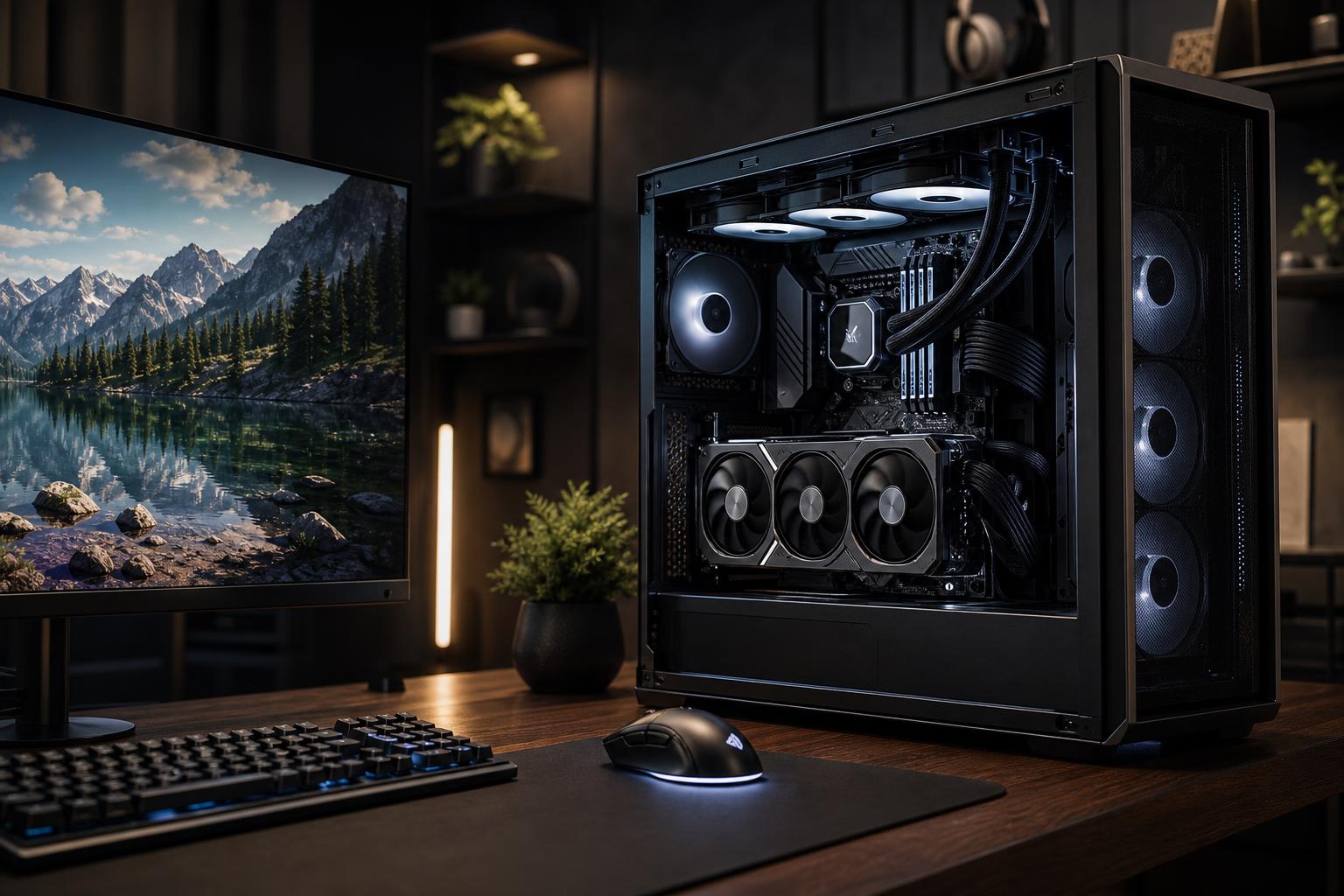
The right gaming PC budget is the one that delivers the experience you can actually see on your monitor. A system built for smooth 1080p play does not need the same graphics card, processor, cooling, or power supply as a machine intended for high-refresh 1440p or demanding 4K gaming.
For most buyers, the biggest share of a gaming PC budget should go toward the graphics card. After that, prioritize a capable CPU, 32GB of RAM, a fast NVMe SSD, and a quality power supply and case with sensible airflow. Spending heavily on decorative parts while compromising those fundamentals is how a gaming PC ends up looking expensive but performing merely okay.
As a broad guide, a thoughtfully selected gaming desktop often lands in one of three useful ranges: roughly $1,200 to $1,600 for strong mainstream gaming, $1,700 to $2,400 for high-end 1440p or entry-level 4K ambitions, and $2,500 or more for uncompromised 4K, ray tracing, very high refresh rates, or a gaming-and-creative-work machine. Actual component pricing changes frequently, so treat these as planning ranges rather than fixed rules.
Resolution and refresh rate determine how much performance your PC needs. This is the question to answer before comparing processors or chasing a particular graphics card.
A common mistake is buying a powerful PC for a 1080p 60Hz monitor and then wondering why the upgrade feels less dramatic than expected. In that situation, part of the budget may be better spent on a good 1440p high-refresh monitor rather than putting every dollar into the tower.
This is a good range for a well-balanced custom gaming PC aimed at 1080p high-refresh gaming or 1440p gaming with sensible settings. It should not mean settling for unreliable power delivery, a tiny SSD, or a case that turns the system into a space heater.
Look for a current-generation mainstream CPU, a graphics card with enough VRAM for the games you play, 32GB of DDR5 memory, and at least a 1TB NVMe SSD. At this level, it is usually wiser to choose a strong midrange GPU than to spend extra on a premium motherboard, oversized liquid cooler, or cosmetic RGB accessories.
This tier suits players focused on competitive games, people moving from console to PC, and buyers who want a capable system without paying for performance their display cannot use.
For many shoppers asking what gaming PC they should buy, this is where the answer gets especially compelling. A budget in this range can support a substantially faster GPU, a CPU that holds up well in high-frame-rate games, 32GB of RAM, and the supporting components needed to keep the machine quiet, cool, and upgrade-friendly.
This is the appropriate range for a 1440p 165Hz-class monitor, demanding games, higher-quality visual settings, and occasional streaming or editing. If you play CPU-heavy titles such as large simulations, strategy games, multiplayer shooters, or games with heavy mod lists, investing in a stronger gaming CPU can be worthwhile here.
Do not assume every dollar should go to the GPU. Once you reach this level, a quality 750W or higher power supply as appropriate for the selected hardware, a cooler that can sustain boost performance, and a case with unrestricted intake airflow are part of the performance budget. They are not glamorous, but neither is a loud PC that throttles after twenty minutes.
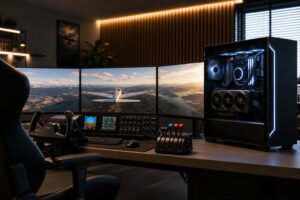
A larger budget makes sense when it solves a specific problem: driving a 4K high-refresh display, using demanding ray-traced settings, targeting exceptionally high frame rates, running a multi-monitor setup, or combining gaming with serious creative work.
The GPU remains the main purchase decision. At 4K, the graphics card usually limits frame rate long before the CPU does. A faster processor still matters in certain games, but buying an extreme CPU while selecting a merely adequate GPU is usually backwards for this use case.
Spend at this level only when you have the display and games to justify it. A top-tier gaming PC paired with a basic monitor is like putting track tires on a commuter car: technically impressive, but not the most useful place to spend the money.
For a gaming-focused system, the GPU commonly deserves the largest portion of the component budget. It has the greatest effect on image quality, resolution, and frame rate in most modern games. Pay attention to VRAM as well as raw speed, particularly if you intend to play at 1440p or 4K, use high-resolution texture packs, or keep the system for several years.
That said, an unbalanced parts list causes avoidable problems. A graphics card cannot fix a weak CPU in games that simulate many players, vehicles, or world objects. It also cannot compensate for inadequate memory or an SSD that is nearly full.
A modern six- or eight-core processor is sufficient for many gaming builds. Moving up the CPU stack is worthwhile for buyers chasing very high frame rates, playing CPU-intensive games, streaming from the same machine, or doing productivity work alongside gaming.
For a 4K-focused build, it is generally more sensible to favor the GPU after choosing a competent CPU platform. For a competitive 1080p or 1440p build targeting very high frame rates, CPU performance becomes more important.
For a new performance gaming PC, 32GB is the practical target. It provides room for modern games, background applications, browser tabs, voice chat, game launchers, and light streaming without treating memory capacity like a constant juggling act. More than 32GB is useful when the PC also handles video editing, large creative projects, virtual machines, or unusually heavy modded games, but it will not automatically add gaming frame rate.
A 1TB NVMe SSD is a reasonable starting point, though 2TB is often the more comfortable choice if you keep several large games installed. Modern game libraries fill small drives with surprising speed.
Good cooling and a quality power supply protect the investment you can see on the spec sheet. They help the PC sustain performance, control noise, and leave room for sensible future upgrades. These components are easy to overlook in a headline-grabbing prebuilt configuration, which is one reason the full parts list matters.
Before setting a final number, account for the rest of the setup. A monitor, keyboard, mouse, headset, operating system, controller, and desk or chair can add meaningfully to the total. If this is your first desktop setup, reserving part of the budget for a monitor is especially important. The best gaming PC cannot make a poor display sharper, faster, or better calibrated.
Instead of asking for the fastest PC a certain dollar amount can buy, start with a short list: the games you play, the monitor resolution and refresh rate, whether you stream or create content, the applications you use outside gaming, and how long you expect to keep the system. Those details turn a vague budget into a useful specification.
Overclock Computers can help translate those goals into a balanced custom gaming PC, with the right emphasis on graphics performance, cooling, storage, and upgrade potential rather than unnecessary extras. Bring us your games, monitor plans, performance target, and budget, and we can help design a system that makes sense from the first boot.