128GB vs. 256GB RAM for a Workstation: Who Actually Needs More Memory?

For many professional workstations, 64GB is the point where a computer starts to feel properly equipped. But once projects involve large point clouds, high-resolution video, detailed 3D scenes, virtual machines, simulations, or several demanding programs at once, the more relevant question becomes: should you choose 128GB or 256GB of RAM?
The short answer is straightforward. 128GB is an excellent practical target for many serious CAD, design, editing, development, and visualization systems. 256GB is for workloads that can genuinely fill it, especially very large datasets and applications that keep substantial information in memory while processing.
More RAM does not automatically make every task faster. It prevents slowdowns caused by running out of memory. The right capacity is the amount that lets your largest real project, supporting applications, and normal multitasking run without forcing Windows to use the storage drive as emergency overflow memory.
System memory holds the data your processor and applications need immediate access to. When RAM is nearly full, Windows can move some of that data to a page file on the SSD. Modern NVMe drives are fast, but they are still dramatically slower than RAM.
The result is familiar to anyone who has tried to work through an oversized project on an undersized computer:
This is why memory capacity matters more than small differences in RAM speed for many professional systems. Fast RAM is useful, but enough RAM is essential.
A 128GB RAM workstation is a strong fit for a wide range of demanding professional work. It provides enough headroom for most users to keep their primary application, web browser, communication tools, PDF markups, reference files, and a few supporting programs open without treating every busy day like a memory-management exercise.
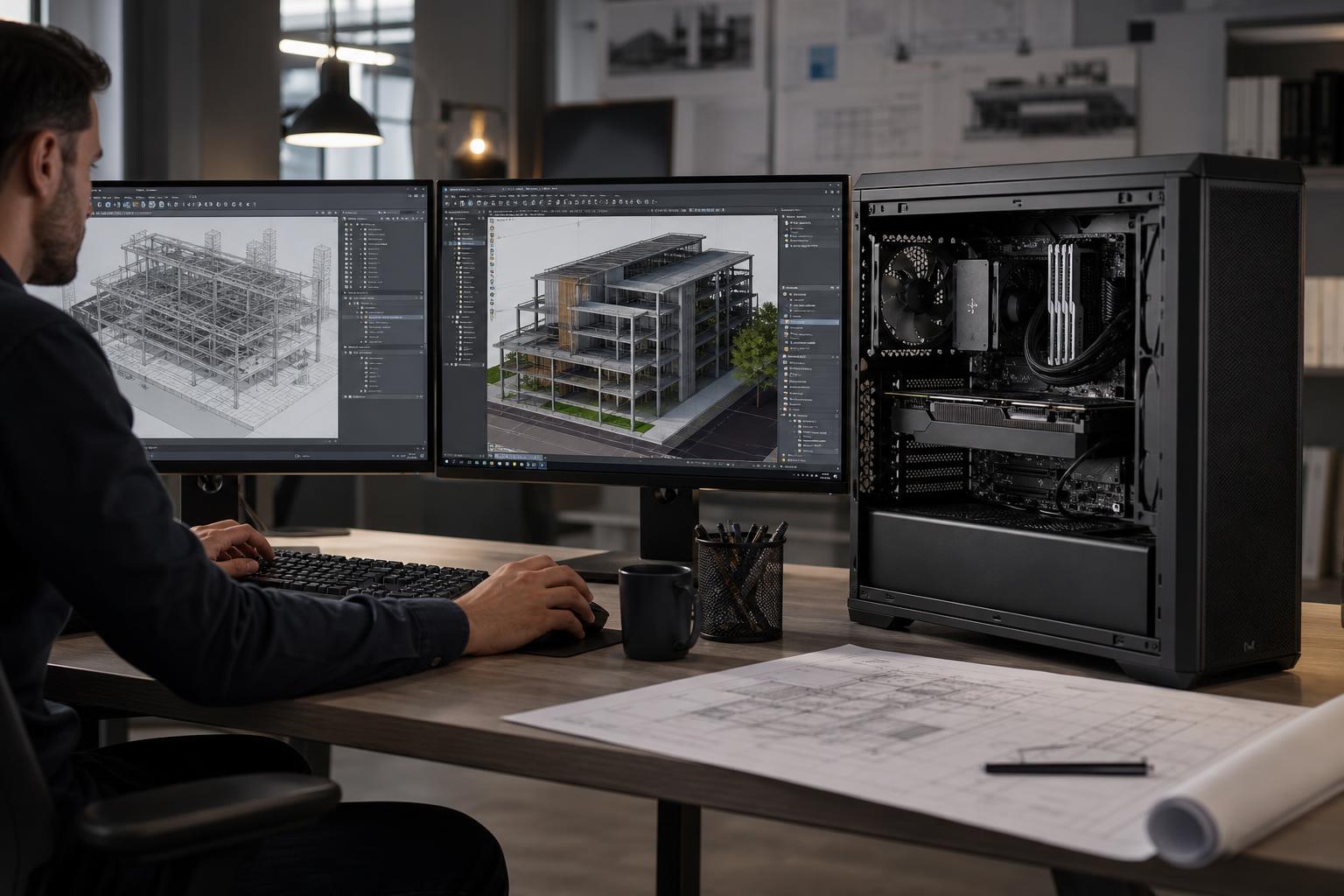
For AutoCAD, Revit, Civil 3D, and many common architecture and engineering workflows, 128GB is usually more than enough for individual professionals working on typical projects. These applications often benefit greatly from fast CPU performance, responsive storage, and a suitable GPU, but they do not always consume enormous amounts of system memory on their own.
Move to 256GB when you regularly open unusually large linked models, work with extensive reality-capture data, run analysis tools alongside your modeling software, or keep several large projects open at once. In other words, buy capacity based on the files you actually work with, not just the fact that the software has “professional” in its marketing.
For most 4K editing in Adobe Premiere Pro, DaVinci Resolve, and similar applications, 128GB is a comfortable high-performance configuration. It supports large projects, high-resolution media, effects work, caching, and the normal collection of applications open during a production day.
256GB becomes more sensible for complex After Effects compositions, long-form multicamera projects, large RAW workflows, heavy fusion or compositing work, and 8K projects with demanding cache requirements. A fast dedicated cache or scratch drive also matters here. Adding RAM while leaving all media, cache, and operating-system activity on one nearly full drive is not a balanced solution.
Artists working in Blender, 3ds Max, Maya, Cinema 4D, and comparable tools can do substantial work with 128GB. It is often the sensible ceiling for artists creating moderate-to-large scenes, rendering on the GPU, and working with high-resolution assets.
Choose 256GB when scenes include massive geometry counts, large texture sets, elaborate scatter systems, complex simulations, or CPU rendering that must hold a large scene in system memory. Remember that GPU rendering has a second memory limit: the graphics card’s VRAM. Adding system RAM cannot compensate for a GPU that lacks the VRAM needed to load a scene.
Developers can benefit from 128GB when compiling large codebases, running multiple containers or virtual machines, using local databases, and maintaining several development environments at once. It is also a sensible choice for data analysts using memory-hungry tools alongside their normal desktop workload.
For a developer who mainly uses an IDE, browser, local test environment, and occasional virtual machine, 256GB is usually unnecessary. The upgrade earns its place when virtualized infrastructure, large in-memory datasets, or multiple resource-heavy environments are part of daily work.
A 256GB workstation is not simply a more luxurious version of a 128GB system. It is a capacity choice for users whose projects or processes are large enough to make memory a recurring limitation.
Point-cloud and LiDAR workflows are among the clearest cases for 256GB. Importing, indexing, registering, classifying, editing, and viewing large scans can place significant demands on memory. The exact requirement depends on point count, source formats, software settings, the number of scans loaded together, and whether the workflow creates additional derived data.
128GB can be effective for smaller and many mid-sized point-cloud jobs. If your work routinely involves city blocks, corridors, large facilities, dense drone scans, or several datasets at once, 256GB is often the safer professional choice. It provides room for the active dataset, processing overhead, other applications, and the inevitable growth of future projects.
Photogrammetry workloads can consume large amounts of memory as image counts, image resolution, alignment complexity, and reconstruction quality rise. RAM needs can vary sharply between projects, so a single universal number would be misleading.
For moderate jobs, 128GB may be appropriate. For large image sets, detailed meshes, extensive dense clouds, and frequent high-quality processing, 256GB gives the workstation more breathing room. In this kind of system, CPU core count, GPU acceleration, VRAM, fast NVMe storage, and cooling should be planned alongside RAM. A memory-heavy workflow deserves a balanced machine, not one oversized component.
Some simulation, analysis, research, and data-processing tasks load datasets directly into memory. In these workflows, 256GB can be necessary rather than optional. If the job requires more memory than the workstation has available, it may slow down severely, reduce the usable dataset size, or fail to complete.
Before specifying a system, identify whether the application works mainly in memory, streams data from storage, uses GPU memory, or has configurable limits. This detail affects every major component decision.
Local AI work can require considerable memory, but the first constraint is often GPU VRAM rather than system RAM. System memory is still valuable for loading datasets, running tools around the model, supporting CPU offload, and managing multiple processes.
For many single-GPU AI workflows, 128GB is generous. A 256GB configuration becomes more compelling for large datasets, heavier CPU offload, multi-GPU setups, virtualized environments, and users running several data-intensive tools together. PCIe lane availability, physical GPU spacing, cooling, and power delivery matter just as much in these builds.
Once capacity is adequate, memory speed and latency can influence performance, especially on workloads sensitive to memory bandwidth or processor architecture. But the priority order for most professional buyers is simple:
For example, a stable 256GB configuration at sensible settings is generally a better business decision than a faster 128GB configuration that runs out of room during important projects. Stability wins over a small benchmark advantage every time.
Memory capacity should influence the workstation platform from the beginning. Mainstream desktop platforms can be excellent for 64GB or 128GB systems and may support higher capacities, depending on the motherboard and memory configuration. Workstation-class platforms are often more appropriate when you need 256GB or more, multiple GPUs, many high-speed drives, expansion cards, or large amounts of PCIe connectivity.
There is also a practical difference between buying 128GB now with open memory slots and buying 128GB using every slot. Leaving a clean upgrade path can be valuable, but only if the board and platform can support the future capacity you expect. Adding a second, different RAM kit later is not always trouble-free, particularly at high capacities. When reliability matters, a matched kit selected for the final target capacity is often the better route.
ECC memory may also be worth discussing for certain professional workflows. It can detect and correct some memory errors, but it requires compatible processor, motherboard, and memory support. It is not mandatory for every CAD or editing workstation, yet it can be a reasonable consideration for systems handling long-running jobs, valuable datasets, or business-critical work.
Look at memory use while working on a representative large project, not while the computer is idle. Open the applications you normally use together and check the Memory section of Windows Task Manager. If total memory use routinely approaches the installed capacity, or the system becomes sluggish while storage activity rises, more RAM is likely justified.
As a planning guideline, do not configure a workstation so its usual peak workload lives at the absolute limit. Leave meaningful headroom for Windows, temporary data, background services, project growth, and the next version of the application.
For most high-performance professional workstations, 128GB is the sensible starting point. It is substantial enough for serious CAD, BIM, 4K video, 3D work, development, and many data-heavy tasks without spending budget that would be better used on a faster CPU, stronger GPU, larger NVMe storage, or a more capable platform.
Choose 256GB when you work with large point clouds, major photogrammetry projects, memory-heavy simulation, very large 3D scenes, demanding virtual-machine environments, or datasets that have already pushed a 128GB system close to its limit. It is also reasonable when downtime or failed processing jobs would be more costly than the additional hardware investment.
The right amount of RAM is only one part of a professional workstation. At Overclock Computers, we can help configure a custom workstation around the applications you use, the size of your normal and largest projects, your storage and network needs, expected growth, and the budget that makes sense for the work. Contact our team with your software list and a description of your typical projects, and we will help you specify a system that is powerful where it needs to be, not merely expensive on paper.