Best PC for Photogrammetry in 2026: Workstation Specs That Make Sense

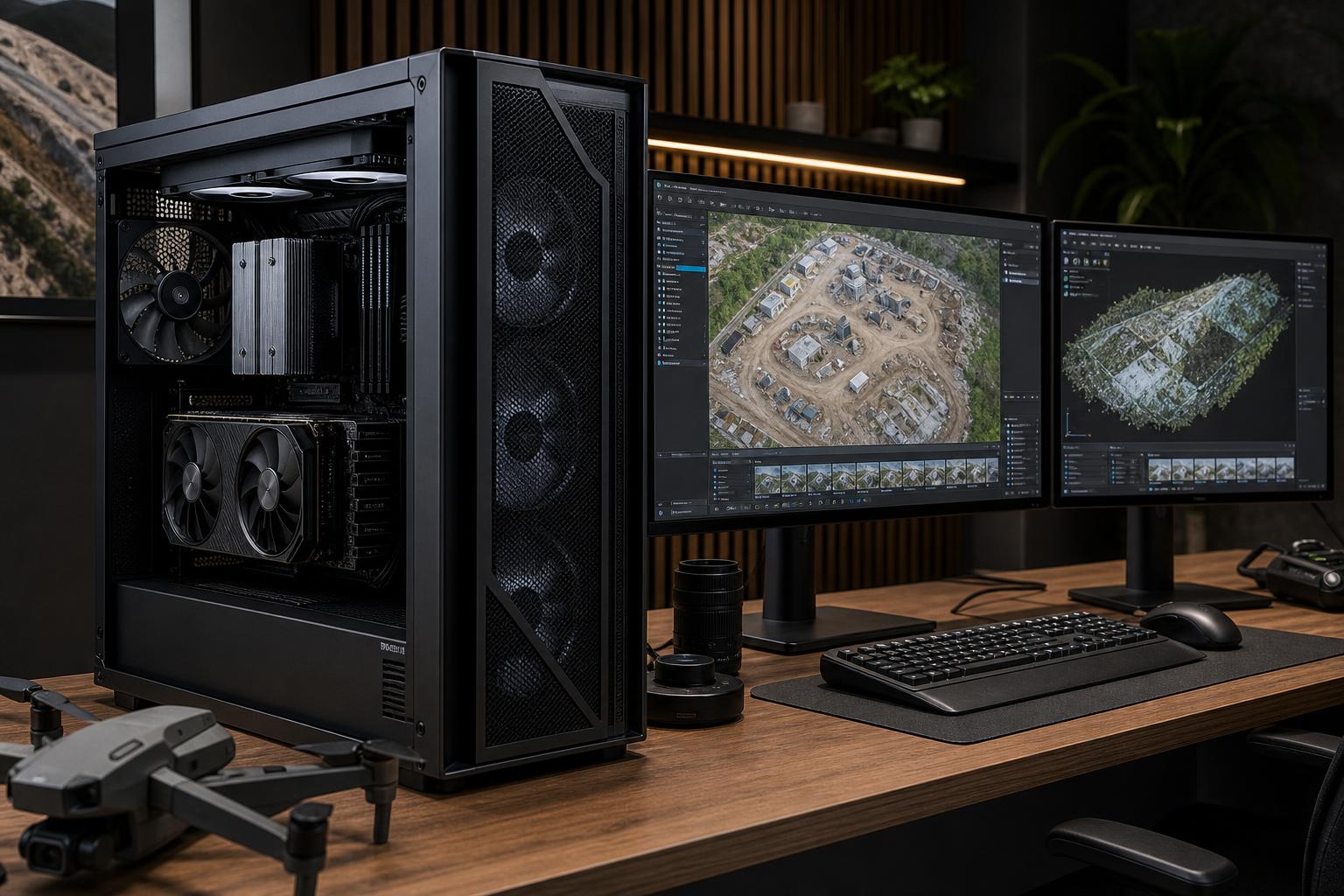
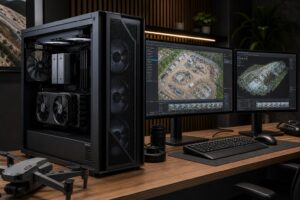
The best PC for photogrammetry is a balanced workstation with a fast multi-core CPU, a capable NVIDIA GPU with enough VRAM for your project size, 64GB to 128GB of RAM, and fast NVMe storage with plenty of working space. For most serious drone mapping, surveying, and 3D reconstruction work, this is a better investment than simply buying the most expensive graphics card available.
Photogrammetry software turns overlapping photos into point clouds, meshes, textures, orthomosaics, and elevation models. That process stresses several parts of a computer at different times. Image alignment and dense reconstruction can lean heavily on the CPU, GPU, memory, and storage, while exporting and handling large project files introduce another set of demands. A workstation that is excellent at one stage but constrained at another becomes an expensive waiting room.
This tier suits users processing modest drone captures, property documentation, smaller construction sites, objects, and projects that can be completed without keeping several large jobs open at once.
This is the sensible starting point for a business that needs real production capability but does not routinely process thousands of high-resolution images. Do not cut this configuration to 32GB of memory just to fund decorative parts or an oversized motherboard. Memory pressure can turn a productive system into a machine that pauses, swaps data to disk, and feels far slower than its CPU suggests.
For regular drone mapping, larger sites, high-resolution camera captures, or photogrammetry alongside CAD, GIS, and point-cloud work, we would normally start here.
This tier usually offers the best return for surveyors, engineers, construction teams, visual-effects artists, and service providers. The extra RAM and workspace are not glamorous upgrades, but they are the parts that make large projects manageable. They also leave room for browser tabs, GIS software, CAD drawings, and other applications that do not politely close themselves while a reconstruction is running.
Choose a higher-core-count workstation platform when project sizes are consistently large, turnaround time has a direct business cost, several CPU-heavy tasks run at once, or you need substantially more memory and expansion than a mainstream desktop platform supports comfortably.
This is not automatically the “best” photogrammetry PC for everyone. High-end workstation platforms cost more, and a lightly used machine will not earn back that cost. They make sense when capacity, uptime, expansion, and throughput are part of how your team gets paid.
It is easy to focus on the GPU because photogrammetry is visually associated with 3D work. In reality, the processor remains central to importing images, feature detection, alignment, reconstruction stages, encoding, exporting, and general responsiveness. Software packages divide work differently, and settings can change which component is busiest, but a weak CPU is rarely a good fit for a serious photogrammetry workstation.
For smaller and medium projects, prioritize a modern CPU with excellent single-core performance and enough cores to keep long tasks moving. Once you process larger jobs frequently, more cores can provide meaningful gains. However, do not buy a very high-core-count CPU while pairing it with too little RAM or a small project drive. That is a classic unbalanced build.
Many photogrammetry applications use GPU acceleration, and NVIDIA is commonly the straightforward choice because of broad CUDA support in professional imaging and reconstruction software. Before buying, check the current hardware guidance for the specific application and version you use. Requirements and supported acceleration methods can change.
For purchasing purposes, VRAM deserves special attention. It stores graphics data and compute workloads close to the GPU. When a dataset or processing stage exceeds available VRAM, performance can fall sharply or a job may not run with the desired settings. More VRAM does not guarantee faster processing on every task, but it gives larger projects more headroom.
A 12GB GPU can be a reasonable entry point. For professional work with larger captures, 16GB or more is a safer target. Paying extra for a top-tier GPU makes sense when your software demonstrably uses it and your workloads are GPU-limited. It makes less sense if 64GB of RAM, storage capacity, or CPU performance is the real limitation.
Photogrammetry datasets grow quickly. Hundreds or thousands of high-resolution photos, derived point clouds, texture data, caches, and other open programs all consume memory. Once physical memory is exhausted, Windows relies more heavily on storage as virtual memory. Even a fast NVMe drive is much slower than RAM for this purpose.
We recommend 64GB for entry-level professional work and 128GB for most users who process substantial projects regularly. Move to 256GB or beyond if large datasets are routine, multiple projects remain open, or the workstation also handles point clouds, simulation, rendering, or virtual machines. Capacity matters more than chasing tiny differences in RAM speed, though a matched, stable DDR5 kit is still worth using.
Photogrammetry needs both speed and room. Raw images can be large, and working files often expand well beyond the original capture. Keep your operating system and applications on one quality NVMe SSD, then use a separate high-capacity NVMe SSD for active projects, caches, and temporary files. Separating these workloads helps prevent a busy project drive from making the whole system feel sluggish.
For many professionals, a 4TB active-project drive is easier to live with than constantly shuffling projects to make space. Keep completed jobs on properly backed-up archive storage. An internal hard drive can be useful for economical local capacity, but it should not be your main active processing drive.
A photogrammetry workstation benefits from quality cooling, a well-ventilated case, and a reputable power supply sized appropriately for the CPU and GPU. Reconstruction jobs can run for hours, so sustained temperatures and stable power delivery matter more than a short benchmark screenshot. A quieter cooling setup is also worthwhile in an office or studio where the system runs during the workday.
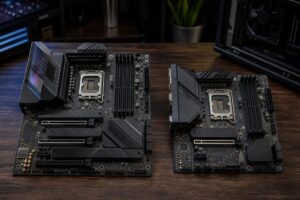
Spend conservatively on a motherboard unless you need specific features: additional NVMe slots, more PCIe expansion, 10GbE networking, particular USB connectivity, or unusually high memory capacity. An expensive board will not speed up reconstruction by itself. Likewise, RGB lighting, premium case glass, and extreme SSD benchmark numbers should come after memory capacity, storage space, cooling, and the right GPU.
Those answers determine whether a mainstream desktop workstation is the smart buy or whether a higher-capacity platform will save time and frustration over its working life.
The best PC for photogrammetry is not defined by one premium part. It is a workstation sized around your image counts, software, turnaround requirements, and the other applications you run every day. For most professional users, that means putting the budget into 128GB of RAM, a capable high-VRAM NVIDIA GPU, a strong modern CPU, and enough fast storage to keep active projects local.
Overclock Computers can help design a custom photogrammetry workstation around your software, project sizes, budget, storage needs, and future expansion plans. Bring us a typical image count, camera resolution, and the applications you rely on, and we can help specify the parts that will make a practical difference.