How Much RAM Do You Need for Gaming, Streaming, and Creative Work in 2026?

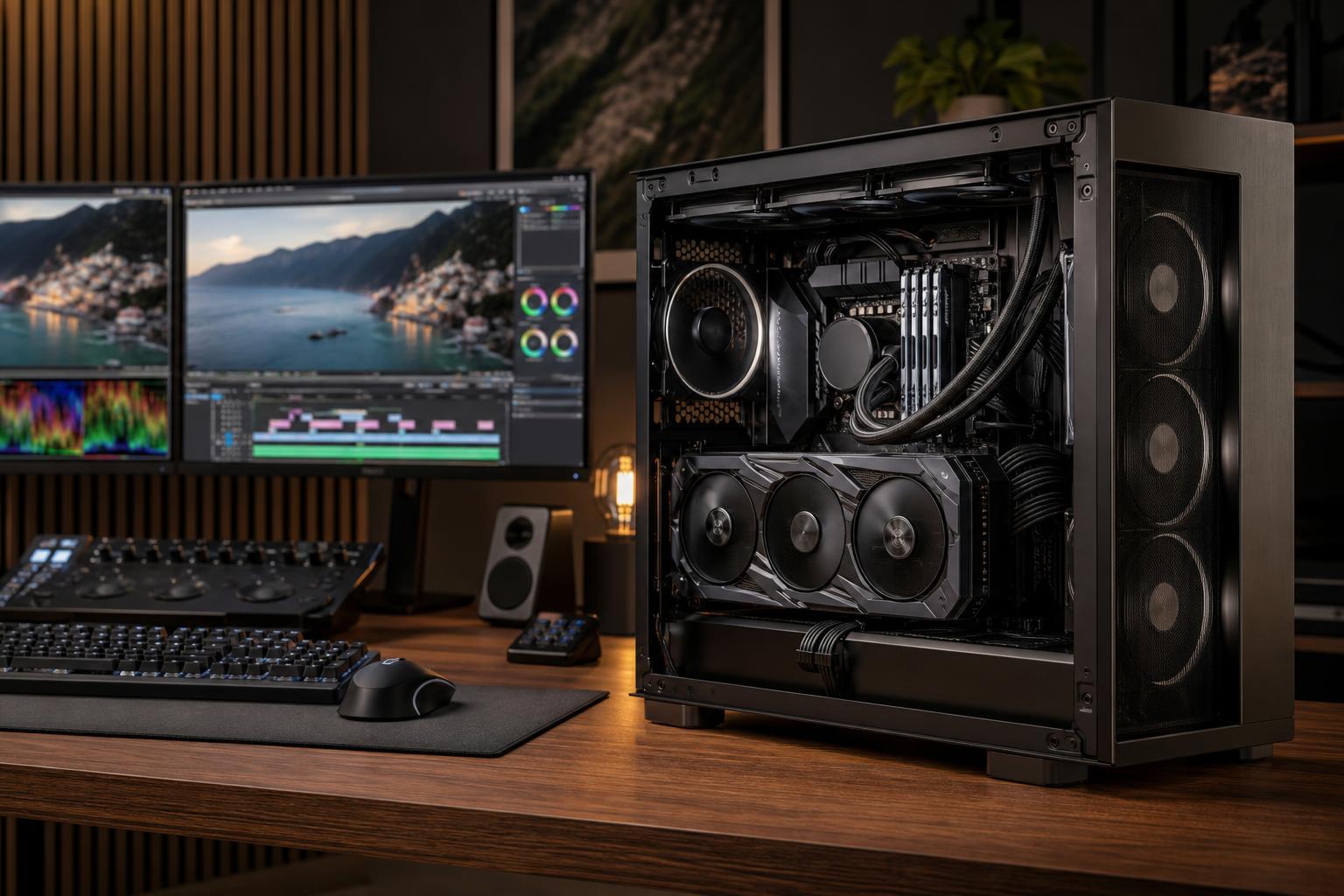
For most new gaming PCs, 32GB of RAM is the sensible starting point in 2026. It gives modern games room to run properly while leaving capacity for Windows, a browser, Discord, launchers, and background software. If you stream, edit video, work with large design files, run virtual machines, or use demanding 3D applications, 64GB is often the better place to start.
More RAM does not automatically make every PC faster. A computer with 64GB of memory and an underpowered graphics card will not suddenly become a great 4K gaming machine. But too little RAM can cause stutters, long load times, application crashes, and a system that feels oddly sluggish despite having a capable CPU and GPU.
The goal is simple: buy enough memory that your normal workload has breathing room, without spending heavily on capacity you will never use.
RAM, or system memory, is the fast workspace your PC uses for programs and data that are currently active. Your SSD holds files permanently; RAM holds the pieces of those files and applications your computer needs immediately.
When available RAM runs low, Windows starts moving less active data to the storage drive in a process commonly called paging. Fast NVMe SSDs have made this less painful than it was years ago, but storage is still dramatically slower than RAM. That is when a PC may pause while switching applications, hitch during a game, or become slow to respond with several programs open.
Think of it as desk space. A bigger desk does not make you type faster, but it lets you keep more documents open without constantly stacking, moving, and searching for them.
It can be, but it is increasingly tight for a newly purchased gaming PC. Many games can still run well with 16GB, especially if the system is used mostly for one game at a time. The problem is everything around the game: Windows, voice chat, a browser with a few tabs, game launchers, RGB utilities, recording software, and hardware monitoring tools all use memory too.
With 16GB, a lightweight esports setup may feel perfectly fine. It can also be a reasonable choice for a carefully budgeted 1080p PC where putting more money toward the graphics card makes a clear performance difference.
Still, 16GB leaves less room for the next few years of game releases and less room for normal multitasking. If the price difference is reasonable, 32GB is the upgrade we would make first. It is one of the few component decisions that improves the general day-to-day feel of a system as well as its resilience in newer games.
For a modern custom gaming PC, 32GB is the balanced recommendation. It supports current games comfortably and avoids the need to close every other application before playing. It is particularly appropriate for systems built for 1440p, high-refresh-rate monitors, heavily modded games, and premium GPUs.
Choose 32GB if you plan to do any of the following:
There is a useful distinction here: 32GB is not necessary because every game uses 32GB by itself. It is worthwhile because a real PC is rarely doing only one thing.
64GB is not overkill when memory-intensive work is part of the plan. It is the practical next step for a gaming-and-creation machine, a professional desktop, or a workstation where interruptions cost time.
We commonly recommend 64GB for users who regularly stream while gaming, edit high-resolution video, work in Adobe applications with large source files, develop software with local services running, or handle serious CAD and 3D projects. A large Blender scene, an architectural model with linked assets, and a video editor holding multiple high-bitrate clips can consume memory much faster than a typical game.
It also makes sense for users who multitask heavily. Running a game, OBS, a browser full of research tabs, chat software, music, and a virtual machine is a very different workload from playing a game on an otherwise clean desktop.
For a professional buyer, buying 64GB up front may be better than treating it as a luxury upgrade. It reduces the chance that a workstation becomes constrained by memory before its CPU or GPU is ready to retire.
High memory capacities should be driven by the size and behavior of your actual applications. They are not a universal “future-proofing” purchase.
Consider 96GB or 128GB when you work with large point clouds, extensive BIM or CAD assemblies, complex render scenes, uncompressed or high-resolution video footage, scientific data, multiple virtual machines, or large datasets that must stay in memory. Some local AI and development workflows can also benefit, although the graphics card’s VRAM remains the primary constraint for many GPU-based AI tasks.
If you have a current system, check its memory use during your real workload. Windows Task Manager can show overall memory use, while many professional applications provide their own performance or cache information. If a project pushes memory usage close to installed capacity and the system begins paging to disk, more RAM is likely a productive upgrade.
For business workstations, ask the person who uses the machine which project files cause delays or force them to close other applications. That answer is generally more useful than a generic “professional workstation” label.
Once you have enough RAM capacity, memory speed and timings can affect performance. This matters most in CPU-limited gaming, where the processor is trying to feed a powerful graphics card at very high frame rates, and in certain compute workloads.
However, capacity comes first. A 32GB kit with sensible DDR5 speed and stable settings is usually a much better purchase than a very fast 16GB kit. Running out of memory is a larger problem than giving up a small amount of peak benchmark performance.
For most buyers, the right approach is to select a well-matched DDR5 kit supported by the motherboard and CPU platform, then enable its appropriate memory profile during system setup. Stability matters more than chasing extreme memory settings. A workstation that occasionally crashes to save a tiny amount of time in a benchmark is not well configured.
Most mainstream desktop systems perform best with a matched pair of memory modules, such as 2 x 16GB for 32GB or 2 x 32GB for 64GB. This allows the system to use its memory channels efficiently and usually gives the best balance of performance, compatibility, and upgrade flexibility.
Mixing separate kits that happen to have the same advertised speed and capacity is not ideal. Memory kits are validated to work together as a set, and mixing them can create instability or force slower settings. It may work, but it is not how we would plan a new premium PC.
It is also worth leaving room for upgrades. A motherboard with four memory slots can be useful, but filling every slot is not always the easiest path to high DDR5 speeds. Starting with two appropriately sized modules is generally the cleaner build strategy.
A powerful CPU and GPU deserve enough memory to support the experience. Saving a small amount on RAM in a high-end gaming PC can create avoidable stutters and multitasking limitations.
Capacity first, then a sensible speed and latency combination. Extra memory that is actually available is more valuable than a theoretical speed advantage you may never notice.
If a game is limited by the graphics card, more system RAM will not produce a dramatic frame-rate jump. If renders are GPU-limited, a larger memory kit may not shorten them either. RAM fixes memory pressure; it does not replace a properly balanced CPU and GPU.
Professional software can have very different needs even within the same field. A straightforward 2D CAD workflow does not need the same memory capacity as a massive civil model, scan-processing project, or rendering scene. Build around the files and tools you actually use.
If you are buying a gaming PC and want a clear answer, choose 32GB of RAM. It is the right baseline for most well-equipped systems in 2026. Choose 64GB if streaming, creative work, development, demanding CAD, 3D work, or heavy multitasking is a normal part of your week. Move beyond that only when your applications and project files justify it.
A good PC is not the one with the largest number on every specification line. It is the one where the CPU, graphics card, memory, cooling, storage, and power supply all support the work you expect it to do. Overclock Computers can help configure a gaming PC or workstation around your games, applications, project sizes, performance goals, and budget, so you get the memory capacity you need without paying for hardware that will sit unused.