Best PC for Microsoft Flight Simulator in 2026: Specs That Make Sense

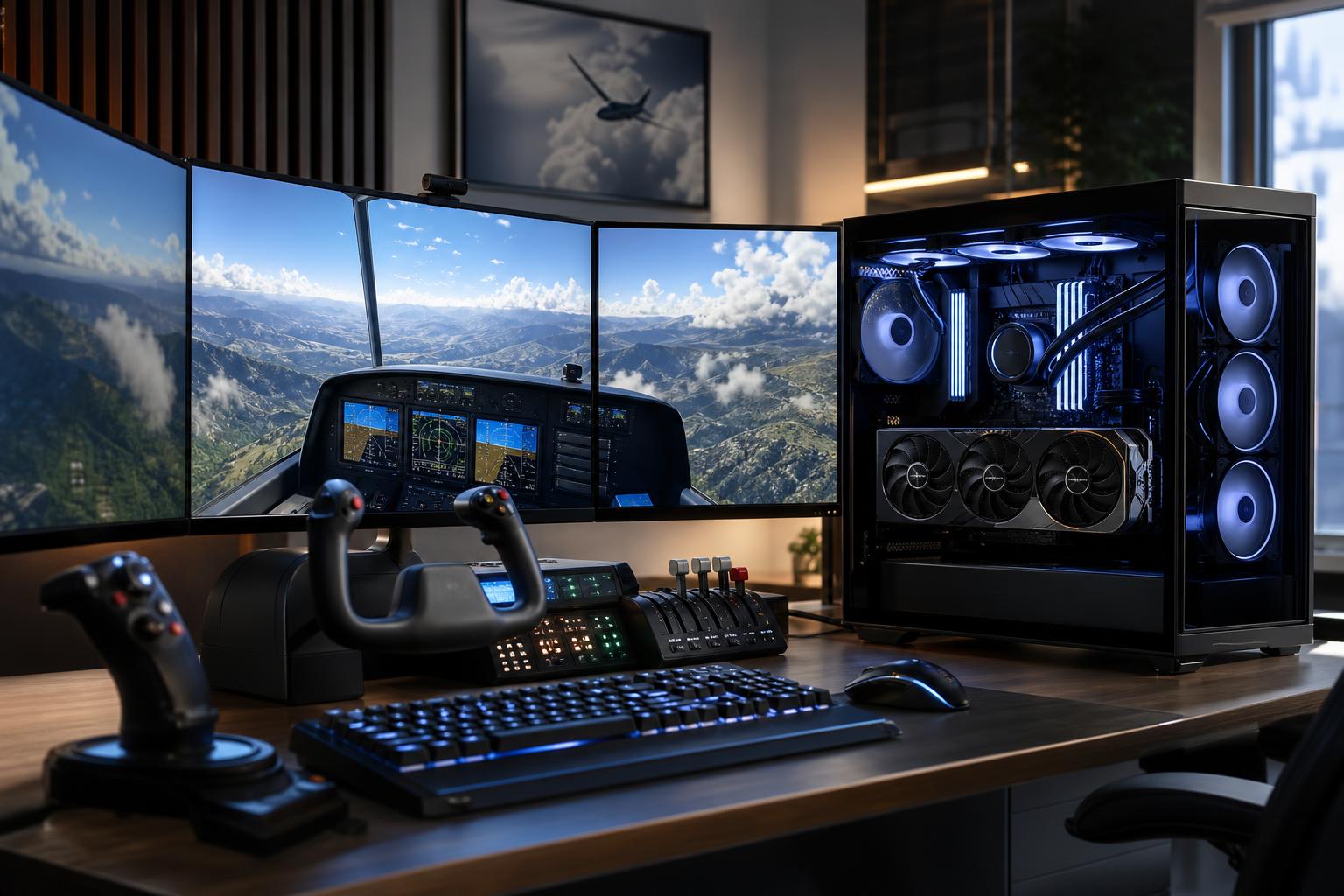
The short answer: for a satisfying Microsoft Flight Simulator PC, prioritize a strong modern gaming CPU, a capable graphics card with enough VRAM for your resolution, 32GB of RAM, and a 2TB NVMe SSD. For most people playing on a 1440p monitor, the best balance is a performance-focused CPU paired with an upper-midrange or high-end GPU. At 4K, especially with high settings, detailed airports, airliner add-ons, or VR, put more of the budget into the GPU and VRAM.
Flight Simulator is not a typical game. A fast graphics card matters, but it is also demanding on the CPU, memory, storage, and internet connection. Busy airports, live traffic, dense cities, complex weather, and third-party aircraft can all expose weak links in a system. A PC that looks excellent on a generic gaming-spec sheet may still struggle during a rainy evening approach into a detailed airport.
In many games, the GPU does most of the hard work. In Microsoft Flight Simulator, the CPU often has a major role as well. It must prepare scenery, aircraft systems, traffic, physics, and draw calls for the graphics card. That is why a powerful GPU cannot always compensate for an underpowered processor.
The heaviest situations tend to be:
A balanced system is the goal. Spending every dollar on the graphics card while choosing a basic CPU is a common mistake. The reverse is also true: a premium CPU paired with too little GPU power will not make 4K flight simulation smooth.
This tier suits pilots using a 1080p display, or a 1440p monitor with reasonable graphics settings and without a long list of demanding add-ons. It is also a good entry point for someone who mainly flies general aviation aircraft and does not expect the busiest airport scenario to perform exactly like a quiet rural flight.
Do not build a new flight sim PC with 16GB of RAM unless the budget is extremely tight. The simulator itself, Windows, browser-based charts, navigational tools, streaming utilities, and background applications can make 16GB feel cramped. Thirty-two gigabytes gives the system breathing room and is the sensible starting point.
For most serious sim pilots, this is the sweet spot. A good 1440p monitor offers much sharper instruments and scenery than 1080p without the steep GPU demand of native 4K. This tier is appropriate for higher settings, detailed scenery, popular add-on aircraft, and a more consistent experience at major airports.
At this level, CPU selection deserves real attention. Flight Simulator can benefit from processors that maintain excellent gaming performance in busy, CPU-limited scenes. A CPU with more cores is not automatically better; fast cores, cache, and efficient scheduling matter more than chasing a huge core count for this specific use. Extra cores become more valuable if the same PC also handles video editing, 3D work, software development, or heavy streaming production.
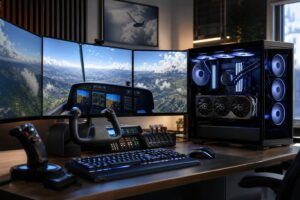
Choose this tier if you fly at 4K, use a demanding ultrawide display, plan to use VR, or regularly load complex airliners and large scenery collections. It is also the right direction for cockpit builders using several displays and USB peripherals, though multi-monitor configurations deserve a conversation before ordering because the display arrangement changes the GPU requirement substantially.
VR is particularly unforgiving. It increases rendering demand while making uneven frame delivery more noticeable. A top-tier GPU is worthwhile here, but do not pair it with bargain cooling, a restricted-airflow case, or a low-quality power supply. Sustained simulator sessions are exactly where those unglamorous parts earn their keep.
For a normal single-monitor 1440p build, allocate the largest share of the budget to the GPU, but keep enough aside for a strong gaming CPU. If the system will mostly run Microsoft Flight Simulator rather than a wide mix of GPU-heavy games, it can make sense to shift a little money from the GPU toward the CPU compared with a conventional gaming PC.
For 4K and VR, the GPU becomes the clear spending priority. Higher resolution means the graphics card must render far more pixels. More VRAM is also helpful for high-resolution textures, complex scenery, and longer-term flexibility, although VRAM capacity alone does not determine graphics performance.
Spend sensibly on the supporting hardware:
You do not need an extreme-core-count workstation CPU purely for flight simulation. In fact, a processor designed around maximum core counts can be a worse value than a fast gaming-focused chip. You also do not need the most expensive motherboard, ultra-fast flagship SSD, or elaborate liquid cooling just because the build is premium.
A good Gen 4 NVMe SSD is already very responsive for a simulator PC. More capacity is usually more valuable than paying heavily for the fastest drive on paper. Likewise, a well-built air cooler can be an excellent choice when matched to the CPU. Liquid cooling is useful for some high-heat processors and for particular aesthetic goals, but it is not a mandatory flight sim upgrade.
A capable PC deserves a display that makes the upgrade visible. For many pilots, a 27-inch 1440p high-refresh monitor is the practical sweet spot. A 4K display provides outstanding instrument clarity and scenery detail, but it asks much more of the graphics card. An ultrawide screen can be wonderfully immersive for cockpit views, while VR offers the strongest sense of scale and presence at the highest cost in system demand and setup complexity.
Good controls can also improve the experience more than a small step up in CPU performance. A proper stick, yoke, throttle quadrant, rudder pedals, or head-tracking setup changes how the simulator feels. Just plan USB connectivity from the start instead of relying on a collection of inexpensive hubs under the desk.
A mass-market prebuilt can be a reasonable choice when its parts list is complete, its cooling is adequate, and its price is fair. The problem is that many generic systems are configured for an easy headline: a recognizable CPU and GPU, with less attention paid to memory capacity, storage, airflow, power supply quality, and expansion.
Those supporting choices matter in a flight sim build. A thoughtfully configured custom PC can start with the right CPU and GPU balance, include enough storage for scenery, provide the USB and M.2 expansion you need, and use cooling that stays controlled during long sessions. It should also use standard, upgrade-friendly components rather than locking you into proprietary replacements later.
If you want one clear starting point, choose a 1440p-focused system with a high-performance gaming CPU, a GPU with 16GB or more of VRAM, 32GB of DDR5 memory, and a 2TB NVMe SSD. Move to 64GB of RAM and 4TB of storage if you expect a large add-on library or use the PC for other demanding work. For 4K or VR, step up to the strongest GPU that fits the overall budget without compromising the CPU, cooling, power supply, or storage.
Overclock Computers can design a Microsoft Flight Simulator PC around your display, preferred aircraft, add-ons, VR plans, cockpit hardware, budget, and future upgrade goals. Bring us the way you actually fly, and we’ll help configure the hardware that makes sense rather than simply loading a parts list with expensive extras.