Gaming PC vs. Workstation: Which Desktop Should You Buy?

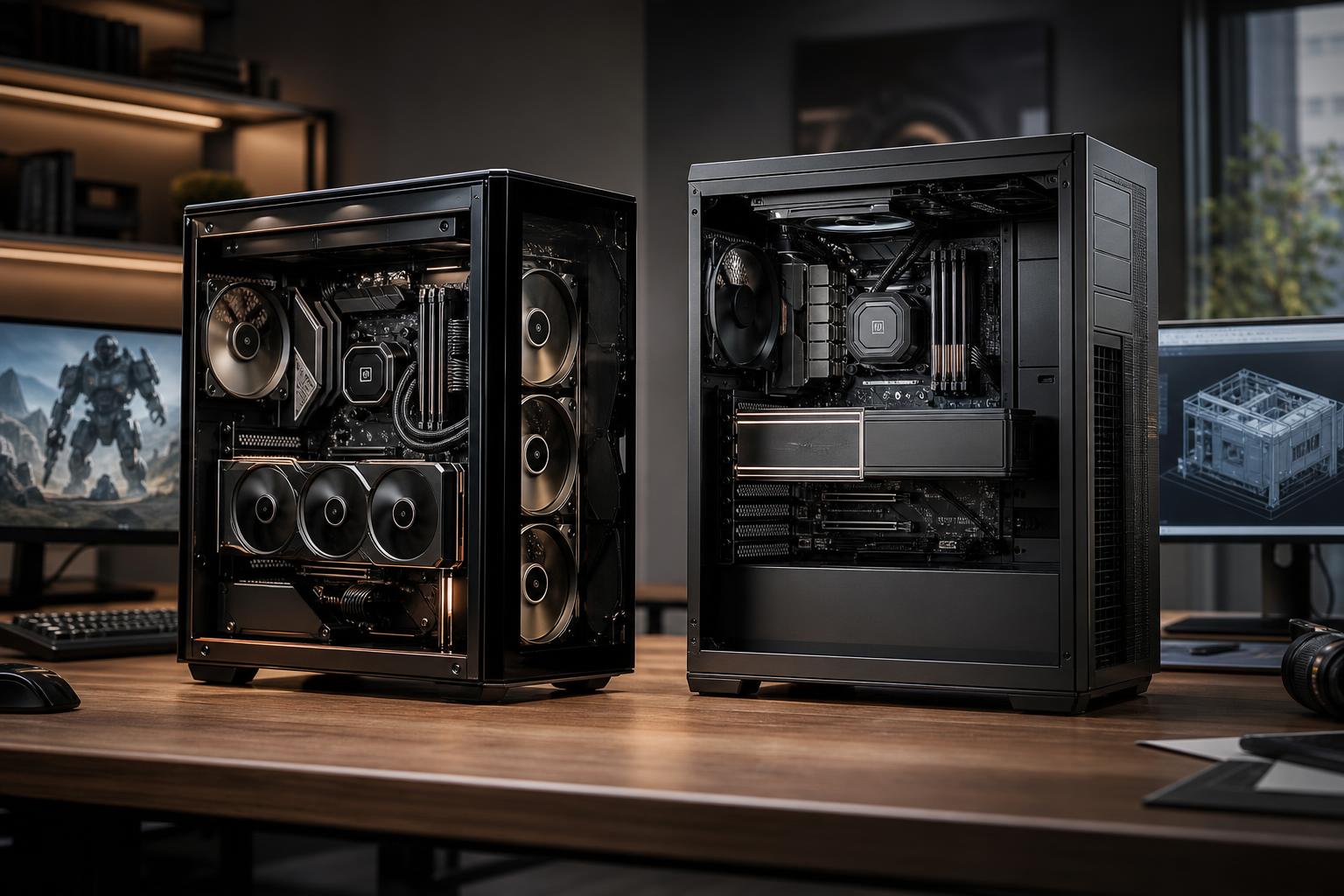
A gaming PC and a professional workstation often use many of the same parts: a modern CPU, dedicated graphics card, DDR5 memory, NVMe storage, and a well-cooled case. The difference is not a mysterious class of computer. It is the way those parts are selected, balanced, tested, and prioritized.
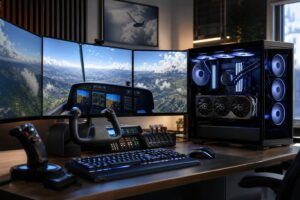
If your main goal is playing games, a gaming PC is usually the right answer. If your income depends on CAD, rendering, simulation, video production, point-cloud work, or other demanding applications, a workstation may be worth the extra planning and budget. And if you do both, the best choice is often a carefully configured hybrid—not a generic “workstation” or an overbuilt gaming machine.
A gaming PC is primarily designed to produce high frame rates at a chosen resolution. That generally means putting a large share of the budget toward the graphics card, using a fast gaming-oriented CPU, and including enough memory and storage to keep the system responsive.
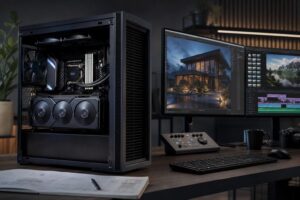
A workstation is designed to complete professional work reliably and efficiently. Depending on the software, that may require more CPU cores, more system memory, larger and faster storage, a graphics card with substantial VRAM, certified professional graphics drivers, or all of the above.
The key point is simple: a workstation is not automatically faster than a gaming PC. A workstation with the wrong CPU, GPU, or memory layout for your software can be an expensive disappointment. Likewise, a strong gaming PC can be an excellent machine for programming, Photoshop, light CAD, and many content-creation tasks.
For gaming, a consumer graphics card is normally the sensible choice. Gaming GPUs are built and priced around high raster performance, modern game features, and strong performance per dollar. This is where most of a high-end gaming PC budget should go, especially for 1440p high-refresh-rate or 4K gaming.
For professional work, the correct GPU depends heavily on the application. GPU rendering, real-time visualization, video effects, AI-assisted workflows, and large 3D scenes can benefit from more VRAM. When a project exceeds available VRAM, performance can drop sharply or the task may not run as intended. More VRAM is often more useful than a modest increase in raw GPU speed for these jobs.
Professional GPUs can also offer application-certified drivers and features that matter in specific enterprise CAD, engineering, visualization, and scientific environments. That certification is valuable when software vendors, IT departments, or client requirements demand it. It is not automatically valuable for every person who opens a CAD file.
For many independent designers, developers, video editors, and 3D artists, a high-end consumer GPU with adequate VRAM is the better value. For users of specialized applications with certified-driver requirements, or teams where downtime and supportability carry real costs, a professional GPU can make sense.
Games often respond best to strong per-core performance. A modern CPU with a sensible core count and high clock speeds is usually enough, while spending excessively on additional cores may do little for frame rates.
Workstation applications vary. CAD modeling and general office work often remain responsive because of fast individual CPU cores. CPU rendering, code compilation, simulation, transcoding, and parallel data processing can use many cores effectively. In those workloads, moving to a higher-core-count processor can shorten waiting time in a way you will notice every day.
Do not buy a many-core CPU just because it sounds professional. If your primary application is lightly threaded, you may be paying for cores that mostly sit idle. Start with the software’s recommended hardware guidance, then consider the size and complexity of your actual projects.
For a new gaming PC, 32GB is a practical starting point for most buyers. It gives modern games, background applications, browser tabs, voice chat, and game launchers room to breathe. Some simpler gaming-focused systems can still work well with less, but memory is one place where overly tight budgets age badly.
Professional workloads often need more. Large assemblies, high-resolution video, virtual machines, huge Photoshop files, point clouds, complex scenes, and data-heavy projects can make 64GB a sensible baseline. More demanding workflows may require 128GB or beyond.
Running short on RAM does not just make a workstation slightly slower. The system begins moving data to storage, which can cause long pauses, sluggish switching between programs, and failed renders or exports. Buy enough capacity for your largest real project, with reasonable headroom.
Gaming systems benefit from a fast NVMe SSD for Windows and installed games. Capacity matters because modern game libraries are large, but most games do not need an elaborate multi-drive layout.
Workstations often do. Video editors may benefit from separate locations for the operating system and applications, active project media, cache or scratch files, and long-term archives. Artists and engineers may need fast local space for project files plus a separate backup strategy. A single nearly full drive is a poor foundation for serious work.
Fast storage helps, but it is not a substitute for enough RAM or the correct CPU and GPU. It should support the workflow rather than consume the budget needed for performance-critical parts.
Buy or configure a gaming-first desktop if gaming is your primary use and your professional tasks are relatively moderate. A well-built gaming PC is also a very capable general-purpose computer.
In this situation, prioritize the GPU that suits your monitor, a capable modern CPU, 32GB of RAM, a quality NVMe SSD, and a power supply with enough capacity and the right connectors for the graphics card. Good airflow matters too. A powerful GPU trapped in a hot, restricted case is not a premium experience.
A workstation becomes the better choice when productivity, project capacity, stability requirements, or professional application support is more important than game frame rates.
A proper workstation should also receive more attention to cooling, power delivery, component compatibility, and storage planning. Those details are not glamorous, but they matter when a machine is compiling, rendering, or processing data for hours at a time. A quality power supply and sensible cooling are far less exciting than a graphics card, but they are part of what makes a high-performance computer dependable.
Many buyers do not fit neatly into either category. An architect may game after work. A developer may run virtual machines by day and play demanding titles at night. A video editor may need a GPU for effects and rendering but also want excellent 4K gaming performance.
For these users, build from the workload that cannot tolerate compromise. If a particular application needs 64GB of RAM, that is the floor. If projects need substantial VRAM, choose the GPU around that requirement before worrying about gaming settings. If gaming at a high refresh rate is equally important, avoid a CPU selected solely for maximum core count when its gaming behavior is less suitable.
Then use the remaining budget to improve the other side of the machine. This approach avoids the common mistake of buying a “gaming PC” with inadequate memory for work, or a so-called workstation with a weak graphics card that makes both viewport performance and gaming feel disappointing.
Professional-branded components can be appropriate, but they do not magically make every system more reliable. Reliability comes from using quality parts that are compatible, adequately cooled, and correctly configured. It also comes from maintaining backups, keeping enough free storage space, and using stable drivers appropriate to the workload.
For a business or independent professional, it is worth discussing support expectations, backup practices, remote access, storage needs, and future expansion before finalizing a build. The right computer is easier to live with when those decisions are made upfront rather than after a project drive fills up.
The gaming PC vs. workstation decision is really a question of priorities. A gaming-first system should put performance where games need it. A workstation should remove the bottlenecks that slow paid work. A hybrid should be intentional about both, rather than hoping a list of expensive parts will somehow balance itself.
Overclock Computers can help design a custom desktop around your games, professional applications, project sizes, performance goals, and budget. Bring us the software you use and the work you want the system to handle, and we can help turn that into a balanced, well-cooled configuration that makes sense for the long term.