Gaming PC for Streaming: What Specs Do You Actually Need?

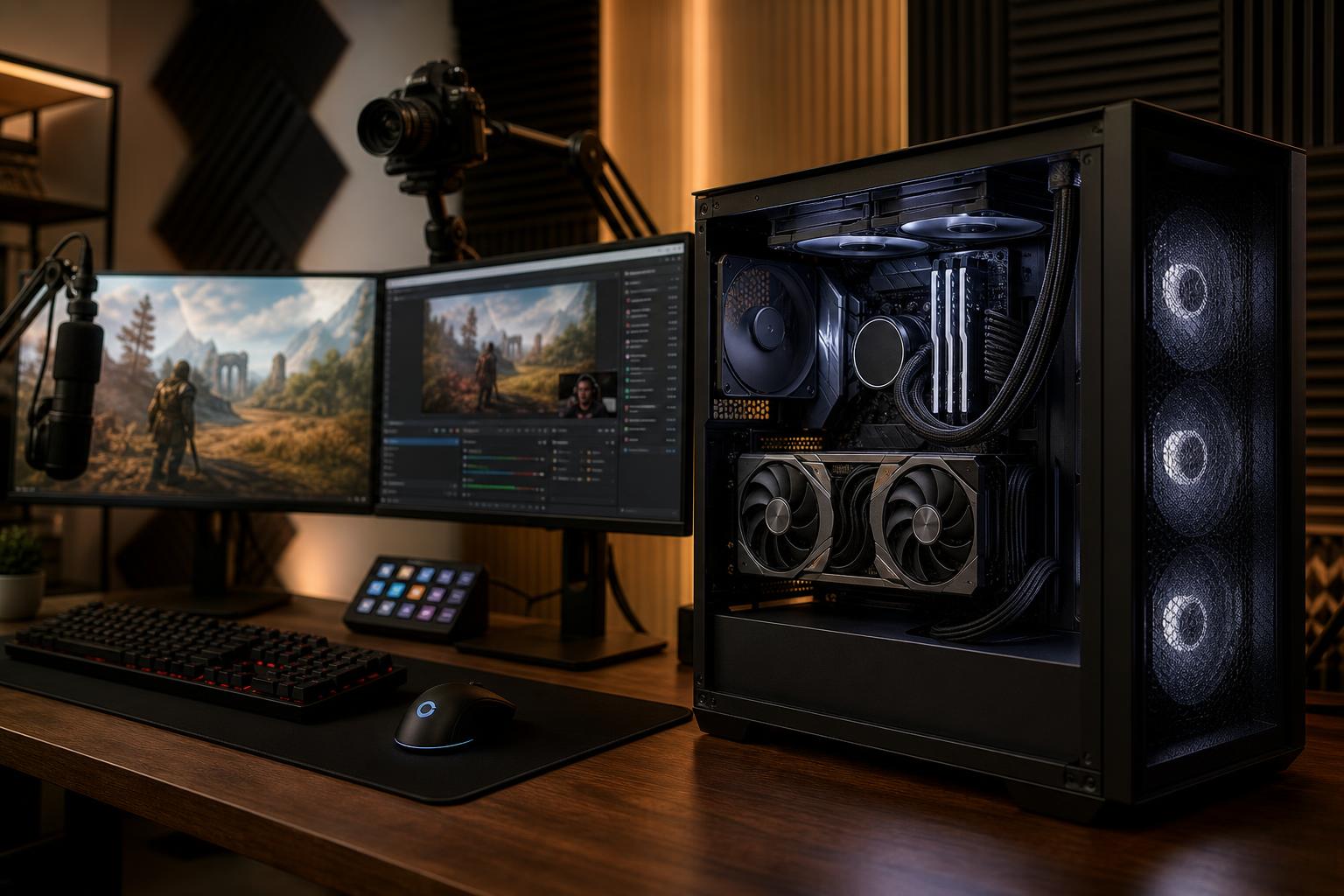
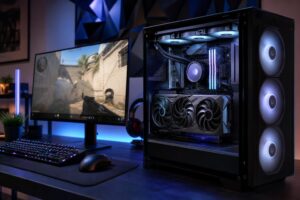
A good gaming PC for streaming has to do two jobs at once: run the game smoothly and encode a clean video feed for viewers. The right configuration is not necessarily the most expensive one. It is the one that has enough CPU, GPU, memory, cooling, and storage performance for the games you play, the resolution you stream at, and everything else you keep open in the background.
For most people, the sensible target is a balanced gaming system with a modern graphics card that has a strong hardware encoder, a capable six- or eight-core CPU, 32GB of RAM, and a fast NVMe SSD. Spend more when you play demanding games at high settings, stream at high resolution, edit video regularly, or use a heavily customized stream setup. Do not buy workstation-class hardware simply because you plan to go live on Twitch or YouTube.
The game is usually the largest performance demand. A lightweight esports title and a ray-traced single-player game at 4K place wildly different loads on a PC. Your monitor matters, too. If you play at 1440p and want high refresh rates, the graphics card becomes especially important. At 4K, it is more important still.
Streaming adds overhead, but modern hardware encoding means it does not have to consume a large portion of the CPU. That changes the old advice that every streamer needs an extremely high-core-count processor. A powerful GPU selected for the game you actually play is often the better first investment.
For a single-PC stream setup, the graphics card is doing more than rendering the game. Its built-in media engine can encode the outgoing stream. In OBS and similar applications, this is commonly referred to as hardware encoding.
A hardware encoder is valuable because it handles video compression efficiently without asking the game CPU to do all the work. That usually leaves more CPU capacity for the game, browser sources, chat tools, alerts, audio processing, and general system responsiveness.
When comparing graphics cards, look beyond raw gaming speed. Confirm that the card supports the encoder and codecs you intend to use. Current-generation cards commonly support H.264 and newer formats such as AV1, but the platform where you stream and the viewers you want to reach affect which format is practical. H.264 remains broadly compatible, while AV1 can improve quality at a given bitrate where it is supported.
More VRAM can also help with newer games, high-resolution textures, ray tracing, and certain creator workloads. It is not a substitute for a faster GPU, though. Buy enough VRAM for your target games and resolution, then choose the strongest overall card that fits the system budget.
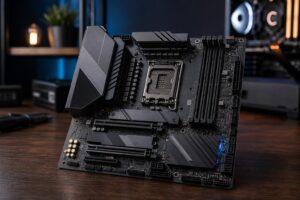
With GPU encoding enabled, a modern six-core CPU is a reasonable starting point for many streaming PCs. An eight-core CPU is the safer recommendation for someone who wants more breathing room for demanding games, background applications, multiple monitors, browser-based overlays, or light editing work.
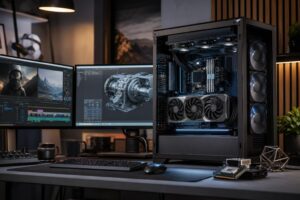
A higher-core-count processor earns its keep when the PC is also a production machine. Video editing, rendering, compiling large software projects, and CPU-based encoding can all use those extra cores. It does not automatically improve stream quality if your GPU encoder is handling the stream and the game already runs well.
For a gaming-first machine, do not starve the graphics card budget just to buy the highest-tier CPU. A balanced CPU paired with a better GPU nearly always creates the better gaming experience.
Streaming turns a normal gaming session into a multitasking session. You may have the game, OBS, a browser, chat, music, voice communication, a webcam utility, and several background services active at once. That is why 32GB of memory is the sensible baseline for a new gaming PC for streaming.
Sixteen gigabytes can still work for lighter games and simple stream scenes, but it leaves less room for the real-world clutter that builds up during a live session. Running short on memory can cause stutters, slow application switching, or reliance on the SSD as overflow memory. None of those are fun to diagnose ten minutes before going live.
Consider 64GB when you routinely edit high-resolution video, use heavy Adobe projects, create in 3D applications, keep large development environments open, or want substantial headroom for your full workflow. For streaming alone, 64GB is helpful but not mandatory.
An NVMe SSD should be the primary drive in a modern streaming PC. It makes the system feel responsive, cuts game and application loading times, and handles recording more comfortably than an old mechanical hard drive.
Storage capacity matters just as much. Modern games are large, and local recordings can consume space very quickly. A 1TB SSD is workable for a focused library, but 2TB is often the more comfortable starting point for gamers who install several large games and save recordings. If you edit regularly, a separate SSD for active media projects can keep the operating system drive less cluttered and make file management easier.
Hard drives still have a place as low-cost archives for finished recordings, but they should not be the only storage in a performance-focused system.
Streaming is often a long session, which exposes weak cooling and low-quality power components. A PC can look fine during a quick game launch and then become loud, warm, or inconsistent after several hours under load.
A well-configured system needs a case with useful airflow, enough case fans, and a CPU cooler matched to the processor’s heat output. More expensive liquid cooling is not always required; a quality air cooler can be an excellent choice for many CPUs. The goal is controlled temperatures and reasonable noise, not a parts list designed for social media.
The power supply deserves the same practical approach. Choose a quality unit with adequate capacity, the correct modern connectors, and room for normal power spikes. It is one of the least visible parts of the build and one of the worst places to cut corners.
Usually, no. A single, properly balanced gaming PC for streaming is simpler to manage, takes up less space, uses less power, and is capable of excellent results with hardware encoding. It is the right answer for most new streamers and many established ones.
A dedicated second streaming PC makes sense only when there is a clear reason: unusually demanding competitive play, a complex professional production setup, specialized capture needs, or a desire to isolate the broadcast system from the gaming machine. It also introduces more hardware, audio routing, capture equipment, cables, and troubleshooting. A dual-PC setup is a tool, not a rite of passage.
The best custom gaming PC for streaming is not defined by one component or a single price point. It is defined by balance. Put the biggest share of the budget into the GPU when gaming quality and frame rate are the priority. Add CPU cores, memory, and storage when your workflow genuinely uses them. Leave room for good cooling and power delivery so the system stays stable long after the first stream.
Overclock Computers can help design a system around the games you play, your monitor, streaming platform, recording and editing plans, and budget. If you are unsure where the performance priority should be, get in touch with the team before buying parts that will not improve your actual experience.