How Many Watts Does Your PC Need? A Practical Power Supply Guide

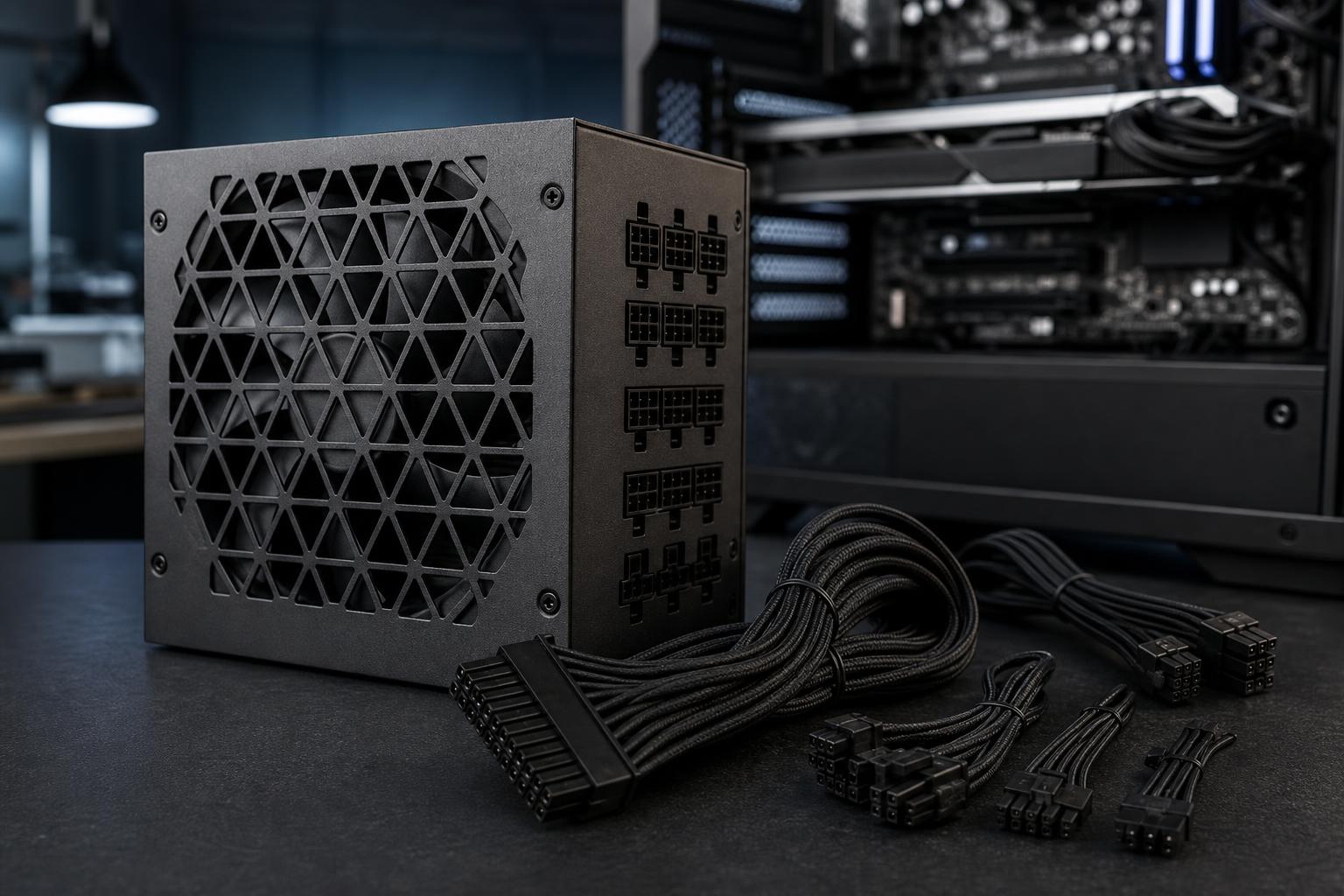
A power supply is easy to overlook. It does not raise frame rates or shorten render times, and it is usually hidden behind a case shroud. Still, it is one of the parts that determines whether a high-performance PC stays stable under load, runs quietly, and remains easy to upgrade later.
The short answer is that most well-balanced gaming PCs need a quality 750W or 850W power supply. Powerful 4K gaming systems and many professional workstations are better served by 1000W or more. But wattage alone is not the whole story. The PSU must also be built well, have the right GPU connectors, and provide sensible headroom rather than running at its limit every time you launch a game or render a project.
For most gaming PCs, the graphics card is the largest power draw by a wide margin. A modern midrange GPU may use roughly 200W to 250W during demanding gaming. Higher-end cards can use 300W to 450W or more, depending on the model and its configured power limit.
The CPU matters too, especially in workstations. A typical gaming-focused processor often stays well below 150W in games, while a high-core-count CPU can draw substantially more during long rendering, simulation, compiling, or encoding jobs.
Motherboards, memory, SSDs, fans, pumps, USB devices, and lighting add power use, but they rarely transform a sensible PSU choice into an undersized one. Think of them as the margin around the CPU and GPU, not the main event.
These recommendations assume a quality, modern power supply and a normally configured system. They intentionally include room for power spikes, component aging, fan noise, and reasonable future upgrades.
A good 550W or 650W PSU works well for a PC with a modest-to-midrange graphics card and a mainstream CPU. This is often enough for a 1080p gaming system, an everyday productivity PC with a discrete GPU, or a compact build designed around efficient parts.
We would generally choose 650W over 550W when the price difference is small. It gives the builder more flexibility and often keeps the PSU fan quieter during gaming.
For a strong 1440p gaming PC, 750W is frequently the sweet spot. It provides ample capacity for a performance-oriented GPU, a fast gaming CPU, several NVMe drives, and a typical air cooler or AIO liquid cooler.
A quality 750W unit is not a compromise. In the right system, it is exactly the right amount of power supply.
An 850W PSU is our usual recommendation for premium gaming systems with a high-end GPU, particularly when the owner may add storage, use a power-hungry processor, or upgrade the graphics card during the life of the machine.
For many buyers, 850W is the comfortable middle ground: enough headroom without paying for capacity that will never be used.
A 1000W PSU makes sense when pairing a flagship-class graphics card with a high-performance CPU. It is also a wise choice for systems expected to run heavy GPU and CPU workloads at the same time, such as GPU rendering while encoding video, local AI work, or computational projects.
Choose 1200W when the configuration genuinely calls for it: a very high-power GPU, a high-core-count workstation processor, many drives and expansion cards, or a system that will run at full load for extended periods. It is not necessary simply because a PC is expensive.
Most single-GPU gaming PCs do not need more than 1200W. Larger units are mainly for specialized workstations with unusually high CPU power limits, multiple GPUs, significant PCIe expansion, or dense storage. Buying a 1600W unit for a normal single-GPU desktop is usually spending money in the wrong place.
A PC does not draw its rated maximum power continuously. It also does not always draw power smoothly. Modern GPUs can produce brief power spikes, sometimes called transient spikes, that are higher than their average gaming draw. A marginal PSU may handle the average load but shut down or become unstable during those brief peaks.
Headroom helps the PSU absorb those spikes. It also means less heat inside the unit and less need for its fan to spin aggressively. That can make a meaningful difference in a quiet, premium PC.
As a practical rule, aim for a power supply that leaves at least 25% to 35% capacity above the system’s realistic sustained load. If a configured PC is likely to draw around 600W during demanding combined CPU-and-GPU work, an 850W or 1000W PSU is the sensible range. The final choice should account for the specific GPU, CPU power settings, and planned upgrades.
Two power supplies with the same wattage are not necessarily comparable. The lower-quality unit may use weaker components, have poorer voltage regulation, make more noise, or lack the connectors required by modern hardware. This is not a part where the cheapest option is a smart value play.
Look for a PSU from a reputable line with a long warranty, appropriate safety protections, and independent technical reviews when available. An 80 Plus efficiency rating is useful, but it is not a complete measure of quality. Efficiency tells you how much energy is lost as heat at specified loads; it does not, by itself, confirm build quality or performance during sudden load changes.
For a new system with a current high-end graphics card, we recommend a modern ATX 3.x power supply when possible. These units are designed to handle the transient behavior of newer hardware and commonly include a native high-power GPU cable, often labeled 12V-2×6.
A native cable is cleaner and usually preferable to using a multi-plug adapter included with a graphics card. If an adapter must be used, follow its instructions carefully, use separate PCIe cables where required, and ensure the connector is fully seated. Do not sharply bend the cable immediately next to the GPU power connector. A cramped side panel and a badly bent power cable are an avoidable combination.
Older, well-built ATX 2.x units can still be excellent in compatible systems. The key question is not whether an older PSU is automatically bad; it is whether it has enough capacity, the proper connectors, and the electrical behavior needed for the components you plan to run.
Online wattage calculators are useful starting points, but their totals should not be treated as a purchase target. Choose the next sensible PSU tier above the estimate to allow for spikes and real-world use.
A larger PSU does not force the computer to consume more power. The PC draws what it needs. A quality oversized unit may be slightly less efficient at extremely low idle loads, but that difference is usually minor compared with selecting a reliable, appropriately sized model.
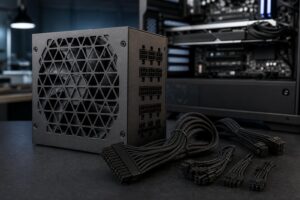
Never assume modular cables are interchangeable, even if the plugs fit. Pinouts can differ between brands and even between product families. Reusing the wrong cables can damage components. Use only the cables supplied with that exact PSU or cables explicitly approved by its manufacturer.
If you are building around a midrange GPU today but know you will move to a high-end card in a year or two, buying an 850W unit now may cost less than replacing a 650W PSU later. On the other hand, do not buy a massive PSU for a hypothetical upgrade that is unlikely to happen.
For most new gaming PCs, start at 750W. Move to 850W for a high-end GPU, a premium 4K gaming build, or a system with a meaningful upgrade path. Choose 1000W for flagship graphics cards, heavy combined CPU-and-GPU workloads, or demanding professional workstations. Then make sure the model is a quality unit with the connectors your parts require.
The right power supply should disappear into the background: stable under load, quiet in normal use, tidy to cable-manage, and ready for the next upgrade. If you are configuring a gaming PC or workstation and want the wattage, cooling, and component balance checked before buying, contact Overclock Computers. We can help design a system around the work you actually do rather than a one-size-fits-all parts list.