Best Gaming PC for Ultrawide Gaming in 2026: Specs That Make Sense

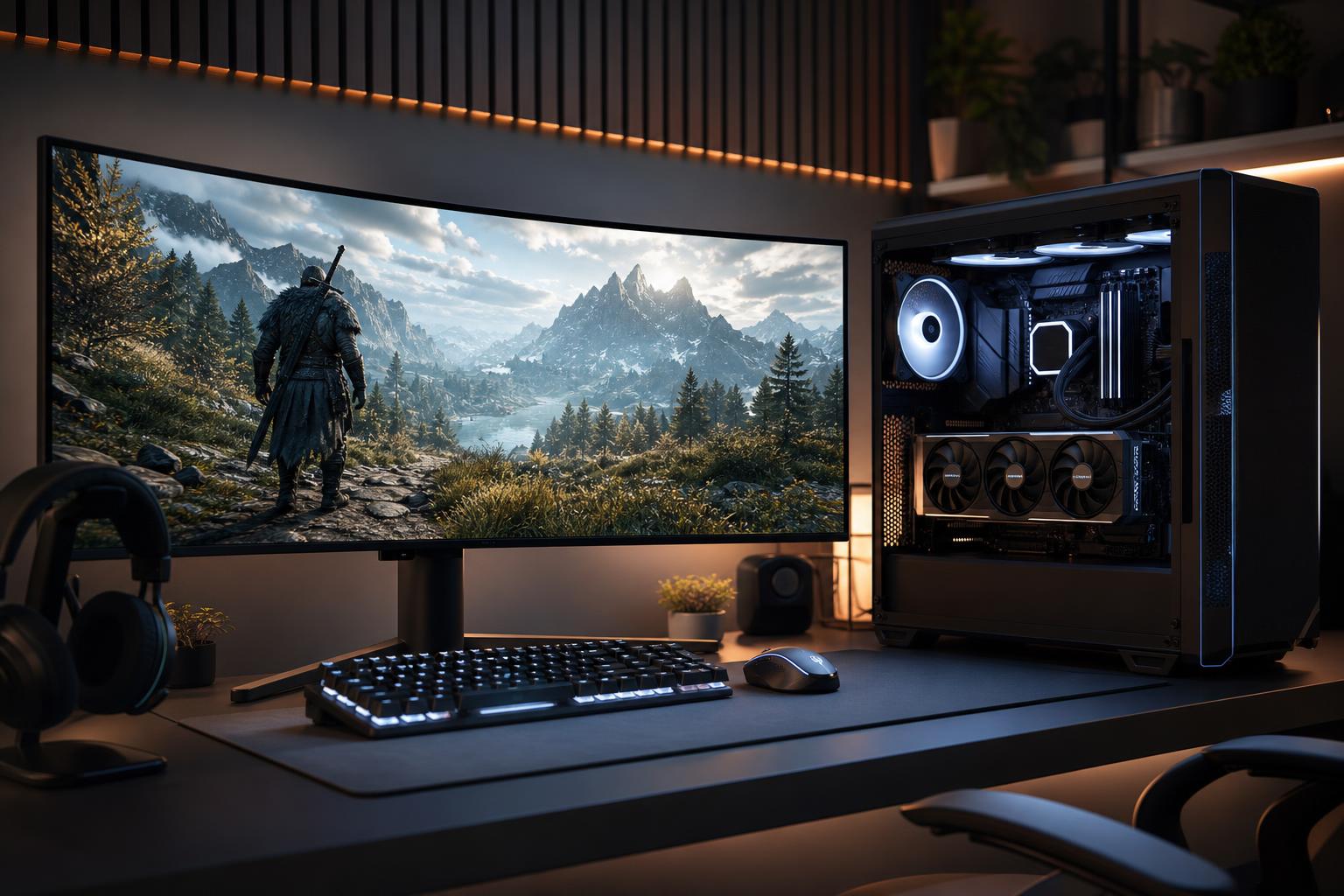
An ultrawide monitor can make a gaming setup feel dramatically more immersive. The wider field of view is excellent for racing games, simulators, RPGs, strategy titles, and plenty of first-person games. It also gives you useful desktop space when the game is closed. The catch is that an ultrawide monitor asks more of a gaming PC than a standard 16:9 display.
The best gaming PC for ultrawide gaming is not necessarily the most expensive system on the market. It is a balanced machine built around a graphics card that can handle your monitor’s resolution, refresh rate, and preferred visual settings. Spend too little on the GPU, and a beautiful ultrawide panel becomes an expensive way to watch frame rates sag. Spend blindly everywhere else, and you can waste money on parts that do not improve the experience.
“Ultrawide” describes the screen shape, not one performance target. There is a huge difference between an entry-level 2560×1080 monitor and a 5120×1440 super-ultrawide display.
Before choosing components, check the native resolution and refresh rate of the monitor you own or plan to buy. A PC intended for 3440×1440 at a steady 80 to 120 FPS needs a different graphics card than one intended to push a 5120×1440 OLED at 240Hz.
At 3440×1440 and above, most demanding games are limited primarily by the graphics card. That makes GPU selection the most important decision in an ultrawide gaming computer.
For 3440×1440, we generally recommend choosing a GPU with at least 12GB of VRAM for a new premium build. A 16GB card provides more comfortable headroom for high-resolution texture packs, newer games, ray tracing, and keeping the system useful for longer. More VRAM alone does not make a GPU faster, but running out of it can cause stutter, reduced texture quality, or settings compromises that do not belong in an otherwise capable build.
For 5120×1440, start with a high-end GPU. A card with 16GB of VRAM is a sensible baseline, while 20GB or more is worth considering for buyers who want maximum texture settings, extensive ray tracing, demanding simulation titles, or a longer upgrade cycle.
Upscaling technologies can be genuinely useful at ultrawide resolutions. Quality-mode upscaling often delivers a worthwhile performance boost with limited image-quality loss, especially at 3440×1440 and 5120×1440. Frame generation can also make motion look smoother in supported games, but it does not replace real rendering performance and may not suit latency-sensitive competitive play. For esports, prioritize native performance and low input latency first.
Ultrawide gaming shifts more work to the GPU, which means a sensible modern gaming CPU goes a long way. An efficient current-generation 6-core processor can still play games well, but an 8-core CPU with strong single-core performance is the better choice for most new premium gaming PCs.
An 8-core gaming-focused CPU gives the system useful breathing room for game updates, background applications, Discord, browser tabs, game capture, and occasional streaming. It also helps in CPU-heavy games such as large multiplayer titles, strategy games, city builders, and simulation software.
At 3440×1440 or 5120×1440, spending hundreds more on a top-tier CPU while settling for a weaker GPU is usually the wrong trade. There are exceptions: players chasing extremely high frame rates in competitive games, or people who stream and run demanding applications alongside their games. For most ultrawide buyers, put that money into the graphics card first.
For a new ultrawide gaming PC in 2026, 32GB of RAM in two matched memory modules is the practical recommendation. It is enough for current games, multitasking, and normal streaming or content creation. Choose 64GB if you regularly edit video, work with large creative projects, run virtual machines, use heavy mods, or simply know that your normal workload is unusually memory-hungry.
Modern games are large, and a fast NVMe SSD keeps load times and updates less irritating. A 2TB SSD is a much more comfortable starting point for a premium gaming computer than a 1TB drive. It leaves room for a healthy game library without turning storage management into a recurring chore. A second SSD is an excellent future upgrade if you need more space.
High-end GPUs can produce substantial heat, and ultrawide gaming keeps them working hard. A well-designed airflow case, properly sized CPU cooler, and sensible fan setup matter more than decorative glass panels or excessive RGB lighting. Good cooling helps components sustain their intended performance, reduces fan noise, and makes the machine more pleasant to use.
Liquid cooling can be a good fit for higher-wattage CPUs or buyers who want a particular look, but a quality air cooler is not a compromise by default. The correct choice depends on the CPU’s heat output, case space, noise goals, and desired maintenance profile.
Do not treat the power supply as an afterthought. A reputable, appropriately sized unit protects the system and supports stable operation under gaming loads. Many high-end ultrawide builds make sense with an 850W power supply; the most power-hungry graphics cards and CPU combinations may justify 1000W or more. The final choice should account for the exact GPU, CPU, connector requirements, and a reasonable amount of headroom.
This is the sweet spot for many buyers: a modern 8-core gaming CPU, 32GB of RAM, a 2TB NVMe SSD, and a GPU with 12GB to 16GB of VRAM. It is designed for excellent 3440×1440 performance at high settings, with room to use quality upscaling in the most demanding games. Pair it with a good 144Hz to 165Hz ultrawide monitor for a very satisfying all-around experience.
For a 175Hz or 240Hz ultrawide, move to a high-end GPU with 16GB or more of VRAM and a faster gaming CPU. This configuration is for players who want high frame rates in shooters and smooth motion in fast-paced games, while still enjoying demanding cinematic titles at high settings.
A super-ultrawide system deserves a high-end GPU, 16GB or more of VRAM, 32GB of system memory, a fast 8-core CPU, robust cooling, and a quality power supply. This is also the build where a larger SSD and 64GB of RAM can be worthwhile if the PC will handle racing simulators, flight simulators, streaming, recording, or creative work in addition to gaming.
The right ultrawide gaming PC starts with an honest target: your monitor resolution, the games you play, the frame rate you expect, and how much visual quality matters to you. For most 3440×1440 buyers, a balanced system with a strong GPU, 32GB of RAM, 2TB of fast storage, and well-planned cooling is the smart place to spend. For 5120×1440 or very high refresh rates, the GPU budget needs to rise accordingly.
Overclock Computers can help translate your monitor choice and game list into a custom-built gaming PC with the right performance, cooling, power delivery, and upgrade path—without paying for hardware that will not improve your experience. Contact our team to discuss an ultrawide system configured around the way you actually play.