32GB vs. 64GB RAM: How Much Memory Should Your New PC Have?

For a new performance PC, 32GB of RAM is the sensible starting point. It is enough for nearly all gaming systems and plenty of general-purpose desktops. But 64GB is no longer an extravagant workstation-only choice. For video editing, large design projects, development tools, local AI work, and serious multitasking, it can make a real difference.
The right answer is not about having the biggest number on a specification sheet. It is about avoiding memory pressure: the point where Windows runs out of available RAM and starts moving active data to the SSD. Even a very fast NVMe drive is dramatically slower than system memory. When that happens, applications can pause, timelines can become less responsive, and switching between open programs feels sluggish.
Here is how to decide whether 32GB or 64GB RAM belongs in your next PC.
If a gaming-focused build has a fixed budget, we would usually prefer 32GB of quality DDR5 memory and put the remaining money toward the graphics card, CPU, storage capacity, or monitor. For a professional workstation, moving from 32GB to 64GB can be one of the most practical upgrades available.
RAM holds the information that Windows and your active applications need immediately: game assets, browser tabs, video frames, CAD geometry, texture caches, and more. When memory use approaches the installed capacity, the operating system relies more heavily on a paging file stored on the SSD.
This is normal behavior, not a failure. The problem is speed. An SSD is excellent for loading files and applications, but it cannot match RAM for low-latency, constant access. A system short on memory may show familiar symptoms:
Adding RAM will not make every task faster. It will not turn a slow CPU into a fast one or replace the need for a capable graphics card. It does, however, prevent the performance drops that occur when the system runs out of working space.
Yes. For a dedicated gaming PC, 32GB is the sweet spot. Modern games can use a meaningful amount of memory, especially with high-resolution textures, mods, background launchers, Discord, a browser, and recording software. A 16GB system can still run many games well, but it leaves less breathing room for a premium PC built to last several years.
Moving from 16GB to 32GB is often worthwhile for a new gaming build. Moving from 32GB to 64GB usually does not raise average frame rates by much on its own. In most games, the money is better spent on a faster GPU. That choice has a much larger effect on frame rate, image quality settings, and 1440p or 4K performance.
There are exceptions. We recommend 64GB for gaming systems that will also handle demanding work, frequent streaming and recording, extensive mod lists, game-server hosting, or many open applications. Simulation games, heavily modded sandbox titles, and flight simulation setups can also benefit when their add-ons and scenery consume substantial memory.
The important distinction is between a game that occasionally allocates a lot of RAM and a computer that consistently runs short of it. Buying 64GB solely because one game reports high memory allocation is not always necessary. Look for actual symptoms: stuttering, paging activity, or consistently near-full memory use during your normal sessions.
For many professional users, 64GB is the comfortable baseline rather than an upgrade. Creative and technical software often uses memory for previews, caches, source files, textures, assemblies, and background processes. Project complexity matters more than the name of the application.
For straightforward 1080p editing, 32GB can work well. Once you are editing 4K footage, working with multicamera timelines, running After Effects compositions, using noise reduction, or keeping other creative applications open, 64GB is a safer choice. Extra RAM helps applications cache more media and reduces the need to close everything else just to keep a project responsive.
32GB is generally fine for ordinary photo editing and design work. Choose 64GB when you regularly edit high-resolution layered files, large batches of RAW images, panoramic composites, complex illustrations, or detailed 3D scenes. In 3D applications, system RAM supports scene data and geometry, while GPU VRAM supports work performed on the graphics card. Both capacities need to suit the project.
Smaller CAD models may run comfortably on 32GB. Large assemblies, detailed BIM models, point clouds, multiple linked files, and rendering alongside design work can push well past that. For an engineering or architecture workstation, 64GB is a sensible recommendation when projects are growing or the computer is expected to remain productive for several years.
Developers often have an IDE, several browser windows, containers, databases, test tools, and communication software open at once. That can make 32GB feel surprisingly tight. Virtual machines are even more direct: every VM receives a portion of your physical RAM. If you need to run multiple virtual machines or local development services at the same time, start with 64GB.
GPU VRAM is often the first capacity limit for local AI inference and GPU-accelerated work, but system RAM still matters for loading models, preparing data, and running supporting applications. 64GB is a practical floor for many serious local AI and data-processing systems. Larger models and datasets may justify 96GB, 128GB, or more, based on the software’s documented requirements.
Capacity comes first. A 64GB kit at a sensible, stable speed is usually more useful than a faster 32GB kit when your work actually needs the memory. Once you have enough capacity, memory speed and latency can affect performance in some games and CPU-sensitive applications, but the gains are normally smaller than the gains from preventing memory shortages.
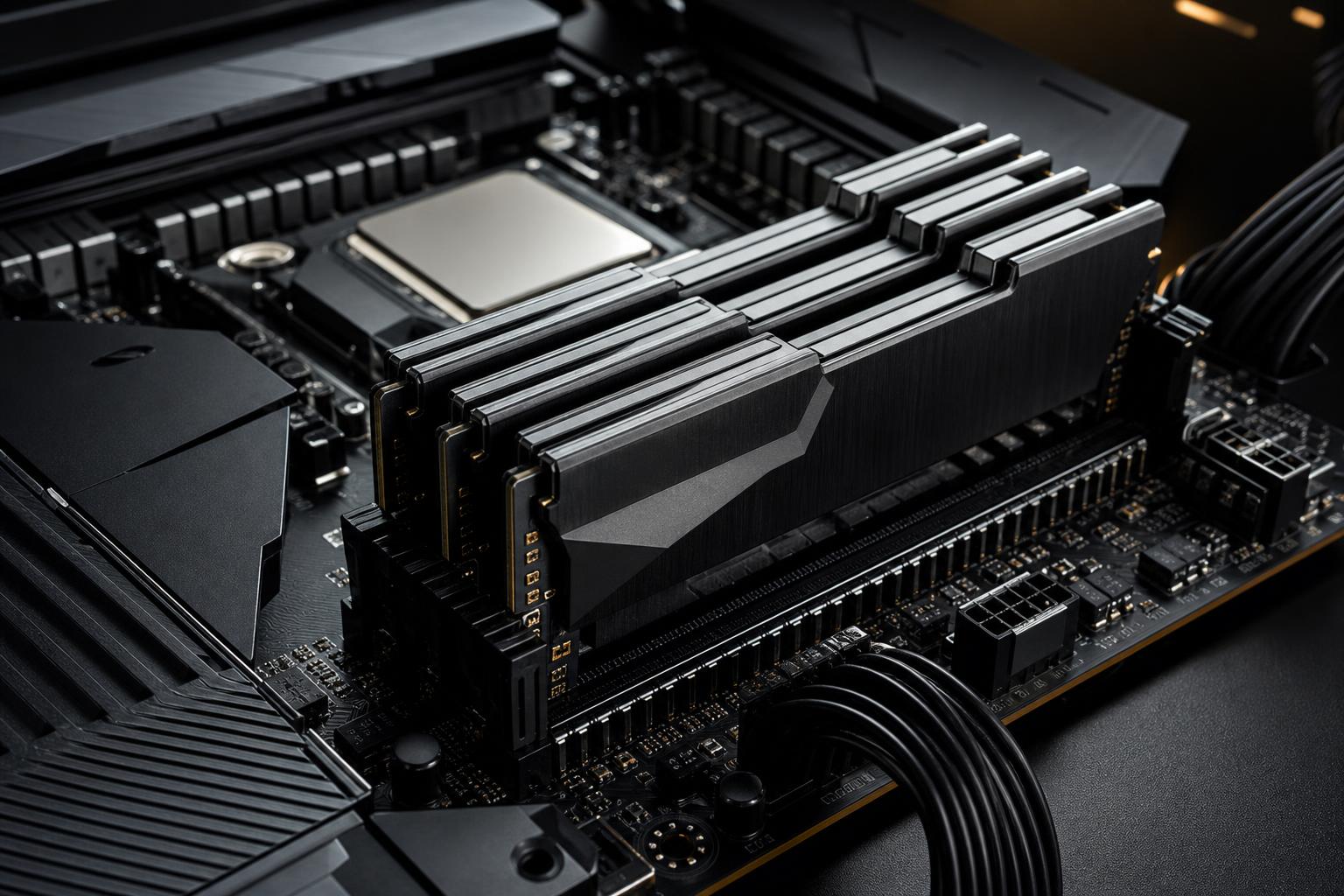
For most current DDR5 desktop builds, use matched memory kits in pairs: typically two 16GB modules for 32GB or two 32GB modules for 64GB. This enables dual-channel operation and is generally easier for the CPU’s memory controller to run reliably than filling all four motherboard slots.
Avoid assuming that two separate kits with the same advertised model number will work perfectly together. They may use different memory chips or profiles, and combining kits can make stable operation harder. If you want 64GB, buy a validated 2 x 32GB kit rather than adding a second 2 x 16GB kit later.
Often, yes, but plan the upgrade path before buying. A motherboard with four memory slots gives you options, but four installed DDR5 modules may require lower memory speeds or additional tuning compared with two modules. There is nothing wrong with four sticks when properly configured, but two larger modules are usually the cleaner choice for a new high-performance system.
If you are confident that 32GB meets your needs today and your workload is unlikely to change soon, starting there is reasonable. If you already know you will edit 4K video, work with large models, run virtual machines, or keep demanding applications open together, buying 64GB from the start avoids an unnecessary second purchase and compatibility guesswork.
Use your computer normally, then open Windows Task Manager and check the Memory section while your demanding applications are running. Do not judge only by idle usage. Look at the system during a busy project, a game session with your usual background apps, or a full development workflow.
If memory use routinely sits close to the installed limit and the system becomes less responsive, more RAM is likely justified. If usage peaks at 18GB on a 32GB machine and everything remains smooth, 64GB will offer little immediate benefit.
For most new gaming PCs, buy 32GB of DDR5 RAM in a matched two-stick kit. It is the right balance of cost, headroom, and real-world performance. Choose 64GB when the PC is also a workstation, when your applications are memory-hungry, or when you know your workflow keeps many demanding tasks active at once.
At Overclock Computers, we configure memory around the software, project sizes, and multitasking habits that actually matter to you. If you are planning a new gaming PC or workstation and are unsure where your budget will do the most good, contact our team to discuss a balanced configuration.