Best Gaming PC Under $2,000 in 2026: Where Your Budget Should Go

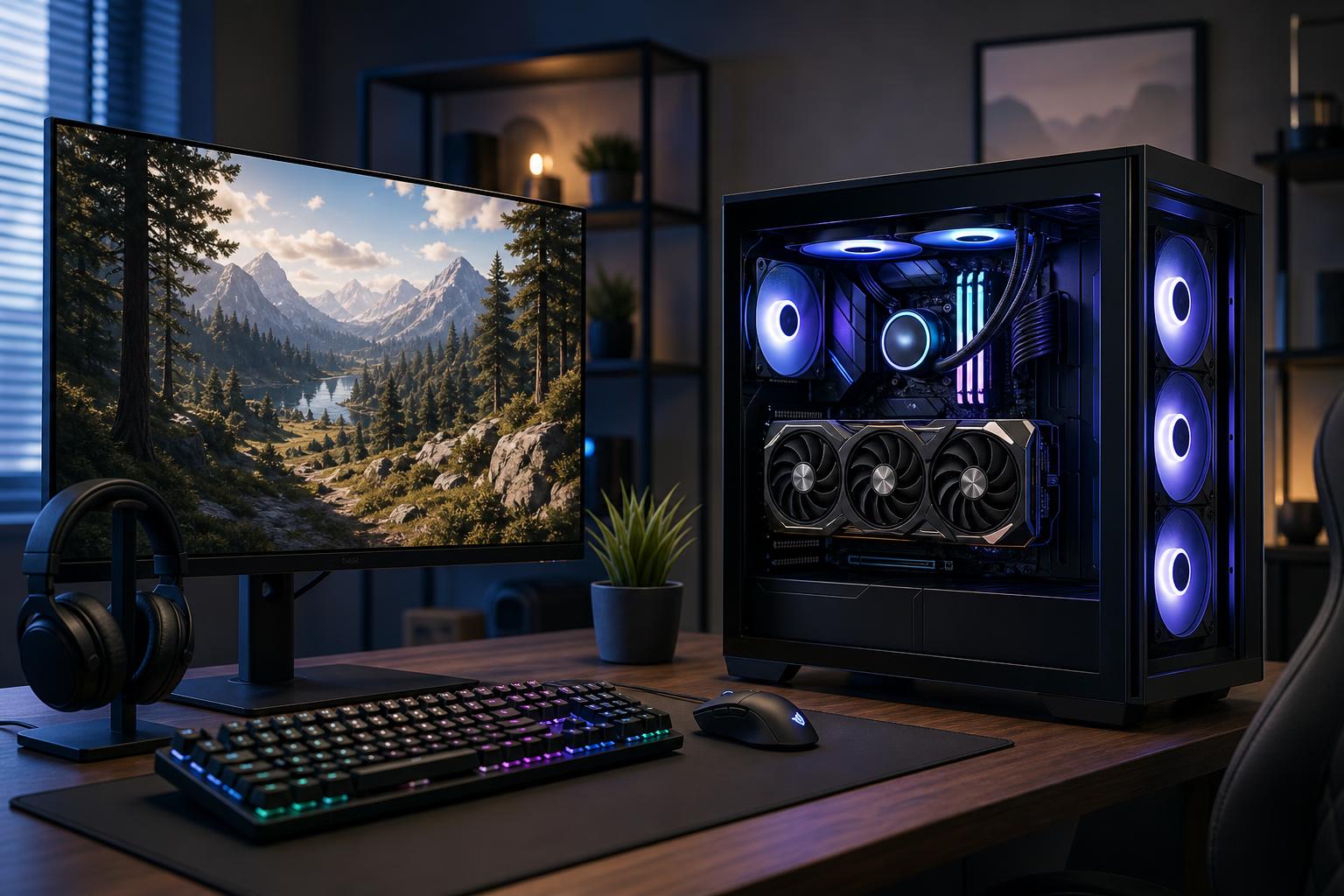
A well-configured gaming PC under $2,000 should be a seriously capable 1440p machine. It should play demanding new games at high settings, make good use of a 144Hz or 165Hz monitor, and remain enjoyable for several years without needing immediate upgrades.
The short answer: put the largest practical share of this budget into the graphics card, pair it with a modern mid-to-upper-tier CPU, use 32GB of memory, and do not cheap out on the power supply, cooling, or case airflow. At this price, a balanced system matters more than chasing a prestigious CPU name, excessive RGB lighting, or a motherboard loaded with features you will never use.
For most buyers, the best gaming PC under $2,000 is designed for 1440p gaming at high refresh rates. That means strong performance in competitive games as well as enough graphics horsepower for visually demanding single-player games.
It can also be a sensible entry point for 4K gaming, especially if you are comfortable adjusting a few settings or using the upscaling options built into many modern games. However, do not buy a $2,000 desktop expecting flawless native 4K at maximum settings and heavy ray tracing in every new title. That goal can consume a budget very quickly, mostly because the GPU requirements rise sharply.
For a system tower alone, without a monitor and peripherals, this budget should generally prioritize the following:
This is the configuration we would steer most $2,000 buyers toward. It delivers the best balance of visual quality, frame rate, and useful lifespan.
Plan for the GPU to take roughly 40 to 50 percent of the total tower budget. It is the part that has the greatest effect on gaming performance at 1440p and 4K.
Look for a graphics card in the upper-middle performance tier rather than buying a flagship-class CPU and settling for a weaker GPU. For gaming, that trade is backwards. A less expensive CPU paired with a substantially faster GPU will usually produce a better experience at 1440p.
VRAM deserves attention, but it should not be the only deciding factor. A card needs enough memory and enough graphics processing power to make use of high settings. For a new system intended to last, we favor a GPU with at least 16GB of VRAM when the budget and performance class allow it. This provides more breathing room for texture-heavy games, ray tracing, mods, and future releases. A capable 12GB card can still make sense if it offers a clear performance advantage at the price, but it is less comfortable as a long-term purchase.
A modern 6-core or 8-core CPU with strong per-core performance is the sensible target. Games often benefit more from fast individual CPU cores and a good memory platform than from adding a large number of cores.
Choose an 8-core option if you regularly stream from the same PC, run demanding background software, play CPU-heavy simulations, or simply want more headroom over time. A quality 6-core CPU is still enough for a gaming-first build, particularly when it allows more of the budget to go toward the GPU.
There is little reason to spend heavily on a 12-core, 16-core, or workstation-oriented processor for a gaming PC under $2,000 unless you also perform serious video editing, code compilation, 3D rendering, or other multi-threaded work. Extra cores look impressive on a spec sheet, but they do not automatically improve game performance.
Use 32GB of DDR5 RAM, ideally as two matching 16GB modules. This is the practical sweet spot for a premium gaming build. It gives modern games, launchers, voice chat, browsers, recording tools, and background tasks room to coexist without the system constantly leaning on the SSD.
Do not cut the build to 16GB just to afford cosmetic upgrades. On the other hand, 64GB is usually not necessary for gaming alone. Reserve it for heavy modding, professional applications, virtual machines, large creative projects, or buyers who know their multitasking habits are extreme.
A 1TB NVMe SSD is the minimum we would specify in this class, but 2TB is often the better purchase. Modern games are large, and a drive that is nearly full becomes inconvenient fast. Two or three major games, a few multiplayer titles, and a growing library can consume 1TB sooner than expected.
A good PCIe 4.0 NVMe drive is more than fast enough for most gaming systems. Paying a large premium for the fastest available PCIe 5.0 drive rarely changes loading times enough to justify taking money away from the GPU, storage capacity, or cooling.
A $2,000 budget is generous, but it is not unlimited. The following choices protect gaming performance while avoiding waste.
The power supply is not where a premium gaming PC should take risks. Select a reputable, efficient unit with enough continuous capacity for the chosen GPU and CPU, appropriate graphics-card power connectors, and room for normal transient power spikes. The correct wattage depends on the specific components, so it should be calculated for the final build rather than guessed from a generic rule.
A quality power supply improves reliability and makes future GPU upgrades easier. Buying far more wattage than the system needs is not automatically better, but buying a bargain unit to save a small amount is false economy.
Modern CPUs and GPUs can produce substantial heat during a long gaming session. Good airflow keeps components closer to their intended operating range and allows fans to run at less irritating speeds. Look for a case with clear intake and exhaust paths, enough properly placed fans, and a cooler suited to the CPU’s sustained heat output.
This is one reason carefully selected custom systems can be preferable to generic prebuilts. The advertised CPU and GPU may be identical, but the case, cooler, fan setup, and power supply can make a meaningful difference in temperatures, noise, and long-term serviceability.
For most people, a 1440p 144Hz to 180Hz monitor is the natural companion to this PC tier. It looks noticeably sharper than 1080p on a typical desktop monitor while still allowing high frame rates in a broad range of games. It is the most balanced choice for story-driven games, multiplayer titles, and everyday desktop use.
If you mainly play slower-paced cinematic games and value sharp image quality on a larger display, 4K can be a good fit. Direct as much of the system budget as possible to the GPU, accept that some demanding games will need optimized settings, and treat upscaling as a normal tool rather than a failure. It is often the most sensible way to balance image quality and performance at 4K.
If your main goal is esports performance, a fast CPU becomes more important because very high frame rates can become CPU-limited. You may not need the same level of GPU as a 4K-focused build, but do not underspend on the graphics card either. Competitive settings, game choice, and the monitor’s actual refresh rate should guide this configuration.
Spend more when you have a clear reason: a high-end 4K high-refresh monitor, heavy ray tracing, extensive game mods, demanding flight or racing simulations, simultaneous streaming and production work, or a need for professional applications alongside gaming.
Otherwise, $2,000 is near the point where gaming builds begin to encounter diminishing returns. An extra few hundred dollars can help, but it may buy a smaller improvement than moving from an entry-level system to this performance tier. In many cases, the wiser move is to reserve some budget for a better monitor, keyboard, mouse, or larger SSD.
The best gaming PC under $2,000 in 2026 is not the one with the longest component list. It is a balanced 1440p-focused system: a powerful GPU, a modern 6-core or 8-core gaming CPU, 32GB of DDR5 memory, 1TB to 2TB of NVMe storage, and quality cooling and power delivery. Spend for real performance first, then choose the features and appearance details that make the machine yours.
Overclock Computers can help you configure a custom gaming PC around the games you play, your monitor resolution and refresh-rate target, your budget, preferred look, and future upgrade plans. That approach helps ensure the money goes into parts you will actually notice rather than extras that only look good on a product page.