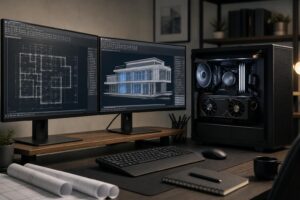
How to Choose a PC Case: Airflow, Size, and Expansion Explained

A PC case is easy to underestimate. It does not add frames per second on its own, and it is tempting to choose one based on looks alone. But the case determines how easily a system can move heat out, what cooling hardware it can support, how difficult it is to build and service, and which future upgrades will fit.
For a modest PC, many cases will work reasonably well. For a high-performance gaming PC or professional workstation, the case becomes part of the cooling system. A powerful graphics card, high-wattage CPU, large air cooler, or liquid-cooling radiator all need space and a reliable path for fresh air. Pick the right enclosure at the start and the rest of the build is easier. Pick the wrong one and even excellent components can run hotter and louder than they should.
Before choosing a case, make a realistic list of the components it must hold. The most important measurements are not the case’s exterior dimensions. They are its internal clearance specifications.
Do not assume that “ATX mid-tower” means every ATX component will fit comfortably. That label describes a broad category, not a promise that a case will accommodate every oversized GPU, 420 mm radiator, thick fan stack, and storage cage at once.
High-performance parts turn electrical power into computing work and heat. The CPU cooler and graphics card can only move that heat into the case air. The case then has to replace that warm air with cooler room air.
For most gaming PCs and workstations, a mesh or generously vented front panel is the sensible choice. It gives intake fans a direct source of air instead of forcing them to pull through narrow side vents or decorative gaps. A solid front panel is not automatically bad, but it needs substantial side or bottom intake openings to compensate. Many do not.
A well-designed airflow case does not need a wall of fans. It needs a straightforward route: cool air enters at the front or bottom, passes through the GPU and CPU cooler, and exits through the rear and top. Two or three quality front intake fans, plus a rear exhaust fan, are enough for many systems. More fans can help with very hot hardware, but adding fans randomly is not a cooling strategy.
In a slightly positive-pressure setup, the intake fans move a little more air into the case than exhaust fans remove. The extra air escapes through small openings rather than allowing unfiltered air to be pulled in through every gap. This can reduce dust buildup when the intake locations have proper filters.
It is not necessary to measure airflow with laboratory equipment. In practice, use filtered front or bottom intakes, keep a clear exhaust path at the rear and top, and avoid starving intake fans behind a restrictive panel. Clean filters periodically. A good case cannot overcome a filter packed with six months of pet hair.
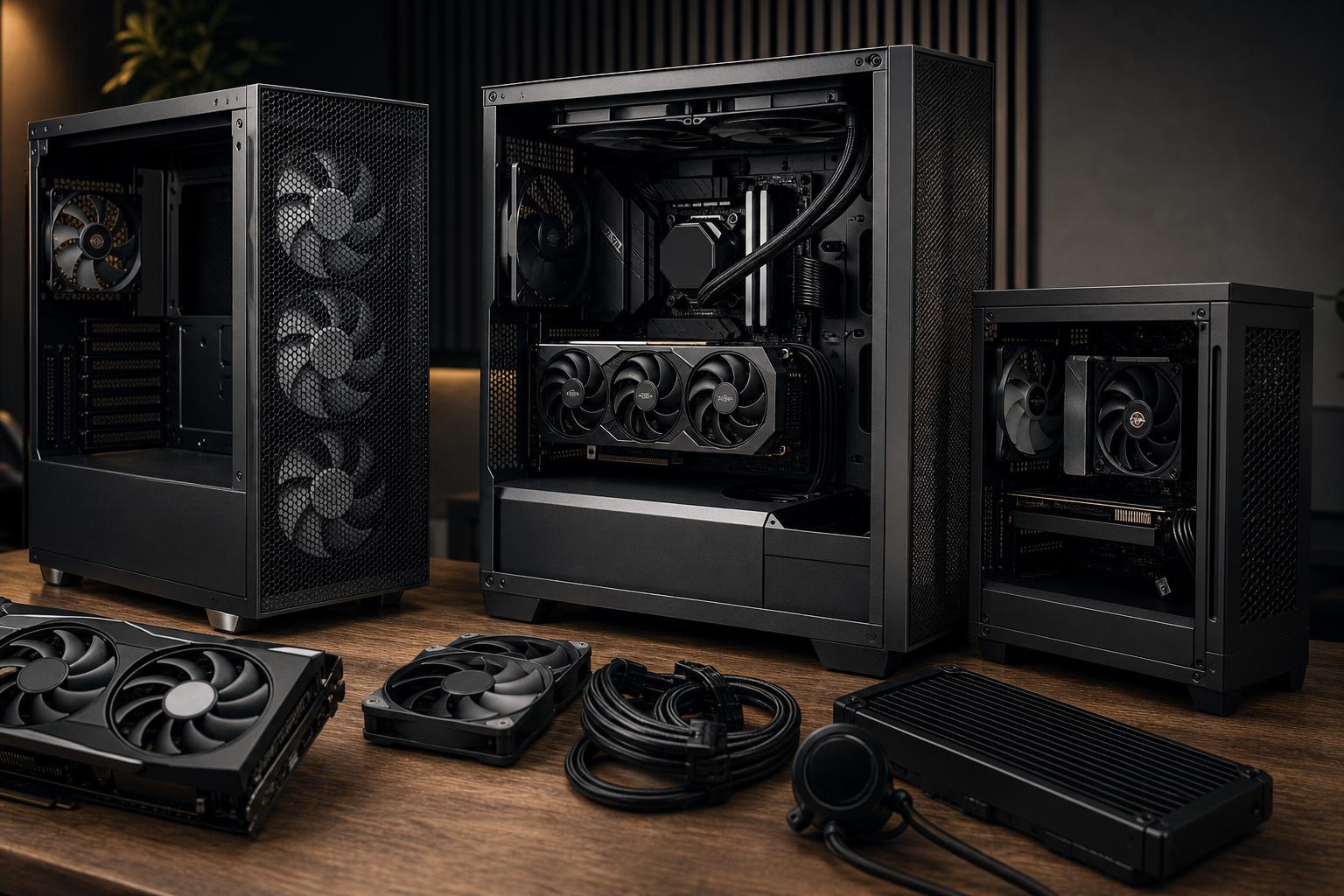
Bigger is not always better, but cramped builds have real tradeoffs. Compact cases can look excellent and save desk space, yet they usually demand more careful part selection, more complex cable routing, and greater attention to cooling. They are best for buyers who value a small footprint enough to accept those limits.
A Mini-ITX system can deliver serious gaming or workstation performance, but the enclosure may limit radiator choices, storage, graphics card dimensions, and power supply formats. Heat is also concentrated in a small space. This is a good route for a living-room PC, travel-friendly system, or a desk where space is genuinely limited. It is not the easiest option for a first-time builder or for a workstation expected to gain drives and expansion cards over time.
Micro-ATX cases can be notably smaller than traditional towers while retaining more expansion capacity than Mini-ITX. They make sense for many gaming PCs, creative systems, and general-purpose workstations. The catch is that case designs vary widely: some are compact and restrictive, while others are nearly as large as ATX towers. Check the actual layout rather than buying based on the motherboard label.
A quality airflow-focused ATX mid-tower is the easiest recommendation for most customers. It normally offers room for full-length graphics cards, substantial CPU cooling, practical cable management, several fans, and sensible upgrade options without occupying as much floor or desk space as a full tower.
For a gaming PC with a powerful GPU or a workstation with a high-core-count CPU, this size usually gives the best balance of thermals, cost, build convenience, and future flexibility.
A full tower makes sense when the hardware list actually requires it: a very large motherboard, multiple radiators, several 3.5-inch drives, extensive expansion cards, or a custom liquid-cooling loop. Otherwise, it is often just a large empty box. Buy the extra volume when it solves a real configuration problem, not because a bigger case sounds more serious.
Air cooling remains an excellent choice for many systems. A large tower air cooler is reliable, relatively simple, and can be very quiet in a case with unrestricted airflow. It is especially appealing for users who want straightforward long-term maintenance.
All-in-one liquid coolers can be useful for high-power CPUs, particularly when a build needs to keep sustained processor heat under control. A 280 mm or 360 mm radiator can offer strong cooling, but only if it fits without creating clearance problems. Top mounting is often convenient because it exhausts CPU heat upward, although each case and component layout should be checked individually.
Do not choose a case simply because it advertises support for a large radiator. Confirm what is sacrificed to install it. A front-mounted radiator can reduce GPU clearance. A thick top-mounted radiator can interfere with motherboard heatsinks or tall memory. Product compatibility diagrams are worth reading; they save expensive surprises.
Cases marketed as silent often use solid panels lined with sound-dampening material. That can reduce some noise, but restricted airflow may make fans spin faster under load. Faster fans are louder. For a powerful PC, an open, well-ventilated case with good fans and sensible fan curves is often quieter during real gaming, rendering, or compiling than a heavily padded but airflow-starved enclosure.
Look for cases that include enough decent fans to begin with, but do not assume included fans are automatically excellent. Fan quality, bearing design, blade shape, and speed range all affect noise. More importantly, configure the system so fan speeds rise gradually with temperature instead of jumping to maximum speed at every brief workload spike.
Once fit and airflow are covered, pay attention to the features that affect daily use and future maintenance.
For most high-performance gaming PCs and professional desktops, choose a well-built ATX mid-tower with a mesh front panel, filtered intakes, room for at least three intake fans and one rear exhaust fan, generous GPU clearance, and support for the CPU cooler or radiator you plan to use. It is the no-drama option, which is exactly what a PC enclosure should be.
Move smaller only when space is a real priority and you are willing to select components around the case. Move larger only when your motherboard, storage, cooling, or expansion requirements justify it. The goal is not the largest case or the most elaborate lighting arrangement. The goal is a system that stays cool, remains quiet under load, and is pleasant to own for years.
If you are planning a custom gaming PC or workstation and are unsure how the graphics card, cooler, storage, and case will fit together, contact Overclock Computers. We can help configure a balanced system around the work you actually do and the upgrades you may want later.