Is a High-End Gaming PC Worth It? What You Actually Get for the Extra Money

A high-end gaming PC is worth the money when it solves a real performance goal: smooth 4K gaming, consistently high frame rates on a fast monitor, demanding simulation titles, ray tracing, streaming, or a mix of gaming and creative work. It is not automatically the right answer for every player.
The key is to spend more where you will feel the difference. For most gaming PCs, that starts with the graphics card, then a suitable CPU, enough memory, and a monitor that can show the performance you paid for. Spending heavily on parts that do not improve your games is how a premium build becomes an expensive, unbalanced one.
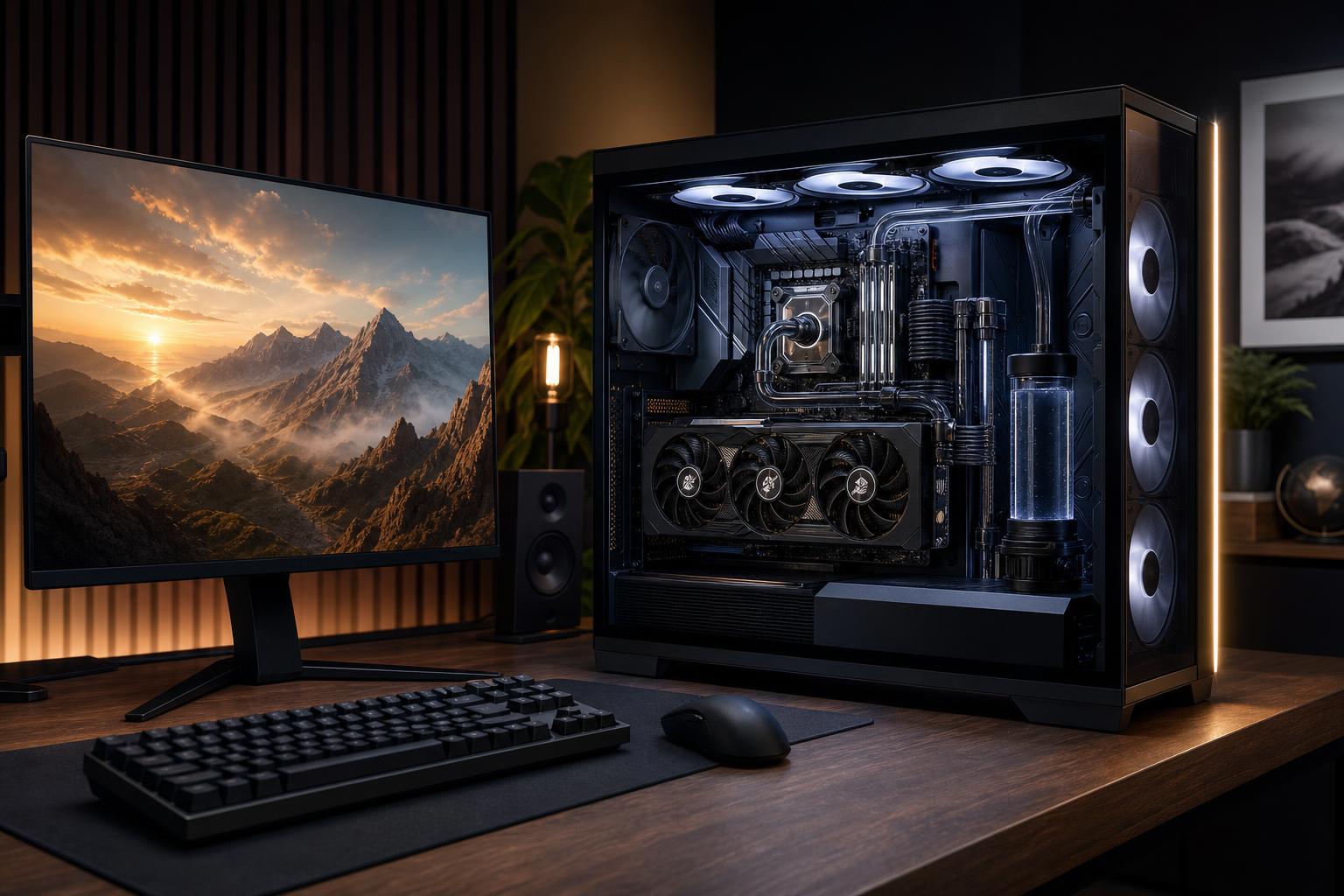
A high-end gaming PC is not defined by RGB lighting, a huge case, or one expensive component. It is a balanced system built around a powerful graphics card, a modern CPU that can keep up with it, ample RAM and storage, robust cooling, and a quality power supply.
In practical terms, these systems are designed to handle one or more of the following comfortably:
The important distinction is sustained experience, not a single impressive setting in a benchmark. A well-chosen high-end system should provide strong frame-time consistency, reasonable noise levels, and enough headroom that new games do not immediately force you into a major upgrade.
Your display resolution and refresh rate are the best starting points for choosing a gaming PC. They determine how much work the graphics card must do and how much CPU performance matters.
At 1080p, a sensible mid-range graphics card can provide an excellent experience in most games. A faster CPU becomes more relevant if you play competitive games at very high refresh rates, such as 240Hz or above. But pairing the most expensive graphics card available with a standard 1080p monitor is usually poor value. The GPU will often be waiting for the CPU, game engine, or display to catch up.
1440p combines a visibly sharper image than 1080p with frame rates that are still realistic on a strong gaming PC. It is a particularly sensible target for players who want a 165Hz or 240Hz monitor, enjoy visually demanding single-player games, or want a system that should remain capable for several years.
This is where a higher-tier graphics card often makes clear sense. You gain room to use better image-quality settings, maintain smoother performance in demanding scenes, and use upscaling or ray tracing more selectively rather than as a rescue plan.
At 4K, the graphics card does the overwhelming share of the work. A high-end gaming PC is often justified here because four times as many pixels are being rendered compared with 1080p. A top-tier CPU still helps in simulation games and high-frame-rate situations, but buying a stronger GPU usually produces the larger improvement.
4K also makes VRAM capacity more important. Modern games can use substantial graphics memory when high-resolution textures, ray tracing, and high-quality settings are combined. There is no universal VRAM number that guarantees future performance, but a GPU with more memory provides useful breathing room for this class of machine.
For a gaming-first computer, the GPU deserves the largest share of the budget. It has the greatest effect on resolution, visual settings, ray tracing performance, and average frame rate. If you are deciding between a flashy motherboard upgrade and a materially faster graphics card, put the money toward the GPU almost every time.
Do not choose solely by the name printed on the box. Compare the card’s performance class, VRAM capacity, cooling design, physical size, power requirements, and the games you actually play. A large triple-fan card may perform very well, but it still needs a case with proper clearance and airflow.
A premium CPU is valuable when your games are CPU-limited or you need the computer to do more than game. Strategy titles, simulations, esports games targeting very high frame rates, large open-world games, and heavily modded games can all benefit from stronger CPU performance.
For 4K gaming in graphically demanding titles, a sensible upper-midrange CPU is often enough because the GPU is usually the limiting factor. Moving to the most expensive CPU may change very little. On the other hand, someone playing a flight simulator on a 240Hz display should not treat the CPU as an afterthought.
For a new high-end gaming PC, 32GB of RAM is a practical baseline. It gives modern games room to breathe while keeping background programs from competing for memory. Move to 64GB if you regularly run demanding mods, stream with several applications open, edit video, develop software, or use the same system for serious workstation tasks.
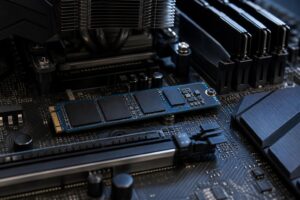
A fast NVMe SSD improves boot times, game loading, updates, and general responsiveness. Capacity matters as much as speed. Modern game libraries become crowded surprisingly quickly, so a 2TB primary drive is a comfortable starting point for many premium systems. Buyers with a large library may prefer additional storage rather than paying extra for tiny theoretical speed gains they will never notice.
These are not glamorous upgrades, but they determine whether an expensive PC stays fast and pleasant to use. Powerful components generate serious heat. Inadequate cooling can increase noise, reduce sustained boost performance, and make the system harder to live with.
A good high-end build uses a correctly sized, reputable power supply with the proper connectors and headroom for the selected GPU. It also uses a case that moves air efficiently, enough quality fans, and a CPU cooler suited to the processor’s actual heat output. A well-built PC should not sound like it is preparing for takeoff every time a game loads.
Premium hardware has diminishing returns. The jump from an entry-level system to a capable mid-range PC can transform your experience. The jump from very good to absolute best is often much smaller, particularly if your monitor or favorite games cannot use the extra performance.
A high-end gaming PC is probably not the best use of your money if:
There is nothing wrong with a carefully chosen mid-range gaming PC. In fact, it is often the smarter choice. The goal is not to buy the most computer possible; it is to buy enough performance for the display and games you intend to use.
A high-end gaming PC is worth it when you own, or plan to buy, a display and game library that can use its power. For 4K, high-refresh 1440p, advanced lighting effects, simulation games, streaming, and mixed creative work, spending more on a balanced system can improve your day-to-day experience for years. For straightforward 1080p gaming, a more modest configuration will often feel just as good.
Overclock Computers can help you sort out the meaningful upgrades from the expensive distractions. We can design a custom gaming PC around your monitor, favorite games, performance goals, and budget, with the cooling, power supply, and component balance to support the hardware properly.