Threadripper vs. Ryzen for Professional Workstations: Which Platform Makes Sense?

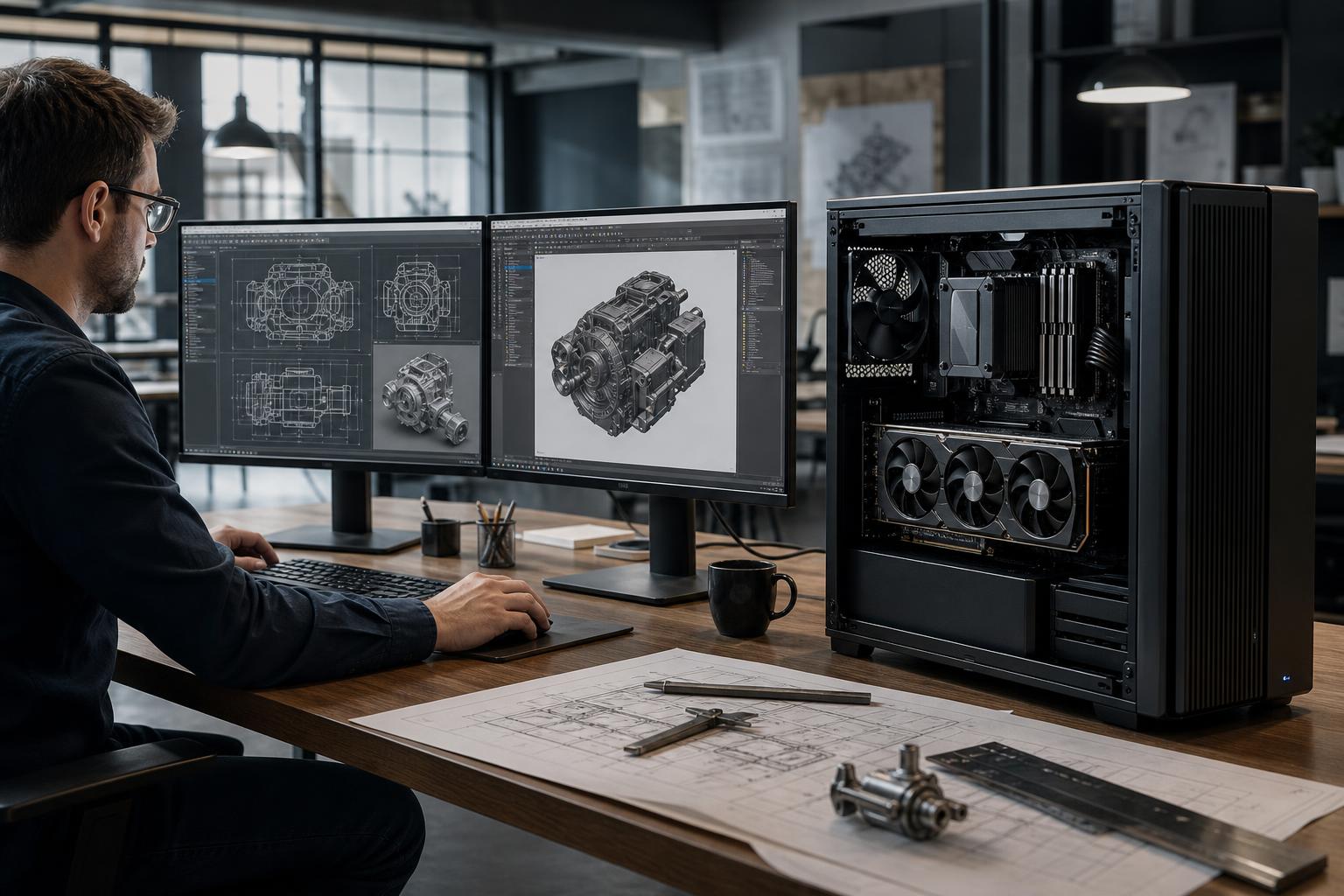
When configuring a professional workstation, it’s tempting to start with a simple question: “How many CPU cores can we afford?” That approach regularly leads to overspending in the wrong place.
The more useful question is: does your workload need a faster desktop CPU, or does it need a workstation platform with more cores, more memory capacity, and more expansion?
AMD Ryzen and AMD Ryzen Threadripper processors can both make excellent workstation PCs. A high-end Ryzen system is often the smarter buy for CAD, BIM, design, development, and lightly threaded work. Threadripper earns its place when projects are large, processing is heavily parallel, or the system needs resources that a mainstream desktop platform cannot provide comfortably.
Here’s how to make the call without buying either too little computer or a very expensive CPU that mostly waits around.
Ryzen is AMD’s mainstream desktop platform. Its strengths are strong per-core performance, sensible system cost, and excellent capability for a wide range of professional tasks. It supports modern GPUs, fast NVMe storage, and substantial RAM capacities. For many individual professionals and small teams, that is all a workstation needs.
Threadripper is a workstation-class platform intended for more demanding sustained workloads. Its main advantages are not simply higher core counts. The platform can also support far more memory, more memory bandwidth, and substantially more PCIe connectivity for graphics cards, high-speed storage, network adapters, capture cards, and other expansion hardware.
In plain English, Ryzen is usually the right answer when one fast worker does most of the job. Threadripper makes sense when the software can keep a large team of workers busy, or when the computer must hold and move an unusually large amount of data.
A Ryzen workstation is often the best-value professional workstation for applications that prioritize fast single-thread or lightly threaded performance. Many everyday design and technical tasks fall into this category.
Many CAD and BIM workflows spend much of the day on interactive tasks: navigating a model, changing views, editing geometry, rebuilding elements, and working through menus. These actions often rely heavily on a few fast CPU cores rather than dozens of cores.
For AutoCAD-style drafting, common Revit workflows, many modeling tasks, and typical engineering office use, a high-performance Ryzen CPU paired with enough RAM, a suitable GPU, and fast storage is usually the balanced choice. Spending the saved budget on more memory, a better graphics card, or additional SSD capacity can improve the actual working experience more than moving to Threadripper.
Developers running IDEs, local services, containers, virtual machines, compilers, and browser-heavy workflows can benefit from plenty of cores and memory. But that does not automatically mean Threadripper. A well-configured Ryzen workstation is highly capable for most software development, graphics work, photo editing, and general content production.
Threadripper becomes more compelling when virtual machines are numerous, datasets are exceptionally large, or the workstation must host several high-bandwidth add-in devices.
If the system will use one graphics card, one or two NVMe drives, and normal networking, a mainstream Ryzen platform generally provides enough connectivity. This covers a large portion of CAD, visualization, rendering, editing, and technical computing workstations.
Threadripper should be chosen for a clear technical reason, not as a status symbol. It becomes valuable when its additional computing and platform resources remove a bottleneck that a Ryzen workstation cannot address.
Threadripper is a strong fit for software that scales efficiently across many CPU cores. Examples can include CPU-based 3D rendering, certain simulation workloads, code compilation at scale, scientific computing, batch processing, and data analysis.
If a render, simulation, or processing task occupies the CPU for hours and the application uses many cores effectively, additional cores can reduce turnaround time in a meaningful way. This is one of the clearest cases for a Threadripper workstation.
There is a catch: not every task in a “multithreaded” application scales equally well. A project may have a heavily parallel export phase but still feel sluggish during model editing because that portion depends on single-core speed. The right decision is based on where staff actually spends time, not a single benchmark or a software feature list.
Memory capacity is frequently the real reason to move to Threadripper. Large point clouds, photogrammetry projects, scientific datasets, complex scenes, large virtual-machine environments, and demanding data workflows can exceed the practical memory ceiling of a mainstream desktop platform.
When a workload routinely needs 128GB of RAM or more, it is time to examine the full platform carefully. A Ryzen configuration may still be suitable at some capacities, but Threadripper provides more headroom for systems that need 256GB, 512GB, or beyond, depending on the specific processor and motherboard.
Running out of RAM is not a minor inconvenience. Once Windows begins relying heavily on SSD-based paging, an otherwise powerful workstation can feel painfully slow. For memory-heavy work, buying enough RAM upfront is usually far more valuable than chasing small gains in memory speed.
Threadripper’s expanded PCIe connectivity matters when a workstation needs several high-bandwidth devices at once. That may include multiple GPUs for GPU rendering or compute, several NVMe SSDs, a high-speed network card, RAID or storage controllers, video capture hardware, or specialized expansion cards.
A multi-GPU workstation should never be specified just because more graphics cards sound faster. Many professional applications use only one GPU, have limited multi-GPU scaling, or gain more from a single GPU with more VRAM. Confirm that the specific application and workflow can use multiple GPUs before allocating budget, power, cooling, and chassis space to them.
Threadripper platforms provide more memory channels than mainstream desktop systems. This increases memory bandwidth, which can help workloads that continuously move large quantities of data through memory. It is not a universal performance boost, but it can matter in simulation, technical computing, some data-processing workloads, and other memory-intensive tasks.
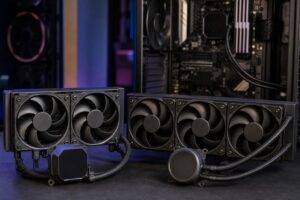
These systems are also commonly configured for long, sustained loads. That calls for a serious cooling solution, a case with well-planned airflow, and a high-quality power supply sized for the CPU, GPU or GPUs, storage, and future expansion. A workstation that benchmarks well for a minute but runs hot or noisy all afternoon is not well designed.
A CPU platform decision is only one part of a productive workstation. A Threadripper processor paired with too little RAM, a modest GPU for a GPU-heavy application, or a single cramped SSD is still an unbalanced system.
For most professional builds, we recommend budgeting for the following alongside the CPU:
Choose a Ryzen workstation if your work is mainly interactive CAD, BIM, design, editing, development, or single-GPU professional work—and you do not need extreme memory capacity or extensive expansion. It is the sensible default for many professional users.
Choose a Threadripper workstation if your software makes strong use of many CPU cores, you regularly work with very large datasets, you need unusually high RAM capacity, or you require multiple GPUs and several high-bandwidth expansion devices. In these cases, it is not merely a faster CPU; it is the more appropriate foundation for the whole system.
The best way to specify either platform is to begin with your actual applications, typical file sizes, current pain points, peripherals, storage location, and expected growth over the next few years. Overclock Computers can build a custom workstation around those details, balancing CPU performance, GPU capability, memory, storage, cooling, and expansion so the system fits the work instead of just looking impressive on a parts list. Contact our team to discuss the software and projects your next workstation needs to handle.