Best PC for Local AI in 2026: Specs for Running Models at Home or Work

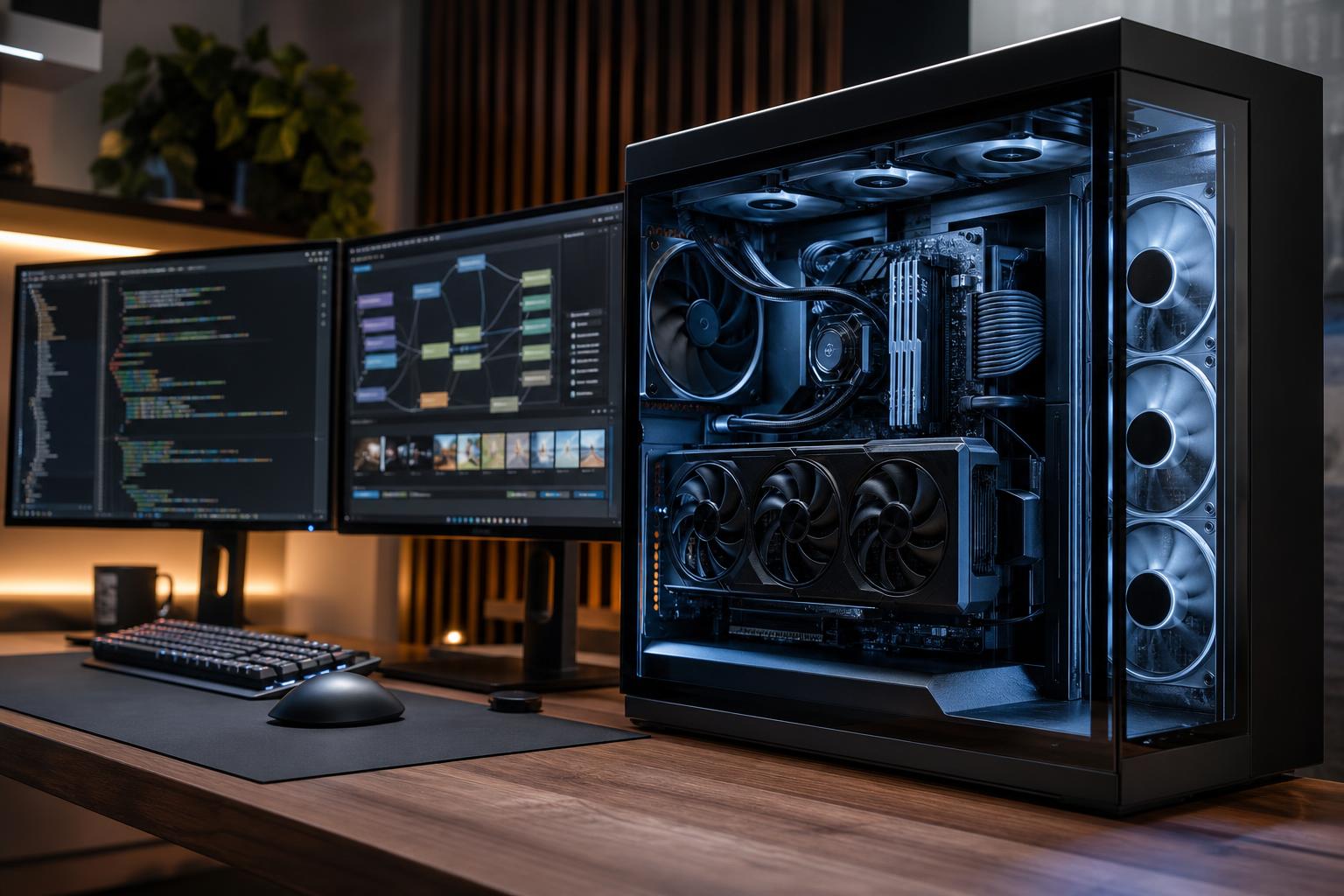
If you want to run AI models locally, put the largest practical share of the budget into the GPU and its VRAM. For most buyers, a system with a modern NVIDIA GPU, 16GB to 24GB of VRAM, 64GB of system memory, and a fast 2TB NVMe SSD is the sensible starting point. That configuration suits local language models, coding assistants, image generation, retrieval-augmented generation projects, and serious experimentation without turning every model download into a storage emergency.
The best PC for local AI is not automatically the most expensive workstation. It is the machine that has enough VRAM for the models you intend to run, enough RAM and storage to support them, and reliable cooling and power delivery for long sessions. Buying an extremely high-end CPU while settling for too little VRAM is one of the easier ways to build an expensive AI PC that feels unnecessarily limited.
“Local AI” covers several workloads that stress hardware differently. Identify your heaviest regular task before choosing parts.
For occasional local chat with smaller, quantized language models, you can spend less. For image-generation work or daily use of larger models, prioritize VRAM early. For serious training, multiple GPUs or a professional GPU with very high memory capacity may be justified, but that is a different budget class from a typical enthusiast desktop.
This tier is for users exploring local language models, running personal coding tools, generating images at modest settings, or building small proof-of-concept applications.
Don’t expect this class to run every popular model at full precision, and don’t buy it with the assumption that VRAM can be upgraded later. The graphics card is usually a replacement, not a simple add-on. If your budget allows, moving from 12GB to 16GB of VRAM is often more useful for AI than moving from a good midrange CPU to a premium one.
For people who expect to use local AI several times a week for work, development, image generation, or private document search, this is the sweet spot.
Twenty-four gigabytes of VRAM is a particularly useful capacity for a local AI PC. It gives you more room for larger quantized models, longer contexts, image-generation workflows, and experimentation before you need to offload work into slower system memory. It does not make every large model practical, but it changes what is comfortably usable.
Choose this level if local AI directly supports billable work, internal tools, frequent image or video generation, substantial datasets, or model fine-tuning. Here, buying for capacity and stability is usually wiser than chasing a small percentage of extra speed.
Multi-GPU builds deserve careful planning. Physical slot spacing, airflow, power supply capacity, connector clearance, motherboard lane allocation, and software support all matter. Two cards do not automatically behave like one larger-memory card, either. Some applications can divide work across GPUs; others cannot pool memory in the way buyers expect. Confirm the requirements of the software and model workflow before committing.
VRAM is the dedicated memory on the graphics card. AI models, their context, intermediate calculations, and image-generation workloads need to fit within it. When they do not, software may use system RAM or the CPU instead. That can allow a task to run, but it is generally much slower and less pleasant for interactive work.
GPU speed still matters. Two cards with the same memory capacity can complete work at different rates. But capacity is the first gate: a faster card cannot make a model fit into memory it does not have. For local AI buyers, this makes a higher-VRAM GPU a better long-term purchase than a slightly faster low-VRAM alternative in many cases.
Other hardware can be viable, and software support continues to improve. Still, NVIDIA remains the easiest recommendation for many local AI users because a large portion of AI software, documentation, containers, and community troubleshooting is built around CUDA-compatible GPUs.
That does not mean every local AI project requires NVIDIA. It means the path is usually smoother, especially for users following existing setup guides or using widely adopted frameworks. If you are considering another platform, verify support for the exact applications you plan to use, not merely a general claim that it runs AI.
For inference, the GPU does the heavy lifting. A current midrange or high-performance desktop CPU is plenty for most single-GPU local AI systems. Spend more on the CPU when you also compile code, preprocess large datasets, run virtual machines, render, or use CPU-based applications throughout the day.
A flagship gaming CPU is not a substitute for GPU memory. If the choice is a premium CPU with a 12GB GPU or a sensible CPU with a 24GB GPU, the second system is usually the better local AI machine.
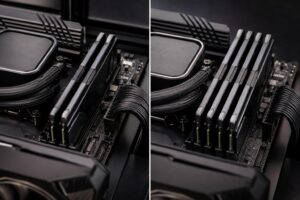
System memory holds your operating system, applications, datasets, model files during loading, and any CPU-offloaded portions of a workload. Thirty-two gigabytes can work for basic use, but 64GB gives a local AI system breathing room. Choose 128GB when handling large documents, datasets, several development tools, containers, or virtual machines at once.
Models, checkpoints, datasets, generated images, environments, and project backups accumulate quickly. A 2TB NVMe SSD is a good floor. A second SSD is worthwhile for active datasets and model collections, especially because it keeps operating-system activity separate from project storage. Very fast storage can shorten load times and help data-heavy workflows, but capacity is usually the more valuable upgrade once you have a good NVMe drive.
Local AI can hold a GPU under sustained load for hours. That makes case airflow, GPU clearance, CPU cooling, and power supply quality practical reliability decisions, not cosmetic extras. A cramped case and bargain power supply may look acceptable on a component list, then become noisy, hot, and limiting when the system is actually working.
Choose a case that can accommodate the GPU you want with sensible cable clearance and room for future storage. Use a quality power supply sized for the installed hardware with reasonable headroom, rather than buying the highest wattage number on the shelf. If future expansion matters, select a motherboard with the M.2 slots, PCIe layout, USB connectivity, and networking you will realistically use.
A well-chosen local AI PC should feel like a capable workstation first and an experiment second. For most buyers, that means 16GB to 24GB of GPU VRAM, 64GB of RAM, and at least 2TB of fast storage. Step up to 128GB of RAM, more SSD capacity, and a higher-memory GPU when larger models, training, substantial datasets, or business-critical workloads make the extra capacity useful.
Overclock Computers can design a local AI workstation around your preferred software, expected model sizes, budget, development tools, storage needs, noise preferences, and future expansion plans. Bring us the applications and models you intend to use, and we can help separate the upgrades that will improve your workflow from the expensive ones you can safely skip.