How Many Watts Does Your PC Need? A Practical Power Supply Buying Guide

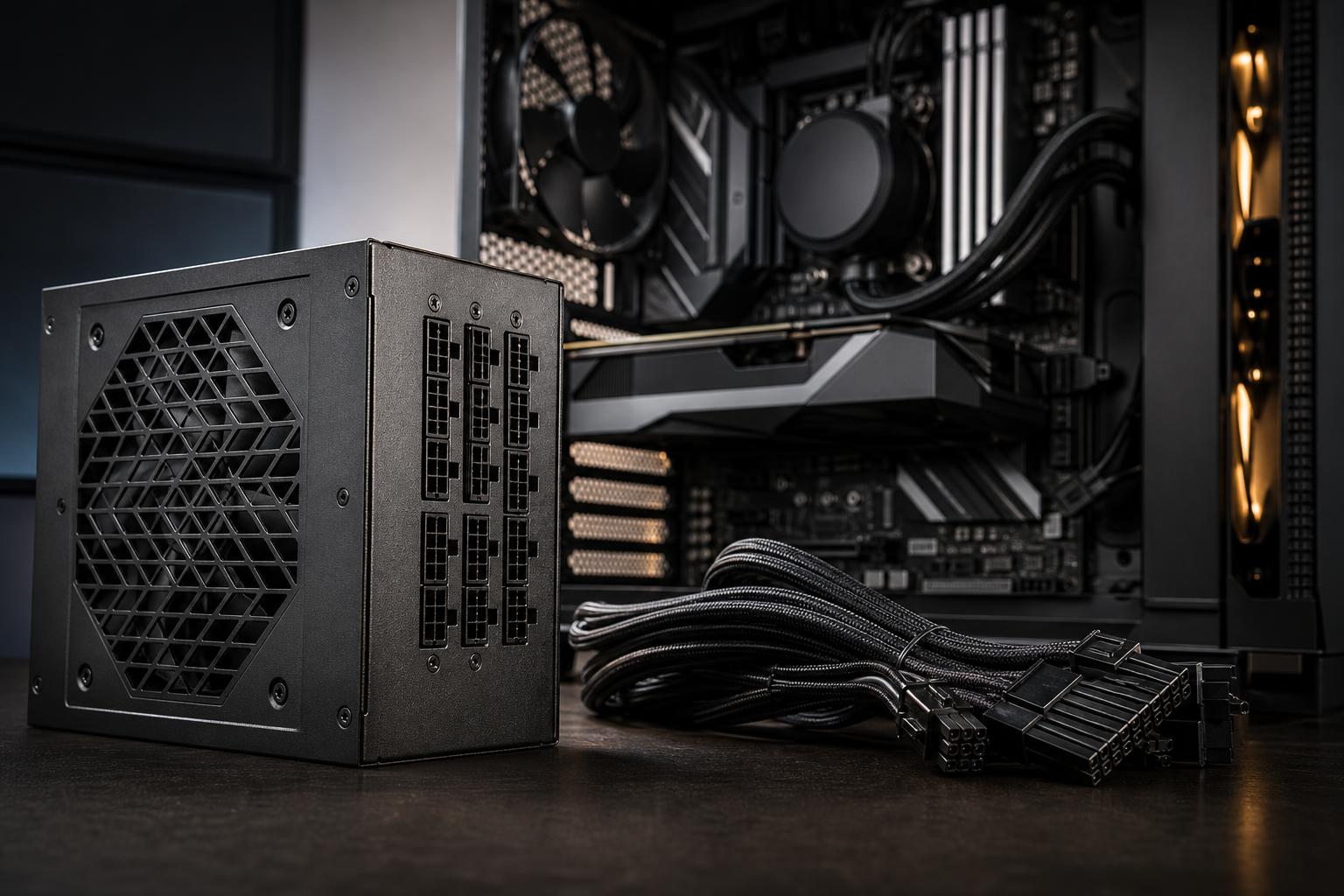
A power supply is easy to overlook. It does not add frames per second, shorten a render directly, or look exciting through a glass side panel. But it is the component responsible for delivering stable power to every expensive part in the computer. A poor choice can mean cable clutter, shutdowns under load, limited upgrade options, or an unnecessarily loud system.
The right question is not simply “What is the smallest wattage that will turn on?” It is: What power supply gives this particular CPU and graphics card enough stable headroom, uses the correct connectors, runs quietly, and leaves room for sensible upgrades?
For many modern gaming PCs, that answer is between 750W and 850W. Smaller and larger units both have a place, but wattage alone does not tell the whole story.
In most performance PCs, the graphics card is the largest power consumer by a wide margin. It should drive your power supply decision.
A midrange graphics card may use roughly 160W to 250W during demanding games. Faster cards can draw 300W or more, while flagship-class GPUs can require substantially more. CPU power varies too: a gaming-focused processor may stay well below 150W in games, while a high-core-count workstation processor can use far more during rendering, compiling, simulation, or other all-core tasks.
The remaining components matter, but usually less than people expect. Motherboards, RAM, NVMe drives, fans, USB devices, and pumps add to the total, yet they normally do not turn a 750W build into a 1,200W build on their own.
Manufacturer power supply recommendations are a useful starting point. They are deliberately conservative because the card maker does not know which CPU, cooling, drives, or existing power supply a buyer will pair with the card. Use the recommendation as a floor, then consider the rest of the system and how much upgrade room you want.
A system that consumes 500W in a sustained benchmark may be able to run on a 550W unit. That does not make it a good build plan.
Graphics cards can produce brief power spikes above their usual draw. Modern quality power supplies are designed to handle these transient loads, but a unit operating close to its limits has less margin. It may run hotter, spin its fan more often, and be less accommodating of future upgrades.
There is also an efficiency consideration. Power supplies are generally most comfortable when they are not constantly near maximum output. Buying a larger unit does not automatically reduce your electric bill, but a correctly sized quality model often runs quieter and has an easier job during long gaming or workstation loads.
A good practical target is to select a unit that leaves roughly 25% to 40% headroom above the expected sustained system load. This is a guideline, not a magic rule. A workstation that renders for hours and a gaming PC intended for a future GPU upgrade deserve more headroom than a modest system that will remain unchanged.
These ranges assume a quality modern power supply and a normally configured desktop PC. They are purchasing guidelines, not substitutes for checking the requirements of the specific GPU you plan to buy.
A 550W or 650W PSU is usually appropriate for a system with a power-efficient CPU and a lower-power or midrange GPU. It can also be an excellent fit for office workstations, software development machines, and entry-level creative systems without a high-draw graphics card.
Do not force a 550W unit into a build just to save a small amount of money. The price difference to a good 650W model is often minor compared with the total cost of the PC.
For a gaming PC with a powerful GPU, or a mixed-use system that games, streams, edits video, and runs several drives, 750W is commonly the sensible baseline. It provides worthwhile breathing room without paying for capacity that will never be used.
A quality 750W unit is also a strong choice for many CPU-and-GPU combinations that would technically fit within 650W. This is particularly true if the computer will use a higher-power CPU, a 240mm or 360mm liquid cooler, numerous case fans, or a GPU upgrade in the next few years.
An 850W PSU is a sensible recommendation for many high-end gaming machines and GPU-accelerated creator workstations. It is especially useful when pairing a high-power graphics card with a premium desktop CPU, or when the computer may face sustained simultaneous CPU and GPU loads.
Examples include video editing systems that use GPU effects while exporting, 3D workstations that render on the GPU while running heavy CPU tasks, and enthusiast gaming PCs designed around upper-tier graphics hardware. For these buyers, 850W is not excess for the sake of excess. It is comfortable capacity.
A 1,000W unit becomes appropriate when a build combines a flagship-class GPU with a power-hungry CPU, or when it is intended for demanding professional workloads that can load both processors for extended periods. It is also common in systems with multiple GPUs used for specialized rendering, compute, or AI work.
Do not buy a 1,200W or 1,600W unit simply because it sounds more premium. If the system has one midrange GPU and a mainstream CPU, the extra capacity will not improve performance. Spend that budget on more storage, better cooling, or the graphics card itself.
Two power supplies with the same wattage can be very different products. A reputable 750W model with solid electrical design and complete protections is a better purchase than a questionable 1,000W unit with an impressive label.
Many newer high-performance graphics cards use a compact high-power connector commonly called 12V-2×6. Earlier versions may be described as 12VHPWR. A modern ATX 3.x power supply with a native cable for this connector is often the cleanest choice for a compatible GPU.
A native cable avoids the bulky multi-plug adapter included with some graphics cards. It also reduces cable clutter and gives the builder a more straightforward installation. That said, an adapter can work safely when it is installed exactly as instructed and fully seated. The important points are using the supplied or approved cable, avoiding sharp bends immediately beside the connector, and never mixing modular cables from different power supply models.
For GPUs that use traditional 8-pin PCIe power connectors, confirm the PSU includes enough separate PCIe cables. High-draw cards should generally use separate cables from the power supply rather than one daisy-chained cable feeding every connector, unless the PSU and GPU documentation specifically support that arrangement.
Look for a unit from an established manufacturer or product line with independent, technically competent reviews. Useful protection features include over-voltage, under-voltage, over-current, over-power, short-circuit, and over-temperature protection. These do not make a power supply invincible, but they are important safeguards when something goes wrong.
Warranty length can also be a useful indicator, though it should not replace proper research. Quality power supplies are often built to remain in service through multiple component upgrades.
80 Plus ratings describe efficiency: how much power is lost as heat while the PSU converts wall power into the DC power used by the PC. Bronze, Gold, Platinum, and Titanium are common labels.
For most premium gaming PCs and workstations, 80 Plus Gold is the practical target. It generally offers good efficiency without a steep price premium. Platinum and Titanium models can make sense for systems that run long hours under heavy load, for buyers prioritizing very quiet operation, or where electricity use is a major concern.
Do not assume an efficiency badge proves overall quality. It measures one important characteristic, not voltage regulation, fan behavior, component selection, or protection performance.
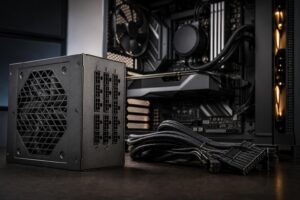
Fully modular power supplies allow you to connect only the cables the build needs. That makes assembly cleaner and improves airflow around the power supply shroud. Semi-modular units can also be perfectly practical. Non-modular models are mainly best reserved for tightly budgeted builds where the case has good cable-hiding space.
One non-negotiable rule: never reuse modular cables from another PSU, even if the connectors appear to fit. Pinouts can differ between brands and models, and the wrong cable can damage hardware.
For most well-balanced gaming PCs, start at 650W for midrange parts, 750W for performance-focused builds, and 850W for high-end GPUs or demanding mixed-use systems. Move to 1,000W or more when the actual hardware and workload justify it, not just because bigger numbers are appealing.
Choose a reputable, modern, modular 80 Plus Gold unit with the connectors your graphics card requires. That combination is usually more valuable than chasing the largest wattage rating on the shelf.
If you are planning a new gaming PC or workstation and want the power supply sized around the exact CPU, GPU, cooling, and upgrade path, contact Overclock Computers. We can help configure a balanced system without overspending on parts you do not need.