Best Gaming PC Under $2,000: Where Your Money Should Go in 2026

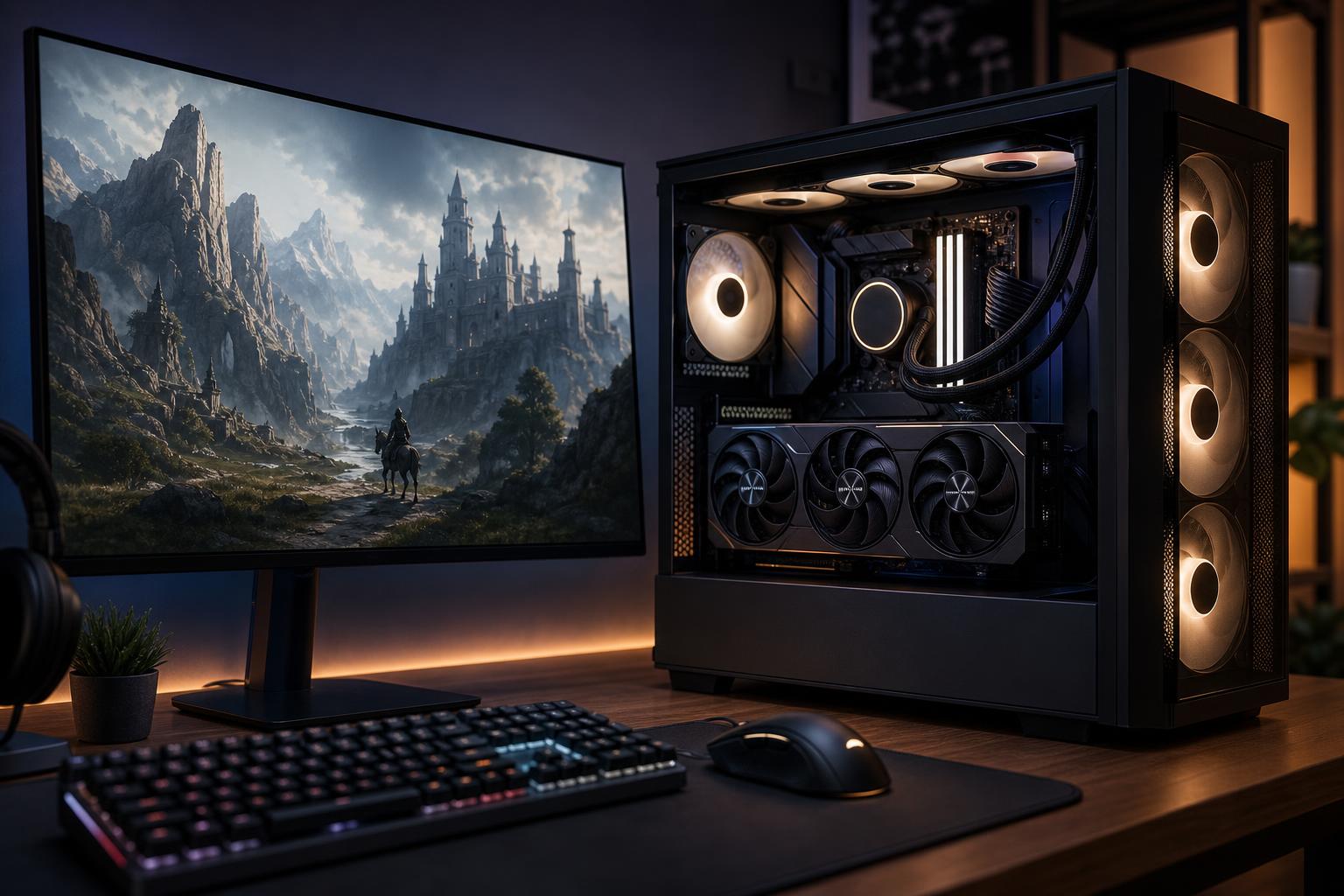
A well-configured gaming PC under $2,000 should deliver excellent 1440p performance at high settings, support high-refresh-rate gaming in many titles, and provide a credible entry point to 4K gaming. The priority is simple: buy the strongest sensible graphics card first, then pair it with a modern gaming CPU, 32GB of memory, and enough quality storage to avoid immediate upgrades.
This budget is high enough to build a genuinely premium-feeling system, but it is not unlimited. A flashy case, an oversized motherboard, or RGB on every available surface can quietly steal money from the GPU—the part that usually has the biggest effect on game performance.
For most buyers, this is the right target specification. It leaves room to adjust around changing component prices without losing sight of what matters.
That is the formula for the best gaming PC under $2,000: not necessarily the most expensive CPU or the most decorative case, but a balanced machine that puts a large share of its budget into graphics performance, cooling, and dependable supporting parts.
At this level, 1440p is the sweet spot. A good 1440p monitor offers a clear image improvement over 1080p without placing the extreme GPU load of 4K on every game. A system in this class is a strong fit for 1440p monitors running at 144Hz, 165Hz, or higher, especially for esports games and well-optimized mainstream titles.
It can also handle 4K gaming, but expectations matter. Less demanding games can run very well at native 4K. In demanding new games, especially with ray tracing enabled, you will often want to use a sensible upscaling mode, adjust a few settings, or accept a lower frame rate than you would at 1440p. That is not a flaw; 4K at very high settings is one of the most demanding things a consumer PC can do.
If your main goal is competitive gaming at 240Hz or above, do not automatically spend the entire budget on the GPU. Competitive titles often benefit more from a very fast CPU, fast and properly configured memory, and settings chosen for frame-rate consistency. For a mix of cinematic single-player games and online multiplayer, however, the GPU should remain the main investment.
For a gaming-first system, the graphics card should commonly consume roughly half of the tower budget. The exact share changes with hardware availability, but the principle does not: a weaker GPU paired with an extravagant processor rarely makes sense for a new gaming build.
Video memory, or VRAM, stores textures, frame buffers, ray-tracing data, and other graphics assets. More VRAM can help in newer games, at higher resolutions, and with large texture packs. A 16GB card is an attractive target for a $2,000 system intended to last several years, particularly if 1440p ultra settings, 4K, or heavily modded games are on the menu.
Still, VRAM capacity is not the whole graphics card. A 12GB option may be the smarter purchase if it offers substantially better overall performance or if pricing is unusually distorted. Compare the complete card: its gaming performance, memory capacity, feature set, cooler quality, physical size, and the games you actually play.
Ray tracing can improve lighting and reflections, but it also raises GPU demand sharply. If you enjoy it, prioritize a GPU that handles ray-traced games well and expect upscaling to be part of the experience. If you prefer high native-resolution frame rates, competitive settings, or older games, conventional rasterized performance deserves more weight.
A fast gaming CPU matters, especially at 1080p and high refresh rates, but this budget does not require an extreme desktop processor. A modern 8-core gaming CPU is an excellent target for most buyers. It has enough headroom for current games, background applications, Discord, browser tabs, and occasional streaming.
Spend more on a higher-core-count CPU when the PC will also be used for regular CPU-heavy work such as video exports, code compilation, simulation, or 3D rendering. For a pure gaming machine connected to a 1440p or 4K monitor, moving money from the GPU to a top-tier CPU usually makes the system slower where you notice it most.
For a new $2,000 gaming PC, we recommend 32GB of RAM in two matched sticks. Modern games, launchers, voice chat, browsers, capture software, and background utilities can make 16GB feel tight sooner than many buyers expect. Two sticks also allow the system to use dual-channel memory operation, which is preferable to a single-stick configuration.
A 2TB NVMe SSD is equally practical. Modern game installs are large, and a 1TB drive becomes crowded quickly once Windows, applications, and several major games are installed. A good PCIe 4.0 SSD is already fast enough for gaming; paying a large premium for a PCIe 5.0 drive will not usually make games feel meaningfully faster. Put that money toward the GPU, capacity, or a better monitor instead.
There is nothing wrong with premium aesthetics or extra features when you value them. Just be honest about what they are buying.
A powerful PC connected to an old 60Hz display is like putting performance tires on a car that never leaves the parking lot. If you do not already own a good monitor, consider reserving part of the overall purchase budget for one. For this class of PC, a quality 1440p high-refresh-rate monitor is usually a better match than a cheap 4K panel with poor motion handling.
Build quality matters too. A case with unrestricted intake, correctly installed fans, a properly mounted CPU cooler, clean cable routing, and a quality power supply all affect temperatures, noise, maintenance, and long-term confidence. These are not glamorous specifications, but they separate a balanced custom system from a parts list that merely looks impressive.
Spend more if you specifically want top-tier 4K gaming with demanding settings, extensive ray tracing, a large high-refresh OLED monitor, or a PC that also handles serious production work. It can also be sensible to increase the budget for large storage needs, a quiet-focused build, or a workstation-grade CPU platform for professional applications.
Otherwise, $2,000 is already enough for an excellent gaming computer. Do not stretch the budget simply to own the most expensive component in a category. A balanced system paired with the right monitor will be more enjoyable than an imbalanced parts list built for bragging rights.
The best gaming PC under $2,000 is not a fixed shopping cart. It is a performance target: a powerful GPU, a gaming-focused CPU, 32GB of RAM, 2TB of fast storage, and supporting components that keep the system cool, quiet, and upgradeable.
Overclock Computers can help configure a custom gaming PC around the games you play, your monitor resolution and refresh-rate target, your preferred visual settings, budget, appearance, and future upgrade plans. If you are deciding between two performance tiers, a properly balanced build is usually worth more than simply choosing the longest specification sheet.