Best PC for Local AI: Hardware Specs That Make Sense in 2026

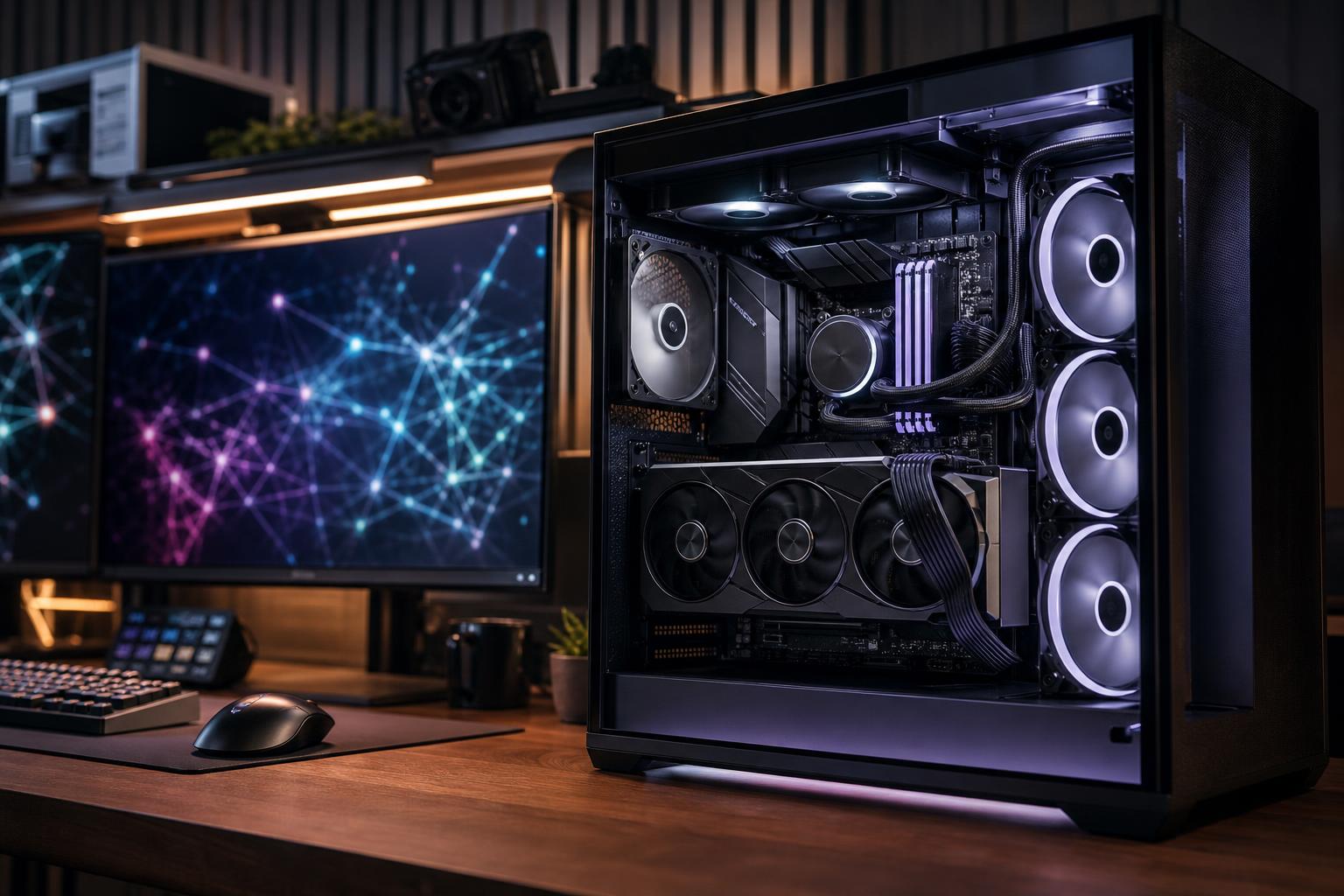
If you want to run AI tools on your own computer, spend the largest share of your budget on the graphics card and, more specifically, its VRAM. For most local AI buyers, a balanced desktop with a modern NVIDIA GPU, 16GB or more of VRAM, 32GB to 64GB of system memory, and at least 2TB of fast NVMe storage is the sensible starting point.
The right configuration changes with the models you plan to run. A PC that feels excellent for local coding assistance and modest language models can be frustrating for larger models, high-resolution image generation, or multiple AI services running at once. Buy for the workload you expect to use regularly, not the most extreme demo you may try once.
Choose this tier for learning, private chat assistants, local coding tools, smaller language models, basic retrieval-augmented generation (RAG) projects, and occasional image generation.
This is the best entry point for someone who wants useful local AI without building a workstation around it. The chief limitation is model size. You can run many quantized models, but larger models will either not fit in VRAM or will need to share work with slower system memory.
This is the sweet spot for serious hobbyists, developers, creators using AI-assisted workflows, and professionals who need models to run locally without constantly negotiating with hardware limits.
A 24GB GPU is often a more meaningful local AI upgrade than moving from a fast CPU to an extravagant one. It gives you room for larger quantized language models, more capable image-generation workflows, longer context windows, and less reliance on system RAM.
Consider this tier only if local AI is a major part of your work: sustained inference, larger models, model development, GPU-accelerated data work, image or video generation at volume, or several users accessing local services.
Multi-GPU systems are not an automatic win. Some applications scale well across cards; others use only one GPU or require extra setup. A single GPU with more VRAM is often simpler, quieter, and more useful than two smaller cards.
VRAM is the high-speed memory attached directly to the graphics card. It holds the AI model and the working data the GPU needs while generating text, images, audio, or code. If the model fits comfortably in VRAM, performance is generally much better and setup is easier.
When VRAM runs out, software may offload part of the workload to system RAM or the CPU. This can still work, particularly with quantized language models, but output becomes slower. It may also limit context length, batch size, resolution, or the number of tools you can run together.
For local AI, do not judge a GPU only by its gaming performance. A card that produces more game frames but has less VRAM can be the worse AI purchase. Raw GPU speed still matters after the model fits, but memory capacity is usually the first gate.
For the least complicated desktop local AI experience, NVIDIA is usually the practical recommendation. Many popular AI frameworks, model runtimes, and creative tools have mature support for CUDA, NVIDIA’s GPU computing platform. That does not mean AMD hardware cannot run local AI; it can, and support continues to improve. It does mean software compatibility and troubleshooting can require more attention depending on the operating system and application.
A professional GPU can make sense when you need very large VRAM capacity, specialized driver support required by a professional application, or workstation features that fit an established business environment. For many individual developers and AI enthusiasts, however, a consumer GPU with ample VRAM offers better value.
Before buying, check the exact tools you intend to use. Local language-model runners, image-generation interfaces, Python frameworks, and commercial AI applications do not all have identical hardware support.
Do not let the CPU consume the GPU budget. For GPU-based AI inference, an expensive top-tier processor rarely makes your model generate answers dramatically faster. The GPU does most of that work.
A good modern 8-core processor is enough for many systems. Move to more cores if you compile software regularly, process large datasets, run several containers or virtual machines, perform CPU rendering, or use the PC as both an AI workstation and a serious production machine.
CPU speed does matter when a model is partly offloaded to system RAM, but buying enough VRAM in the first place is usually the better solution.
32GB of RAM is workable for a focused local AI machine. 64GB is the better recommendation for most people building a performance-tier system. It leaves room for your browser, IDE, document collections, Docker containers, image tools, and the operating system while models are loaded or data is being processed.
Choose 128GB when you know you will use CPU offloading, large datasets, virtual machines, or multiple local services. More RAM will not replace VRAM, but it can prevent the whole PC from becoming cramped.
Storage fills faster than expected. Model files can be large, and image-generation checkpoints, datasets, outputs, and project backups add up quickly. A 2TB NVMe SSD is a realistic minimum for a dedicated local AI PC. If the computer also handles games, video editing, or professional files, start with 4TB total storage or leave room for an additional drive.
PCIe 4.0 NVMe storage is already fast enough for most local AI workloads. Paying heavily for a PCIe 5.0 drive generally makes less sense than buying more capacity, more VRAM, or more system RAM.
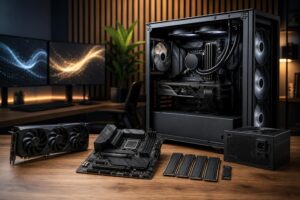
AI workloads can keep a GPU busy for long periods. That exposes weak cooling, restrictive cases, bargain power supplies, and poorly planned cable routing very quickly. A well-built system should have a case that can feed the GPU fresh air, quality fans, a CPU cooler matched to the processor, and a power supply chosen with appropriate capacity and the correct modern GPU power connections.
Do not buy the highest-wattage power supply just for the number on the label. Buy a reputable unit with enough headroom for the actual CPU and GPU combination, plus future storage and reasonable upgrades. For a system intended to run overnight jobs, stable power delivery and thermal behavior matter more than flashy motherboard extras.
A good off-the-shelf desktop can run AI tools, but local AI is one area where generic configurations often miss the mark. They may pair a costly processor with a low-VRAM GPU, provide too little storage, use a cramped case, or leave little room for future expansion.
A thoughtfully configured custom system lets you put the budget where it has real value: the right GPU and VRAM capacity, enough memory, sensible storage, dependable cooling, and a platform that can accommodate future drives or GPU upgrades. That is especially useful if the PC must also serve as a development workstation, creative machine, or high-end gaming system.
Overclock Computers can help design a local AI PC around the models and tools you expect to run, your budget, your existing monitor and storage setup, and your future upgrade plans. Bring us your real workload—not just a vague spec list—and we can help you build a system that makes sense from day one.