How to Future-Proof a Gaming PC Without Wasting Money

A future-proof gaming PC is not a machine that will run every new game at maximum settings forever. That computer doesn’t exist. Game requirements rise, display standards change, and graphics cards age faster than most other parts.
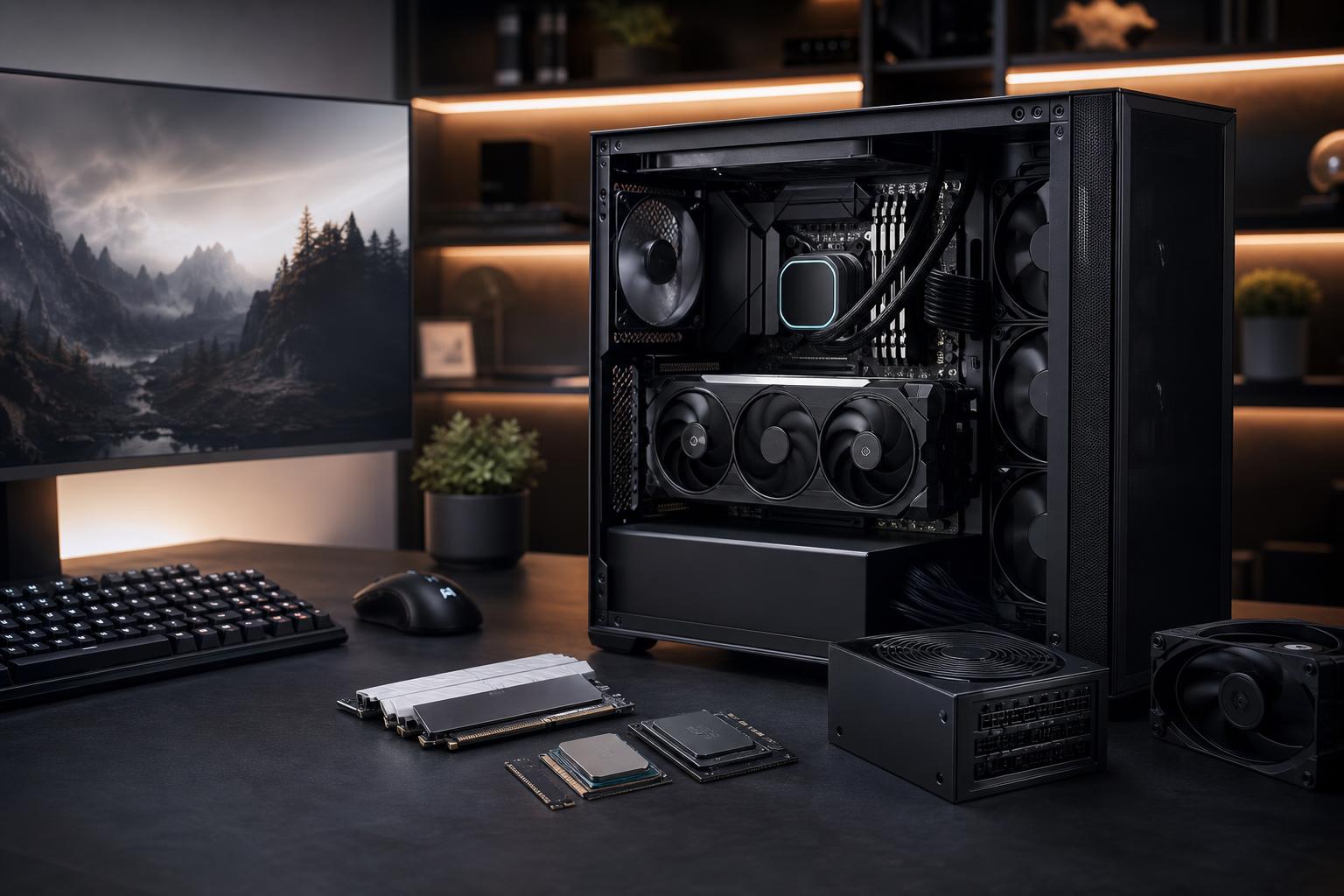
A better goal is to buy a balanced PC that delivers the performance you want now, remains enjoyable as games become more demanding, and can be upgraded without replacing half the system. That means spending strategically on the platform, power supply, cooling, case, memory capacity, and storage—not simply buying the most expensive graphics card that fits the budget.
For most buyers, the best way to future-proof a gaming PC is to choose a strong GPU for the monitor they own or plan to buy, pair it with a current CPU platform, and avoid weak supporting components that limit future upgrades.
Your monitor sets the real target. A PC intended for 1080p at 60Hz has very different needs from one intended for 1440p at 165Hz or 4K at high refresh rates.
Also be honest about the games you play. Esports titles, strategy games, simulation games, large open-world releases, and heavily modded games can stress systems in very different ways. A build chosen for the latest cinematic single-player game may not be ideal for a flight simulator or a CPU-heavy multiplayer title.
For a gaming-focused desktop, the graphics card usually has the greatest effect on image quality, resolution, and frame rate. It is also the component most likely to be upgraded during the life of the PC.
A practical rule is to select the GPU first, then build a balanced system around it. Do not pair a premium graphics card with a low-end power supply, a cramped hot-running case, or too little memory. Equally, do not sacrifice the GPU budget for a motherboard full of features you will never use.
VRAM is the graphics card’s dedicated memory. Higher resolutions, detailed texture settings, ray tracing, mods, and some newer game engines can all increase VRAM use. When a game runs out of available VRAM, lowering texture quality is often necessary, and stutter can become more noticeable.
More VRAM alone does not make a graphics card faster. GPU performance, memory bandwidth, and game support still matter. But when choosing between similarly capable cards, extra VRAM can provide useful breathing room for a system intended to last several years—particularly for 1440p and 4K gaming.
It is reasonable to prioritize VRAM capacity when buying a higher-end GPU. It is less sensible to buy a much slower card solely because its memory number looks larger on a spec sheet.
Upscaling and frame-generation technologies can be genuinely useful. They can make demanding games more playable at higher resolutions and help extend the useful life of a graphics card. Still, they work best when the game already has a solid base frame rate and acceptable input responsiveness.
Think of these features as valuable tools, not a substitute for buying enough native GPU performance in the first place. A card that struggles badly before assistance is enabled will not feel identical to one that is genuinely fast enough for the workload.
For gaming, a modern midrange or upper-midrange CPU is often the sensible long-term choice. It should have strong single-core performance, enough modern cores for current games and background tasks, and a compatible platform that does not force compromises elsewhere.
Overspending on the CPU is one of the more common ways to build an unbalanced gaming PC. At 1440p and especially 4K, the graphics card is usually the limiting factor in demanding games. Moving money from an already excellent CPU to a meaningfully stronger GPU often produces a larger improvement.
There are exceptions. Invest more in the CPU if you play CPU-limited games, use a 240Hz-or-higher monitor, run extensive game mods, stream using CPU encoding, compile code, or use the PC for serious productivity work. Simulation and strategy players, in particular, should not treat the CPU as an afterthought.
These parts do not create flashy benchmark headlines, but they determine whether future upgrades are straightforward and whether the PC stays reliable under load.
A good motherboard should offer dependable power delivery for the chosen CPU, the storage connections you need, suitable rear I/O, networking that matches your setup, and room for reasonable expansion. It does not need every premium feature on the market.
Before purchasing, check the number of M.2 slots, available PCIe expansion, USB ports, memory support, and the manufacturer’s CPU compatibility information. A board with an extra M.2 slot is often more useful in real life than a decorative shroud or extreme overclocking features.
A quality power supply is one of the best investments in a long-lived PC. Choose a reputable unit with enough continuous capacity for the current system and some room for a future GPU upgrade. It should include the appropriate native power connectors for the hardware you intend to use.
Do not choose a power supply by wattage alone. Build quality, protections, warranty support, cable design, and efficiency matter. A cheap unit that technically meets the wattage number is not the place to save money in a premium gaming PC.
Choose a case with proven airflow, adequate GPU clearance, sensible cable-routing space, and room for the cooling hardware you may use later. A restrictive case can turn an otherwise powerful system into a noisy, hot-running headache.
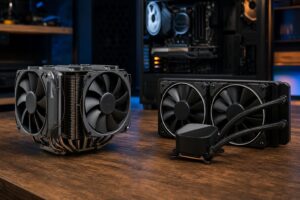
Use a CPU cooler appropriate for the processor’s real heat output. A well-selected air cooler is often excellent for gaming systems; liquid cooling makes sense when the CPU, case layout, or noise target justifies it. The important part is sustained thermal performance, not the number of RGB lights attached to the cooler.
For a new gaming PC, 32GB of RAM is a comfortable starting point. It gives modern games, background applications, browser tabs, voice chat, and launchers room to coexist without memory pressure. It is especially sensible for players who mod games, stream, or keep several applications open.
More than 32GB can be worthwhile for large mod lists, content creation, local development environments, and professional software. For a purely gaming system, however, buying 64GB instead of improving an underpowered GPU usually is not the better use of money.
Storage fills faster than most buyers expect. A fast NVMe SSD makes an excellent primary drive, but capacity is often more valuable than paying extra for the very fastest model. Modern games are large, and maintaining free space helps with updates, temporary files, and general system housekeeping. If your game library is substantial, planning for a second SSD is cleaner than relying on an external drive or constantly deleting games.
This is the right approach if you expect to keep the PC largely unchanged for several years. Put the budget toward a GPU that is genuinely appropriate for your target resolution, use 32GB of RAM, select quality cooling and power delivery, and avoid compromises that cause heat or noise problems.
This approach suits buyers who are comfortable replacing a graphics card or adding storage later. Choose a current platform, a quality power supply with headroom, an airflow-focused case, and a motherboard with the expansion you expect to use. Then buy the GPU that meets your needs today rather than paying heavily for performance you will not notice.
If the computer will also edit video, render 3D scenes, develop software, or run professional applications, configure it around those workloads first. More CPU cores, additional RAM, larger storage, or a GPU with more VRAM may be worth far more than a few extra gaming frames. A carefully designed hybrid system can be excellent, but it should not be treated as a standard gaming PC with random workstation parts added on.
Future-proofing is not buying every premium feature. It is avoiding choices that box you in later while putting most of the budget into performance you can enjoy now.
A well-planned gaming PC should remain capable because it starts balanced, stays cool, uses reliable components, and has a clear upgrade path. In a few years, you may lower a demanding setting, add an SSD, or replace the GPU. That is normal—and far more economical than trying to predict every game requirement years in advance.
Overclock Computers can help design a custom gaming PC around your monitor, favorite games, future upgrade plans, and budget. The goal is not to sell unnecessary parts; it is to build a system that makes sense on day one and continues to make sense as your needs change.