How Much Should You Spend on a Gaming PC? A Practical 2026 Buying Guide

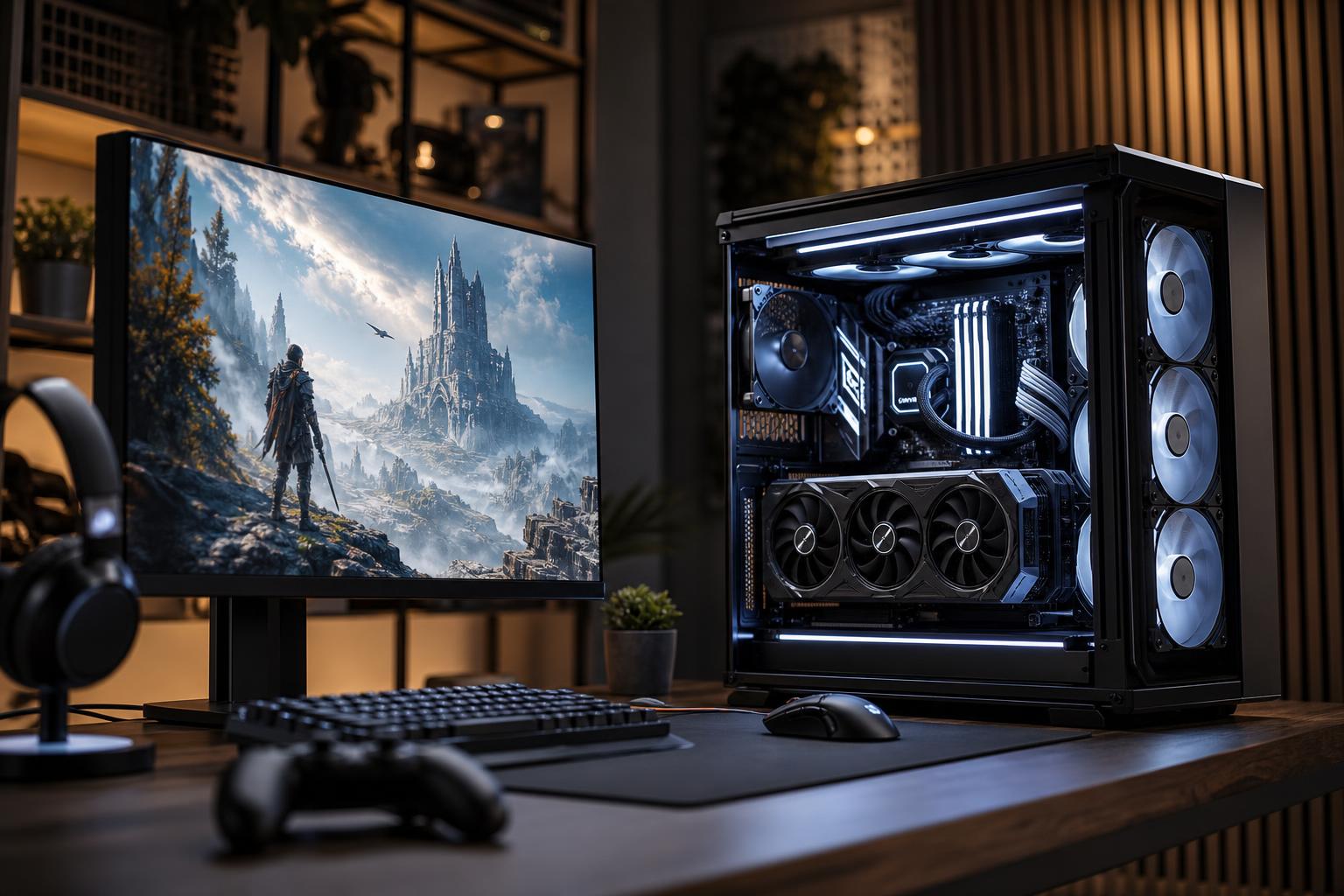
A sensible gaming PC budget starts with the screen you own or plan to buy. A PC for 1080p at 60Hz has a very different job from one meant to run a 1440p 240Hz monitor or a 4K display with demanding visual settings. Buying more computer than your monitor can show is wasteful; buying too little leaves an expensive monitor underused.
For most buyers, the sweet spot is a balanced system built around a capable graphics card, a modern midrange CPU, 32GB of memory, and a quality NVMe SSD. Spend more when you are targeting 4K, very high frame rates, ray tracing, VR, or demanding games with heavy mods. Spend less when you mainly play esports titles, older games, or indie games at 1080p.
The key is not finding one universally “best” gaming PC. It is deciding what performance you need, then putting the budget into the parts that determine that performance.
Resolution and refresh rate determine most of the budget. Resolution affects how much graphics work the GPU must do each frame. Refresh rate affects how many frames the PC needs to produce each second. Raising either one increases the performance target. Raising both at once gets expensive quickly.
Also consider the games you actually play. A PC that pushes enormous frame rates in Valorant, Rocket League, or League of Legends may deliver much lower frame rates in a new open-world game with cinematic lighting. Both outcomes can be normal for the same hardware.
Exact component prices move around, so it is better to think in budget ranges and performance goals than chase a single magic number. The ranges below refer to the desktop tower, not a monitor, keyboard, operating system, tax, or shipping.
This range should be aimed at good 1080p performance rather than flashy extras. Expect a mainstream six- or eight-core CPU, a capable midrange GPU, 16GB or preferably 32GB of RAM, and a 1TB NVMe SSD.
This is enough for high settings in many games and very good frame rates in esports titles. It is not the right place to insist on maximum ray tracing, ultra settings in every new release, or 4K gaming. Something has to give, and at this budget it should be the luxury features, not the power supply or cooling quality.
If funds are tight, prioritize the GPU, a reputable power supply, and at least 1TB of storage. Decorative lighting, an oversized case, and premium liquid cooling can wait.
This is where many buyers find the best balance between cost and a genuinely premium gaming experience. A well-configured PC in this range is a strong match for a 1440p high-refresh monitor. It should also have enough CPU headroom for modern multiplayer games, background applications, and occasional streaming or recording.
For a best custom gaming PC in this class, we would generally favor 32GB of RAM, a 1TB or 2TB SSD, a GPU with enough VRAM for current 1440p games, and a cooler that keeps noise under control during longer sessions. The goal is not merely to make the PC boot and run a benchmark. It should remain smooth and reasonably quiet when the GPU and CPU are both working hard.
This tier is often a better purchase than trying to stretch a low budget into 4K. A good 1440p monitor paired with a balanced PC usually feels better than a compromised 4K setup.
At this level, the graphics card should be the center of the build. You are paying for stronger performance in demanding games, greater room for high-quality settings, and better results at 4K. It is also a sensible range for players who use ray tracing, large texture packs, VR, or heavily modded games.
The rest of the system still matters. A fast gaming-focused CPU helps with high frame rates and frame-time consistency. A 2TB SSD becomes more practical as game installs grow. A quality 750W to 1000W-class power supply, sized for the actual components, provides stable power and leaves sensible upgrade room.
Do not assume every part must be the most expensive available. For gaming alone, spending heavily on a workstation-class CPU with many extra cores often produces less benefit than using that money for a stronger GPU or a better monitor.
A high-end gaming PC can make complete sense, but it should solve a real problem. Good reasons include 4K high-refresh gaming, demanding ray-traced titles, VR simulation, multiple high-resolution displays, or a combined gaming and creative workload.
Past this point, each extra dollar often buys a smaller improvement. The difference between “very good” and “excellent” can cost much more than the difference between “acceptable” and “very good.” That does not make premium hardware bad; it means the buyer should be clear about what they are gaining.
If you play at 1440p and prefer well-optimized competitive games, an ultra-expensive graphics card may spend much of its time waiting on the CPU or monitor. If you play visually demanding single-player games at 4K, it may be exactly the right choice.
For a gaming-first build, allocate the largest share of the budget to the graphics card. The GPU usually has the greatest effect on resolution, visual settings, and frame rate. However, a good build is not simply “the largest GPU that fits in the cart.”
The easiest mistake is spending based on a parts list rather than a performance goal. A beautiful case, a large liquid cooler, extra RGB fans, and a flagship motherboard can consume hundreds of dollars without making games run faster.
Another common mistake is treating “future-proofing” as a reason to buy every top-tier part. No gaming PC is permanently future-proof. A smarter approach is to choose a balanced platform, avoid weak supporting components, use a standard upgrade-friendly case and power supply, and buy enough performance to enjoy the PC now.
Finally, do not forget the monitor. Moving from a basic 1080p display to a good 1440p high-refresh monitor can be one of the most noticeable upgrades in the entire setup. Budget for the experience you see and use, not only the tower under the desk.
Spend above the midrange when the extra performance is visible in your normal use. That usually means you have a 4K or high-refresh monitor, play demanding games, use ray tracing, want quieter operation under load, or also need the PC for editing, rendering, development, or other work.
Otherwise, a well-balanced midrange custom gaming PC is usually the smart answer. It will feel fast, run modern games well, and leave room for a future graphics card upgrade without turning a hobby purchase into a small mortgage.
The right budget is the one that matches your monitor, games, and expectations without starving important supporting parts. Decide on your target resolution and refresh rate first, choose the GPU to serve that target, then build a reliable system around it.
If you are comparing options, Overclock Computers can help design a gaming PC around the games you play, the monitor you use, the performance you want, and a budget that makes sense. A balanced system is almost always a better investment than a parts list built around the most expensive item.