Best PC for 4K Gaming: What Specs Do You Actually Need?

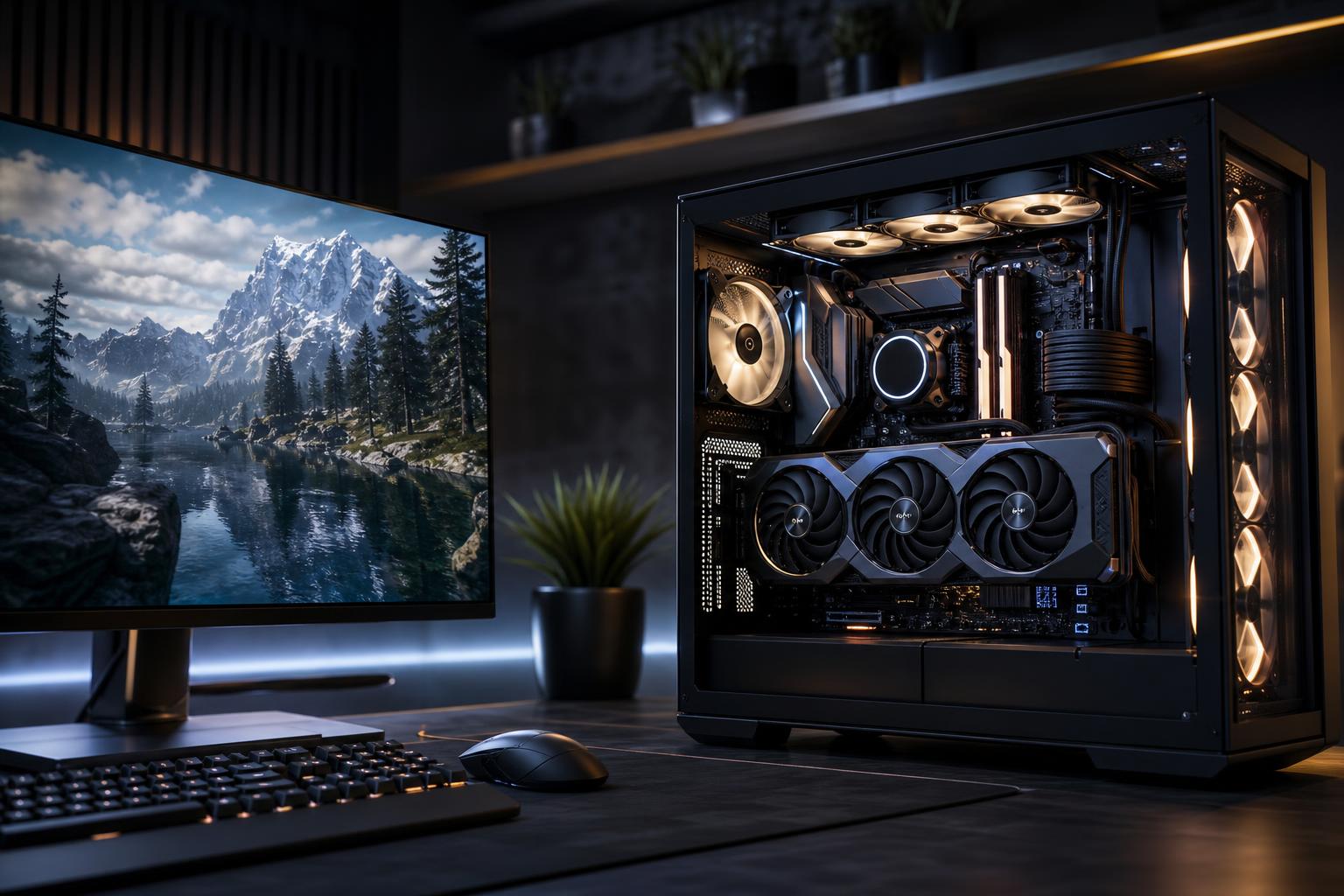
A good 4K gaming PC should be built around a powerful graphics card with enough VRAM, paired with a modern gaming-focused CPU, 32GB of RAM, and a quality power supply and cooling setup. For most buyers, the graphics card deserves the largest share of the budget. At 4K, it does far more to determine frame rate and image quality than moving from a very good CPU to an extreme one.
There is one major exception: if you play simulation games, strategy titles, heavily modded games, or want very high frame rates in esports titles, CPU performance still matters a great deal. But for visually demanding games at 4K with high settings, buying the strongest GPU your budget reasonably supports is the right call.
Choose a high-end graphics card with at least 16GB of VRAM, a current midrange-to-high-end gaming CPU, 32GB of DDR5 memory, and a 2TB NVMe SSD. This is the sensible target for someone who wants to play modern games at 4K using high settings, with upscaling enabled when it improves performance.
Move to the fastest available GPU class with a larger VRAM buffer if you want higher settings, more consistent performance with ray tracing, and a better chance of driving a 4K high-refresh monitor. Pair it with a high-end gaming CPU, 32GB to 64GB of RAM, and robust cooling and power delivery. This tier makes sense when the display and games justify it—not simply because expensive parts exist.
Don’t buy an entry-level GPU and expect native 4K ultra settings to be pleasant in every new blockbuster release. Also, don’t overspend on a flagship CPU while settling for a weaker graphics card. At 4K, that is usually a lopsided system in the wrong direction.
4K resolution contains four times as many pixels as 1080p. That extra detail looks excellent on a properly sized display, but it places a heavy, constant workload on the graphics card. In demanding games, the GPU is normally the limiting factor, especially with high-quality textures, ray tracing, and advanced lighting enabled.
For a 4K gaming PC, prioritize these graphics card characteristics:
Native 4K is still worthwhile in older, lighter, or well-optimized games. For demanding new releases, however, quality-mode upscaling is often the sensible setting rather than a compromise to be embarrassed about. On a 4K screen, good reconstruction can look very convincing while freeing enough GPU performance for higher settings or a smoother frame rate.
Because 4K pushes the GPU so hard, a sensible modern gaming CPU is often enough. You do not need the most expensive processor just to play at a higher resolution.
A current processor with strong single-core performance and roughly eight high-performance cores is an excellent starting point for a dedicated 4K gaming machine. It handles modern games, background applications, voice chat, browsers, and normal streaming tasks comfortably. CPUs with additional gaming-focused cache can be particularly worthwhile for simulation, strategy, open-world, and CPU-limited games.
Spend more on the CPU when you play titles such as flight simulators, city builders, large multiplayer games, heavily modded games, or games with demanding AI and physics systems. The same applies if you are targeting 120Hz or higher in less GPU-demanding games. A powerful GPU cannot fix a CPU bottleneck.
On the other hand, a very high core-count workstation processor is rarely the best use of money for a gaming-only PC. Those extra cores may help with rendering or professional software, but they often add little to game performance compared with a faster graphics card.
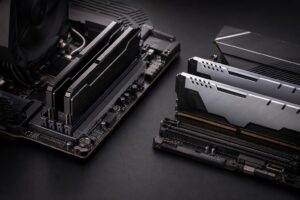
For a new premium gaming system, we recommend 32GB of RAM. It leaves room for modern games, launchers, browser tabs, Discord, recording tools, and background utilities without treating memory capacity as an afterthought. It is also a more comfortable long-term choice than 16GB.
Choose 64GB if you regularly run heavily modded games, host game servers, edit video, work with large creative projects, or simply keep many demanding applications open at once. For gaming alone, it is usually a convenience upgrade rather than a major source of additional frame rate.
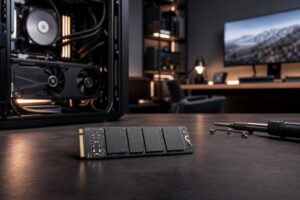
Storage matters because modern games are large. A 2TB NVMe SSD is the sweet spot for many 4K gaming builds. It provides room for a healthy game library without immediately forcing storage housekeeping. A faster drive can improve file transfers and certain workstation tasks, but capacity is usually more valuable than paying a premium for the fastest benchmark result.
If you keep a large installed library, use a second SSD rather than relying on a slow external drive for active games. Two internal drives also make it easier to separate the operating system, projects, recordings, and games.
A 4K 60Hz monitor and a 4K 144Hz or 165Hz monitor create very different PC requirements. A system that feels excellent at 60 frames per second may not deliver the same experience when trying to keep a 144Hz display busy in every demanding game.
Variable refresh rate support is worth having. It lets the monitor match its refresh behavior to the frame rate the PC is actually producing, which reduces tearing and makes performance dips less distracting.
High-end 4K hardware can draw substantial power under load. The correct power supply wattage depends on the specific CPU and GPU, but quality matters just as much as the number on the label. Choose a reputable, appropriately sized unit with the correct native connectors for the graphics card. A quality power supply supports stable operation, cleaner cable routing, and a safer upgrade path.
Cooling should match the hardware rather than the build’s lighting budget. A capable tower air cooler is enough for many gaming CPUs. Higher-power processors may benefit from a quality liquid cooler, particularly when sustained multi-core workloads are part of the plan. Either way, use a case with open intake paths and enough well-placed fans. Glass panels are fine; turning the case into a warm display cabinet is not.
A motherboard does not need to be extravagant, but it should offer reliable power delivery, the storage slots you need, useful rear connectivity, and a reasonable expansion path. Spend the difference on the GPU, display, storage, or a better-quality power supply.
Even a premium PC benefits from sensible settings. Start with a high preset, then adjust the options that cost the most performance for the least visible gain. Ray tracing, shadows, reflections, volumetrics, and extreme anti-aliasing settings are common places to look.
Use a quality upscaling mode in demanding games, especially on a 4K high-refresh display. Keep texture quality high if VRAM allows, because textures are often one of the visual benefits you are buying a 4K system to enjoy. If a game supports frame generation, enable it after establishing a good base frame rate and use a variable-refresh monitor for the best result.
A well-chosen prebuilt can be a reasonable purchase, but read the complete component list carefully. Generic listings often highlight the CPU and GPU while saying little about the power supply, cooler, motherboard, case airflow, or exact memory and storage configuration. Those parts affect noise, temperatures, reliability, upgradeability, and the ownership experience long after the headline specifications stop being exciting.
A custom-built system is especially useful at the high end because it lets you put the budget where it matters: the right GPU, enough VRAM and storage, a suitable CPU, quality cooling, and non-proprietary parts that are easier to service or upgrade later.
Overclock Computers can help configure a 4K gaming PC around the games you play, your monitor’s refresh rate, your preferred visual settings, your budget, and your plans for future upgrades. If you are deciding between two performance tiers, bring those details to the conversation—we will help you spend more where it is noticeable and save where it is not.