How Much RAM Do You Need for a Gaming PC or Workstation?

RAM is one of the easiest PC parts to misunderstand. It rarely produces a dramatic benchmark chart like a graphics card, so buyers often either buy too little or spend heavily on capacity they will never use.
The straightforward recommendation for a new high-performance PC is this: 32GB is the sensible baseline for most gaming systems and general-purpose enthusiast desktops. Move to 64GB when you create content, work with large projects, run virtual machines, or simply keep a lot open at once. Higher capacities are for specific professional workloads, not bragging rights.
That answer becomes more useful once you understand what RAM actually does and where the breakpoints are.
RAM is fast working space for the programs currently running on your computer. Your game, browser tabs, project files, operating system, chat apps, and background utilities all occupy some of it.
When there is enough available RAM, the system keeps active data close to the processor for quick access. When RAM fills up, Windows starts moving less-active data to the SSD in a process commonly called paging. Modern NVMe SSDs are quick, but they are nowhere near as fast as RAM for this job. That is when a computer can feel oddly sluggish: applications pause when switching windows, a game may hitch, or a large project can take longer to respond.
More RAM does not automatically make every task faster. If a game only needs 12GB while you are playing, going from 32GB to 64GB will not double frame rates. Capacity matters when your actual workload gets close to the amount installed. The goal is enough comfortable headroom, not an impressive unused number in Task Manager.
16GB can still run many games well, especially when the PC is used mainly for gaming and has few background applications open. It also remains workable for office applications, web use, schoolwork, and light photo editing.
We would not call it the ideal choice for most newly built performance PCs. Modern games, browsers, launchers, voice chat, RGB utilities, and a second display can consume memory surprisingly quickly. A system with 16GB may be fine today, yet become restrictive sooner than the rest of the hardware.
Choose 16GB only when the budget is genuinely limited and the platform leaves a clear, affordable upgrade path. It is better to buy a balanced PC with 16GB and plan to expand it than to sacrifice the graphics card or processor just to reach 32GB.
For most people buying a new gaming PC, 32GB is the right answer. It gives modern games plenty of breathing room while leaving space for a browser, Discord, game launchers, music, capture software, and the usual collection of background programs.
It is also a strong fit for users who edit photographs, do occasional video work, write code, use multiple monitors, or prefer not to close everything before launching a game. The difference is not always higher average frame rates. Often, it is a smoother and less constrained overall experience.
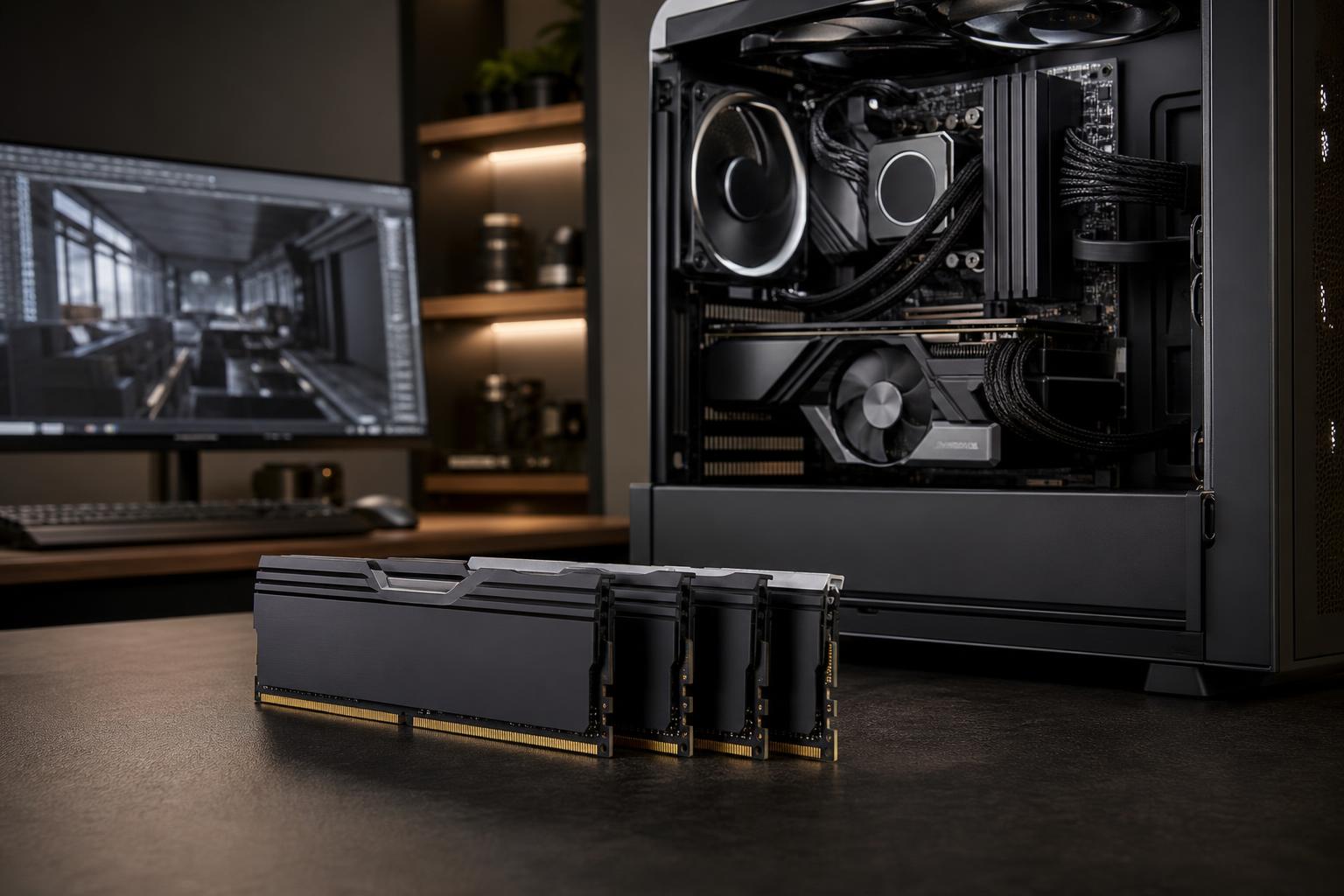
In practical terms, 32GB usually means a matched two-stick kit, such as 2 x 16GB. That arrangement enables dual-channel memory operation, which gives the processor more memory bandwidth than a single stick.
64GB is where a PC begins to feel properly comfortable for heavier mixed workloads. It is a good recommendation for people who regularly work with large Photoshop documents, high-resolution image batches, substantial video projects, complex music sessions, software development environments, or several virtual machines.
For video editing, the needed capacity depends heavily on codec, resolution, effects, and the rest of your workflow. Straightforward 1080p and modest 4K editing can run well on 32GB. Larger 4K projects, multicamera timelines, motion graphics, and editing alongside other applications are much better reasons to select 64GB.
Developers should also consider 64GB when running local databases, containers, emulators, virtual machines, or memory-hungry IDEs at the same time. One browser tab is harmless. Fifty tabs, a local development stack, two containers, and a virtual machine are a different species of workload.
Very large memory configurations make sense for professional workstations, but they should be tied to a real requirement. Examples include large CAD assemblies, point-cloud processing, photogrammetry, high-resolution compositing, complex 3D scenes, scientific or engineering data sets, multiple virtual machines, and certain local AI workflows.
In these situations, insufficient RAM can stop work entirely or force expensive compromises. An application may fail to load a project, cache less data, or run far more slowly while paging to storage. If your current machine regularly approaches its memory limit during paid work, additional RAM is usually a practical investment.
For a new workstation, 96GB can be an excellent middle ground where compatible memory kits and the platform support it. 128GB is a common choice for heavier professional work. Beyond that, capacity, memory channels, processor platform, and application requirements need to be planned together. This is where a workstation should be configured around the files and software you actually use, not a generic specification sheet.
Once you have selected the right capacity, memory speed and timings matter—but they come second. A fast 16GB kit is still only 16GB. If your workload needs 28GB, it will not be saved by a few extra megatransfers per second.
For DDR5 systems, use a quality matched kit that is compatible with the motherboard and processor. The memory profile—often called XMP or EXPO, depending on platform—should be properly configured and stability tested. Sensible, proven settings are generally more valuable than chasing an aggressive memory overclock that occasionally crashes during a render or corrupts a project file. Nobody enjoys debugging a workstation that only fails after three hours of work.
There are exceptions. Some CPU architectures and games respond noticeably to memory tuning, and memory bandwidth can matter in certain professional applications. But for most buyers, choosing the correct capacity and a stable, appropriate-speed kit is the smart priority.
Most mainstream desktop PCs perform best with memory installed as a matched pair. Two modules allow dual-channel operation, increasing available bandwidth. For a 32GB system, that normally means 2 x 16GB. For 64GB, it usually means 2 x 32GB.
Avoid mixing unrelated memory kits, even if their advertised speed and capacity look identical. Different chips, timings, and profiles can cause instability. Also, filling all four motherboard slots can sometimes limit the memory speed a system can run reliably, especially with DDR5.
If you know you will need a major upgrade later, discuss that before buying. A 2 x 16GB configuration may use the two preferred slots on a four-slot board but still leave room for a carefully matched expansion. On some platforms, starting with 2 x 32GB is cleaner and more reliable than trying to combine kits later. The best route depends on the motherboard, processor, and target capacity.
Open Task Manager while doing the work that normally frustrates you. The Memory section shows current usage and whether the system is regularly operating near its installed capacity. One brief spike is not a reason to buy hardware. Consistently high usage during normal work, along with stuttering or delays when switching applications, is a much stronger sign.
Do not diagnose every slowdown as a RAM problem. Long export times can be limited by the CPU, GPU, storage, or the application itself. Low game frame rates are often graphics-card or processor limitations. RAM upgrades solve memory pressure; they do not perform miracles on an unrelated bottleneck.
Buy enough RAM to keep your real work and play smooth, then put the rest of the budget where it will make the largest difference. For a gaming-focused build, that is often the graphics card. For a workstation, it may be more CPU cores, GPU memory, fast storage, or all of the above in the right balance.
If you are unsure how much memory your software and projects need, Overclock Computers can help configure a system around your actual workload, display setup, and upgrade plans. Bring us the applications you use and the type of files you work with; that is far more useful than guessing from a product listing.