Prebuilt vs. Custom Gaming PC: Which Should You Buy?

The right choice is not simply “prebuilt bad, custom good.” A well-configured prebuilt can be a sensible purchase, and building a PC yourself can be rewarding. But the details behind the headline specifications matter far more than most product listings suggest.
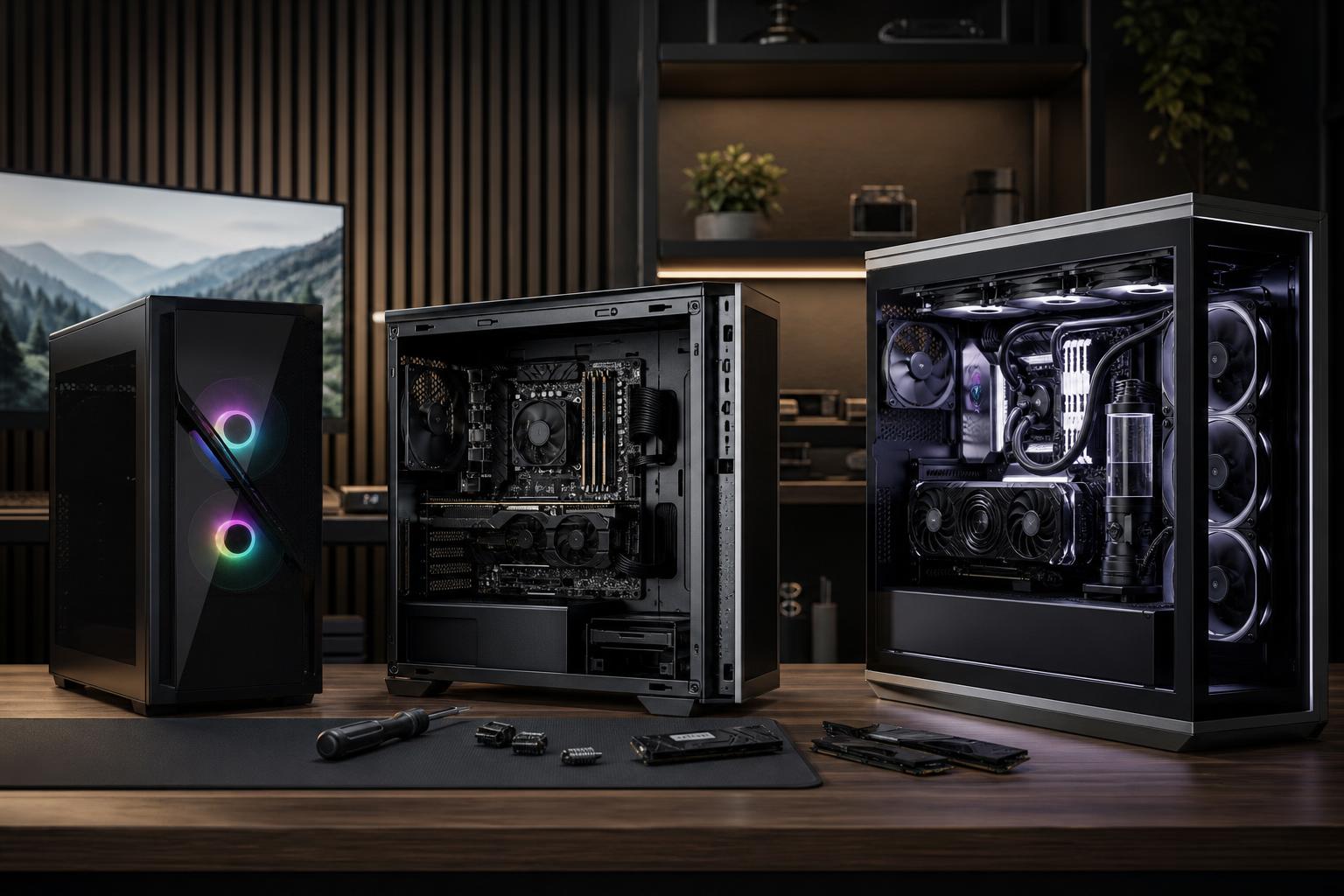
When comparing a prebuilt vs. custom gaming PC, look beyond the CPU, graphics card, and advertised memory capacity. The motherboard, power supply, cooling, case airflow, storage configuration, upgrade path, and warranty support all affect how the computer performs and how pleasant it is to own.
For most buyers who want strong performance without learning to assemble and troubleshoot a PC, a boutique custom-built system is the sweet spot. You get a system designed around your actual games, monitor, budget, and future plans, without gambling on the anonymous supporting parts sometimes found in mass-market desktops.
These are the systems sold by large PC brands and major retailers. They are ready to use, widely available, and often priced aggressively during sales. If you need a basic gaming computer immediately and find a transparent configuration at a good price, a retail prebuilt can make sense.
The trade-off is that large manufacturers often optimize for a competitive headline price. That can mean proprietary cases, motherboards, or power supplies; limited airflow; a single stick of memory; a small SSD; or minimal room for future upgrades. None of these choices automatically makes a computer bad, but they are worth checking before you buy.
Buying each part and assembling the computer yourself gives you the most control. You choose every component, can reuse parts from an existing system, and learn a useful skill along the way. For an experienced enthusiast, this can be an excellent route.
It also makes you responsible for compatibility checks, assembly, BIOS setup, operating system installation, stability testing, cable routing, and diagnosing problems. Individual components have their own warranties, so if the PC fails to boot, you need to determine which part is responsible before requesting service. That process is manageable, but it is not everyone’s idea of a relaxing weekend.
A boutique builder uses standard, retail-grade components but assembles and validates the complete system for you. This approach is usually best for buyers who care about part quality, thermals, clean construction, and upgradeability but do not want to become their household’s unpaid IT department.
The value is not merely that someone else installs the parts. It is in making sensible component choices. A good builder prevents common mismatches, such as pairing a premium graphics card with a weak power supply, putting a hot CPU in a restrictive case, or overspending on a motherboard while shortchanging the GPU that determines gaming performance.
For a gaming PC, the graphics card usually deserves the largest share of the budget. It has the greatest effect on frame rates and image quality, especially at 1440p, ultrawide, and 4K. The CPU still matters, particularly for competitive games targeting very high frame rates, simulation games, and CPU-heavy strategy titles. But it should be selected to support the GPU and your target monitor, not because it has the most impressive name.
A thoughtfully configured custom PC also avoids spending heavily on features that do not improve your experience. For example, a buyer who plays at 1440p may benefit more from a stronger GPU than from an exotic motherboard or an oversized all-in-one liquid cooler.
Product listings love to name the CPU and GPU while treating the rest of the PC as fine print. That is where comparisons often go sideways.
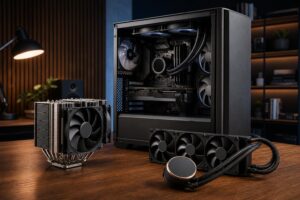
These parts are easy to overlook because they do not create a dramatic benchmark headline. They do, however, determine whether the system stays quiet under load, remains easy to service, and accepts a new graphics card a few years from now without a chain reaction of replacement parts.
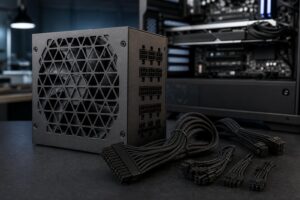
Standard retail components are one of the biggest benefits of a custom gaming PC. A conventional ATX power supply, standard motherboard, and sensibly sized case make routine upgrades much simpler. You can add storage, replace a failed fan, increase memory, or install a new GPU without discovering that a proprietary connector or unusually shaped case has turned a normal upgrade into a scavenger hunt.
No PC is permanently future-proof. Hardware moves quickly, and future games will always ask for more. The practical goal is to buy a balanced platform that will serve you well now and allow reasonable upgrades later.
There are times when buying a mass-market prebuilt is completely rational. Consider one when:
Just read the full specification sheet. Confirm the exact GPU rather than accepting vague wording, check RAM capacity and stick configuration, find out how much SSD space is included, and look for information on the power supply, case, and cooling. If those details are absent, assume they were not chosen as a selling point.
DIY building is not difficult magic. With careful research and patience, many first-time builders can do it successfully. It is a good choice if you enjoy the process, want complete control, and are comfortable researching compatibility and troubleshooting.
Still, the cost comparison should include more than parts on a spreadsheet. A system that will not post, unstable memory settings, an improperly mounted cooler, Windows setup, driver conflicts, and shipping a defective part back to its manufacturer can consume real time. There is also a difference between a PC that turns on and a PC that has been properly tested under sustained CPU and GPU load.
A custom builder earns their keep by handling those tasks before delivery and providing a single knowledgeable point of contact if something needs attention afterward.
Look for full part transparency and avoid models that save money through questionable cooling, power delivery, or one-stick memory configurations. This route suits a buyer with straightforward needs who finds a genuinely good deal.
DIY is ideal for enthusiasts who want to select every fan, cable, and storage drive. Plan carefully, use reputable compatibility resources, and reserve time for setup and testing. Do not assume the least expensive part is the best value when that part is responsible for power, cooling, or reliability.
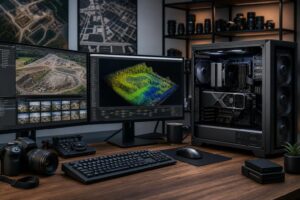
This is the practical choice for someone buying a high-end gaming PC, streaming system, hybrid gaming-and-creative workstation, or a PC with a specific upgrade plan. It is also a strong option for buyers who know what they want to do with the computer but do not want to translate that into a parts list.
Tell the builder what games and applications you use, your monitor resolution and refresh rate, whether you stream or create content, the storage you expect to need, and your budget. Those answers are far more useful than asking for the “best” PC in the abstract.
A custom gaming PC is not automatically the right answer because it has more RGB lighting or a longer component list. It is the better answer when the builder uses quality standard parts, puts the budget into the performance you will notice, and leaves you with a cool-running, stable, serviceable computer.
At Overclock Computers, we design systems around the games, software, display, performance goals, and budget that matter to you. If you are weighing a prebuilt against a custom system, contact our team with your requirements. We can help turn them into a balanced PC configuration that makes sense for the long haul.