How Much VRAM Do You Need? A Practical Guide for Gaming and Professional PCs

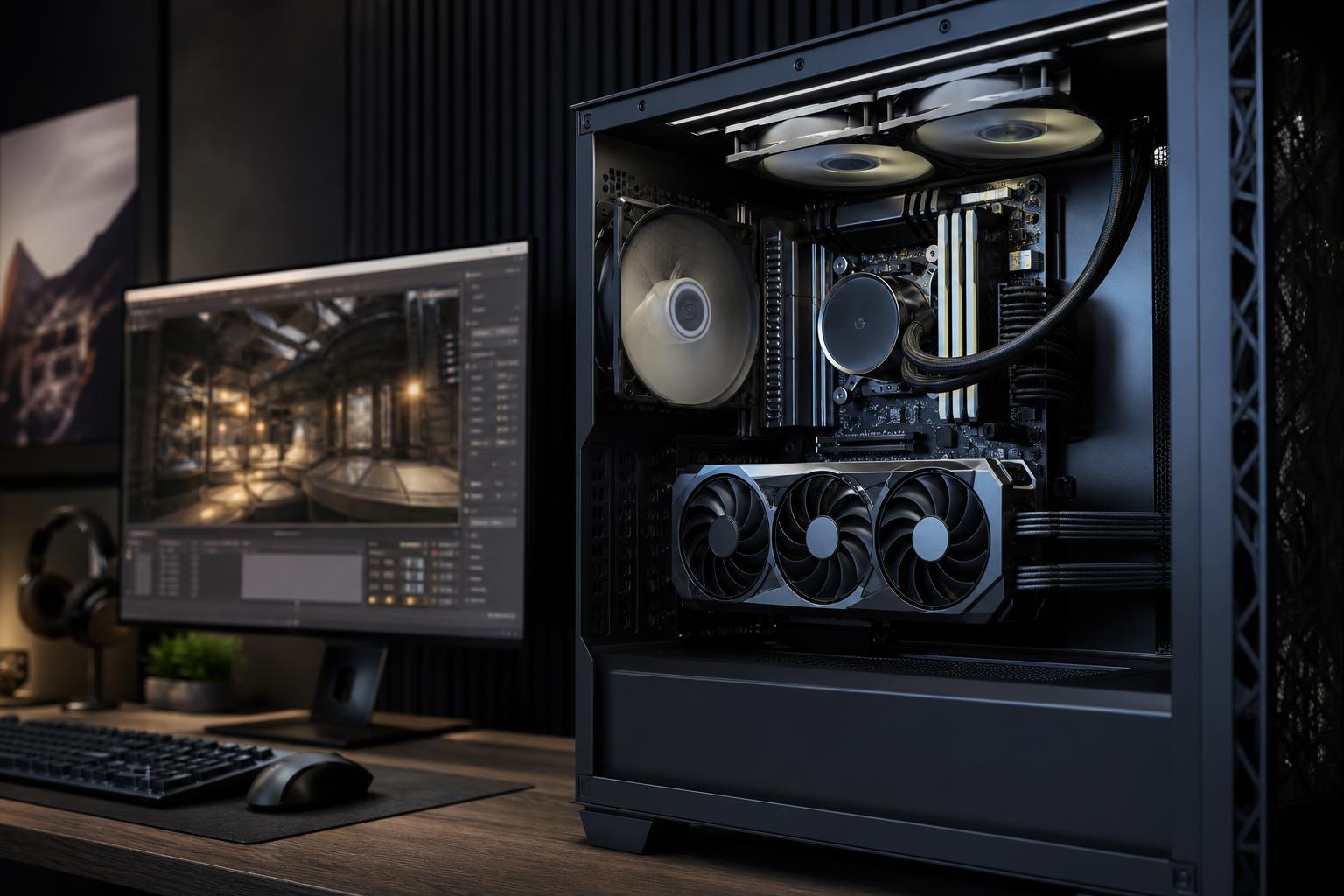
VRAM is the dedicated memory built into a graphics card. It holds the textures, geometry, frame buffers, ray-tracing data, video assets, and other graphics information the GPU needs immediately. When a game or professional application needs more VRAM than the card has available, performance can become inconsistent. You may see stutters, texture pop-in, reduced image quality, application errors, or a project that simply will not fit comfortably on the GPU.
For a new gaming PC, 12GB is a sensible modern baseline for buyers who want a system with some breathing room. A 16GB graphics card is a stronger long-term choice for high-quality 1440p gaming, 4K gaming, demanding mods, and many creative workloads. Professional 3D, AI, visualization, and large video projects can justify 24GB or more.
That is the short answer. The useful answer is that VRAM needs depend on what you run, at what resolution, and how long you expect to keep the system.
System RAM and VRAM are not interchangeable. Your CPU uses system RAM for Windows, applications, files, and general computing. Your GPU uses VRAM because it needs very fast, direct access to visual data while rendering a frame or processing a GPU-accelerated task.
In games, higher-resolution textures, ray tracing, larger draw distances, detailed environments, and higher display resolutions all increase memory demand. In professional software, a large 3D scene, high-resolution footage, multiple GPU effects, or an AI model can consume VRAM quickly.
When VRAM is full, the system may move some data through ordinary system memory and the PCIe connection. This is far slower than accessing data stored locally on the graphics card. A game might still show a respectable average frame rate, yet feel choppy when turning a corner or entering a new area. That is why minimum VRAM capacity matters as much as headline GPU performance.
Games vary widely. A competitive shooter with sensible settings can run well on modest hardware, while a recent open-world title with ultra textures and ray tracing can use far more memory. Treat the ranges below as practical buying guidance, not a promise that every game will behave the same way.
An 8GB card can still make sense for a value-oriented 1080p gaming PC, especially if you mainly play esports titles, older games, indie games, or less demanding releases. It is not automatically obsolete.
The limitation is flexibility. In newer demanding games, you may need to avoid the highest texture presets, reduce ray tracing, or be more selective with heavily modded games. If you intend to keep the PC for several years and enjoy new AAA releases, buying more VRAM now is usually the less frustrating decision.
For most people shopping for a custom gaming PC, 12GB is a practical starting point. It gives a 1080p or 1440p system more room for high texture settings and handles a broader range of current games without requiring constant settings compromises.
A capable 12GB GPU suits players targeting 1440p at high settings, provided the GPU itself has enough processing power for the performance target. Remember: VRAM capacity does not make a slow GPU fast. It simply prevents memory capacity from becoming the first problem.
We generally like 16GB for buyers building a high-end gaming PC intended to last. It is particularly sensible for:
Sixteen gigabytes does not guarantee that every game will run at maximum settings. GPU horsepower, CPU performance, and upscaling settings still matter. But it gives the card enough memory headroom that you are less likely to lower texture quality for reasons unrelated to the GPU’s raw rendering capability.
More than 16GB is worthwhile for some enthusiasts, but it is not a universal gaming requirement. A 24GB or larger graphics card is most compelling when you play at 4K with demanding settings, use extensive mods, create content, work in 3D, or run local AI tools alongside gaming.
For someone playing competitive games at 1080p or 1440p, spending heavily on extra VRAM may deliver less value than improving the CPU, monitor, storage capacity, or the GPU’s overall performance tier. Buy the capacity you will use, not the biggest number on the box.
Higher resolution increases VRAM use because the graphics card must maintain larger frame buffers. Moving from 1080p to 1440p and then to 4K adds a meaningful load. However, texture quality is often the bigger lever. Ultra-resolution textures, high-quality shadows, ray tracing, and large game worlds can push VRAM use much harder than resolution alone.
This leads to a practical rule: if a game warns that your selected settings exceed available VRAM, do not ignore it. Lower the texture preset first, then consider ray tracing, shadow quality, and resolution. Reducing texture quality by one step often looks better than leaving ultra textures enabled and accepting severe stutters.
For workstation buyers, VRAM requirements are determined less by a job title and more by the size and type of files you handle. A CAD workstation used primarily for 2D drafting has very different GPU needs from a workstation rendering detailed architectural scenes or processing large point clouds.
For typical 4K editing, a GPU with 12GB to 16GB of VRAM is often a comfortable target when the editing application makes good use of GPU acceleration. More can help with complex timelines, high-resolution source media, demanding effects, color work, and GPU-heavy motion graphics.
For 8K workflows, large multicamera projects, or effects-heavy compositions, capacity becomes more important. The correct configuration should also include enough system RAM and fast SSD storage. A large-VRAM GPU cannot compensate for a cramped memory pool or slow media drive.
GPU renderers and 3D applications commonly need scene data to fit into VRAM. High-polygon models, detailed textures, vegetation, scanned assets, and complex lighting can make 16GB feel tight surprisingly quickly. A 24GB or larger GPU can be a meaningful productivity upgrade for artists working with substantial scenes.
For point-cloud processing and photogrammetry, confirm the requirements of the exact software and the size of your typical datasets. Some stages depend heavily on CPU cores, system RAM, or storage speed; others benefit directly from a powerful GPU with ample VRAM. Building around the workflow matters more than buying a gaming card based on a single impressive specification.
VRAM is often the central constraint for local AI work. It affects which models can load, how much context can fit, batch size, image resolution, and how comfortably you can work without offloading data to slower system memory. More VRAM can be more valuable than a small increase in raw GPU speed for users who routinely work near a model’s memory limit.
If local AI is a primary use case, start with the models, frameworks, and model sizes you plan to run. Then choose a GPU around their memory requirements with headroom. This is one area where 24GB or more can make a clear practical difference.
A common mistake is treating VRAM as a simple performance ranking. It is not. Two cards with the same memory capacity can have very different rendering speed, memory bandwidth, cooling quality, power requirements, and application support.
Choose a graphics card by looking at the full system:
If you want a straightforward starting point, use this: choose 8GB only for a cost-conscious, focused 1080p gaming build; aim for 12GB for a new general-purpose gaming PC; favor 16GB for high-quality 1440p, 4K ambitions, and mixed gaming/creative use; and consider 24GB or more for serious 3D, large visual datasets, or local AI workloads.
It is usually worth paying for sensible memory headroom when the rest of the card is a good fit. It is not worth sacrificing a much faster GPU, a reliable power supply, proper cooling, or sufficient system RAM merely to chase a larger VRAM figure.
The right GPU is not necessarily the most expensive one. It is the one that can run your games or applications smoothly at the settings, resolution, and project sizes you care about—while leaving the rest of the PC balanced enough to support it.
Overclock Computers can help you choose a graphics card and complete custom PC around your specific games, monitor, creative applications, performance goals, and budget. Contact our team when you are ready to turn those requirements into a system that makes practical sense.