How Long Does a Gaming PC Last? A Practical Buyer’s Guide

A gaming PC doesn’t suddenly become obsolete on a particular birthday. A well-built system can continue to run games for many years, but the experience changes over time. You may need to lower graphics settings, use upscaling, accept lower frame rates, or upgrade one or two components to keep up with newer games.
For most buyers, a thoughtfully configured gaming PC should provide a satisfying experience for roughly four to six years before a major refresh becomes tempting. Some systems will last longer. Others can feel dated sooner because they were built around an entry-level graphics card, too little memory, or a monitor that demands more performance than the hardware can reasonably deliver.
The key is not buying the most expensive PC possible. It’s buying a balanced system for your display, the games you actually play, and the performance level you expect several years from now.
There are three different ways a gaming PC can reach the end of its useful life, and they don’t always happen at the same time.
A five-year-old computer that still plays your favorite games at settings you enjoy is not outdated just because newer parts exist. On the other hand, a two-year-old PC can feel inadequate if it was purchased for demanding 4K gaming with little performance headroom. The monitor and your expectations matter as much as the calendar.
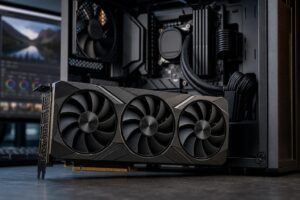
For a gaming-focused desktop, the graphics card has the largest effect on how long the system remains satisfying. New games tend to demand more GPU power, more video memory, and more advanced rendering features over time.
A stronger GPU gives you options later. You can keep higher settings enabled, maintain smoother frame rates, or continue playing at your monitor’s native resolution without immediately replacing hardware. That doesn’t mean every buyer needs a flagship card. It means the GPU should be appropriate for the display you own or plan to buy.
High-refresh-rate monitors also raise the bar. Driving 240 frames per second is a very different job from maintaining 60 frames per second, especially in newer games. If consistently high FPS matters more than visual detail, prioritize CPU performance and a GPU with plenty of headroom for your chosen resolution.
The GPU gets most of the attention, but an unbalanced PC can shorten its useful life for avoidable reasons.
Many games still benefit heavily from strong single-core CPU performance, while modern game engines increasingly use additional cores for background tasks, physics, asset streaming, and simulation. A current, capable six-core CPU can be a reasonable starting point for a budget-conscious gaming system. For a buyer hoping to keep a PC for several years, an eight-core CPU is often the more comfortable choice, especially if they stream, run voice chat and browser windows while gaming, or enjoy CPU-heavy simulation and strategy titles.
There is little reason to overspend on a workstation-class processor for a gaming-only PC if doing so forces you to buy a weaker graphics card. Put the budget where it affects your real experience.
For a new performance-focused gaming PC, 32GB of RAM is a practical baseline. It gives modern games breathing room and leaves capacity for Windows, launchers, voice chat, browsers, mods, and background applications. Systems with less memory can still work well, but they are more likely to need an earlier upgrade.
Choose two matched memory sticks rather than a single stick, and leave a sensible path to add capacity later if your motherboard supports it. More than 32GB is worthwhile for heavy modding, streaming, content creation, virtual machines, or demanding professional work alongside gaming. It is not automatically a better use of money for a straightforward gaming build.
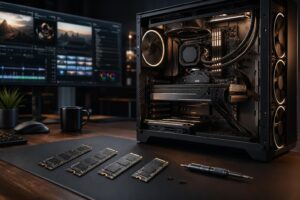
Game libraries are large, and modern titles can consume substantial space on their own. A 2TB NVMe SSD is often a comfortable starting point for a premium gaming PC, while 1TB can be workable for a smaller library. What matters most is not buying a fast drive with so little capacity that you are constantly uninstalling games or adding a second drive immediately.
It is also wise to choose a motherboard with additional M.2 storage slots. Adding an SSD later is among the easiest and least disruptive upgrades a desktop owner can make.
Raw GPU speed is important, but video memory capacity matters too. Higher-resolution textures, ray tracing, large open-world environments, and newer rendering techniques can place significant demands on VRAM. When a card runs short of VRAM, lowering texture quality may be necessary even if the GPU’s core performance is otherwise adequate.
For a PC intended to last, avoid choosing a graphics card solely because it delivers a slightly better average frame rate in older games. Consider its video memory, its support for current upscaling and frame-generation features, and the resolution at which you plan to play. Those factors can make the difference between a smooth upgrade path and a card that feels constrained early.
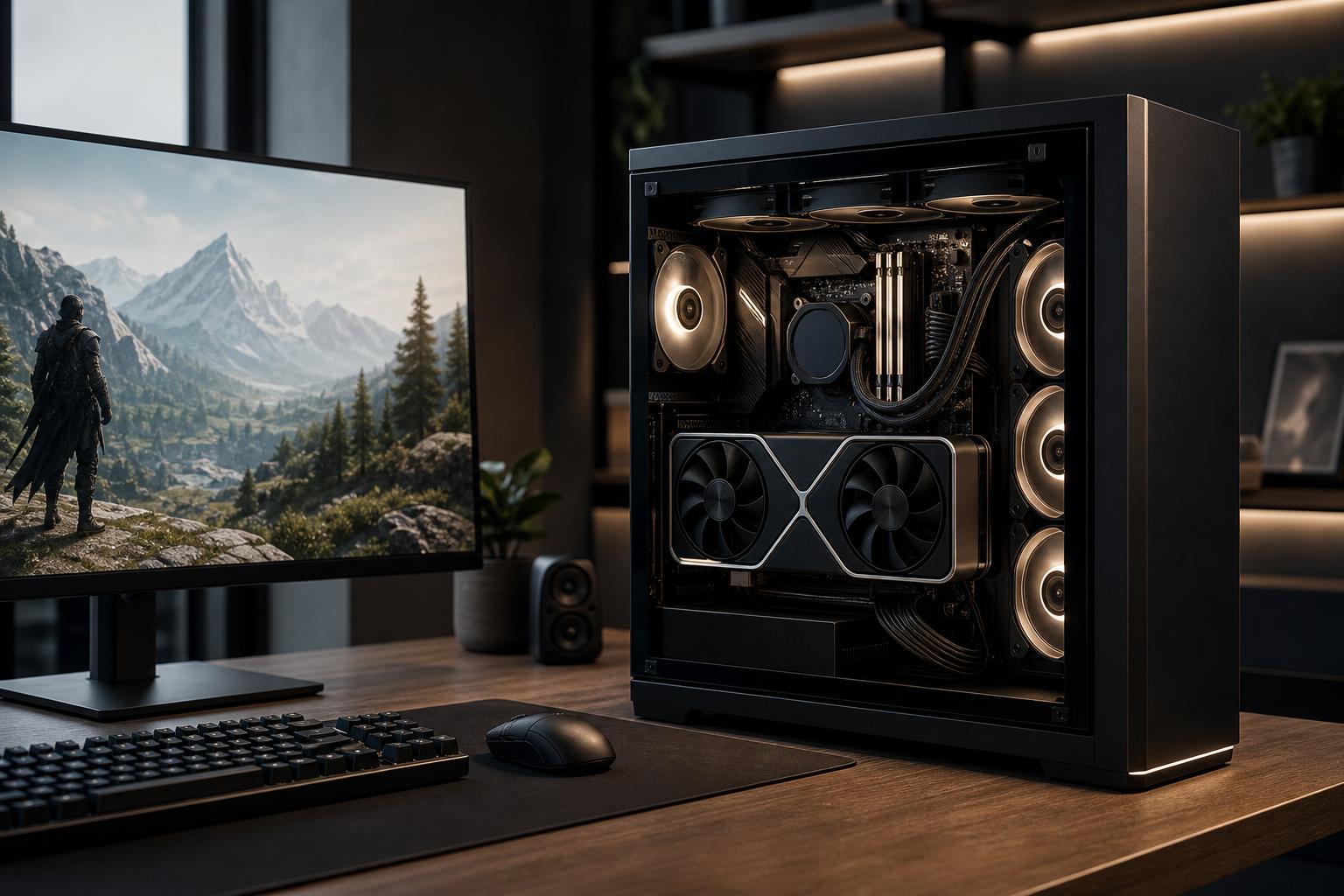
Cooling and power delivery rarely make a flashy spec-sheet headline, but they matter over the long term. Excess heat can increase fan noise, reduce sustained performance, and place unnecessary stress on components. A well-ventilated case with properly positioned fans helps every part of the system operate more comfortably.
The power supply deserves the same practical attention. A quality unit with adequate capacity and the correct modern power connections can make a future GPU upgrade straightforward. A cheap or undersized unit can turn that upgrade into a full rebuild. There is no prize for buying far more wattage than you need, but there is real value in leaving reasonable headroom.
Likewise, check physical GPU clearance in the case and make sure the motherboard platform offers a realistic CPU upgrade path. Upgradeability is not a promise that every future component will fit, but good planning prevents needless dead ends.
If you want a gaming PC that remains enjoyable for years, prioritize the graphics card first, then pair it with a modern CPU that will not hold it back, 32GB of RAM, ample NVMe storage, effective cooling, and a quality power supply. For many buyers, a strong 1440p-oriented system offers the best blend of image quality, frame rate, cost, and long-term usability.
Do not sacrifice these fundamentals for decorative extras, an oversized processor, or specifications that sound impressive but do little for your games. A balanced PC is easier to live with, easier to upgrade, and far more likely to feel like a good purchase three or four years from now.
If you are planning a new system, Overclock Computers can help configure a custom PC around your monitor, favorite games, performance goals, and budget. The result should be a machine that makes sense on day one and gives you a sensible path forward when your needs change.