Best PC for Unreal Engine: Practical Specs for Development, Rendering, and Virtual Production

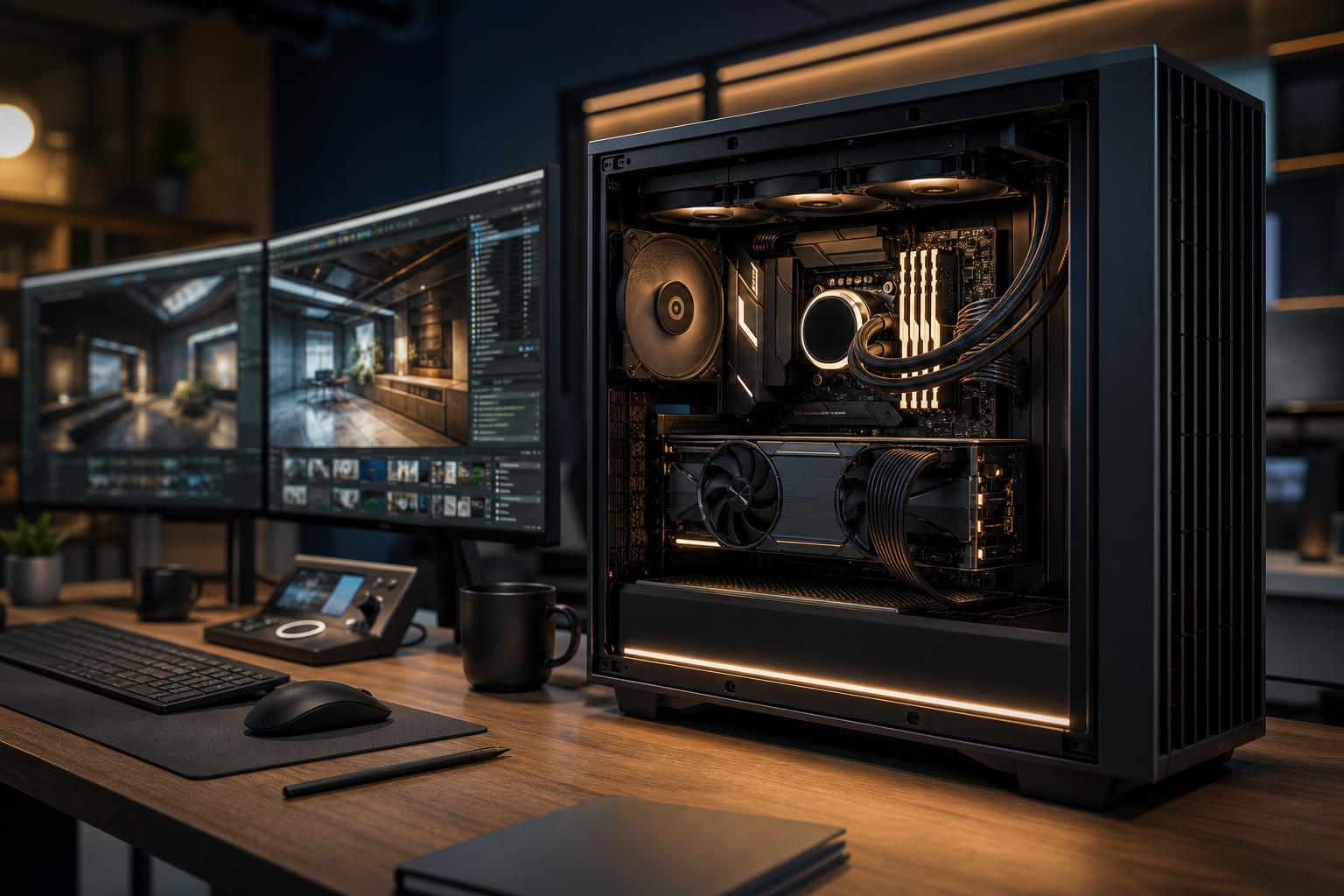
The best PC for Unreal Engine is a balanced workstation with a strong CPU, a capable GPU with enough VRAM, plenty of RAM, and fast NVMe storage. A machine built only around gaming frame rates can work well for simple projects, but it may become frustrating when you are compiling code, building shaders, baking lighting, importing large assets, or working in a busy editor scene.
For most serious Unreal Engine users, start with a modern high-performance CPU, 64GB of RAM, an NVIDIA GPU with at least 12GB of VRAM, and a 2TB NVMe SSD. Bigger architectural scenes, virtual production, high-resolution textures, C++ projects, cinematic rendering, and multiple creative applications can justify stepping up to 96GB or 128GB of memory, more VRAM, and separate project storage.
Unreal Engine does not place all of its workload on one component. That is the key point when choosing a PC.
A good Unreal workstation is therefore not just a high-end gaming PC with a different label. It needs to stay responsive when several demanding jobs happen at once.
A solid midrange desktop is enough for learning Unreal, working on smaller environments, building portfolio projects, and creating games with modest asset libraries.
Thirty-two gigabytes is workable at this level, but it is the first specification we would increase when the budget allows. Unreal, a browser full of reference material, Blender or Maya, Photoshop, and communication software can consume 32GB more quickly than many people expect.
This is the sensible starting point for professionals who spend much of the day in Unreal Engine, build substantial scenes, develop in C++, or regularly move assets between Unreal and other creative tools.
For many buyers, this is the sweet spot. The extra memory prevents unnecessary slowdowns, while a faster multi-core CPU keeps compiles and background tasks from interrupting creative work quite as often.
Large architectural visualizations, open-world game development, virtual production, heavy photogrammetry assets, complex simulations, and demanding cinematic work benefit from a more specialized system.
More hardware is not automatically better. If your projects are mainly stylized games or smaller product visualizations, an extreme workstation may add cost without improving your daily experience. Spend where your current workflow is actually waiting.
Unreal Engine rewards a CPU that is fast in two different ways. Strong single-core performance helps the editor feel snappy and supports tasks that do not spread neatly across every CPU core. More cores help with shader compilation, C++ compilation, builds, asset processing, and other heavily parallel work.
For most users, a modern high-clocked CPU with roughly 12 to 16 capable cores offers excellent balance. It is usually a better all-around choice than a lower-clocked, extremely high-core-count processor purchased solely for one occasional long compile.
A larger core count becomes worthwhile if compiling large codebases, processing assets, rendering on the CPU, or running multiple jobs is a routine part of your workday. Teams should also consider how much time staff spend waiting. Reducing a repeated build or compile delay can be more valuable than chasing a slightly higher benchmark score.
For Unreal Engine, raw GPU speed matters, but VRAM capacity can be the more limiting specification. VRAM stores textures, geometry, render targets, and other scene data the graphics card needs immediately. Once a complex scene exceeds available VRAM, viewport performance can become inconsistent, assets may need to be managed more aggressively, and some workflows become difficult or impossible at the settings you want.
For lighter work, 12GB can be practical. For a new professional Unreal PC, 16GB is a more comfortable floor. Choose 20GB to 24GB or more when you use high-resolution texture sets, detailed scanned assets, ray tracing, large architectural scenes, multiple high-resolution displays, or virtual-production workflows.
GPU selection can also involve software compatibility. Many renderers, AI-assisted tools, and production pipelines are optimized around NVIDIA’s CUDA ecosystem. That does not mean every Unreal user must choose an NVIDIA card, but it is a practical reason to confirm the requirements of every application in your pipeline before buying.
Use 32GB for learning and modest projects, 64GB for most professional users, and 96GB to 128GB for genuinely large scenes or multitasking-heavy pipelines. This is one area where buying too little creates a very obvious daily penalty.
Do not choose memory by looking only at Unreal Engine in isolation. Add the applications you keep open alongside it: source control tools, Visual Studio or Rider, Blender, 3ds Max, Maya, Substance 3D Painter, Photoshop, Premiere Pro, browser tabs, collaboration apps, and perhaps a local server. The combined load matters.
For a new workstation, two matched RAM modules are generally the cleanest choice. They maintain dual-channel performance and leave upgrade room, provided the motherboard supports the eventual capacity you have in mind.
Unreal projects grow quickly. Source assets, texture libraries, Marketplace content, cache files, packaged builds, source-control copies, and backups can make a 1TB drive feel cramped surprisingly fast.
A practical professional layout is a 2TB NVMe SSD for Windows, applications, and active tools, plus a second 2TB or larger NVMe SSD for active projects and cache data. Larger studios and creators with extensive asset libraries may need more capacity, but fast local storage is not a substitute for a real backup plan. Keep important project data in version control and maintain backups on separate storage or managed services.
PCIe 4.0 NVMe drives are already very quick for most Unreal workflows. A faster drive can help specific transfer-heavy tasks, but capacity, sustained performance, reliability, and a sensible multi-drive layout normally deserve priority.
Absolutely. Unreal Engine can keep a CPU compiling or a GPU rendering at high load for long periods. Inadequate cooling can cause lower sustained clock speeds, extra fan noise, and an unpleasantly warm workspace. A quality case with clear airflow, correctly sized cooling, and sensible fan tuning helps the PC stay fast without sounding like it is preparing for takeoff.
The power supply deserves the same care. A reputable unit with sufficient capacity, proper connectors, and headroom for CPU and GPU spikes supports stable operation and future upgrades. It is not the exciting part of a build, but it is a poor place to cut costs.
A gaming-focused PC is often a good Unreal Engine machine when your work is mostly real-time scene creation and you also play games. It should still be configured with more RAM, storage, and possibly VRAM than a gaming-only build.
A workstation-oriented configuration makes more sense when reliability under sustained load, large memory capacity, complex professional applications, longer rendering tasks, and expandability are central to the job. The difference is not a mysterious workstation badge. It is selecting components around the applications, datasets, deadlines, and upgrade path that actually matter to you.
The best PC for Unreal Engine is the one that removes the bottleneck in your own workflow. If shader compilation holds you up, invest in the CPU. If large scenes overwhelm your graphics card, prioritize VRAM. If the editor becomes unstable with several applications open, add RAM. If projects are scattered across a nearly full drive, improve the storage plan.
Overclock Computers can help translate your Unreal Engine projects, companion applications, display setup, performance goals, and budget into a balanced custom workstation or gaming PC. Bring us the details of the work you do most often, and we will recommend the hardware that earns its place in the build.