How Many Watts Does Your PC Need? A Practical Power Supply Sizing Guide

A power supply is one of the least glamorous parts of a PC, which is exactly why it is often chosen badly. Buyers see a large wattage number, find the cheapest unit that meets it, and move on. That can lead to unstable performance, excess fan noise, limited upgrade options, or a system that simply does not have the right cables for its graphics card.
The answer to “how many watts does my PC need?” is not to add every component’s maximum rating and buy the next size up. A good power supply choice accounts for the CPU and GPU you are actually using, brief power spikes, the quality of the unit, required connectors, and sensible room for a future upgrade.
For most gaming PCs and GPU-accelerated workstations, the graphics card is the largest power draw by a wide margin. Modern processors can also consume substantial power during heavy rendering, compiling, simulation, or all-core workloads. Fans, drives, pumps, memory, USB devices, and motherboard power are smaller individually, but they still belong in the budget.
A practical approach is to use the graphics card manufacturer’s recommended PSU wattage as a starting point, then adjust for the rest of the build. That recommendation is usually designed to cover a typical system, not every possible high-end CPU, overclock, or collection of drives.
As a broad guide for a well-built modern desktop:
These are starting ranges, not a substitute for checking the specific components. A 650W unit can be more than enough for one carefully selected PC and completely unsuitable for another that looks similar on a parts list.
Headroom means your system’s expected real-world load sits comfortably below the power supply’s maximum continuous output. It is not wasted capacity. It gives the power supply room to handle short spikes in demand, stay quieter, run cooler, and cope with component aging over many years.
Graphics cards do not always pull a perfectly flat, predictable amount of power. Their demand can rise sharply for short periods as game scenes change or a workload begins. A quality PSU is designed to manage these transients, but a unit running at its limits has less room to do so.
For most single-GPU PCs, sizing the power supply so a sustained heavy workload typically lands around 50% to 75% of its rated capacity is a sensible target. That does not mean a PC will fail at 80% or 90%. It means you should not deliberately build a system that spends every demanding session pressed against the ceiling.
Start with measured or manufacturer-listed power figures for the GPU and CPU. Be cautious with marketing labels such as “TDP,” especially for processors. TDP is useful for cooler selection, but it does not always represent the highest power a CPU can draw under its default settings.
Then add a reasonable allowance for the rest of the system:
Imagine a PC with a 320W graphics card and a processor that can reach 180W in heavy all-core work. Add 70W for the platform and peripherals, and the system could approach 570W under an unusually demanding combined load. A high-quality 750W PSU is likely a reasonable fit. An 850W model may be the better buy if the price difference is modest, the PC will run long rendering jobs, or a future graphics card upgrade is likely.
On the other hand, buying a 1200W PSU for a system that rarely exceeds 350W is usually unnecessary. The money may be better spent on a larger SSD, quieter case fans, more memory, or simply a higher-quality 750W unit.
A reputable 750W power supply is generally a much better choice than a questionable 1000W model. Power supplies differ in voltage regulation, protection circuitry, component quality, noise, warranty support, and their ability to handle real-world load changes.
Look for independent technical reviews where possible, rather than relying only on user ratings or an 80 Plus badge. Efficiency certification is useful, but it is not a complete measure of build quality. A PSU can be efficient and still be a poor choice in other important areas.
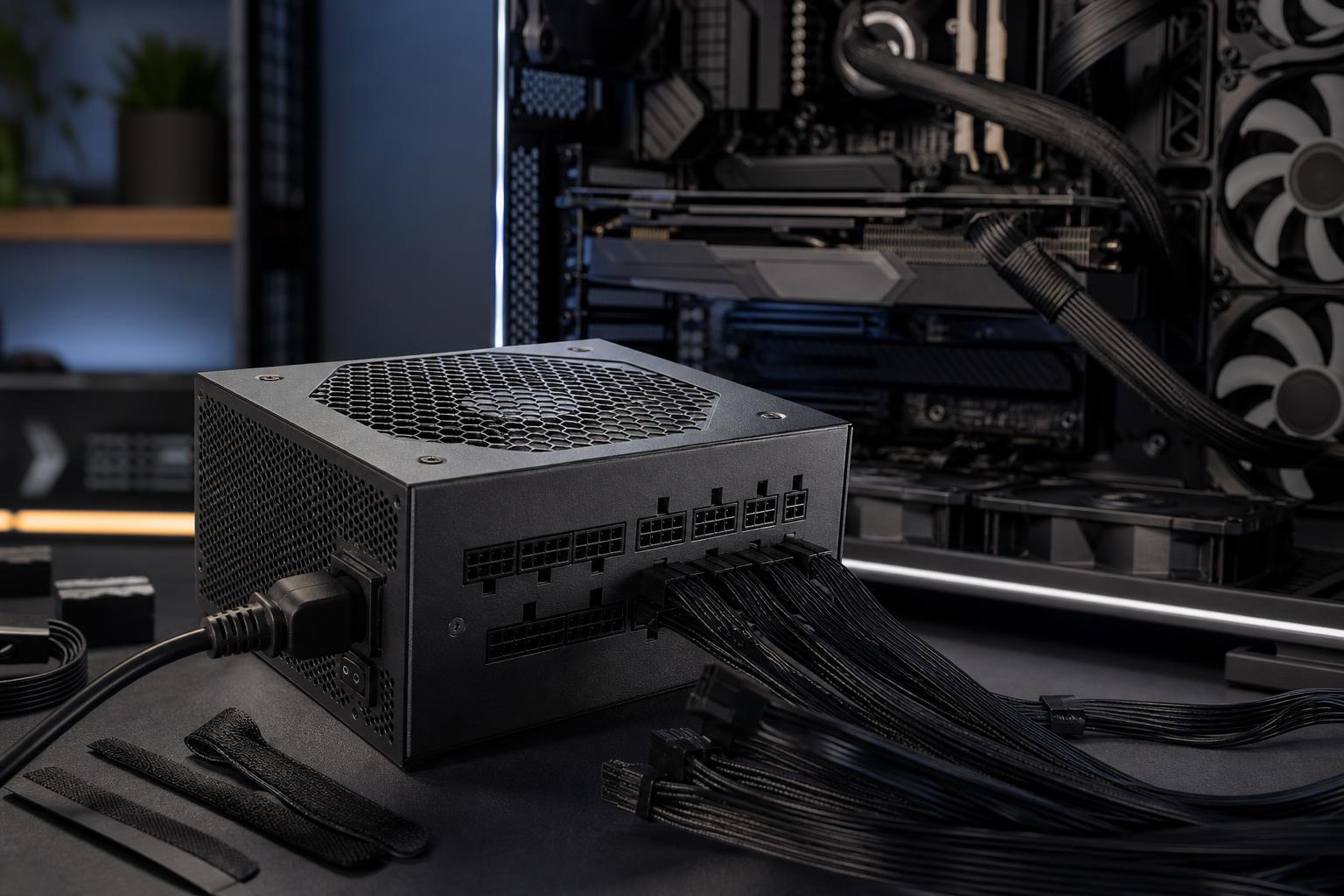
Check the exact GPU power connector requirements before ordering. Many current graphics cards use standard PCIe power connectors, while some use a newer high-power connector. If your GPU supports a native power cable from the PSU, that is generally cleaner than using a bundle of adapters.
Never use a random third-party modular cable just because the plug fits. Modular PSU pinouts are not universal, even between models from the same brand. Use only the cables supplied with that exact PSU or cables explicitly made for that model.
An 80 Plus Gold or better unit is a sensible baseline for most premium gaming PCs and workstations. Higher efficiency means less power is wasted as heat inside the PSU. That can reduce heat output and fan noise, especially on systems that run hard for long periods.
Do not overpay solely for a Titanium badge if the system only sees a few hours of light use each week. For a workstation that renders, compiles, or processes data for many hours a day, the efficiency upgrade can make more practical sense.
Some headroom is wise. Buying for an imaginary future PC is not. A move from 750W to 850W can be worthwhile if you expect to install a more demanding GPU in the next few years. Moving from 850W to 1600W “just in case” usually is not.
Power supply standards, GPU connectors, and platform requirements change over time. A quality unit with the capacity and connectors needed for one likely upgrade path is a better plan than paying heavily for capacity that may never be used.
For many well-balanced gaming PCs, a quality 750W or 850W power supply is the right answer. Choose 650W for an efficient midrange build, 1000W for a genuinely high-power GPU and CPU combination, and more only when the component list proves you need it.
The best PSU is not necessarily the largest one. It is a well-reviewed, appropriately sized unit with the correct connectors, good efficiency, quiet operation, and enough capacity to run your actual hardware comfortably. It should be the dependable foundation of the PC, not the component you notice because something has gone wrong.
If you are planning a new gaming PC or workstation and want the power supply sized around your exact CPU, GPU, storage, cooling, and upgrade plans, contact Overclock Computers. We can help configure a balanced system without spending your budget on wattage you will not use.